 GameWiki
GET YOUR BEARINGS
About Shadows of War 2
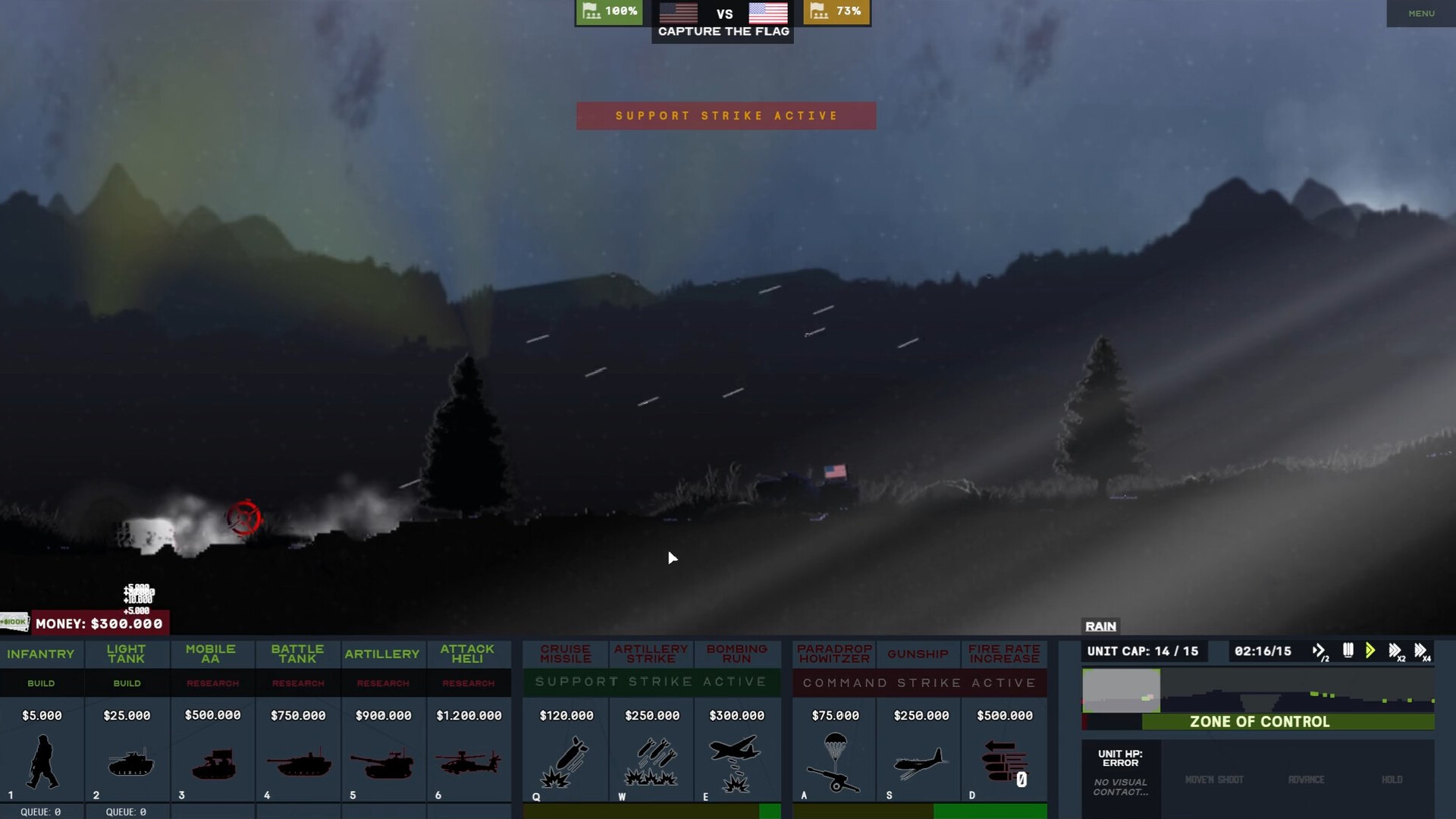
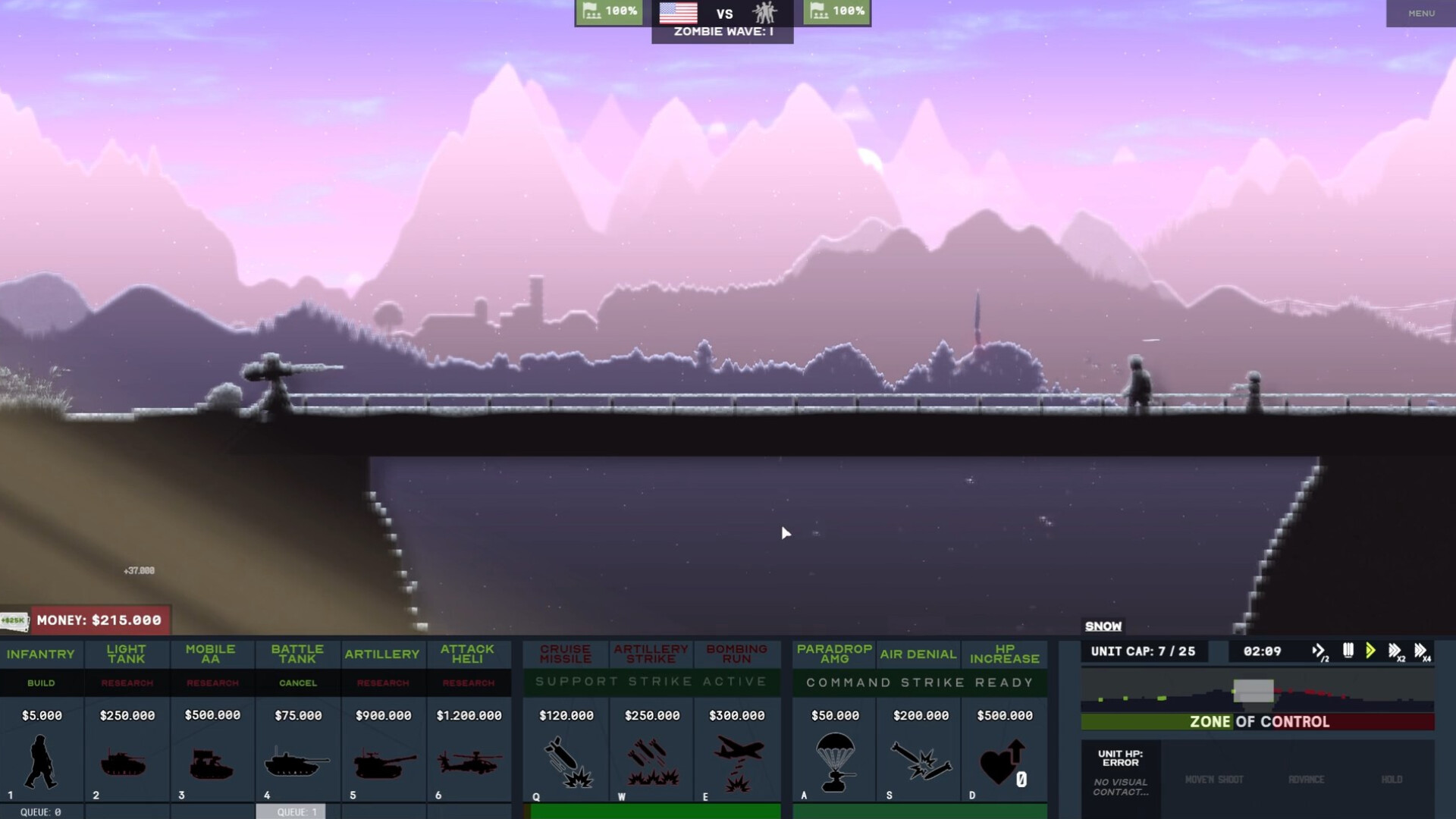
Shadows of War II reimagines modern kinetic conflicts as a side‑scrolling real‑time strategy where timing, tactics and destruction decide the outcome. Players pick one of four armies, each fielding six unit types and can call in powerful support strikes.
The game offers six distinct modes, a map editor with dynamic weather, and online multiplayer with Steam achievements and leaderboards. Environments change with procedurally generated terrain, weather effects and destructible scenery, ensuring every match feels fresh.
01 / THE GUIDE
Armies and Unit Types
Four armies share a core arsenal of six unit classes: Infantry, Infantry Fighting Vehicle, Main Battle Tank, Mobile Anti‑Air, Self‑Propelled Artillery and Attack Helicopter. Each class varies in health, armor, firepower, range or speed, giving players distinct tactical options.
Choosing the right mix and positioning units to exploit their strengths is essential, as every unit’s cost impacts your economy and morale during a match.
- Experiment with different unit combinations to see which balance of firepower and mobility fits your playstyle.
- Watch how unit costs affect your resource pool; cheaper units can sustain pressure while you build up stronger forces.
02 / THE GUIDE
Commanders and Exclusive Abilities
Players select one of five unique commanders, each granting three exclusive abilities or elite units. These abilities can shift the flow of battle, offering options for fire‑heavy, surgical or defensive strategies.
Commander choices layer additional strategic depth, letting you tailor your approach beyond the basic unit roster.
- Match a commander’s abilities with the mode you’re playing; some excel at rapid strikes while others bolster defenses.
- Consider how elite units complement your chosen army’s strengths for a cohesive force.

03 / THE GUIDE
Gameplay Modes
Six modes keep matches dynamic: Conquest (hold flags and drain tickets), Base Destruction, Capture the Flag, Attrition, Waves and Zombie Waves. Each mode emphasizes different objectives, from territorial control to surviving endless assaults.
Understanding the win condition of each mode helps you allocate resources and choose units that best meet the specific challenges presented.
- In Conquest, prioritize flag‑holding units to maintain ticket advantage.
- For Waves and Zombie Waves, focus on durable units and timely support strikes to survive the onslaught.
04 / THE GUIDE
Map Editor and Dynamic Environments
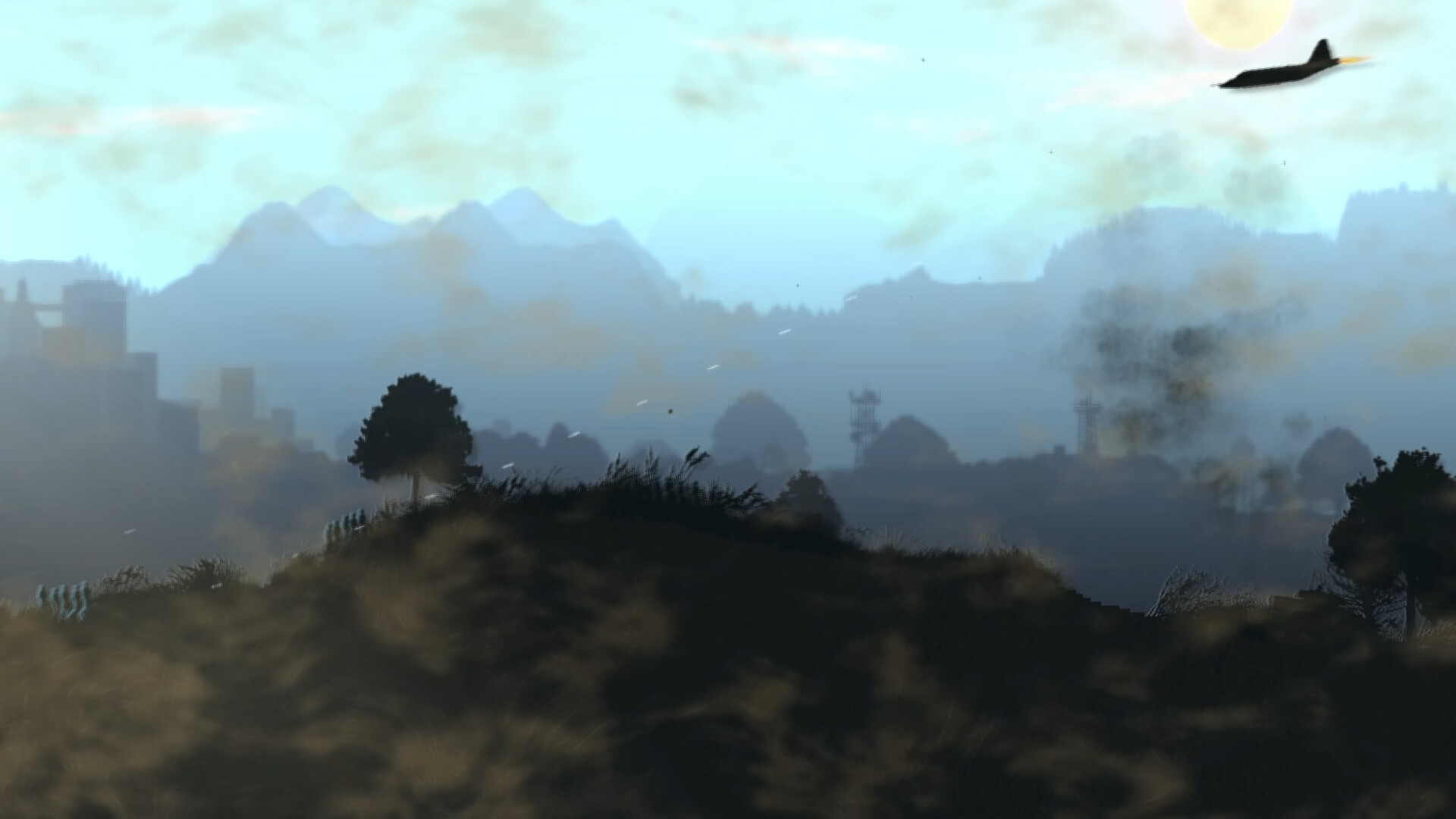
The built‑in map editor lets you sculpt battlefields, then play them across all modes. Weather effects—rain, snow, sandstorms—alter terrain: mud slows vehicles, ice makes slopes slippery, and sandstorms reduce visibility and strike accuracy.
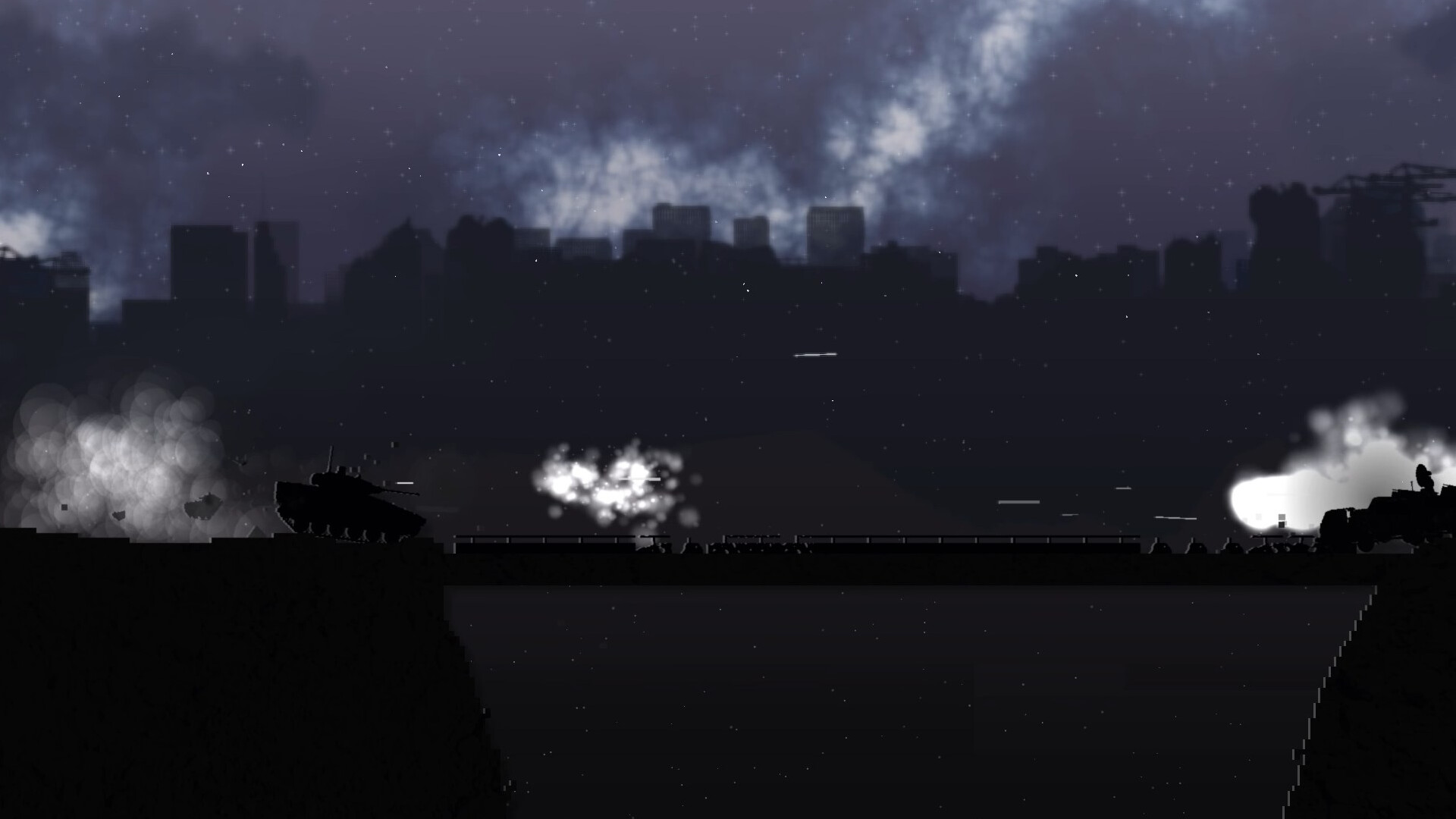
Procedurally generated vegetation, towns, mountains and day‑night cycles further ensure each map feels unique, while destructible terrain lets you reshape fronts with firepower.
- Test your custom maps with different weather settings to see how terrain impacts unit performance.
- Use destructible elements like bridges to create choke points that favor certain unit types.
05 / THE GUIDE
Online Multiplayer and Leaderboards
Players can auto‑match or invite friends for PvP battles, with progress tracked via Steam achievements and online leaderboards. Cross‑platform multiplayer lets Windows and Linux users compete together.
These systems provide a way to measure skill against the broader community and encourage repeated play to improve rankings.
- Review leaderboards to identify common strategies among top players.
- Aim for achievements that align with your preferred mode to boost both skill and reputation.
COMMUNITY
Player discussion