 GameWiki
GET YOUR BEARINGS
About Session: Skate Sim
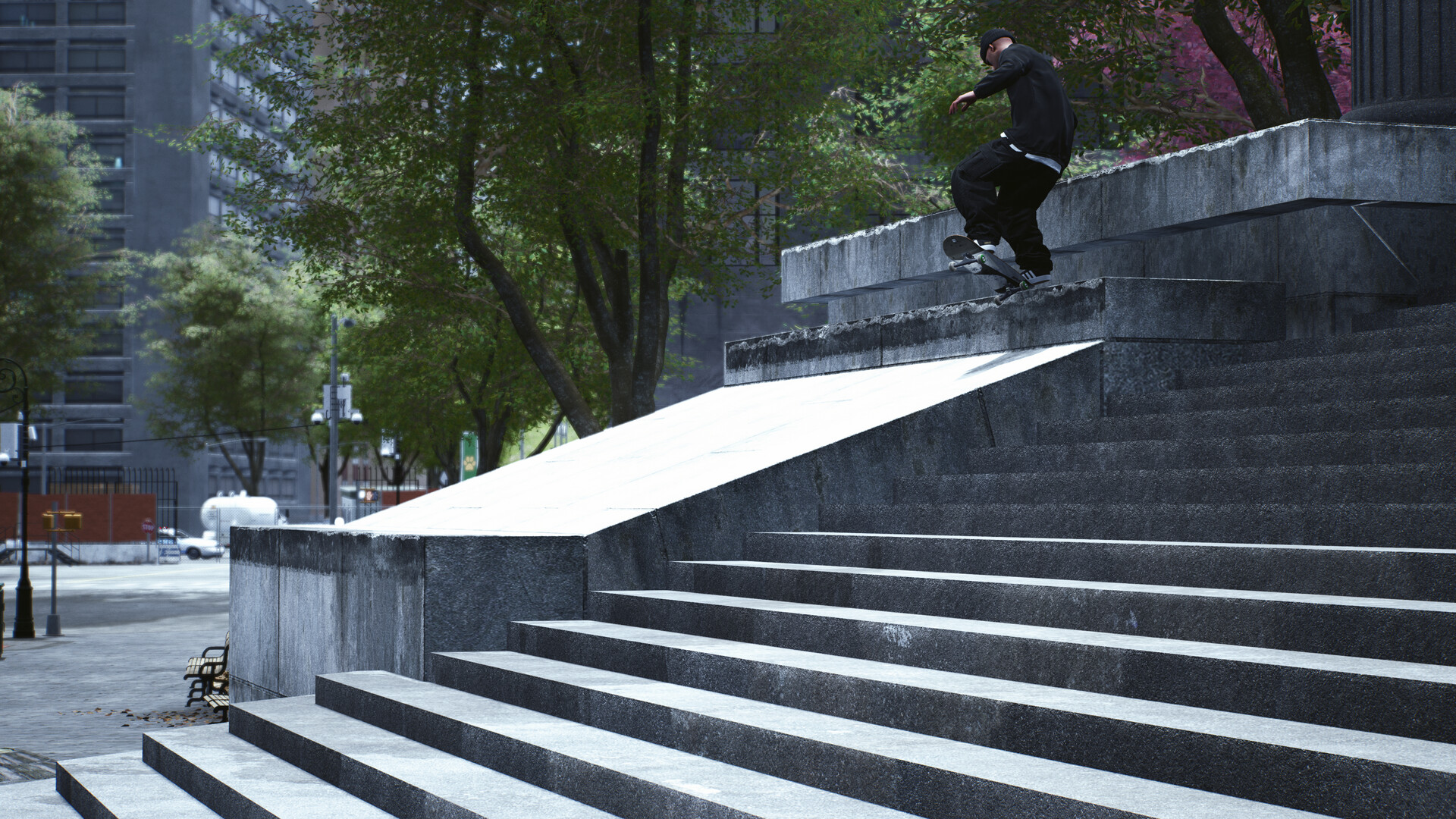
Session: Skate Sim lets you experience realistic skateboarding using dual‑stick controls, where each stick mirrors a foot. The physics aim for smooth, immersive movement, rewarding practice with tricks like kickflips after mastering weight transfer. The game emphasizes creativity over scores, offering iconic 1990s‑inspired spots such as New York’s Black Hubbas and Philadelphia’s FDR Park, plus a robust editor for filming tricks with filters, lenses, and camera options.
01 / THE GUIDE
Dual‑Stick Controls
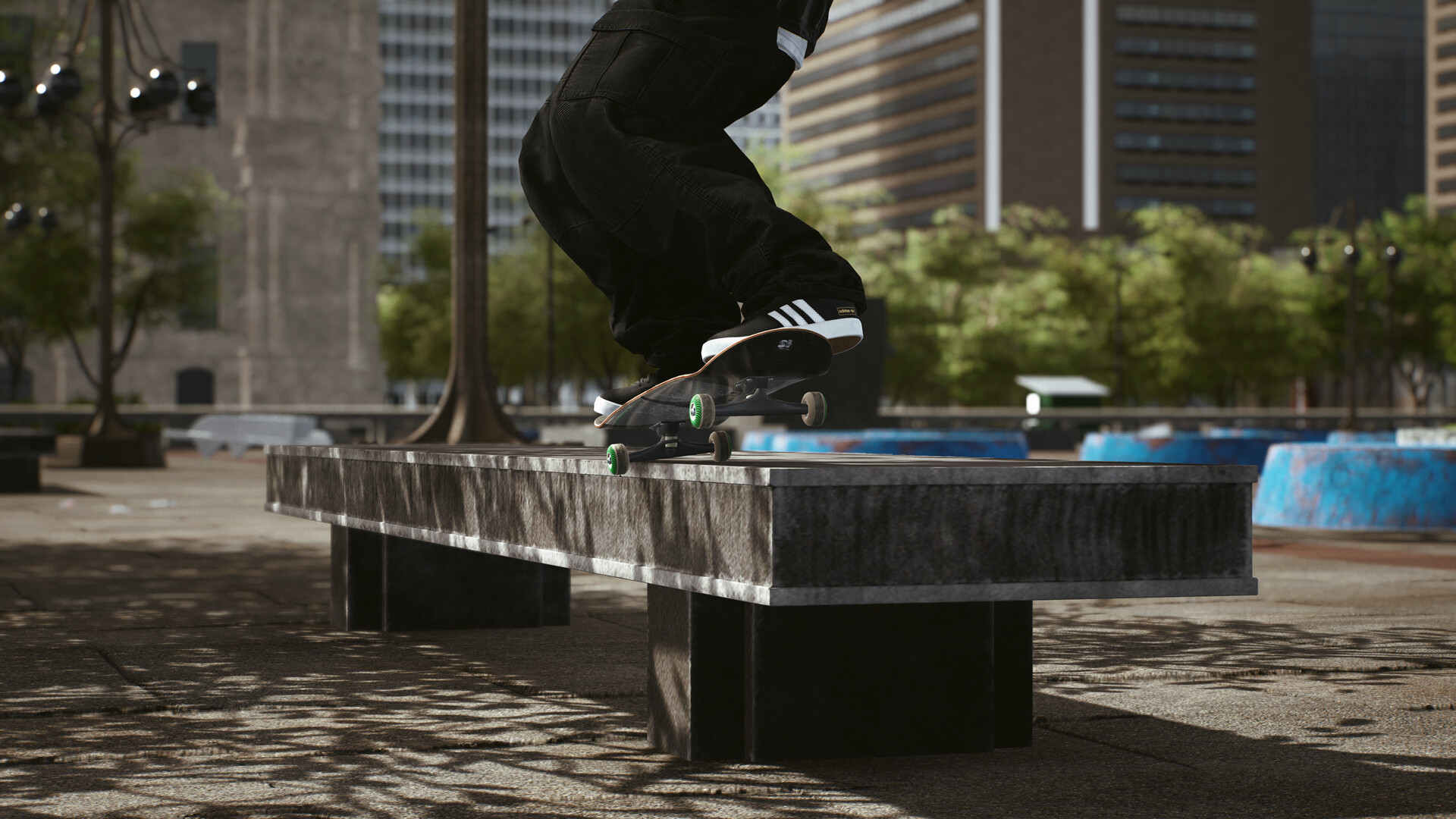
Each analog stick corresponds to a foot, requiring players to shift weight and balance like real skateboarding. Early sessions feel challenging, but mastering the sticks unlocks fluid trick execution. The system is built on realistic physics, focusing on smoothness and immersion, so the learning curve mirrors that of a new skateboarder on real pavement.
- Start on the easiest difficulty to get comfortable with weight transfer before attempting complex tricks.
- Observe how small stick adjustments affect board tilt; subtle movements often yield smoother landings.
02 / THE GUIDE
Tutorial and Difficulty Levels
A full tutorial guides newcomers through basic maneuvers, ensuring they have the help needed to start. Players can select from four difficulty levels, tailoring the experience to their skill. The tutorial’s step‑by‑step approach pairs with the difficulty setting, allowing gradual progression from novice to seasoned skater.
- Use the tutorial to practice each foot’s control before moving to free‑roam spots.
- If a level feels too hard, switch to a lower difficulty to refine technique.
03 / THE GUIDE
Iconic Skate Spots
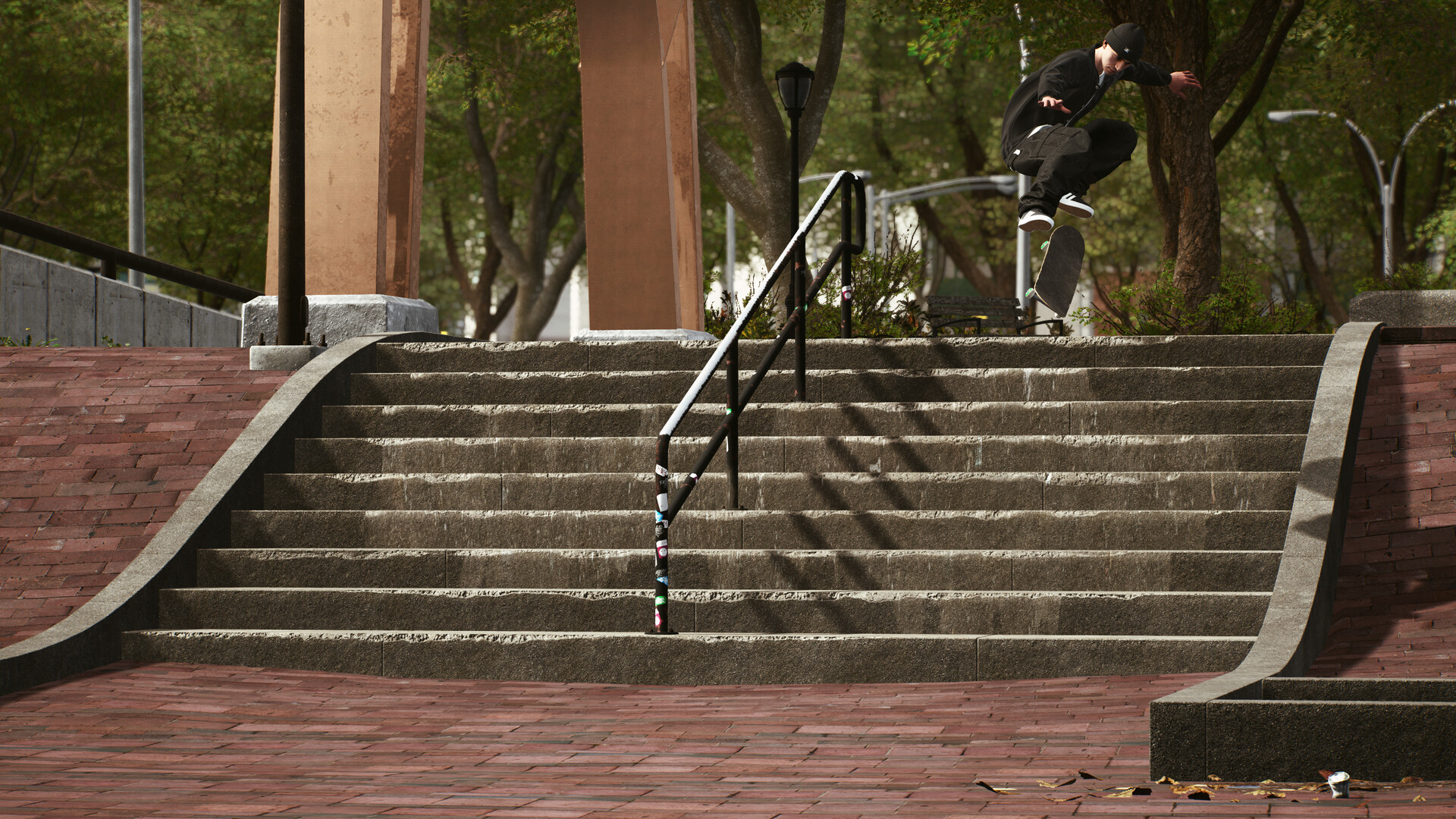
The game includes several real‑world locations like Black Hubbas and Brooklyn banks, offering authentic environments for line creation. These spots are designed to inspire creativity without a scoring system. Because the locations are recognizable, players can focus on personal style rather than competition, using the environment as a canvas for tricks.
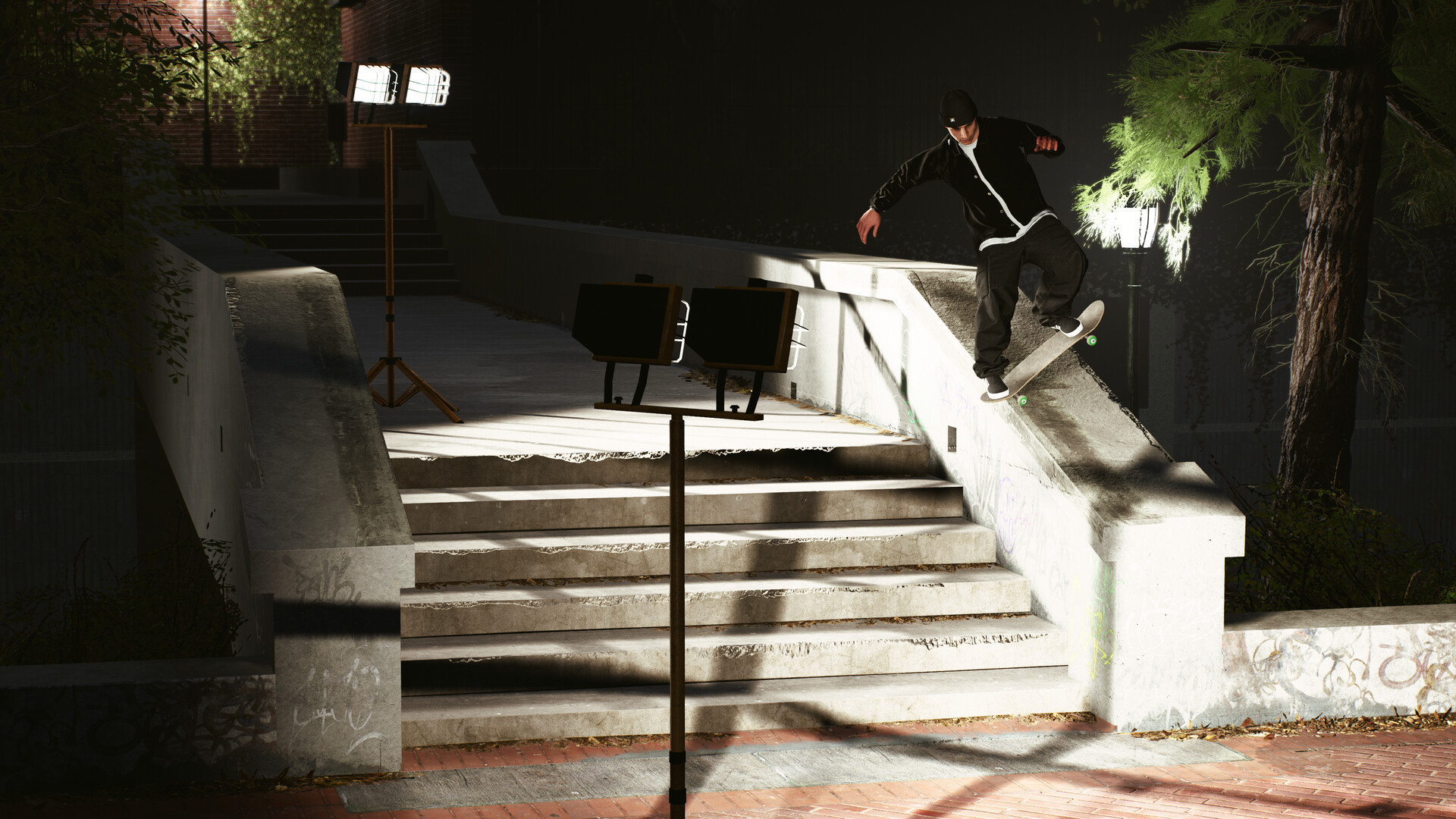
- Explore each spot at different times of day to see how lighting changes affect visual style.
- Try filming a line in a new spot to compare how the environment influences trick flow.
04 / THE GUIDE
Skater & Skateboard Customisation
Players can personalise both their skater’s apparel and their board’s components, with nearly 200 clothing items and over 250 board parts from known brands. Completing challenges grants money to purchase these items. Component choices such as trucks and wheels not only change appearance but also affect how the board handles, letting players match gear to their skating style.
- Mix and match board parts to find a setup that feels responsive for your preferred tricks.
- Invest early earnings in functional components like wheels before focusing on cosmetic items.
05 / THE GUIDE
Filming Mode and Video Editor
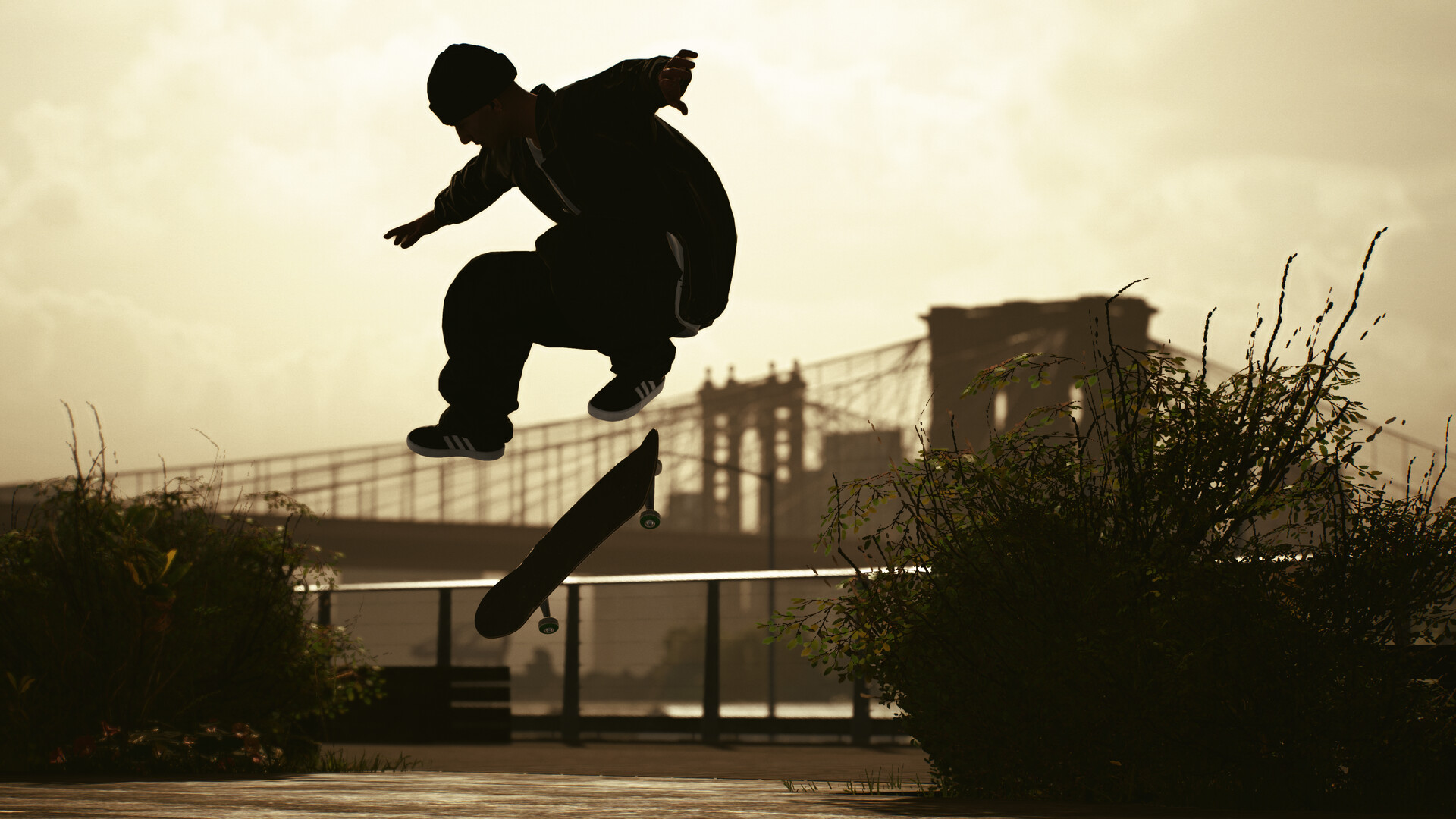
Session: Skate Sim includes a film mode where players can capture tricks using 1990s filters, fisheye lenses, and various camera views. The built‑in editor lets users adjust field of view, time of day, and create clips to share. This feature turns the player into both skater and filmmaker, encouraging sharing of personal style without any scoring or judging system.
- Experiment with different camera angles to highlight the most dynamic part of a trick.
- Apply a 1990s filter for a nostalgic look that matches the game’s street‑skating vibe.
COMMUNITY
Player discussion