 GameWiki
GET YOUR BEARINGS
About ServiceIT: You can do IT
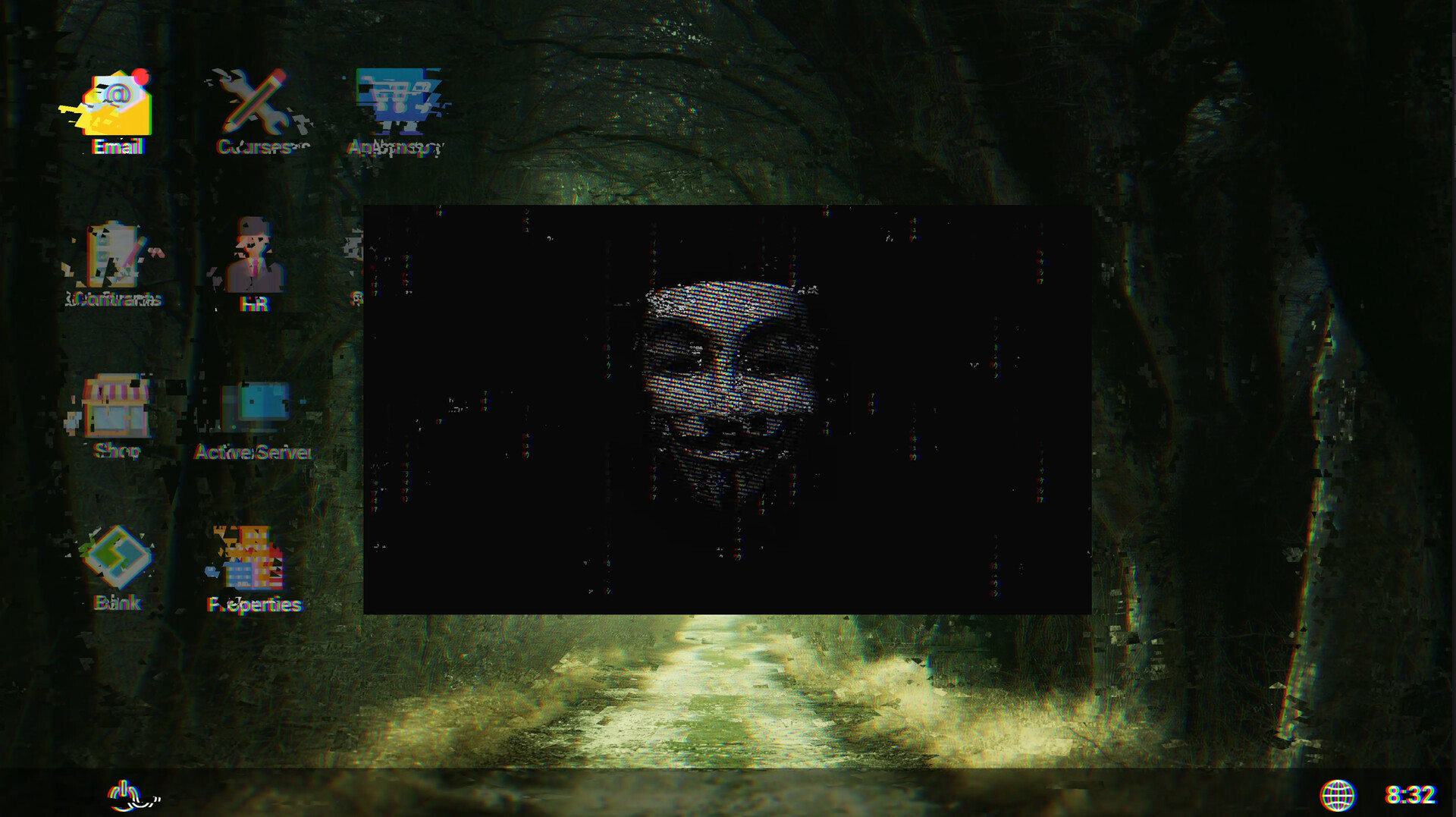
ServiceIT: You Can Do IT puts you in charge of an IT service company, where you repair electronics, manage networks, write code, and oversee servers while an anonymous hacker threatens your operations.
The title is a single‑player casual simulation with Steam achievements, save‑anytime, stereo sound, Steam Cloud and family sharing. It runs on Windows only.
01 / THE GUIDE
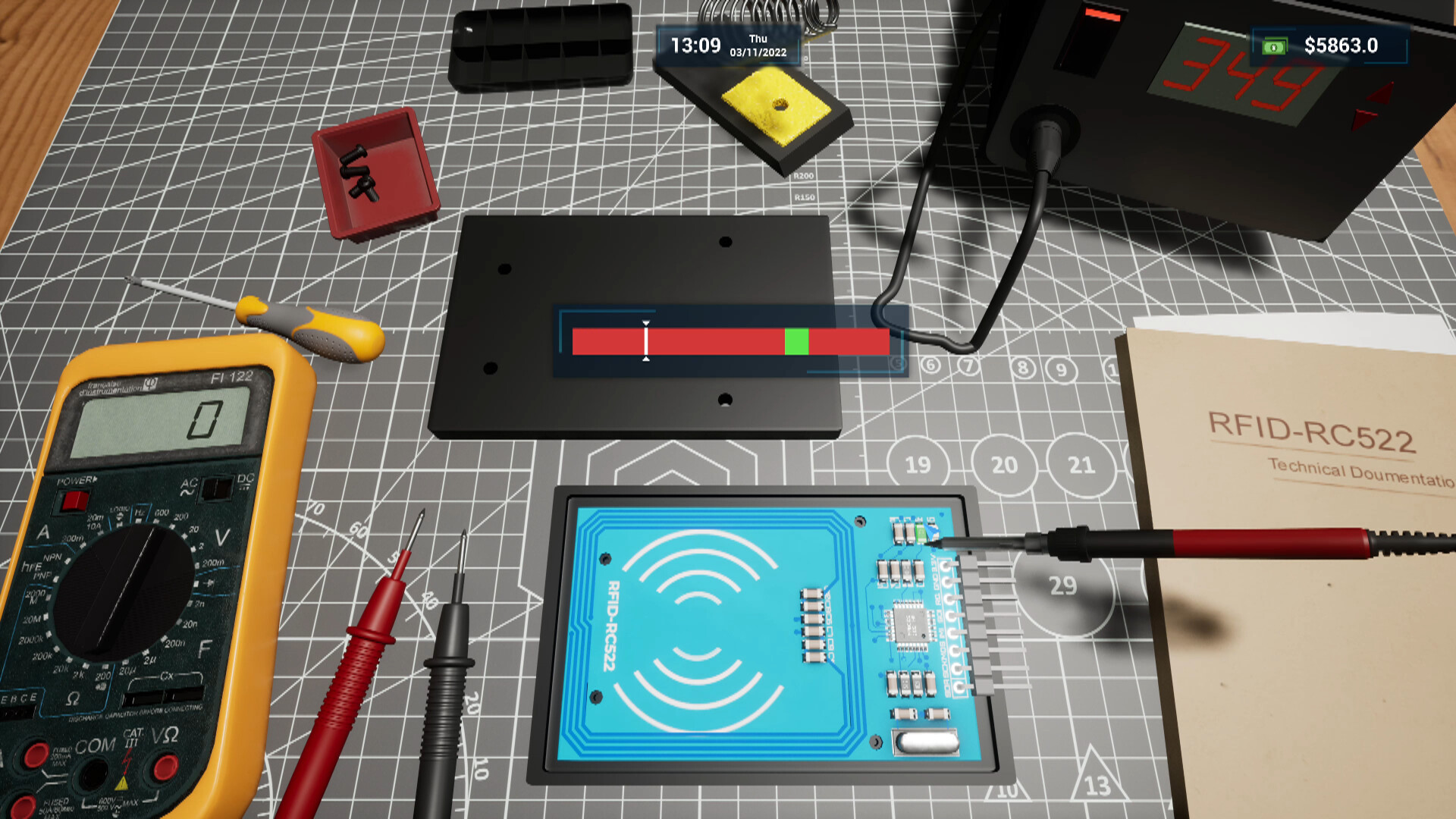
Equipment Repairs
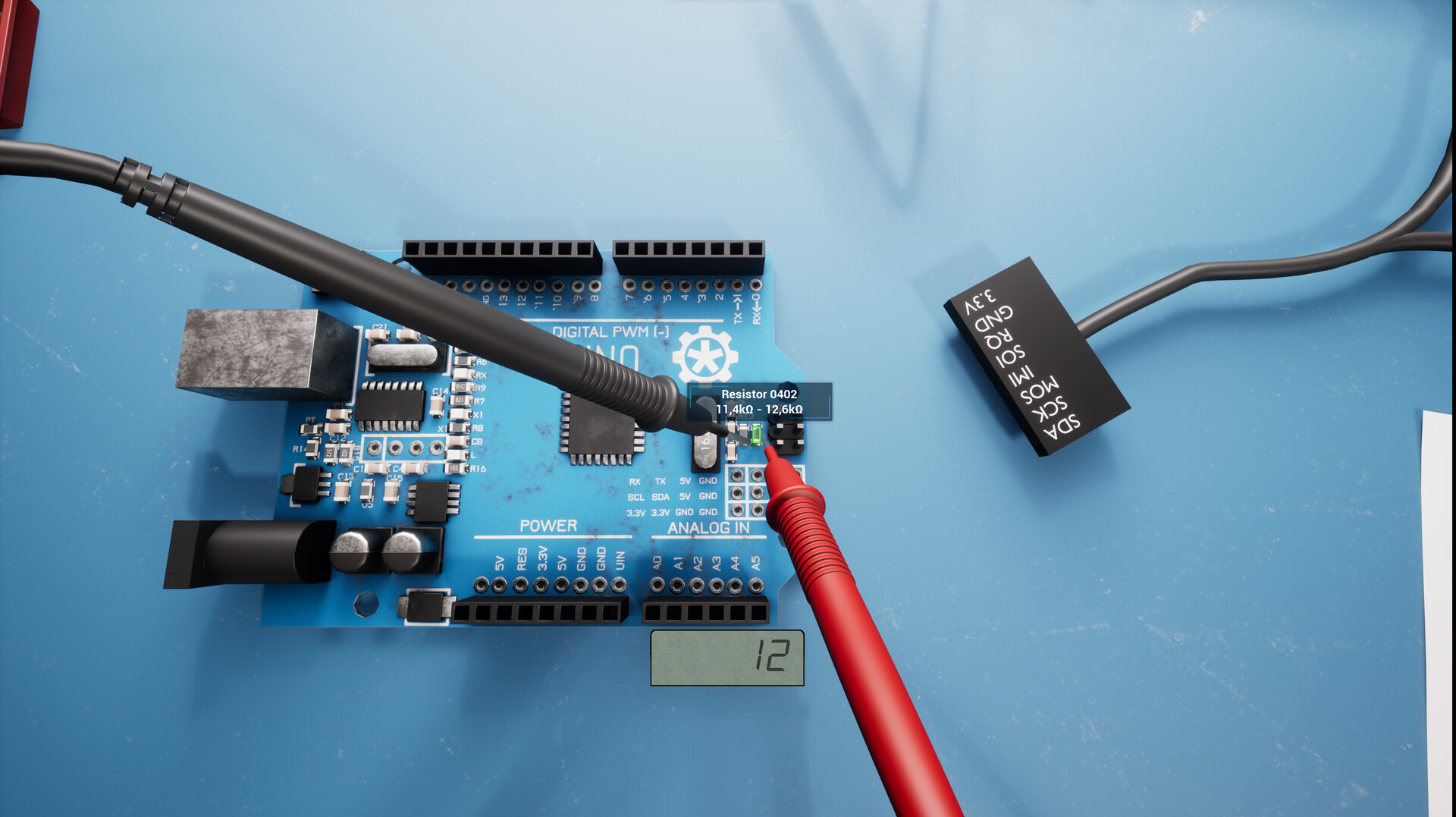
You can repair electronic components such as RFID, Ethernet, Wi‑Fi and Pendrive boards. Ready‑to‑move‑in devices include telephones and air‑conditioning controllers.
Future updates plan to add retro consoles, cameras, wiretaps and other Black‑Mirror‑style gear. Cleaning components with compressed air is also part of the repair process.
- Begin with devices that have fewer parts to learn the repair flow quickly.
- Use compressed air before disassembly to avoid dust‑related failures.
02 / THE GUIDE
Network Management
You manage routers and network devices from various customers, breaking into local networks to steal data and surveillance recordings.
The network layer also lets you control data access, recover or remove malware, and works together with the terminal for password cracking.
- Prioritize routers with known default passwords for easier entry.
- Combine terminal password cracking with network tools for faster breaches.
03 / THE GUIDE
Programming
You write software and program devices using a blueprint‑like mechanic. The current set of programs is limited but functional.
Future plans aim to expand the range of programs, allowing deeper automation of repairs and network hacks.
- Experiment with simple blueprints before attempting complex device scripts.
- Save frequently while testing new code to avoid losing progress.
04 / THE GUIDE
Server Management
You replace server drawers to boost power and must handle challenges such as fires in the server room, which require strategic extinguishing.
Active server administration lets you manage access and users in customer databases, linking directly to network and terminal functions.
- Monitor server temperature indicators to pre‑empt fire hazards.
- Back up user data before making access changes.
05 / THE GUIDE
Assembling and Cleaning Components
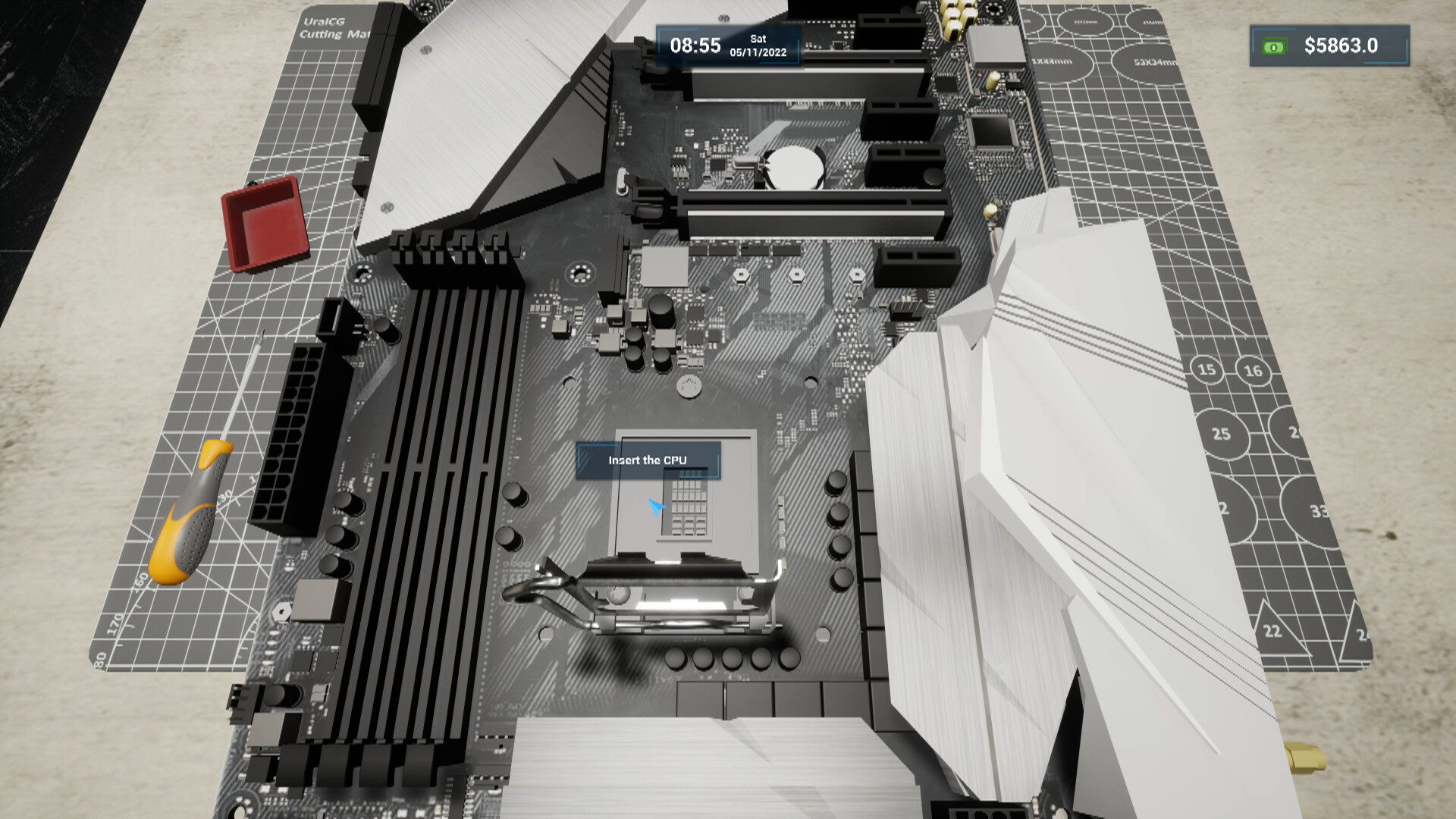
You assemble computer parts such as motherboards, RAM and CPUs, with future plans to add cases, graphics cards and disks.
Cleaning computers with compressed air improves performance and mirrors real‑world hardware work, encouraging careful placement of each component.
- Use anti‑static precautions when handling sensitive parts.
- Verify each connection before powering the assembled system.
COMMUNITY
Player discussion