 GameWiki
GET YOUR BEARINGS
About SENTRY
In SENTRY you awaken from stasis as a member of the SENTRY Defense Program, tasked with protecting a fleeing vessel. As you plot escape routes, alien ships board and attempt to breach subsystems to destroy the Core.
Combat relies on fast, ranged firepower complemented by deployable traps, turrets, and environmental destruction. The game features a single‑player campaign that can be joined by an online friend in co‑op, and death simply triggers another crew member to continue the fight.
01 / THE GUIDE
Core Defense Mechanics
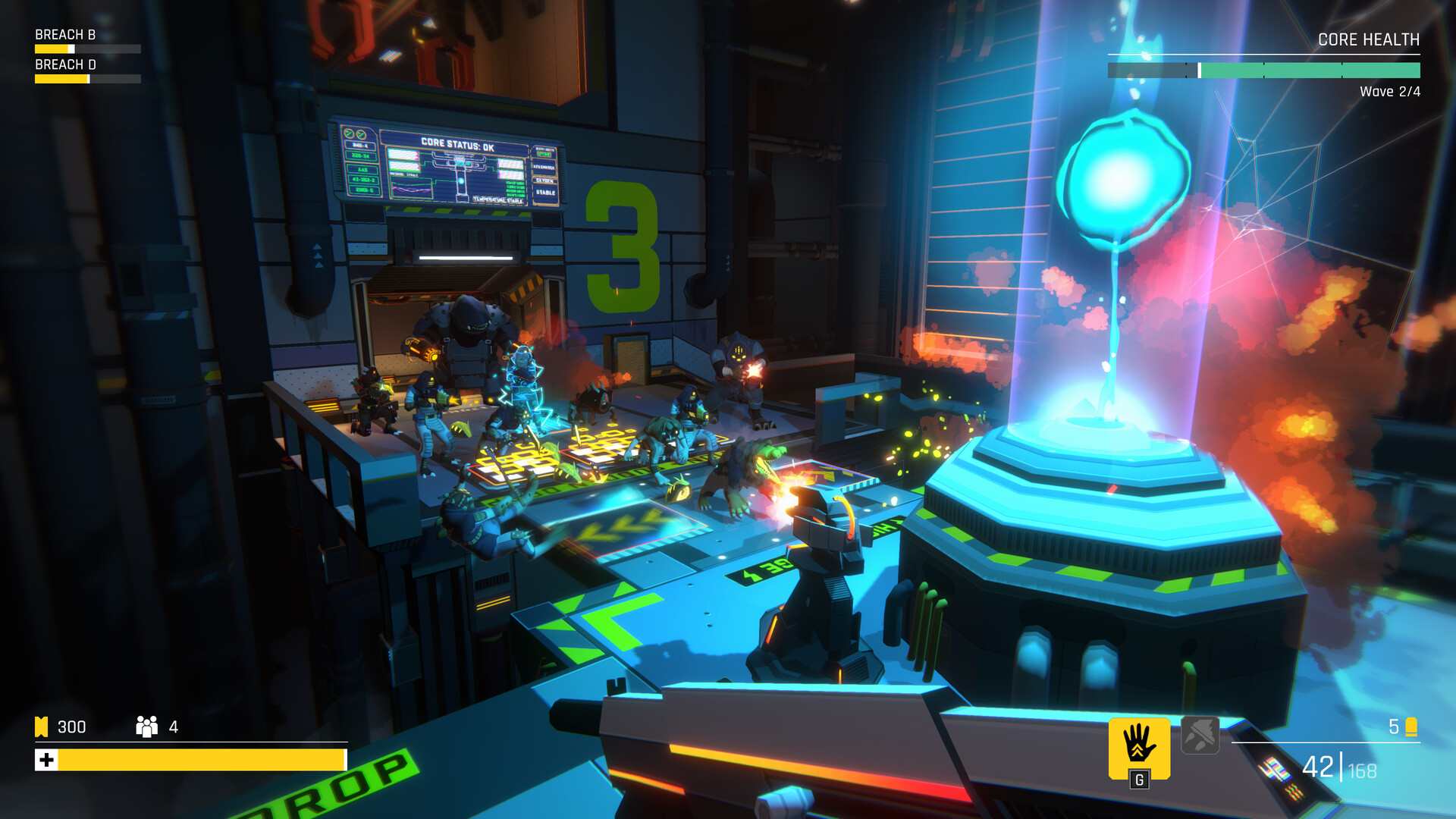
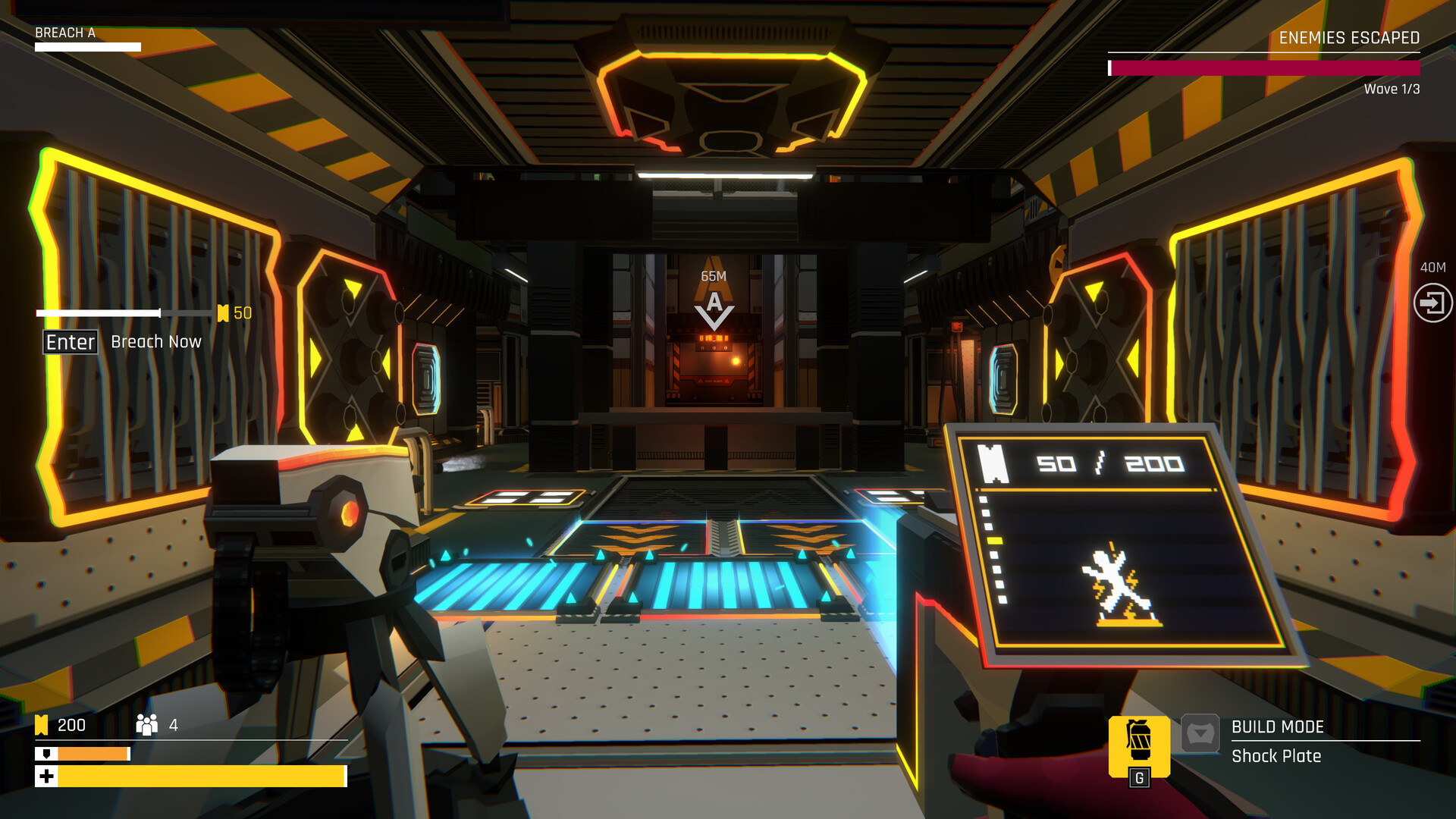
The Core remains the central objective; alien enemies strive to reach it and cause destruction. Your SENTRY must prevent this by shooting, setting traps, and using turrets to block their advance.
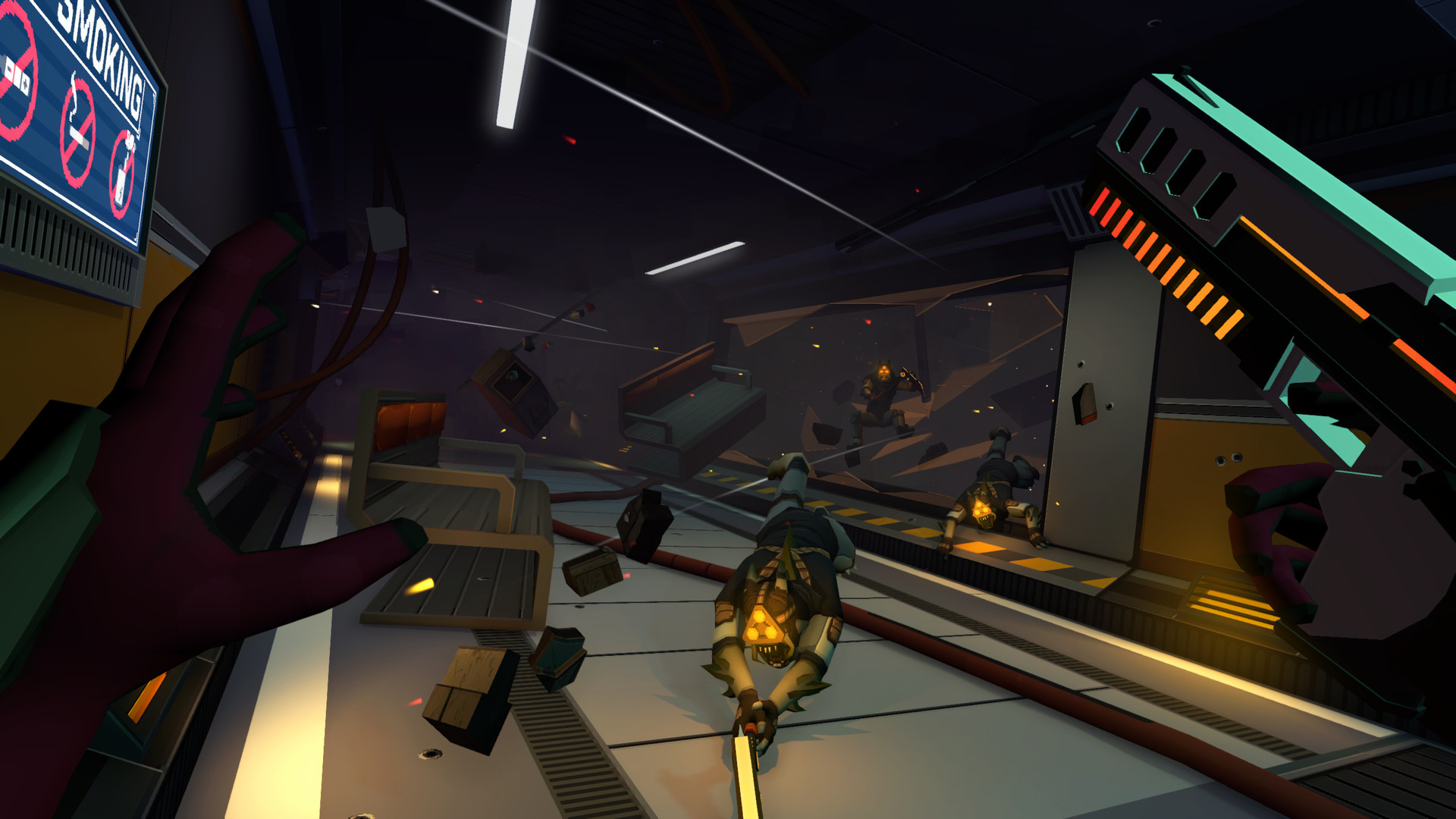
If enemies breach defenses, environmental options like venting them into space or sealing blast doors buy time for new defenses. Success depends on mixing skillful shooting with strategic placement of these tools.
- Observe enemy paths to place traps where they converge.
- Use blast doors to create temporary safe zones while re‑arming turrets.
02 / THE GUIDE
Online Co‑op
SENTRY supports a cooperative mode where an online friend can join the single‑player campaign. Both players control their own SENTRY units and share the same ship environment.
In co‑op, each player still manages shooting, traps, and environmental actions to protect the Core together.
- Coordinate trap placement to cover each other's blind spots.
- Communicate when you plan to seal a blast door for optimal timing.
03 / THE GUIDE
Death and Crew Replacement
When a SENTRY falls in battle, the game does not end. Another crew member is thawed from stasis, allowing the fight to continue without resetting the level.
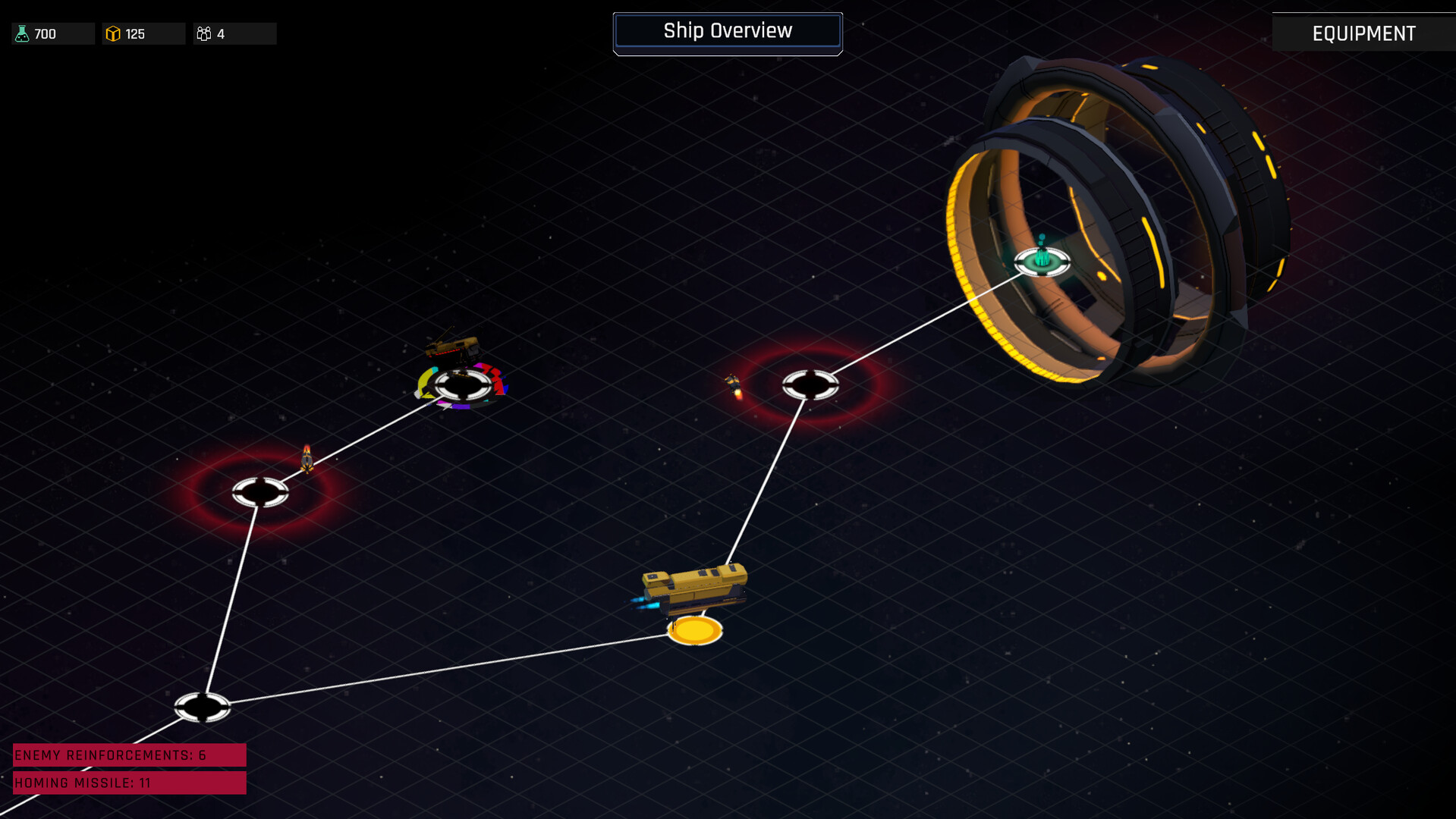
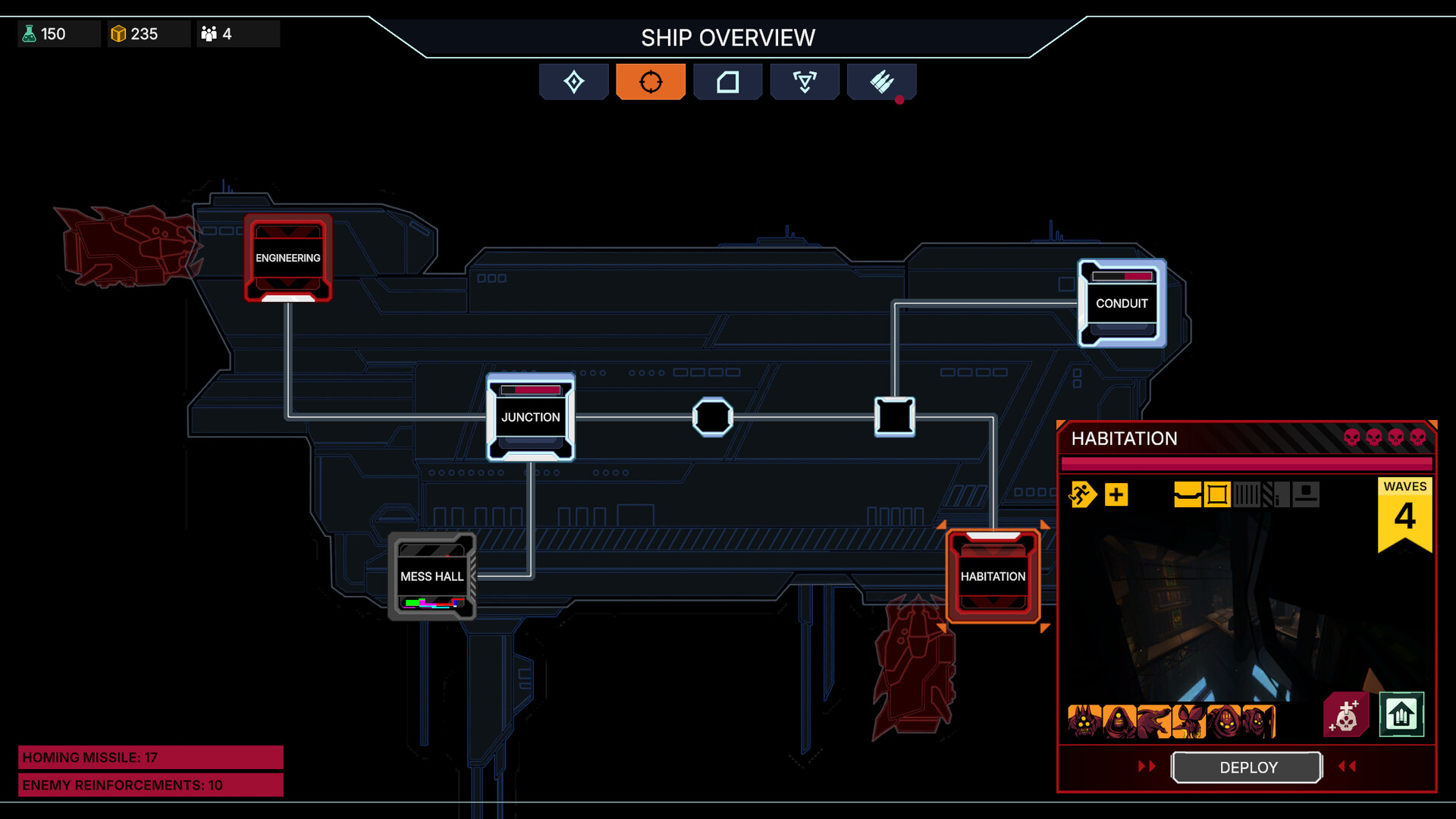
Defeat changes the strategic landscape shown in the Ship Overview, influencing where future defenses must be placed.
- Treat each replacement as a chance to adjust your defensive layout.
- Review the Ship Overview after a loss to identify newly vulnerable subsystems.
04 / THE GUIDE
Equipment Discovery and Upgrades
Throughout the campaign you can discover new weapons, traps, and turrets. Upgrading this equipment provides an edge against increasingly aggressive alien forces.
Progression is tied to performance and choices; better equipment improves your ability to hold back hordes.
- Prioritize upgrades that best support your defensive setup.
- Experiment with new equipment in low‑risk sections before major battles.
05 / THE GUIDE
Platform and Controller Features
SENTRY runs on Windows and offers full controller support, including DualSense features. It also includes camera comfort options and custom volume controls.
Additional services such as Steam Cloud and Family Sharing are available, ensuring saved progress can be accessed across compatible devices.
- Adjust camera comfort settings if you experience motion discomfort.
- Enable Steam Cloud to keep your progress synced between installations.
COMMUNITY
Player discussion