 GameWiki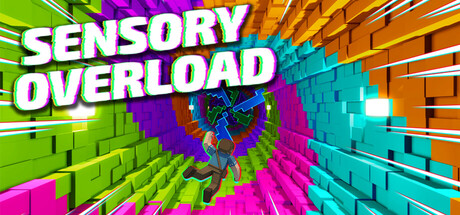
GET YOUR BEARINGS
About Sensory Overload
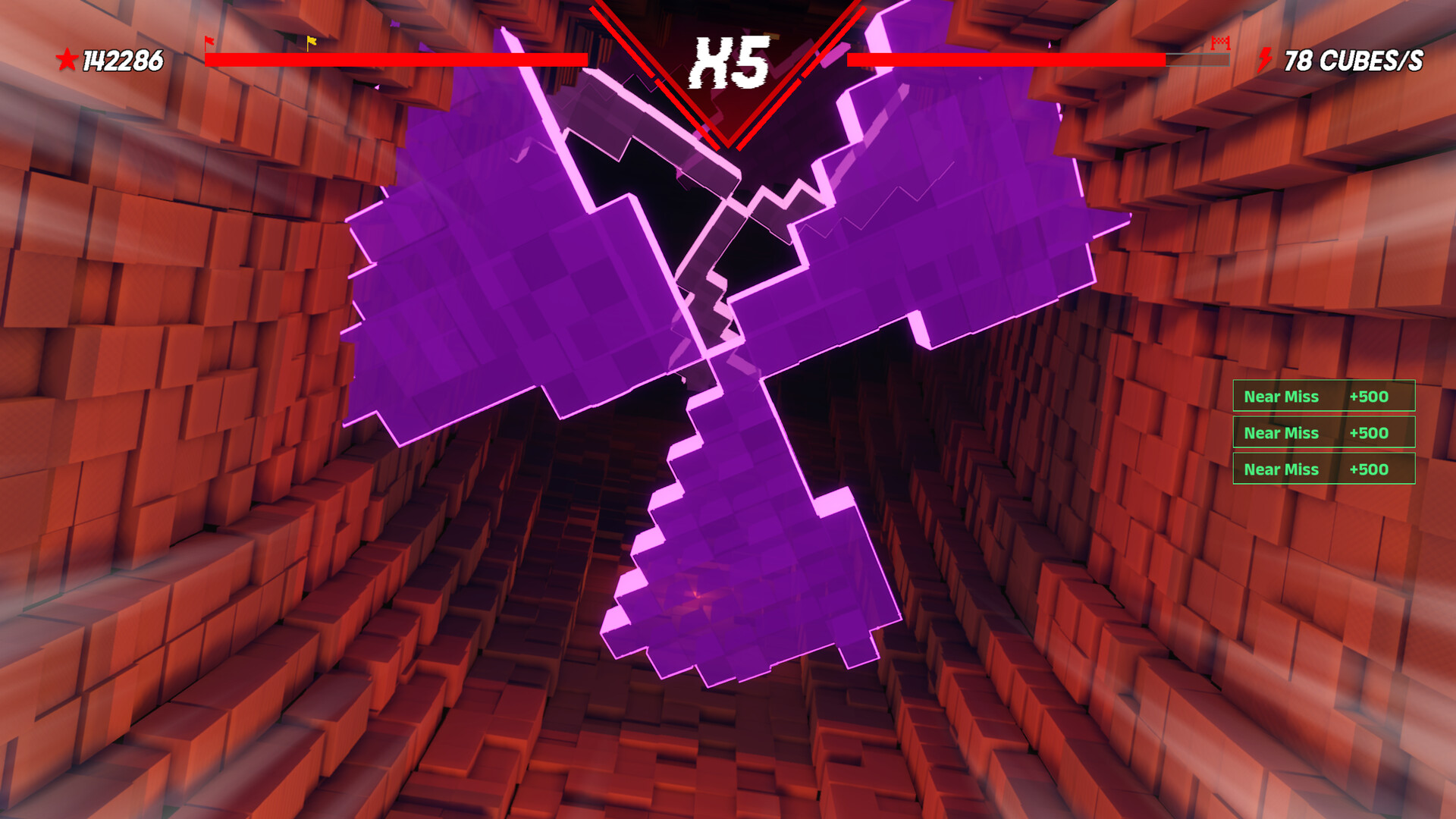
Sensory Overload is a drop‑per style action title that turns the environment into an active opponent. Breathing walls, shifting colors, and spiraling worlds constantly challenge the player’s sense of balance as they dodge obstacles.
The game includes escalating visual chaos across uniquely named levels, a competitive Ranked Mode focused on dodging faster and faster, and a built‑in level editor. It runs on Windows and Linux and offers both Keyboard‑Only and Mouse‑Only input options, Steam achievements, and Steam Cloud support.
01 / THE GUIDE
Core Concept
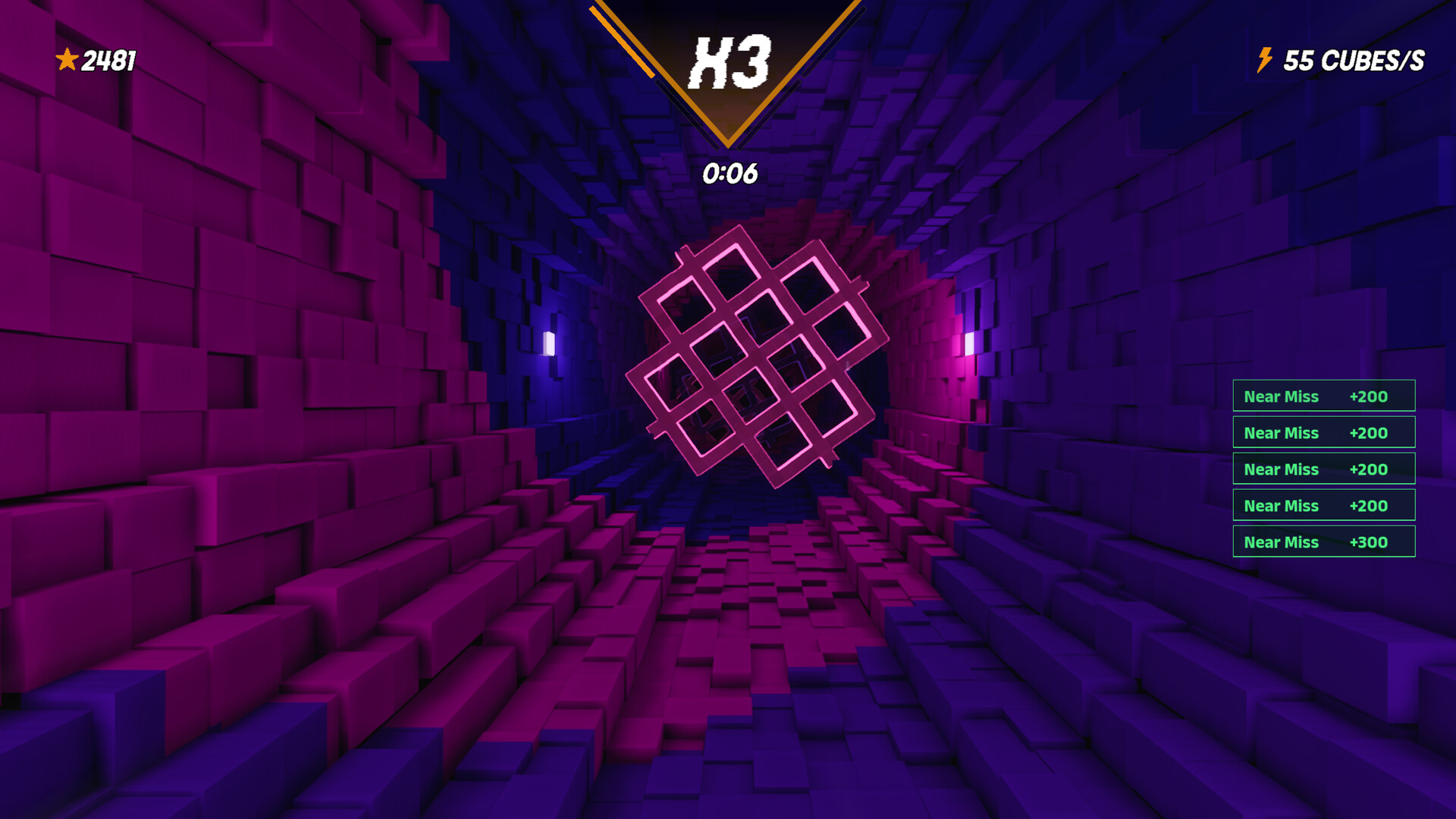
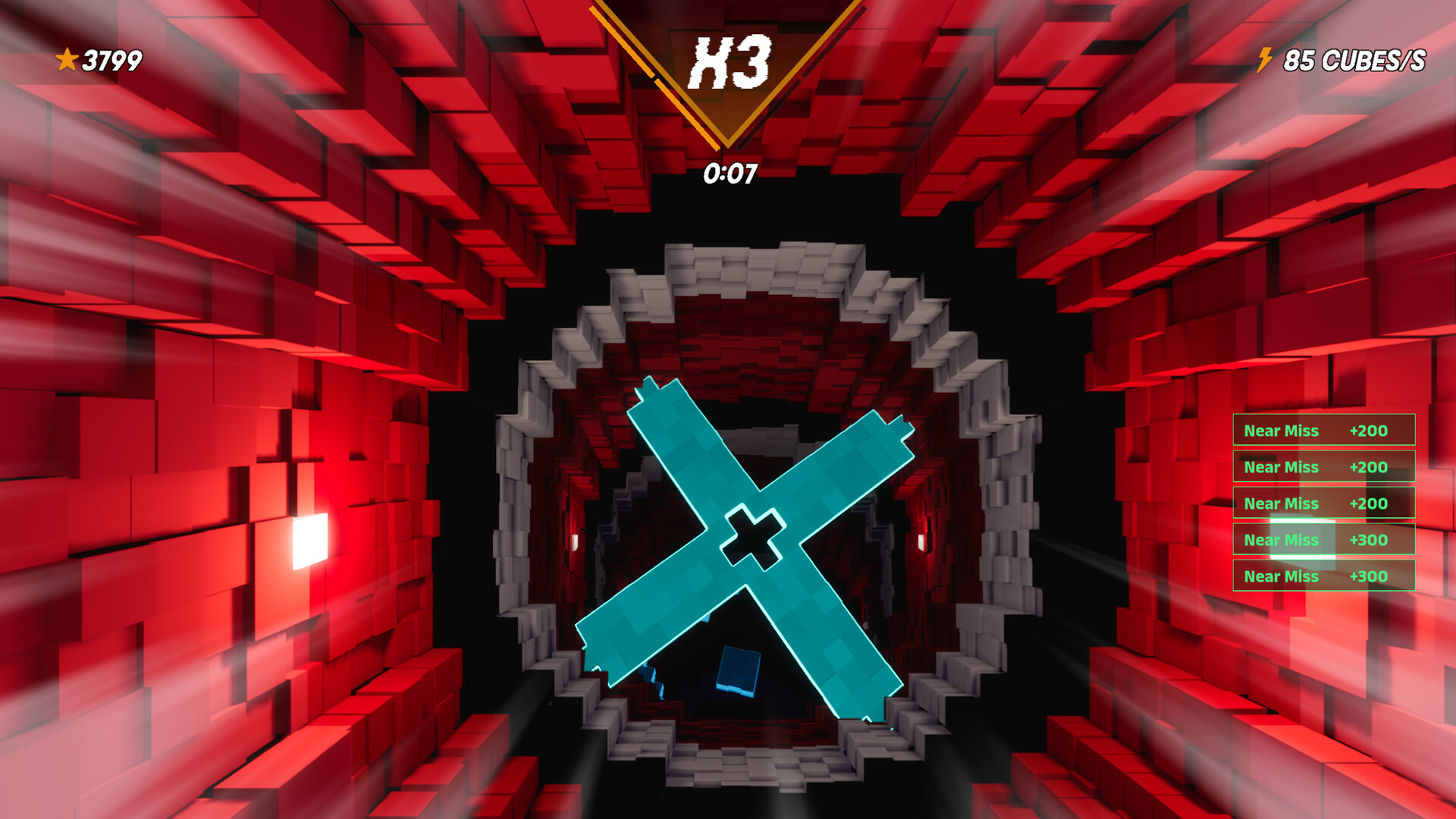
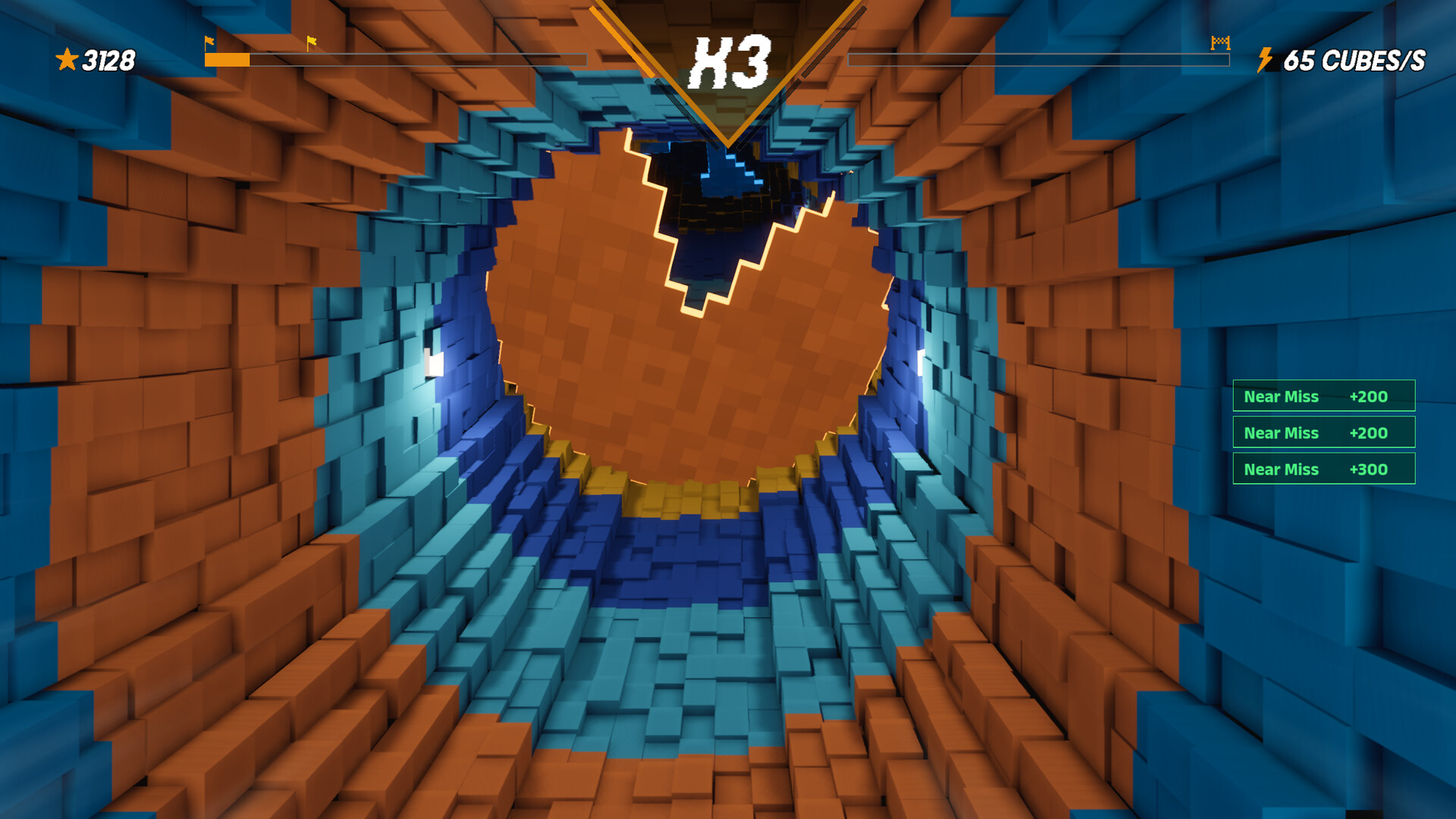
The central loop has the player dropping through a corridor while avoiding obstacles that move in sync with aggressive visual effects. Walls breathe, colors shift, and the world twists, turning the setting itself into a hostile force.
This design forces the player to treat each descent as both a reflex test and a visual puzzle, with disorientation intentionally amplified to test balance and timing.
- Watch the rhythm of wall movement before committing to a drop.
- Sit at a comfortable distance from the screen to lessen rapid color changes.
02 / THE GUIDE
Level Naming
Each stage bears a name that describes the intended sensory effect, such as Vertigo, Nausea, Peristalsis, and Apocalypse. The titles act as a preview of the visual chaos that follows.
The description notes that the final levels are “near‑impossible,” indicating they present the toughest visual challenges the game offers.
- Begin with lower‑intensity levels to become accustomed to the visual distortions.
- Use the level editor to recreate a familiar level for focused practice.
03 / THE GUIDE
Ranked Mode
Ranked Mode challenges you to dodge faster and faster, with speed as the central competitive factor.
The mode’s difficulty rises by demanding increasingly rapid reactions, turning speed into the primary competitive factor.
- Prioritize consistent timing over raw speed to improve your rank.
- After each run, note recurring obstacle patterns for future avoidance.
04 / THE GUIDE
Visual Disorientation
Visual effects are deliberately crafted to disorient, featuring breathing walls, shifting palettes, and spiraling perspectives that act as active adversaries.
These effects are central to the challenge, meaning the environment itself contributes to the difficulty rather than serving only as background.
- Enable Camera Comfort if you prefer reduced motion strain.
- Adjust the custom volume controls so audio cues remain clear amid visual chaos.
05 / THE GUIDE
Level Editor
Sensory Overload includes a level editor that lets players design custom drop‑per challenges.
Created levels can be saved, extending replayability beyond the built‑in stages.
- Experiment with your own obstacle designs to craft unique difficulty spikes.
- Test each custom level in both Keyboard‑Only and Mouse‑Only modes.

COMMUNITY
Player discussion