 GameWiki
GET YOUR BEARINGS
About Seed Shop: Tidy Up!
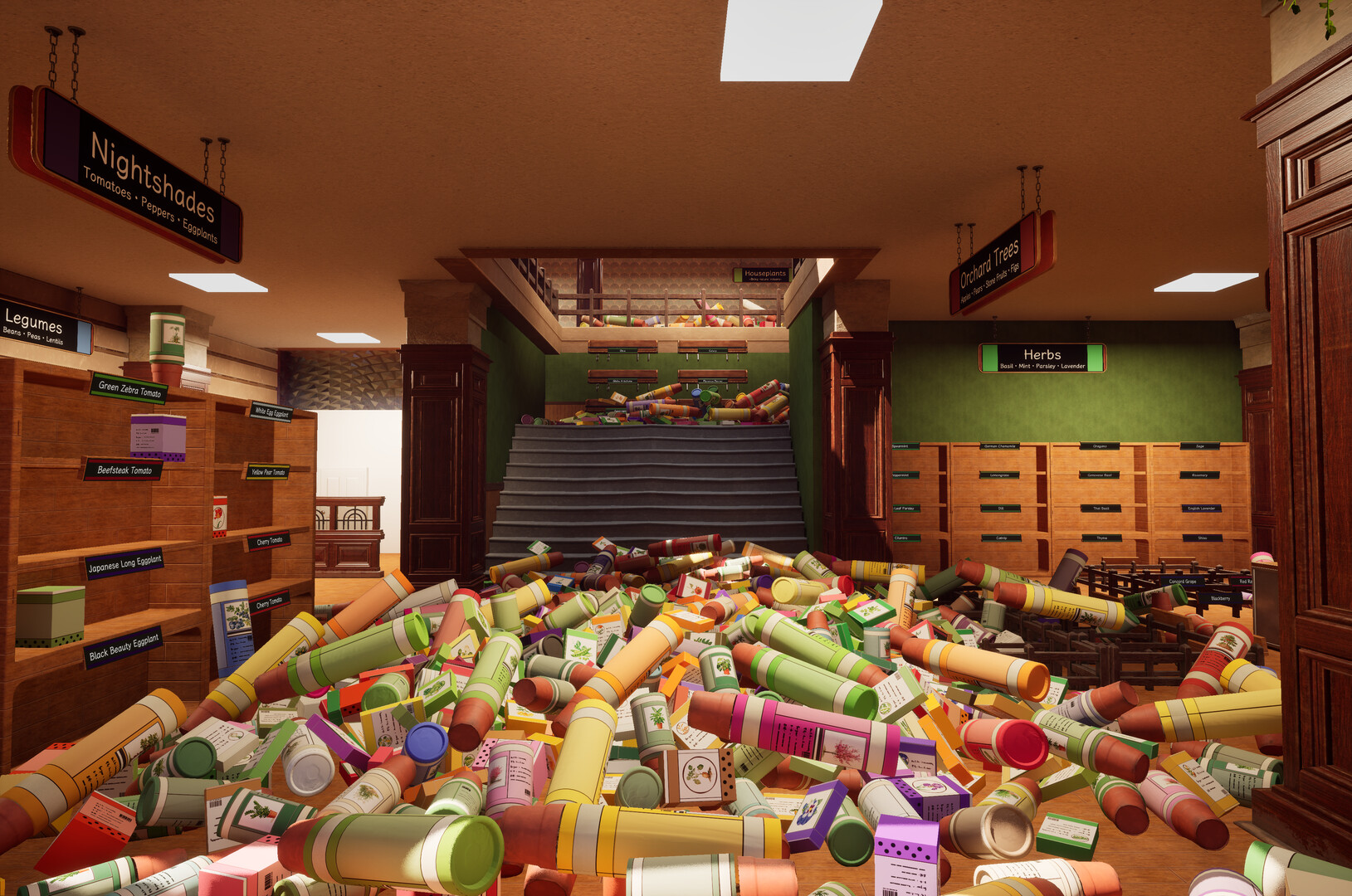
Seed Shop: Tidy Up! places you in a first‑person view of a two‑storey seed shop overrun with misplaced stock. Your task is to pick up each packet, bulb box, pot or sapling, identify it using the name, illustration, color and package type, and return it to its labeled slot.
Every correctly placed product restores a portion of the shop: bare wooden displays fill with neat rows and towering piles shrink. Over 320 real‑world plant varieties appear, from familiar vegetables to exotic tropical crops, creating a colorful, orderly environment one row at a time.
01 / THE GUIDE
Core Gameplay Loop
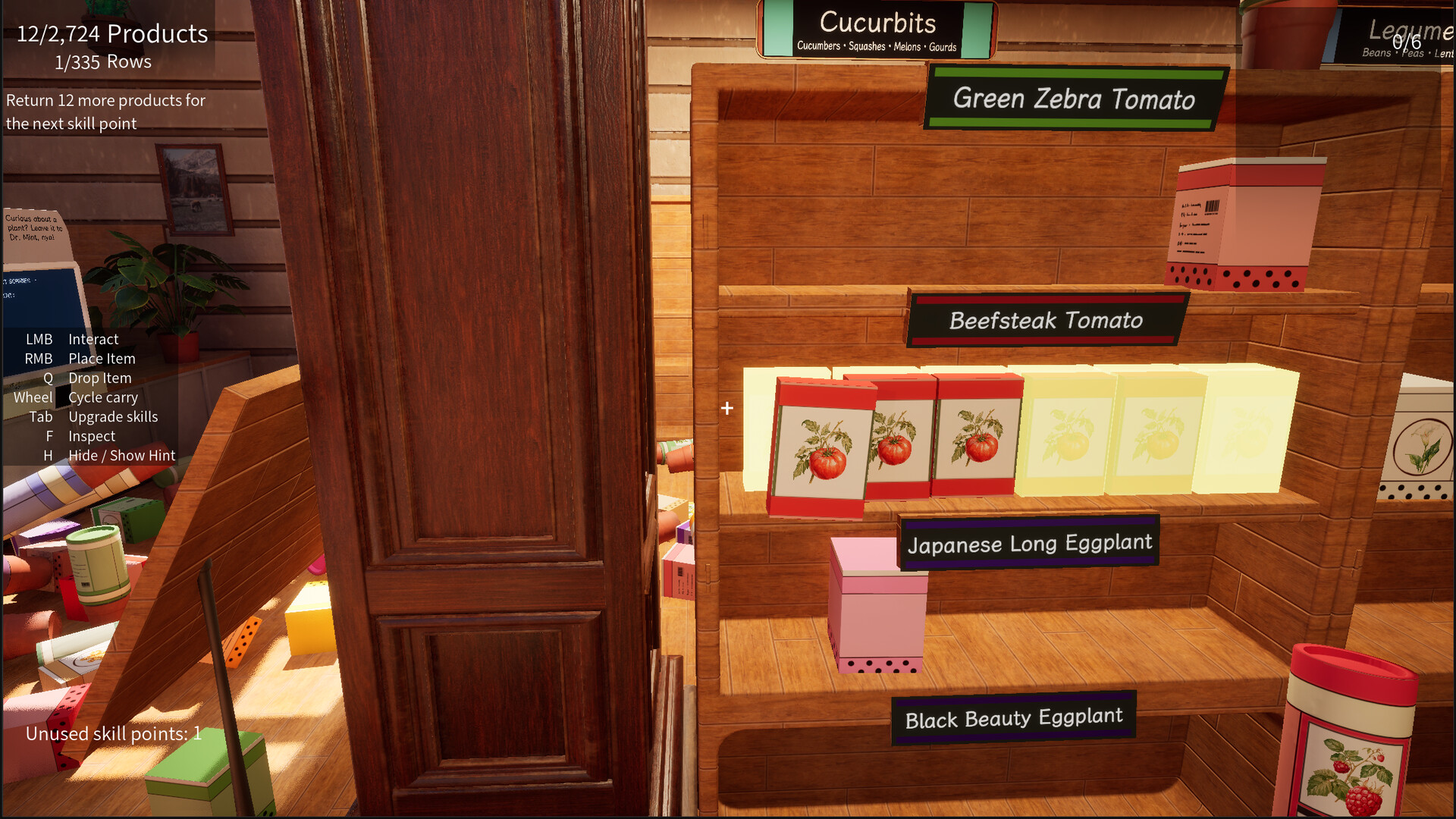
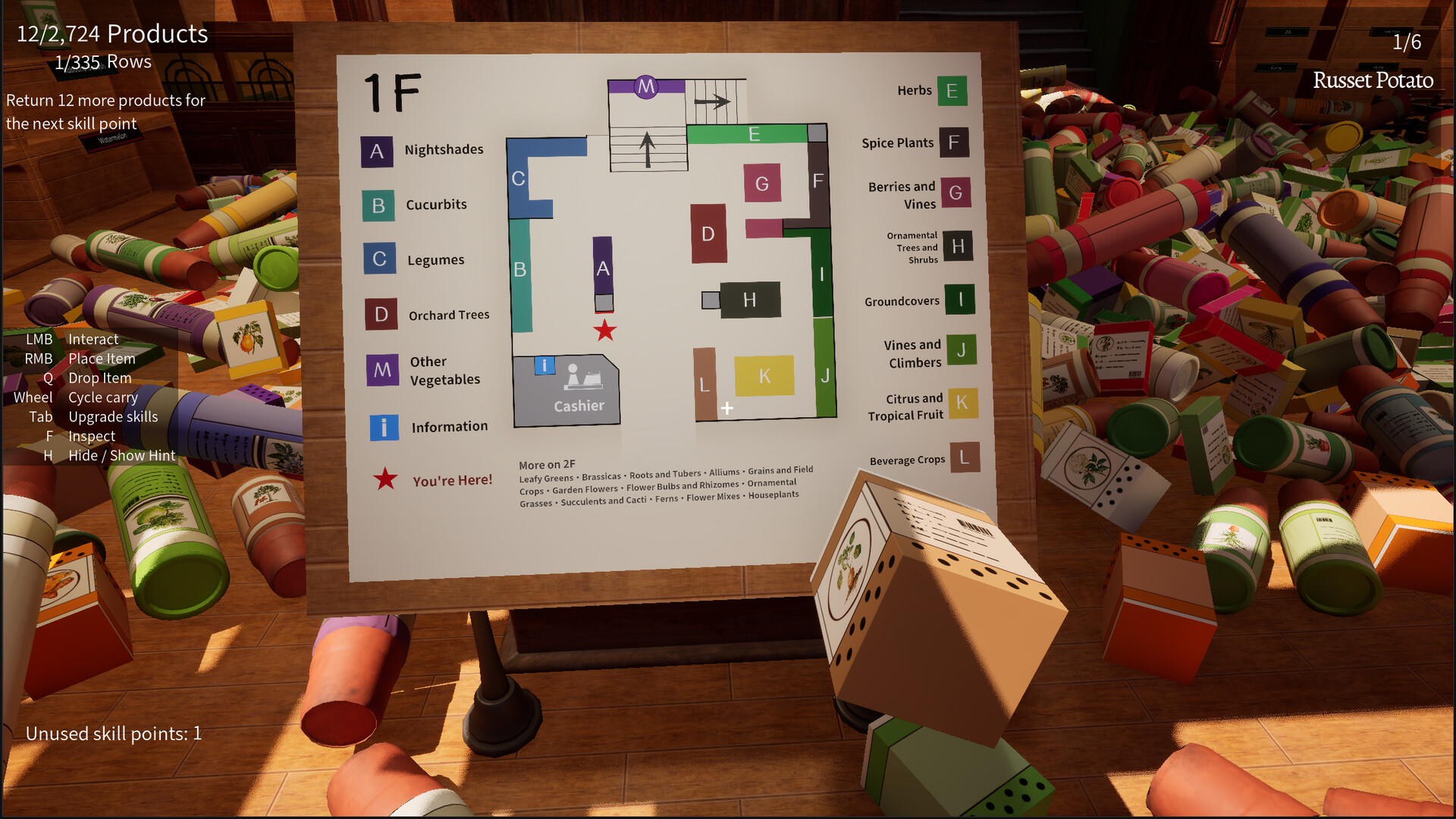
You move through the cluttered shop, pick up items, and match them to their designated locations. Shelf labels and department signs provide the information needed, so prior plant knowledge isn’t required.
Progress is visual: each correctly placed product restores a portion of the shop, turning disorder into tidy rows. The experience is designed to be relaxing and can be paused with a save at any moment.
- Read the shelf labels before grabbing items; they often hint at the correct department.
- Focus on one department at a time to keep the visual restoration clear.
02 / THE GUIDE
Plant Variety Catalog
The shop contains 320 distinct plant varieties, each with its own illustration and designated slot. Items range from tomatoes, peppers, and carrots to tulips, climbing roses, and tropical plants like coffee and cacao.
Each product’s visual design and color help you confirm its identity, and department signs group similar items together, making it easier to locate the correct placement without external references.
- Notice the color of a product; color is one of the attributes you can use to match it to its correct slot.
- Group similar‑looking items together in your inventory to speed up placement.
03 / THE GUIDE
Scanner and Dr. Mint
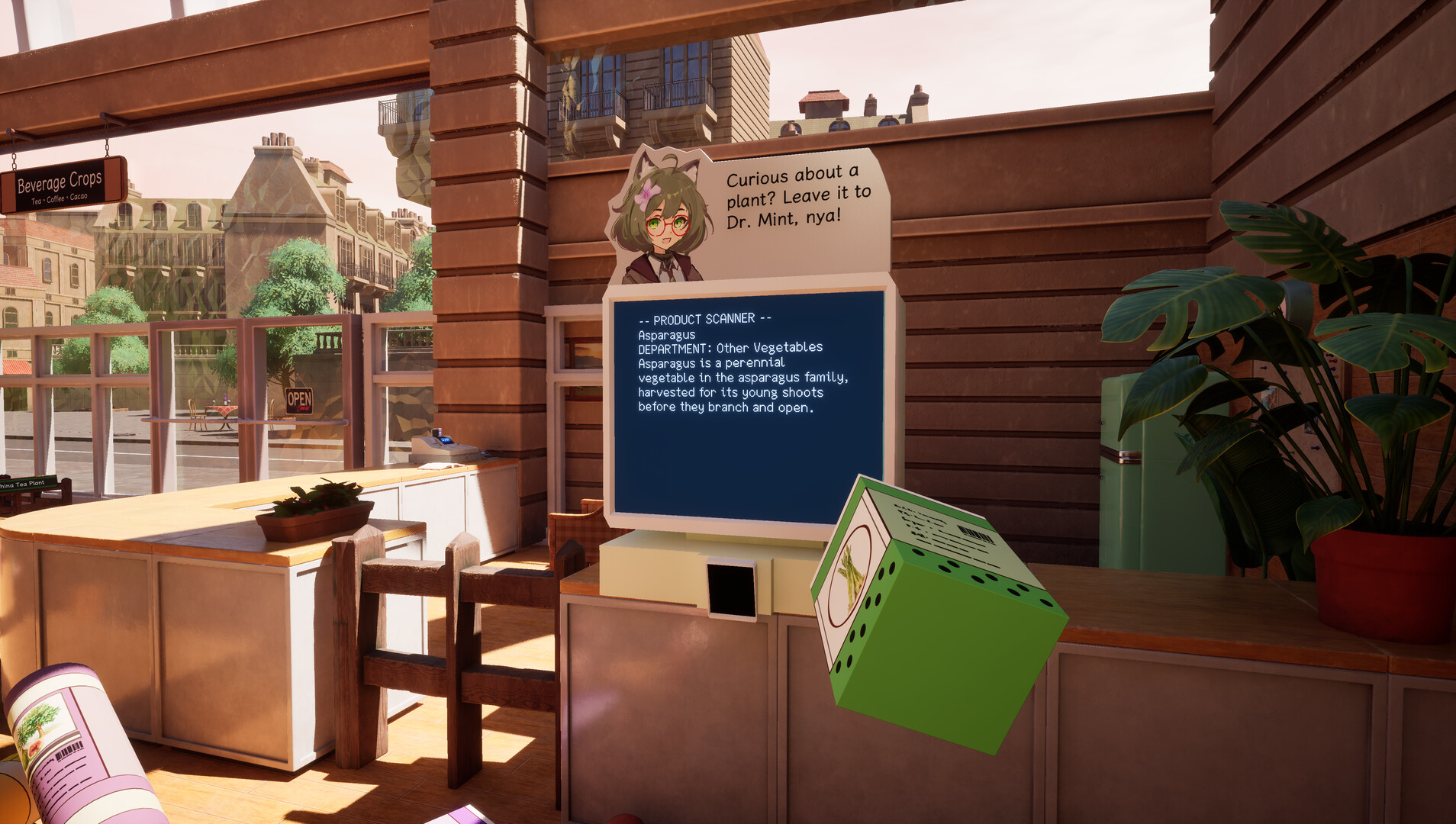
When you encounter an unfamiliar product, you can bring it to the scanner. Dr. Mint provides the name and details, allowing you to learn about the item without leaving the shop.
The scanner acts as an in‑game reference, ensuring you can progress even without prior botanical knowledge, and it integrates smoothly into the first‑person perspective.
- Use the scanner early for new items to avoid misplacements later.
- Keep a mental note of scanner feedback; it helps with future similar items.
04 / THE GUIDE
Progressive Carry Abilities
As you place more items, you unlock practical abilities that let you carry several products at once and switch between them as you work. These upgrades streamline the organization process.
The abilities are earned through continued sorting and are presented as optional tools to improve efficiency without changing the core matching mechanic.
- Experiment with newly unlocked abilities as soon as they become available for smoother sorting.
- Combine stack‑carrying with department focus to reduce back‑and‑forth movement.
05 / THE GUIDE
Visual Restoration
Each correctly placed product triggers a visible change: bare wooden displays fill with neat rows, and towering piles on the floor shrink. This visual feedback reinforces progress.
The transformation from chaos to order is gradual, providing a satisfying sense of accomplishment as the shop becomes fully organized.
- Watch the visual changes to gauge which areas need more attention.
- Use the restoration cues to prioritize sections that are still cluttered.

COMMUNITY
Player discussion