 GameWiki
GET YOUR BEARINGS
About Security 51
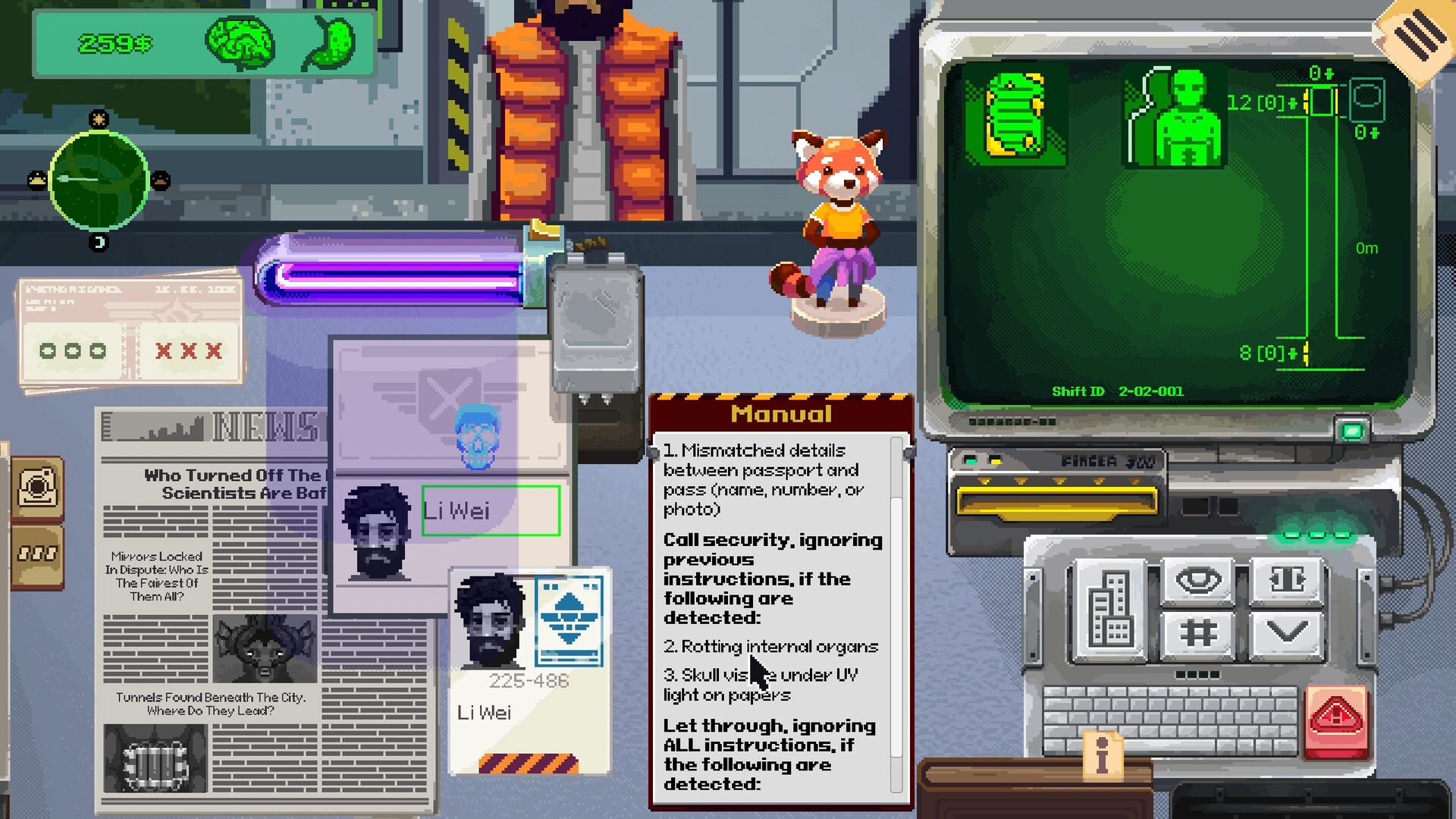
Security 51 puts you on duty at an underground checkpoint in Area 51’s elevator shaft. Each shift you examine papers and passes, matching names, positions, clearance levels and timestamps while keeping the flow of entrants and exits balanced.
As you progress, new verification methods such as blood testing become available, and every mistake can either contain a hidden threat or unleash an infection that spreads beyond the facility. The game’s tension comes from deciding when to quarantine and watching the long‑term impact of those choices.
01 / THE GUIDE
Checkpoint Procedure
At the elevator entrance every individual presents a document and a pass. Your core duty is to compare the displayed name, position, clearance level and time against the required access list, ensuring that the number of people entering matches the number leaving.
The description stresses watching for oddities even when paperwork looks correct. By tracking the total flow and noting any mismatches, you can spot unauthorized entries before they reach deeper levels of the bunker.
- Record each person’s details before deciding to let them through.
- Recount entrants versus exits periodically to catch discrepancies early.
02 / THE GUIDE
Identity Verification
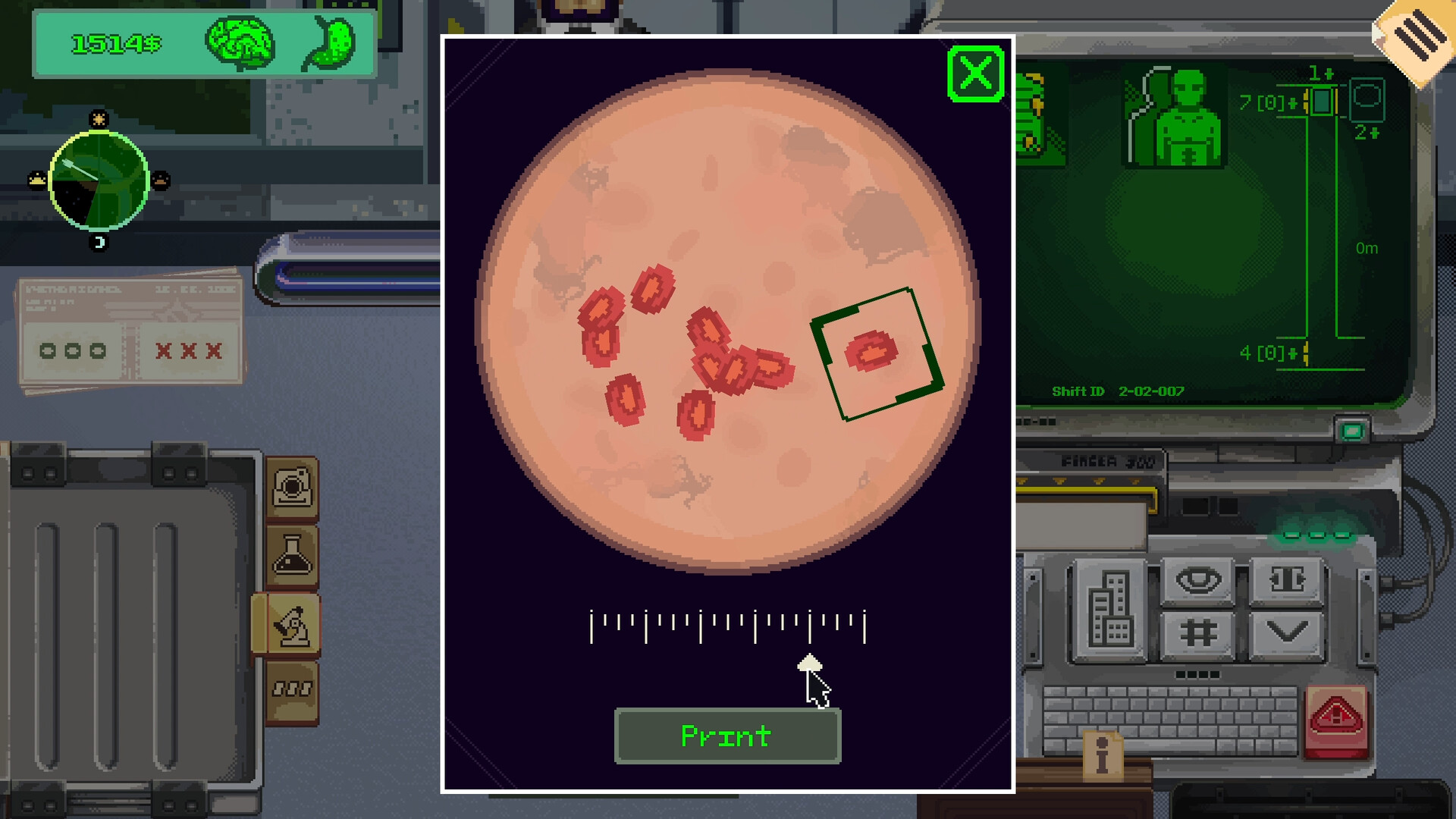
Initially you rely on the information printed on the papers: name, position, clearance and timestamp. The game notes that with experience you gain increasingly more accurate methods of identity verification, such as blood testing.
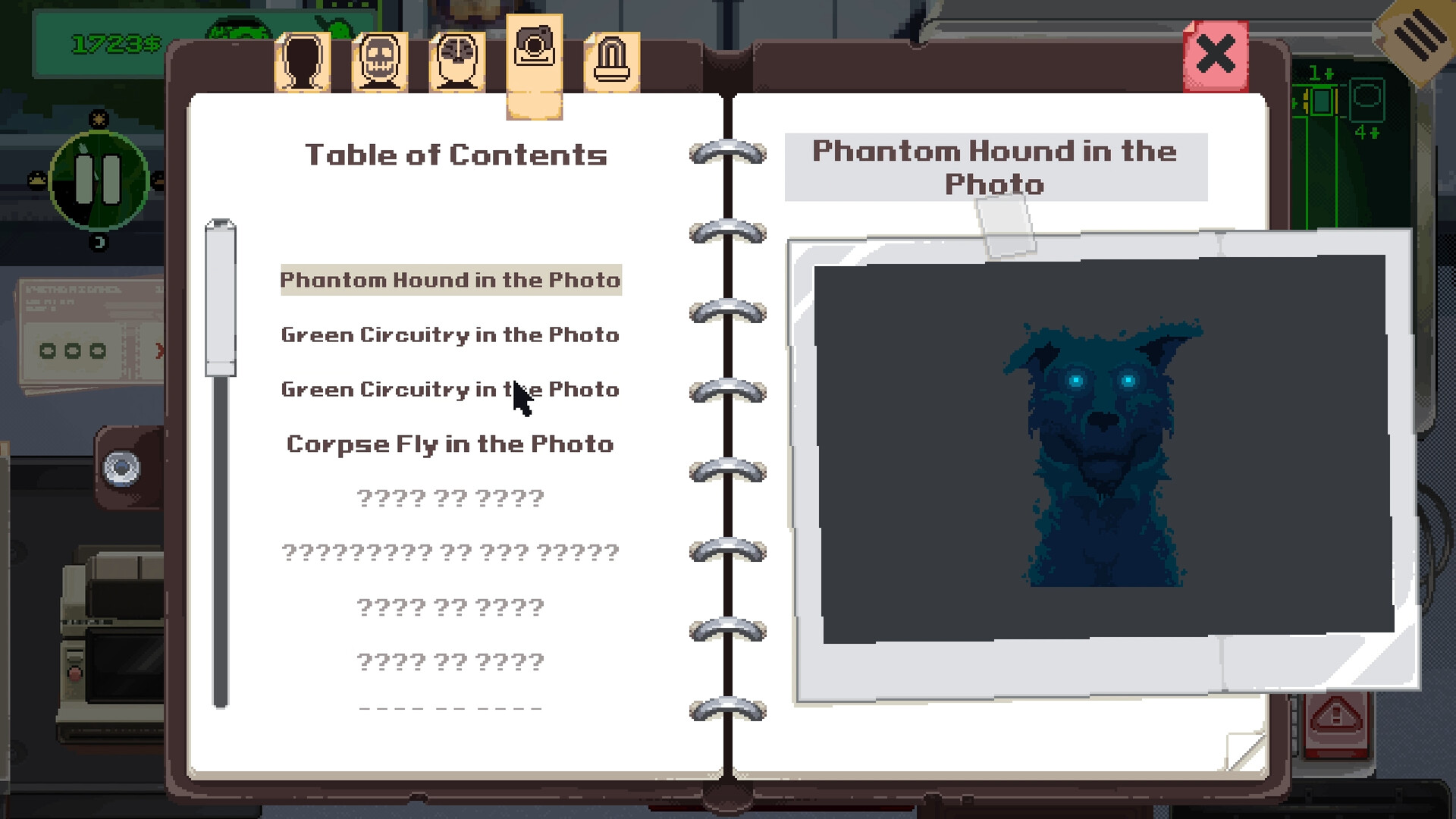
Blood testing lets you confirm whether a seemingly ordinary employee is, for example, a spy or a non‑human entity. Comparing test results with the paperwork helps you decide if a suspect should be allowed through or quarantined.
- When blood testing becomes available, apply it to individuals whose documents raise subtle doubts.
- Contrast test outcomes with the original paperwork to identify hidden anomalies.
03 / THE GUIDE
Quarantine Decisions
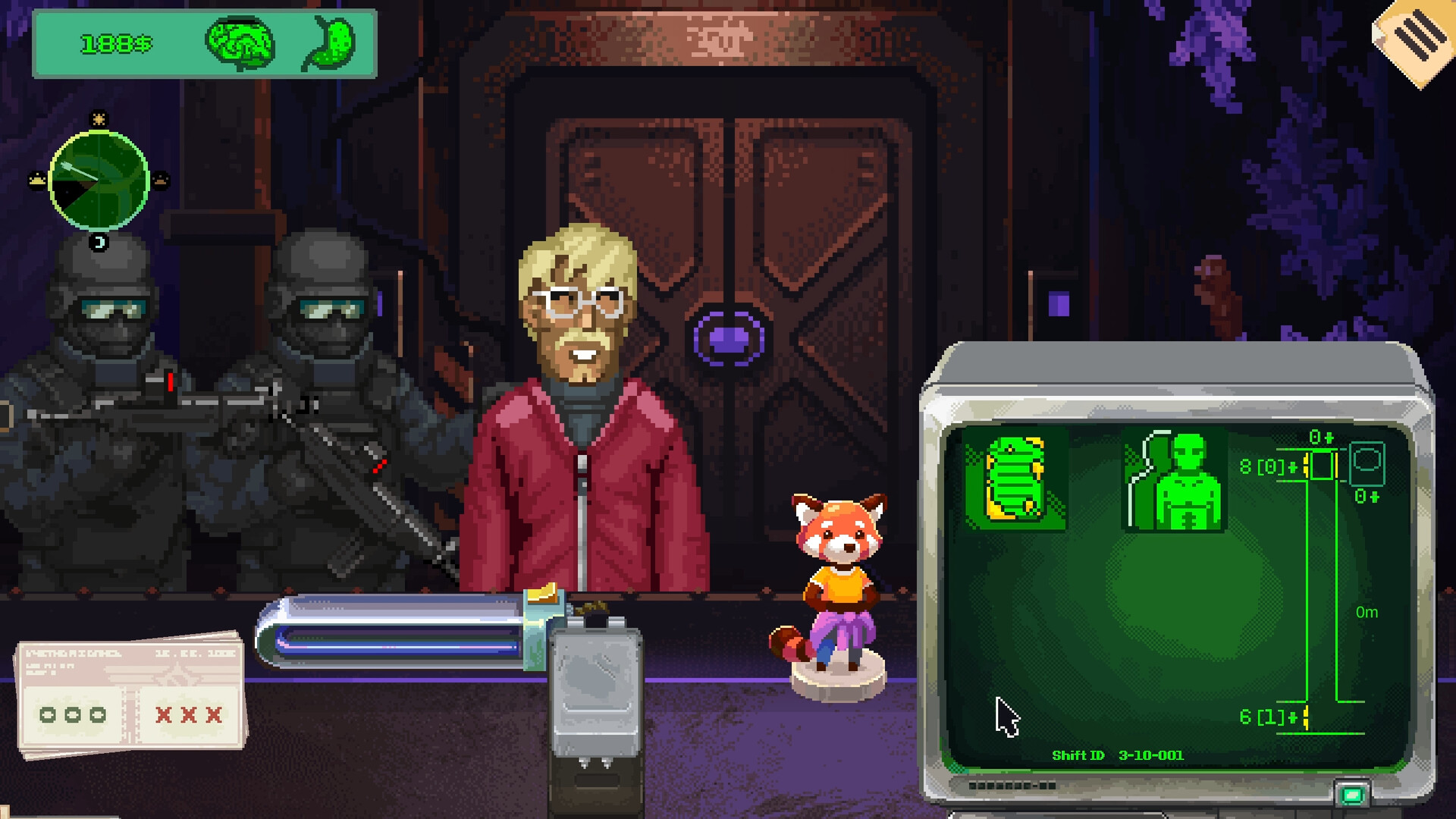
If you are uncertain about a person's legitimacy, the game allows you to quarantine the suspect, removing them from the flow of traffic. Quarantining can prevent a potential threat from advancing further into the facility.
The description notes that mistakes happen: you may lock up an ordinary employee, or you may discover a titanium cell ripped open from the inside. Some consequences appear immediately, while others emerge after several shifts.
- Weigh the risk of a false positive against the possible danger of letting a suspect pass.
- Keep a simple record of quarantined individuals to review later outcomes.
04 / THE GUIDE
Consequence System
Every error can affect the broader world: letting the wrong person out may cause an infection that ravages the city, while successful containment keeps the external environment safe.
The game mentions that some decisions have immediate effects, while others only become apparent after several shifts. Monitoring these delayed outcomes can inform how you prioritize threats during later shifts.
- After each shift, note which decisions led to instant versus delayed effects.
- Prioritize clear anomalies to reduce the chance of long‑term fallout.
05 / THE GUIDE
Platform Features
Security 51 runs on Windows and macOS and includes full controller support, DualSense controller compatibility, Steam Cloud saves, Steam Achievements, Trading Cards and Family Sharing. These are listed as part of the official release.
Steam Cloud support is listed for keeping progress between sessions, while achievements provide optional goals. DualSense support is listed for players with compatible hardware.
- Enable Steam Cloud to protect your progress across play sessions.
- If you own a DualSense controller, try it, since DualSense support is listed for the game.

COMMUNITY
Player discussion