 GameWiki
GET YOUR BEARINGS
About Sea Chronicles
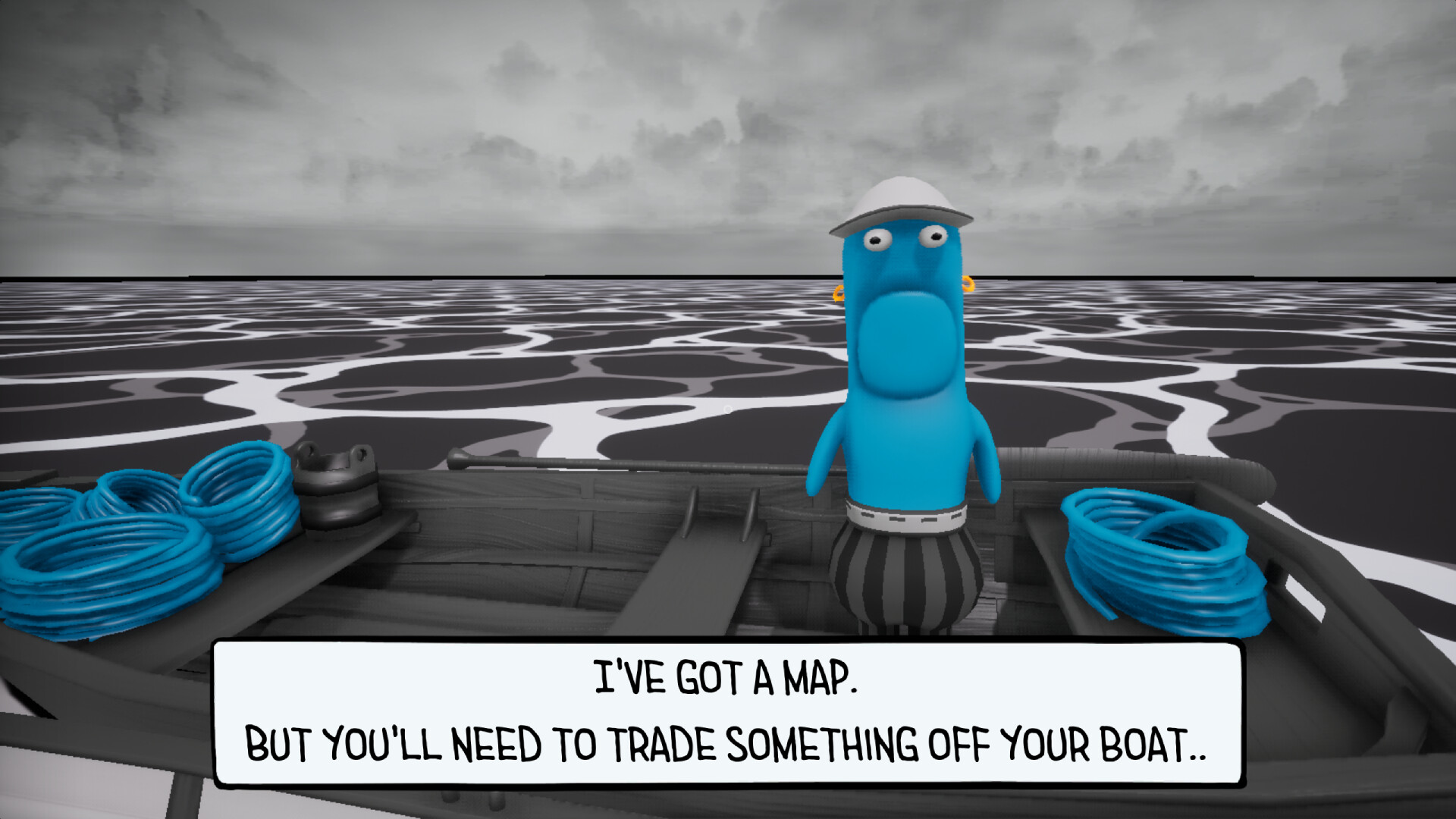
Stranded on a sinking vessel, you must improvise with a limited inventory to explore new areas, uncover secrets, and reach one of several endings. Every decision can lead to a wildly unexpected outcome, making each playthrough distinct. The game blends absurd humor, pop‑culture nods—especially to SpongeBob—and quirky puzzles. Along the way you’ll hunt bizarre bugs, some dangerous, and encounter many ridiculous ways to die, all wrapped in a single‑player adventure.
01 / THE GUIDE
Creative Item Combination
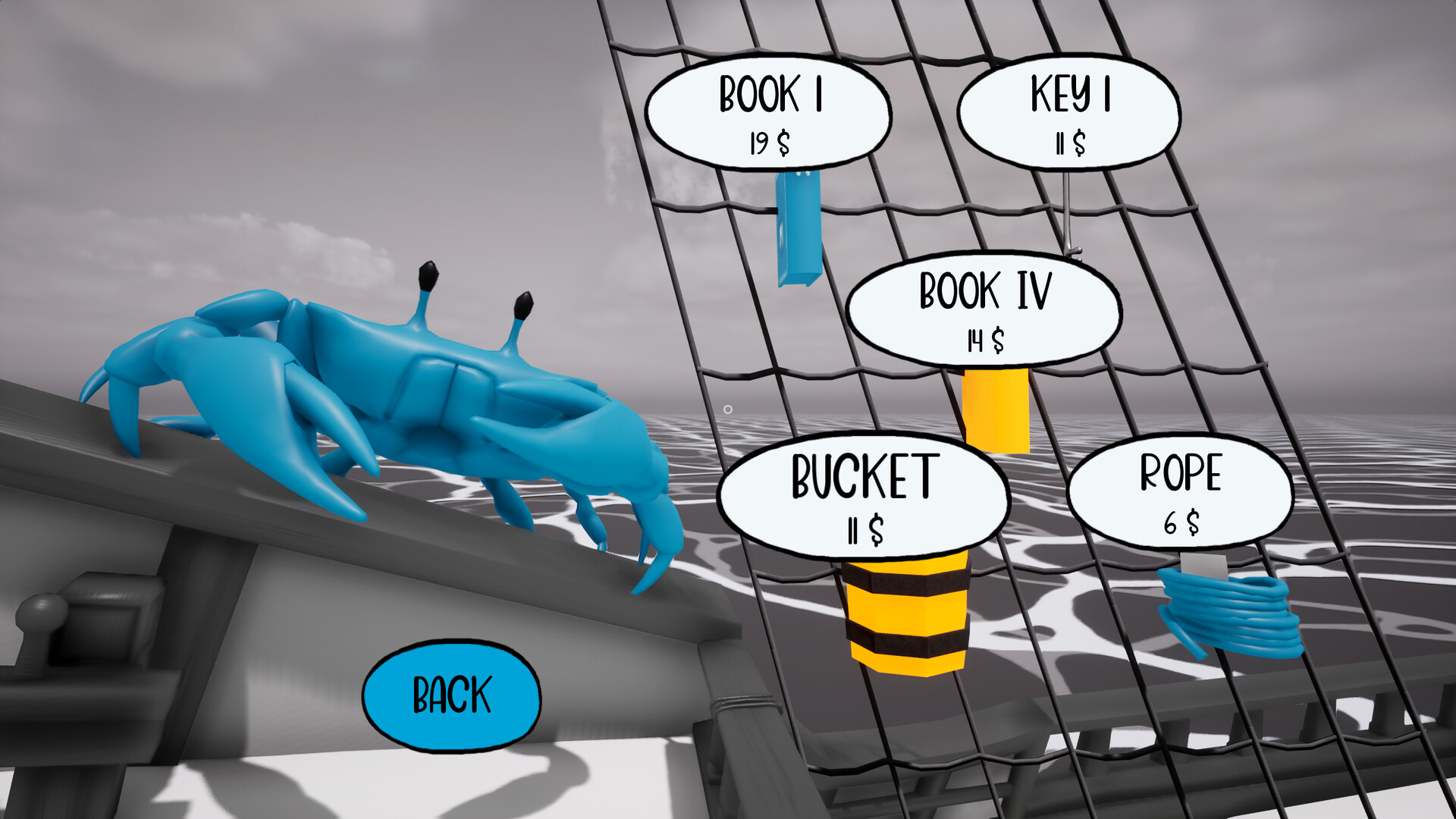
You start with a small set of items and must combine them in inventive ways to progress. New locations become accessible only after you discover the right combinations. The system encourages experimentation; the game encourages creative combining, so experimenting with different pairings may unlock hidden content.
- Try pairing items that seem unrelated; the game rewards unexpected logic.
- Keep track of failed attempts to avoid repeating the same dead ends.
02 / THE GUIDE
Bug Collecting
Scattered throughout the world are rare and ridiculous bugs. Some pose danger, while others are simply odd, and every bug is worth finding. Collecting bugs adds an extra layer of exploration, encouraging you to search every nook for these quirky creatures.
- Observe bug behavior before approaching; danger varies.
- Use your inventory creatively to capture or avoid them.
03 / THE GUIDE
Multiple Endings
Each choice you make can steer the story toward a different conclusion. The game features several endings, each reflecting the cumulative impact of your decisions. Because outcomes are tied to player actions, replaying can reveal new narrative branches and surprise twists.
- Take note of key decision points; they often lead to distinct endings.
- Experiment with different item combos to see how endings shift.
04 / THE GUIDE
Absurd Humor and Puzzles
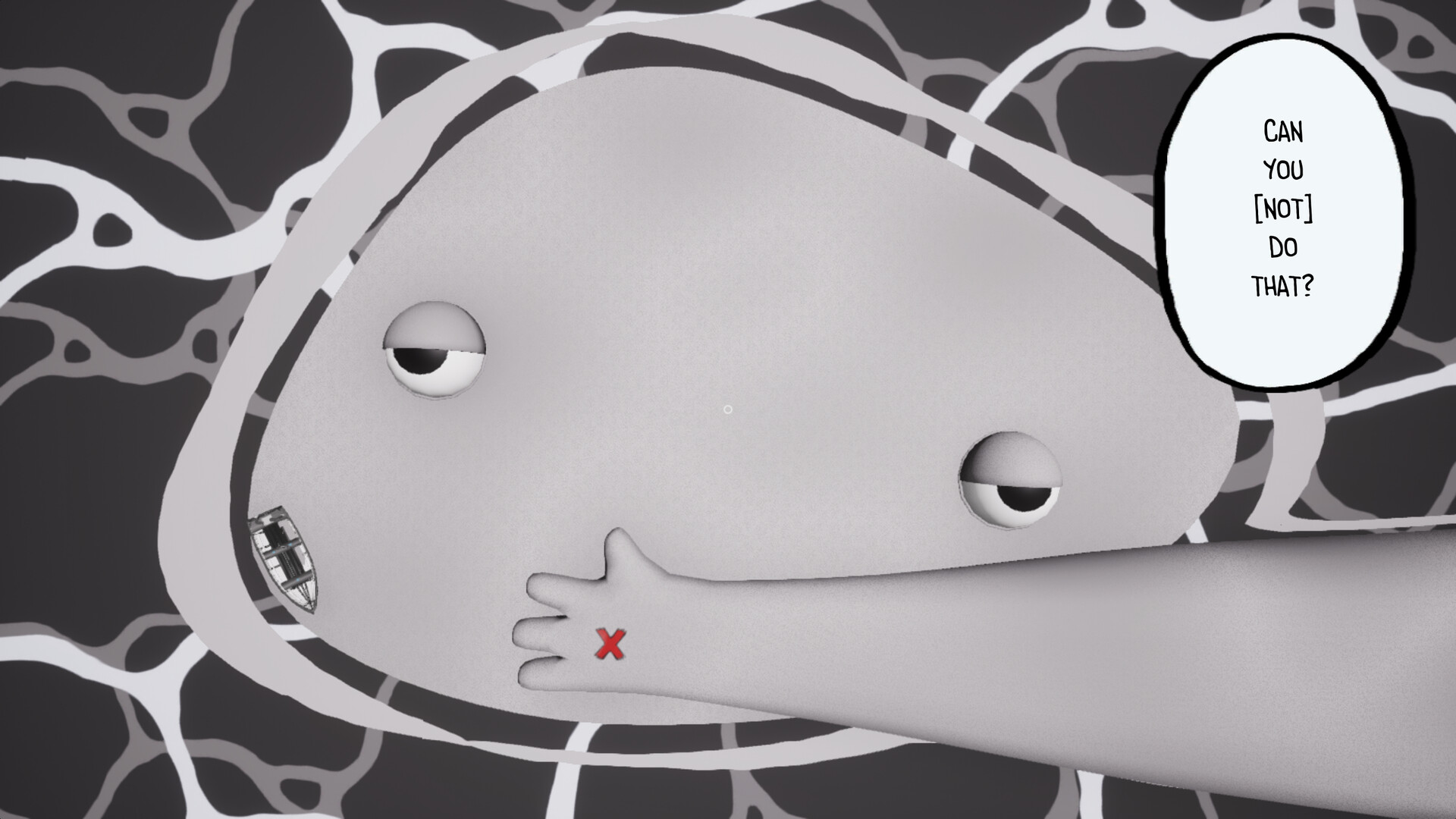
The game delivers bizarre challenges and unpredictable twists, often resulting in “lmao” moments. Humor is woven into puzzles, making failure feel entertaining rather than frustrating. Puzzles are designed to be strange, encouraging you to think outside conventional logic while enjoying the comedic tone.
- Embrace failure as part of the humor; it often hints at the next solution.
- Look for visual jokes that may double as puzzle clues.
05 / THE GUIDE
Pop‑Culture References
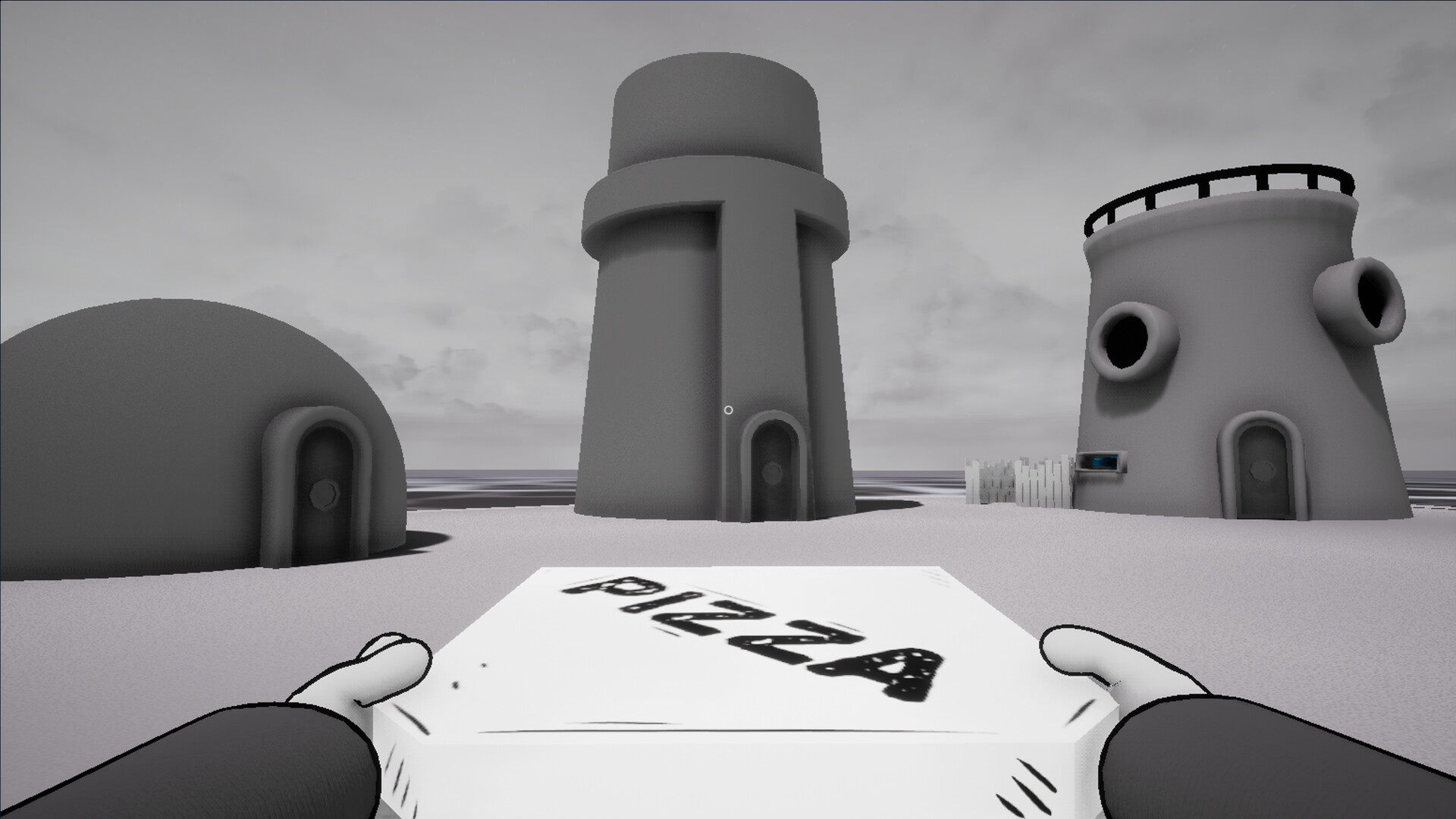
The world is filled with quirky, nostalgic nods, especially to SpongeBob, rewarding players who spot easter eggs. These references add a layer of fun discovery beyond core gameplay. These references enhance the overall experience with familiar humor as you look for easter eggs along the way.
- Scan backgrounds for subtle SpongeBob cues; they often hide jokes.
- Discuss findings with friends to uncover references you missed.
COMMUNITY
Player discussion