 GameWiki
GET YOUR BEARINGS
About Scriptorium: Master of Manuscripts
Scriptorium: Master of Manuscripts puts you in a medieval illuminated‑manuscript workshop where you can design pages at your own pace. There are no timers or pressure, so you can focus on arranging assets and lettering.
The game offers two main ways to play: Story Mode, where you receive commissions from a colorful cast of patrons, and Sandbox Mode, a free‑form “medieval Canva” with the full asset library and no client requests.
01 / THE GUIDE
Story Mode Commissions
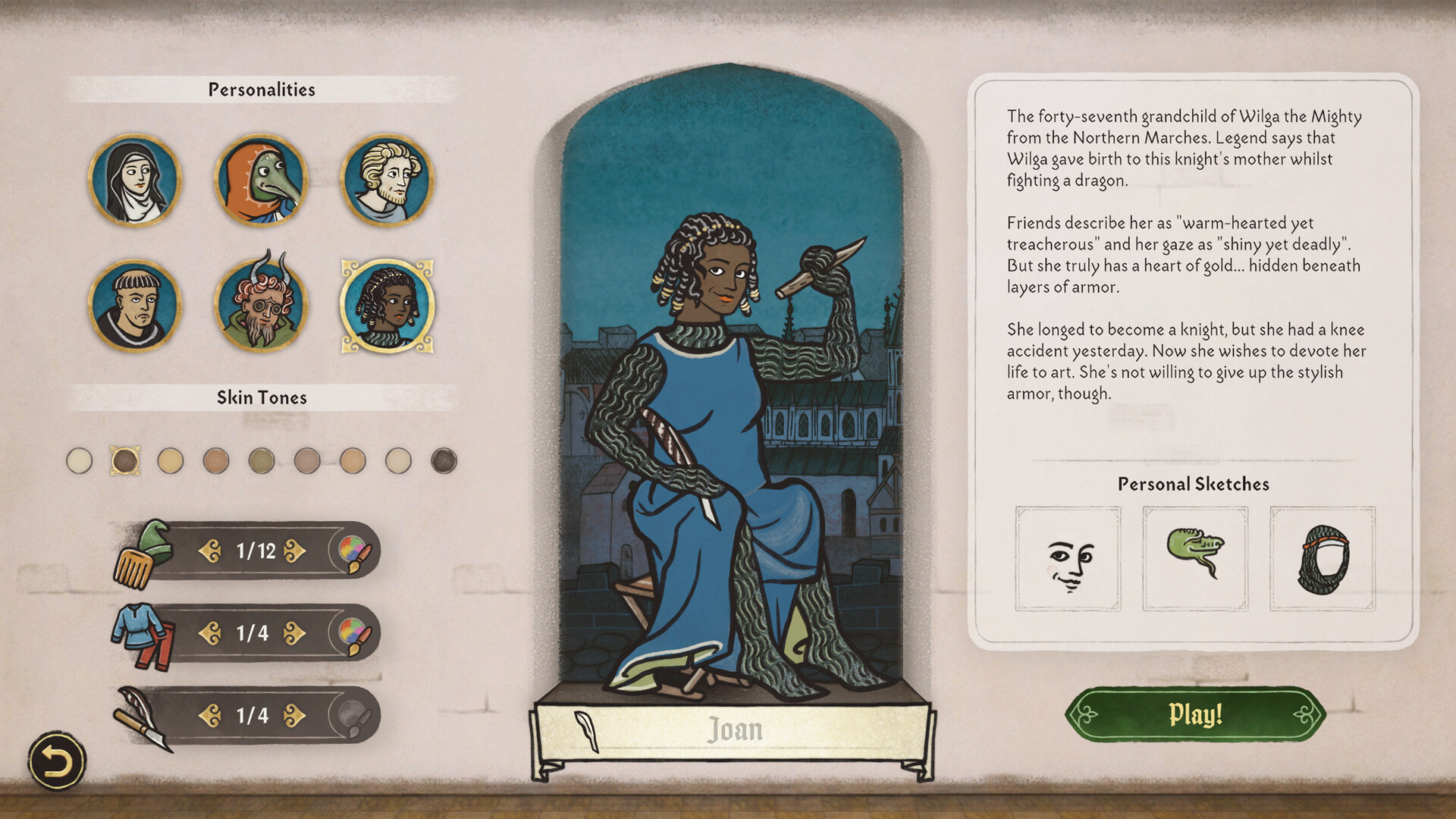
In Story Mode you first create a character and then receive requests from a diverse group of patrons. Each commission asks you to illustrate a specific scene—battles, love letters, maps, or other medieval motifs—using the drag‑and‑drop asset library and medieval fonts.
Your finished illustrations become part of a kingdom‑wide drama, and the description notes that “the customer is always right.” The description says your art can become celebrated by bards and historians for centuries to come.
- Read the client brief fully before selecting assets.
- Match the requested mood with parchment tone for stronger impact.
02 / THE GUIDE
Sandbox Mode Freedom
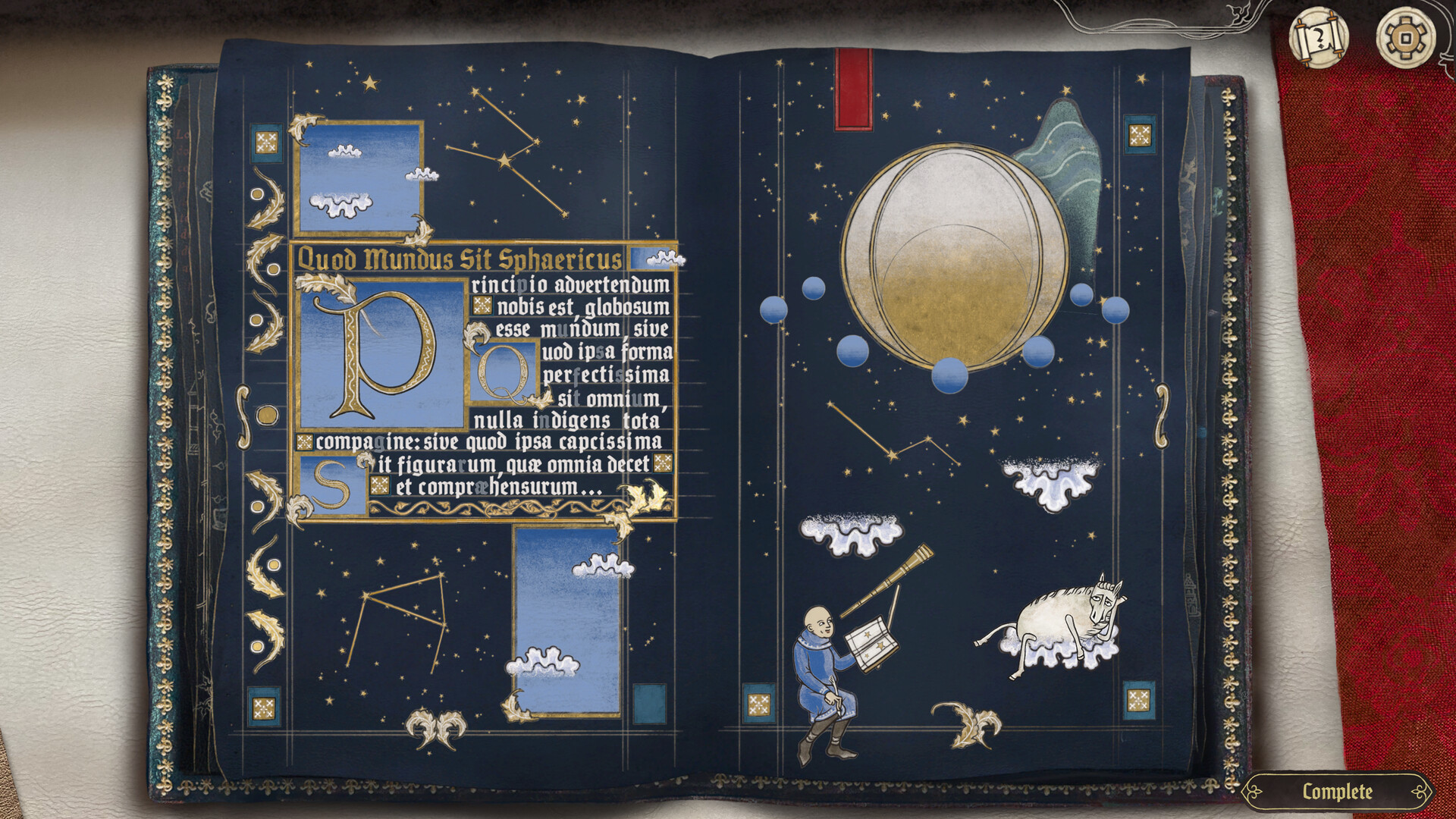
Sandbox Mode removes client requests, giving you a blank parchment and access to the entire library of medieval assets. You can choose parchment colour, shape, and size, then drag and drop any elements you like.
The mode is described as a medieval “Canva,” ideal for experimenting with layouts, practicing techniques, or creating pieces purely for personal enjoyment before sharing them online.
- Combine assets from different categories for unexpected results.
- Use the full library to explore historical illustration styles.
03 / THE GUIDE
Composition Screen Tools
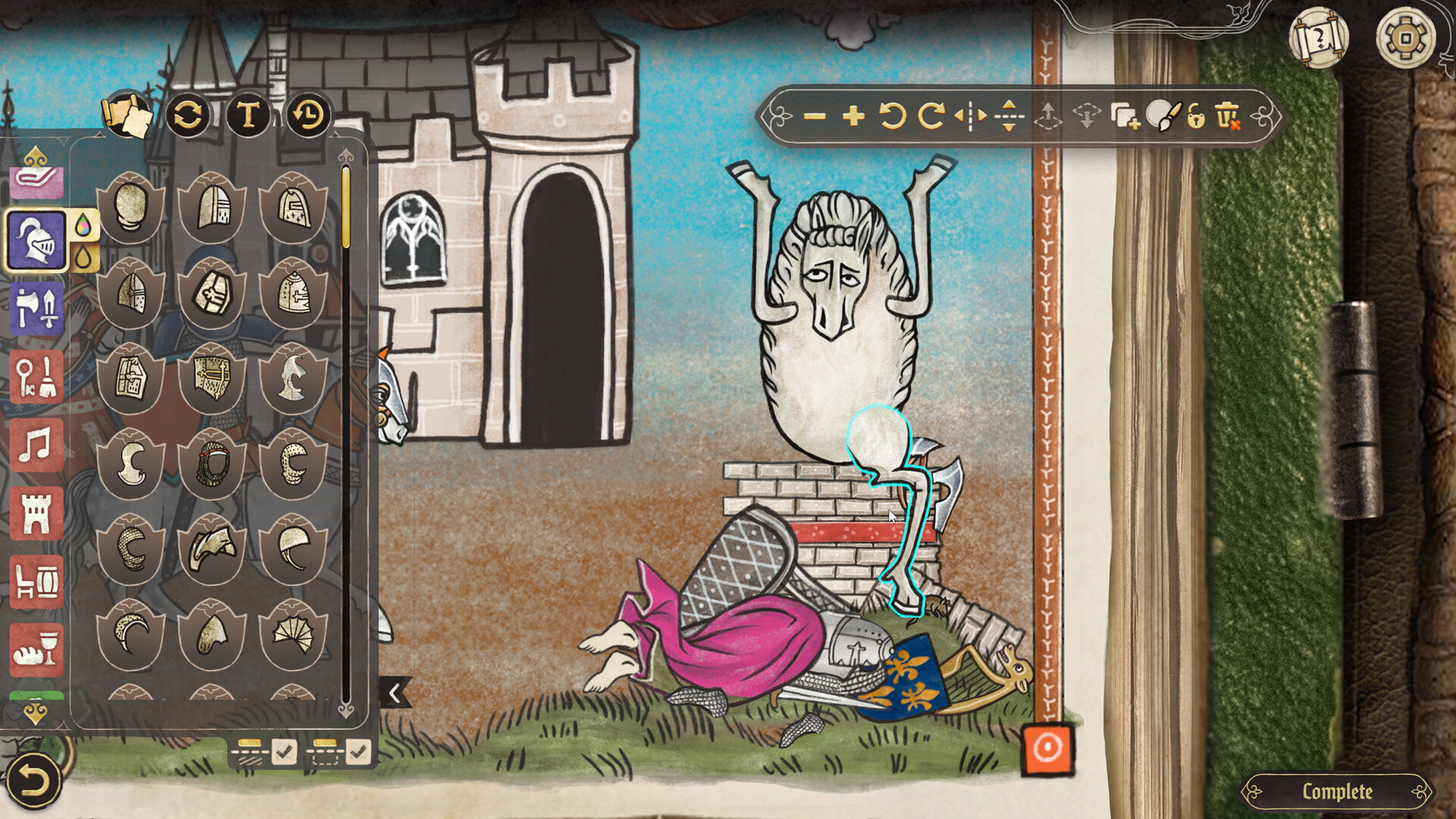
The composition screen is the creative hub where you select light or dark parchment, adjust its shape and size, and place design elements directly onto the canvas. Text can be added with medieval fonts that feature ornate uppercase letters.
Placement is performed by dragging and dropping from a library of over 1,000 pictures, including beasts, characters, vegetation, and decorative marginalia, allowing precise control over each element.
- Layer elements before adding text to keep a clear visual hierarchy.
- Switch between light and dark parchment to test contrast.
04 / THE GUIDE
Workshop Customisation
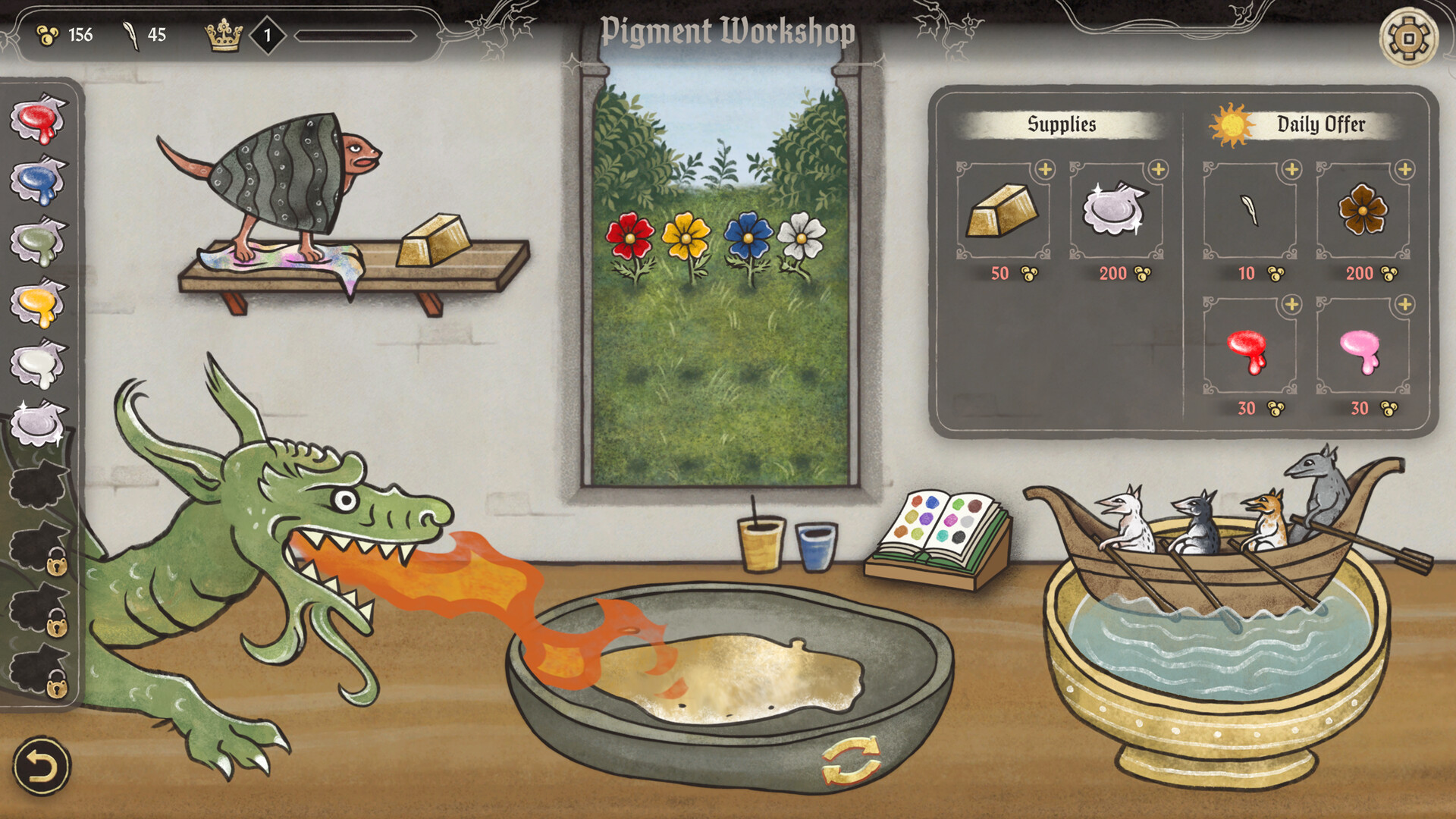
Earnings from commissions let you furnish your scriptorium with items such as furniture, lighting, tapestries, flowers, windows, columns, and carpets. These decorations let you turn your scriptorium into the coziest workshop in the kingdom.
You can also adopt a pet companion—a cat, dog, or tiny dragon—to personalize the space, making the workshop feel like a personal studio.
- Mix lighting styles to create a mood that matches your current project.
- Choose furniture that complements the visual theme you enjoy working with.
05 / THE GUIDE
Saving and Sharing Art
Completed pages can be saved to an in‑game gallery and exported as PNG files optimized for printing and social sharing. This lets you keep a personal archive or showcase your work online.
The export format is optimized for printing and social sharing, so you can share your creations without additional conversion steps.
- Organise your gallery into themed collections for easier sharing.
- Check the exported PNG on different devices to ensure colours appear as intended.

COMMUNITY
Player discussion