 GameWiki
GET YOUR BEARINGS
About Scribblenauts Unlimited
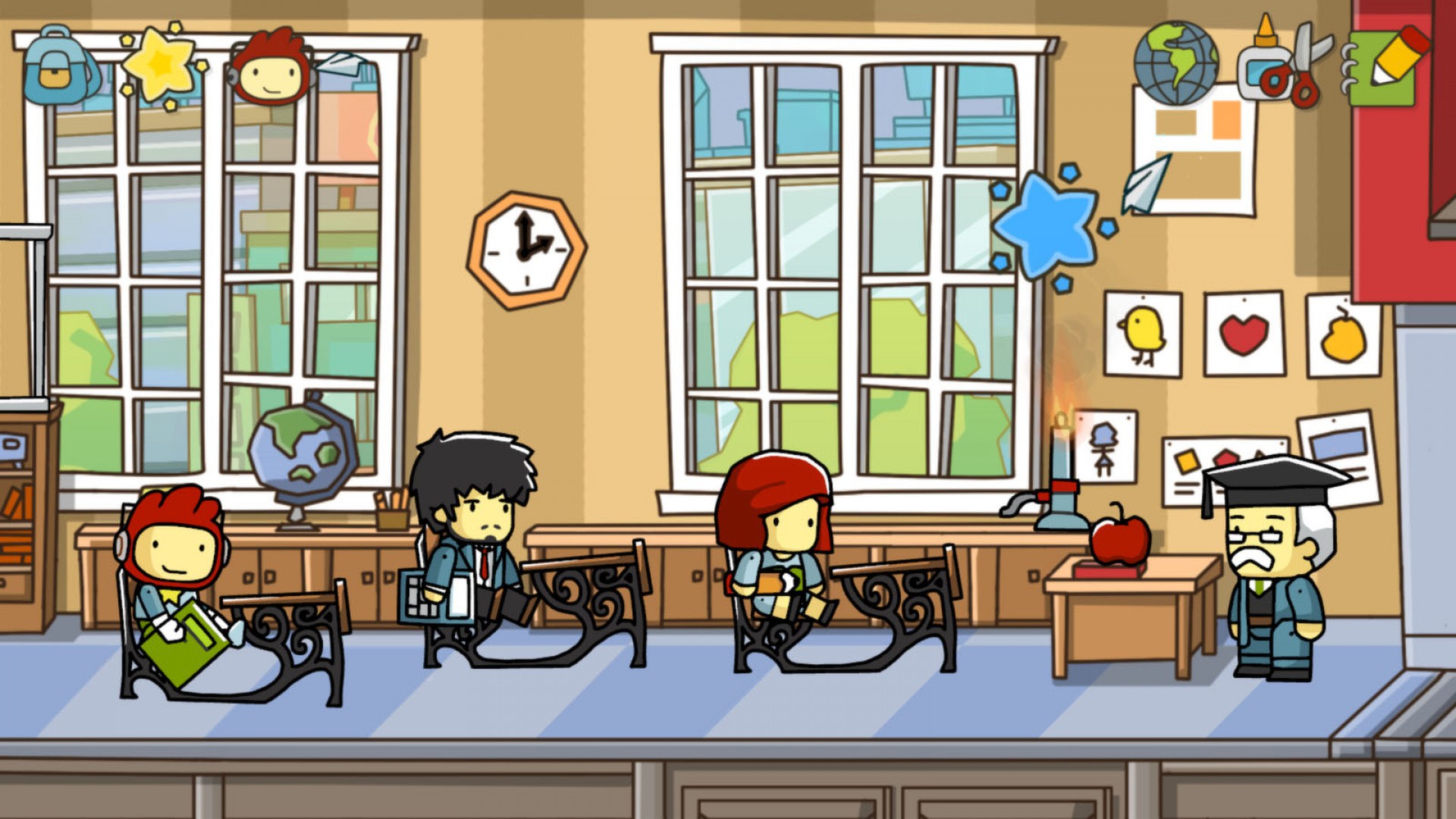
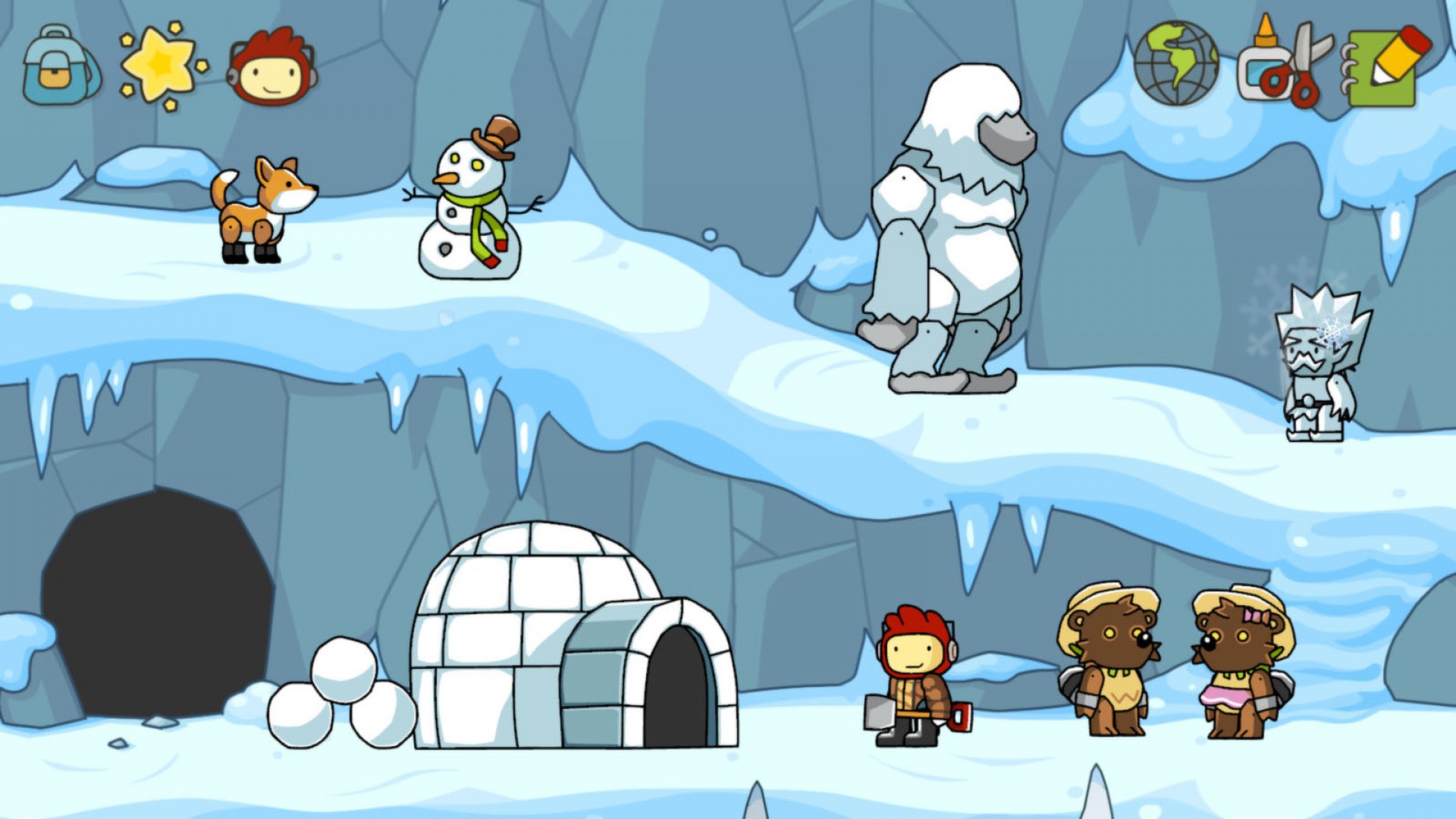
Scribblenauts Unlimited brings the award‑winning franchise to PC in HD, letting players roam a wide‑open world where imagination is the main tool. Maxwell solves puzzles by summoning any object you can think of, and the game includes a back‑story about his family and magical notepad.
The title features an Object Creator for custom items, a Magic Backpack to store them, and a Merit Board that offers hints and a Starite Vision helper. All content is single‑player and integrates with Steam services such as Workshop, Achievements, and Cloud saves.
01 / THE GUIDE
Object Creator
The Object Creator lets you design original items, assign unique properties, and then use them in game. Created objects can be shared online through Steam Workshop for others to use or modify.
Sharing is optional but encourages community creativity, as any player can import objects created by others into their own playthroughs. This system expands the puzzle‑solving possibilities beyond the built‑in library.
- Experiment with unusual property combinations to discover novel puzzle solutions.
- Browse the Workshop for objects that match themes you want to explore.
02 / THE GUIDE
All‑New Unbound World
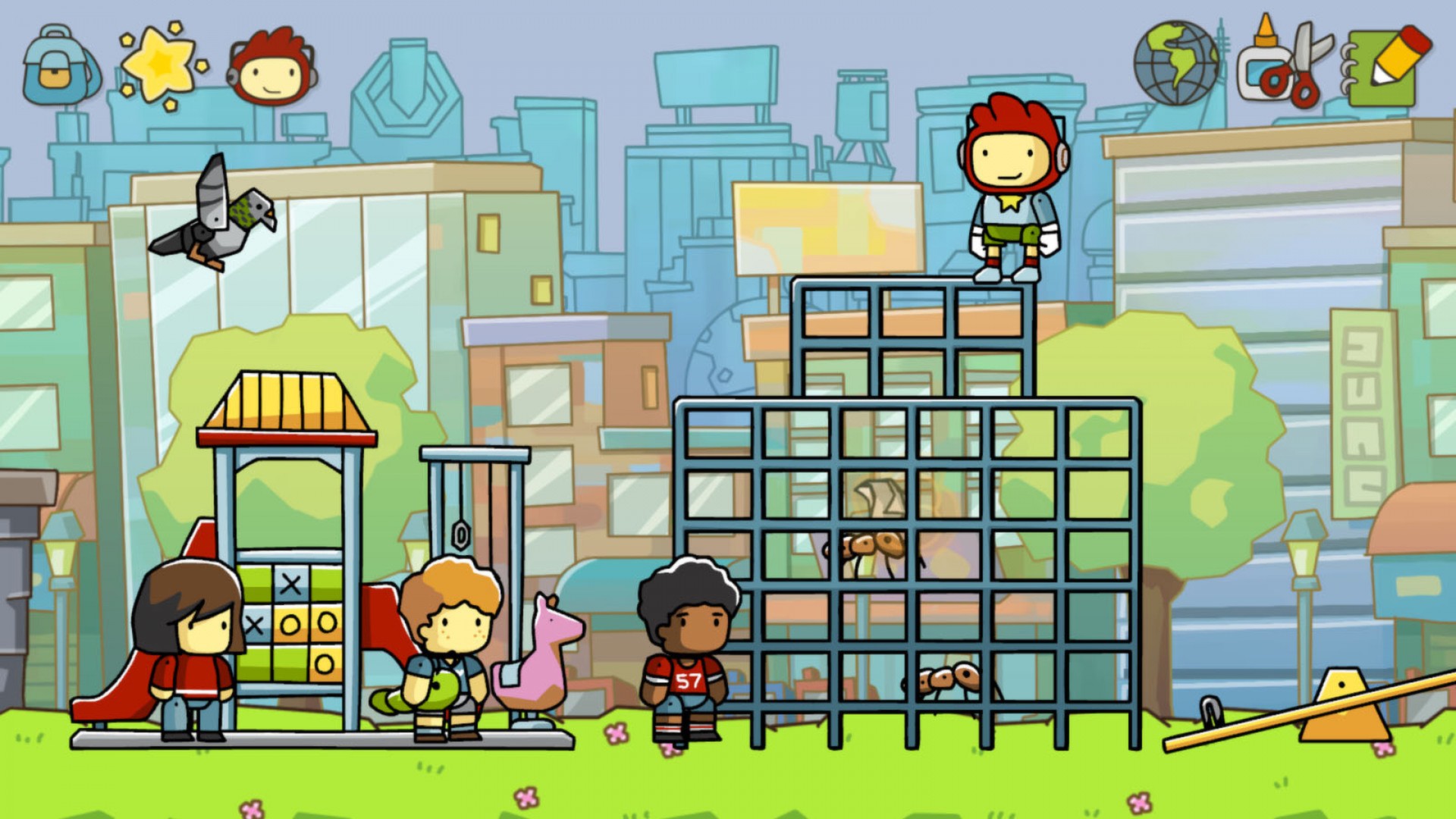
The Unbound World is an open universe where each level serves as a sandbox for exploration and puzzle creation. The free-roaming design supports unlimited hours of play as you experiment with summoned items.
Because the world is free‑roaming, you can approach challenges from any direction, using the objects you create or find. This openness encourages creative problem‑solving without a prescribed path.
- Take time to explore each area for hidden starites and shards.
- Use the open layout to test multiple object interactions in one session.
03 / THE GUIDE
Magic Backpack
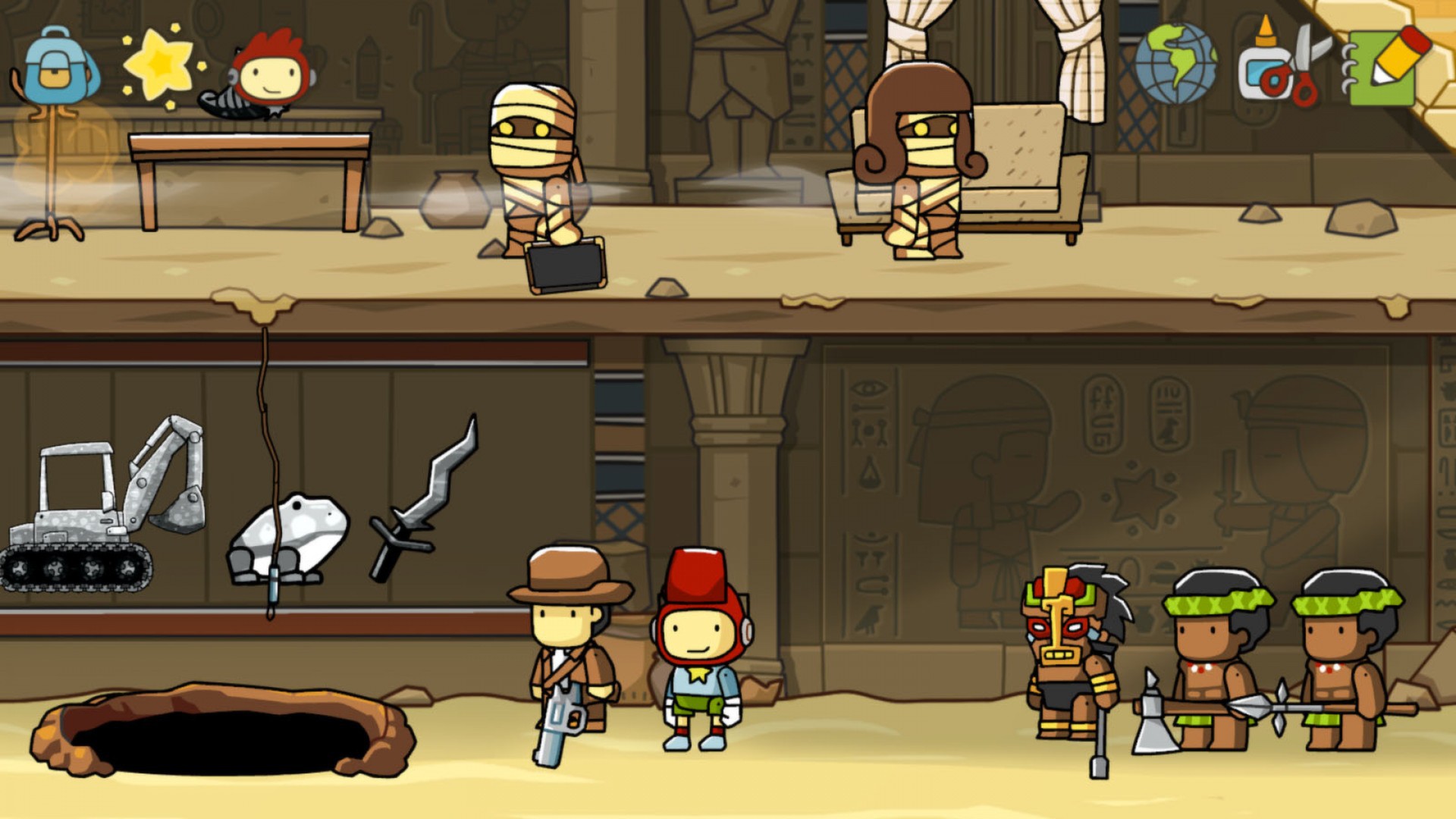
Maxwell’s Magic Backpack stores both summoned objects and those you have created. The library provides quick access to previously used items, streamlining repeated puzzle attempts.
Having a personal inventory means you can retrieve objects without re‑typing their names, which speeds up experimentation and reduces repetitive input during complex challenges.
- Organize frequently used objects in the backpack for faster recall.
- Rely on the backpack's quick access to previously used items during puzzles.
04 / THE GUIDE
Merit Board
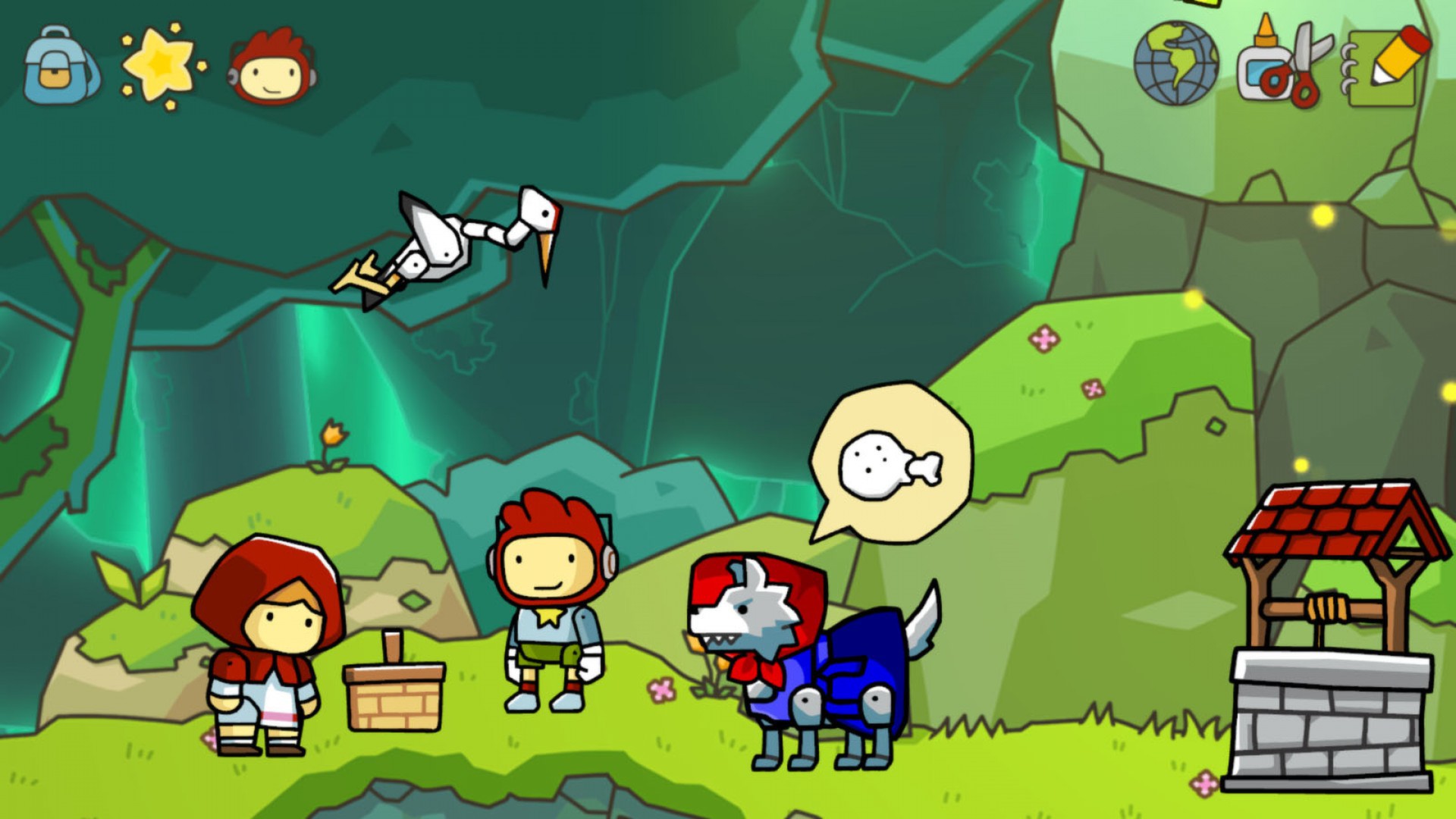
Each world includes a Merit Board that lists hints and highlights nearby starites and starite shards via the Starite Vision helper. This feature assists players in locating collectibles and understanding level objectives.
The board’s comprehensive hint list can be consulted at any time, offering guidance without forcing a specific solution, which supports both novice and experienced players.
- Check the Merit Board before tackling a difficult puzzle for hidden clues.
- Use Starite Vision to locate shards you might otherwise miss.
05 / THE GUIDE
Steam Integration
Scribblenauts Unlimited supports Steam Achievements, Trading Cards, Workshop sharing, Cloud saves, and Family Sharing. These features enhance replay value and allow progress to be stored online.
Steam Cloud is listed for the game, and Family Sharing lets other accounts on the same device access the game without purchasing a separate copy.
- Steam Cloud is among the game's listed Steam features.
- Collect Trading Cards for a visual record of your playtime.
COMMUNITY
Player discussion