 GameWiki
GET YOUR BEARINGS
About SCREENSIDE FISHER
SCREENSIDE FISHER is a free‑to‑play desktop fishing game that runs in a corner of your screen while you work or handle daily tasks. You can place the character anywhere on the desktop and let the game run in the background.
When a fish bites, the character signals you, and you can start a timing mini‑game to reel it in. Caught fish can be sold or used as cooking ingredients, letting you fill a Fish Encyclopedia and a Recipe Encyclopedia.
01 / THE GUIDE
Gameplay Basics
The core loop lets you position the character on the desktop and wait for fish to bite. A visual cue from the character tells you when a bite occurs, after which you may begin the reel‑in mini‑game.
You can keep the character on screen while you attend to other applications, making the game suitable for short breaks or longer sessions without requiring dedicated playtime.
- Place the character where it does not cover important windows.
- Observe the bite cue before starting the mini‑game to avoid missing a catch.
02 / THE GUIDE
Fishing Mini‑Game
When a bite is signaled, you engage a timing mini‑game to reel the fish in. Success depends on hitting the correct moment, after which the fish is added to your collection.
Each successful catch contributes to the Fish Encyclopedia, and the fish can later be sold or used as an ingredient for cooking recipes.
- Watch the timing indicator closely to improve consistency.
- Practice a few catches to learn the rhythm of the mini‑game.

03 / THE GUIDE
Cooking & Recipes
Caught fish become ingredients for cooking. By combining various ingredients you can discover new recipes, aim for higher star ratings, and fill the Recipe Encyclopedia.
Aiming for higher star ratings gives you a goal as you experiment with different ingredient combinations.
- Mix different fish with other ingredients to unlock new recipes.
- Track star ratings to see which combinations yield the best results.
04 / THE GUIDE
Shopkeepers & Upgrades
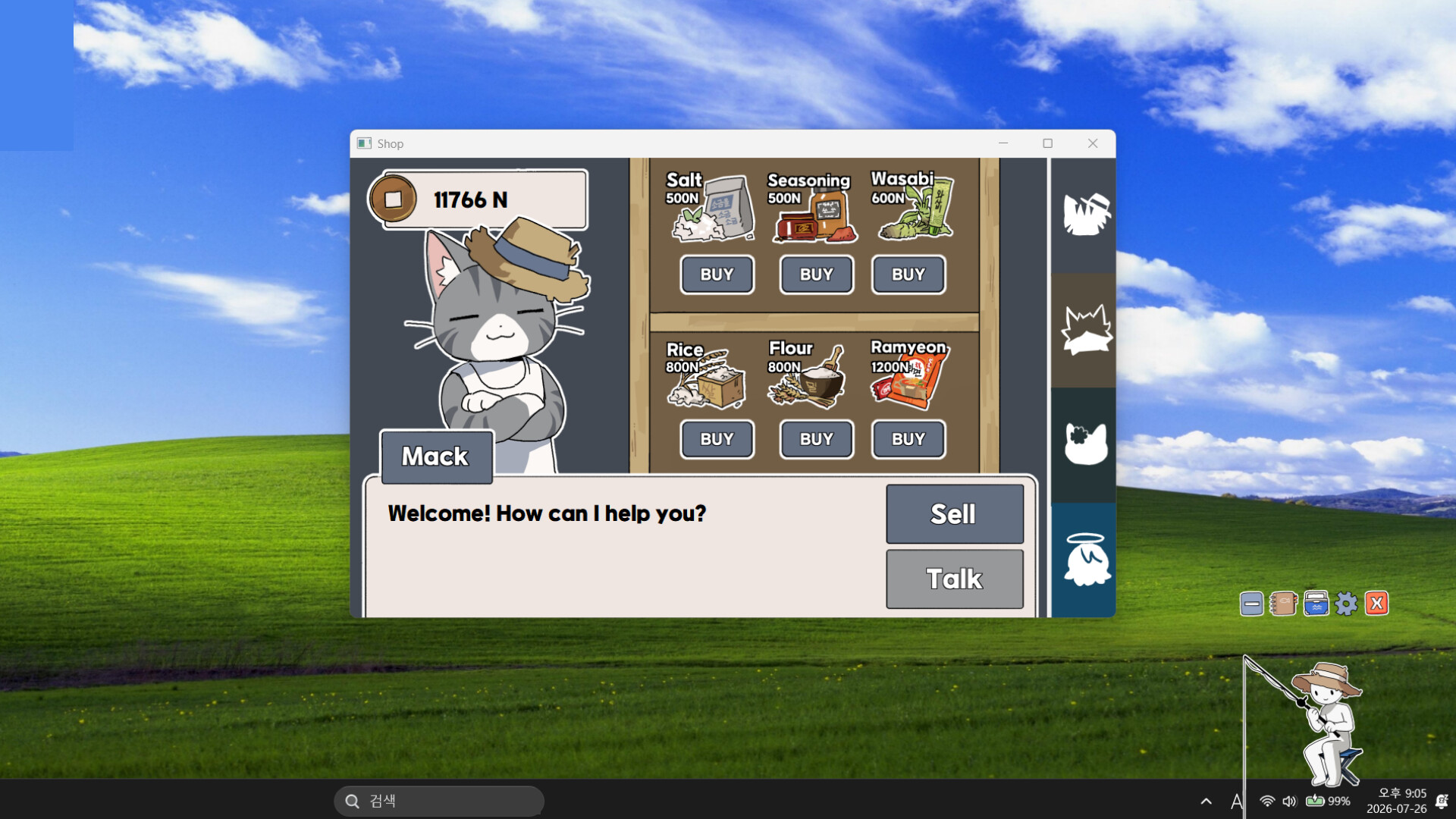
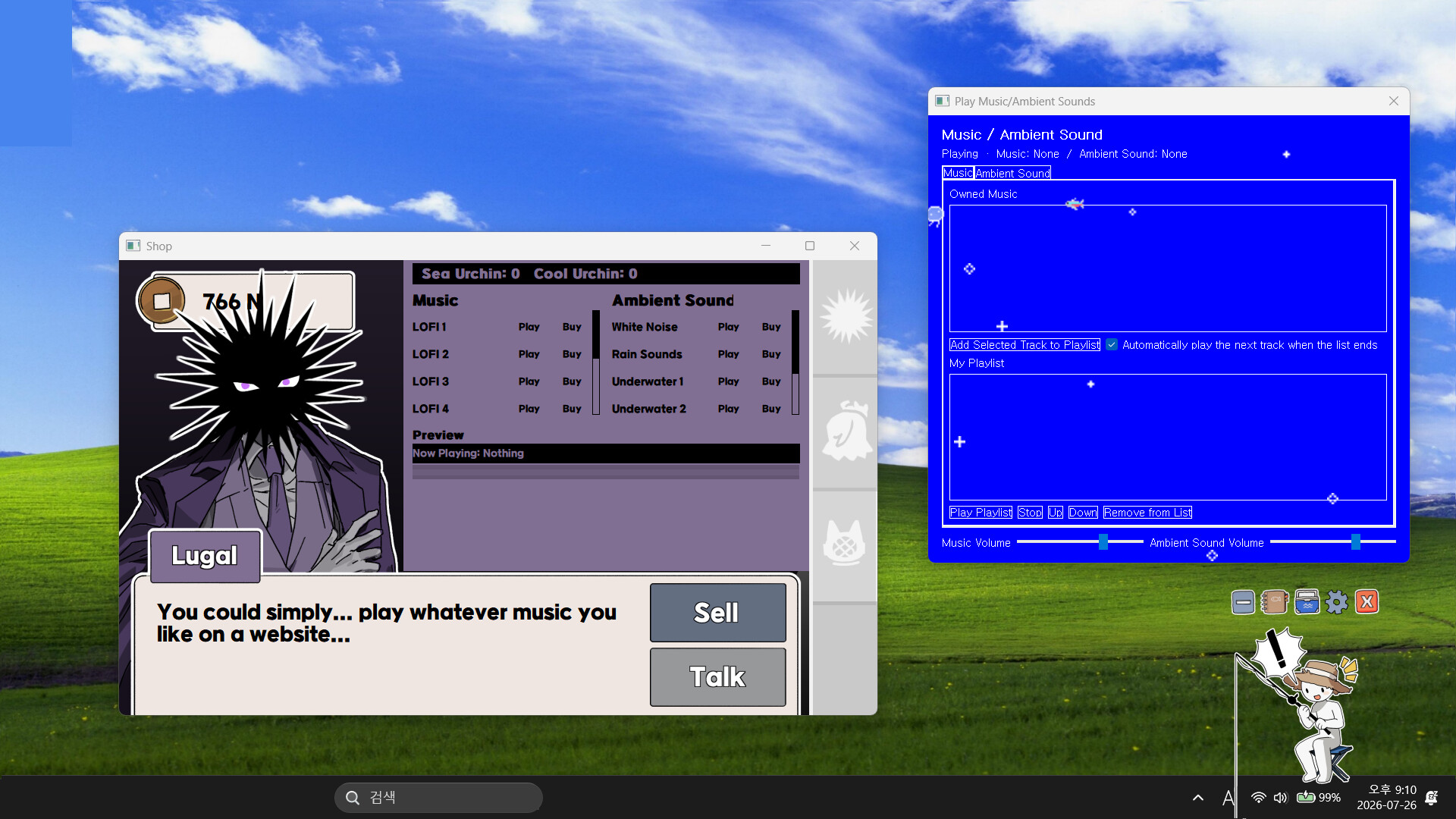
Money earned from selling fish or dishes can be spent on new fishing rods, upgrades, cooking ingredients, music, and ambient soundscapes. Meeting shopkeepers and fulfilling special conditions unlocks additional shops and bonus features.
These purchases expand your options for both fishing efficiency and culinary variety, letting you shape the game to your preferences.
- Check each shopkeeper’s conditions regularly to see what unlocks are available.
- Consider upgrades that match the activity you enjoy most, whether fishing or cooking.
05 / THE GUIDE
Customization
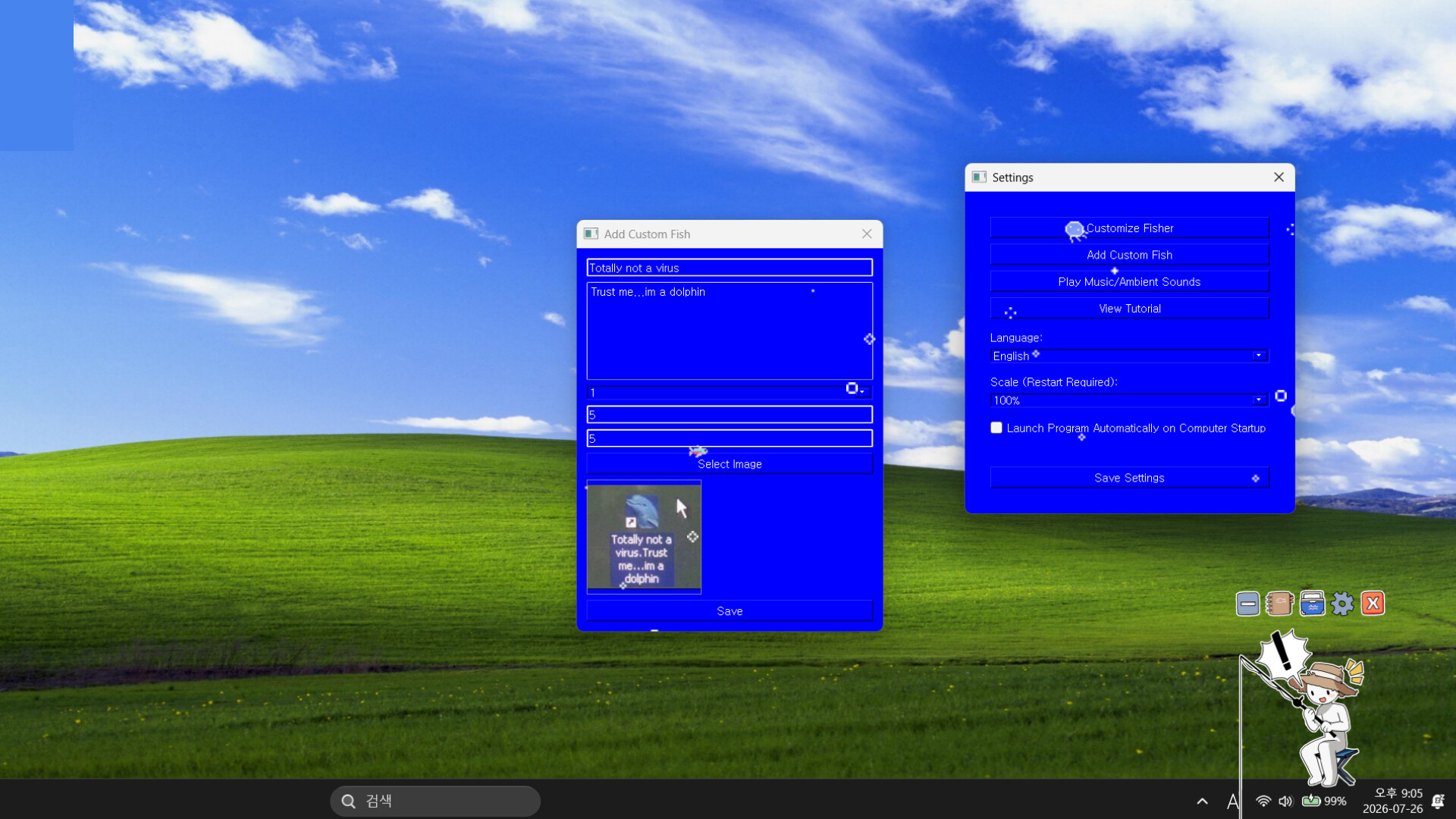
The game includes built‑in tools for visual personalization. You can decorate your character’s skin with your favorite images and add custom fish, assigning names, sizes, and artwork directly in the game.
These customization options let you personalize your character and fish collection in the game.
- Choose images that complement your workstation aesthetic.
- Create custom fish artwork to give your collection a unique look.

COMMUNITY
Player discussion