 GameWiki
GET YOUR BEARINGS
About Screen Cat
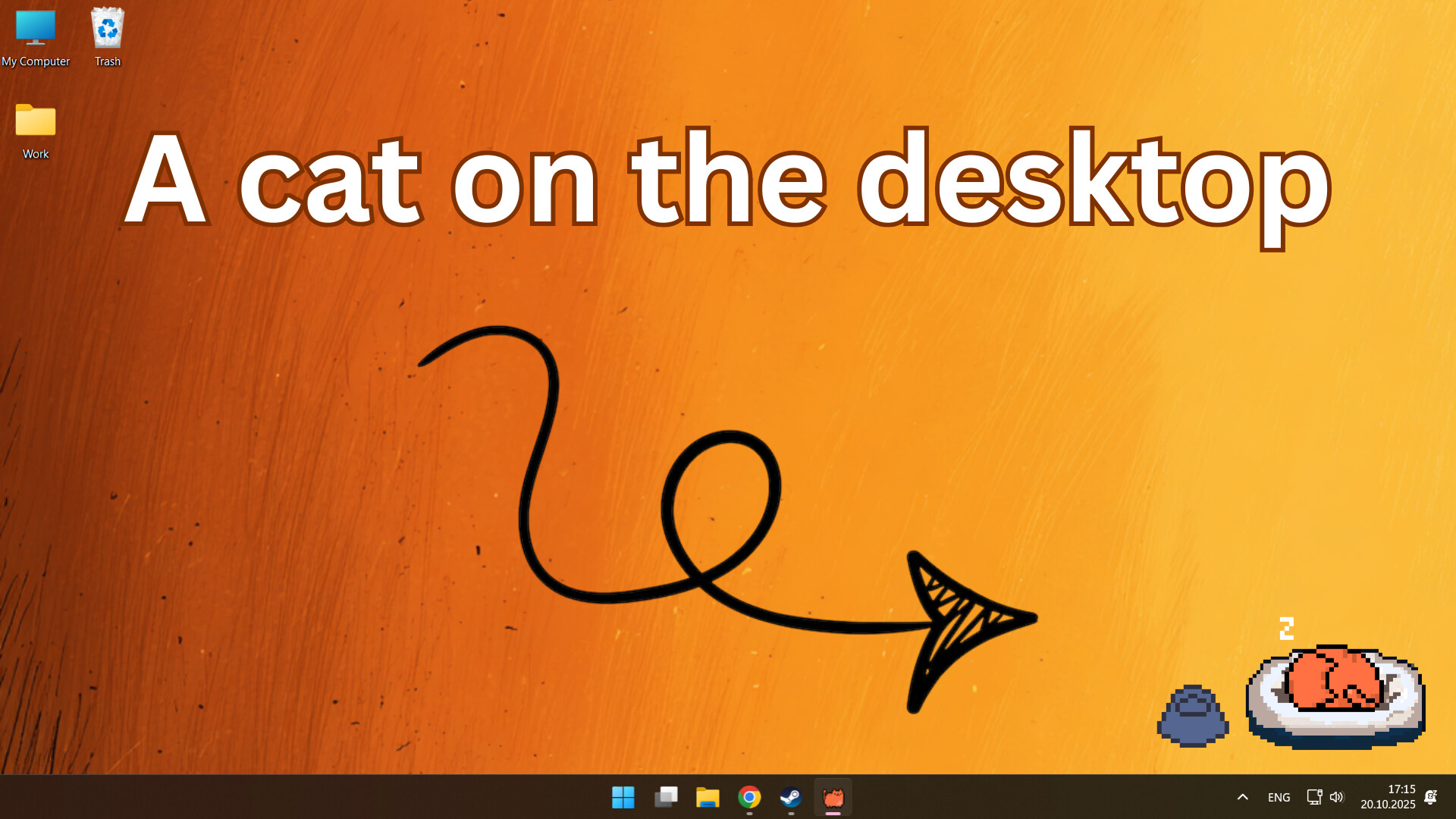
Screen Cat places a virtual feline on your Windows desktop, where it roams, plays, and reacts while you work, study, or game. You can pick from eleven distinct cats, each with its own look, and keep it happy by feeding, petting, and letting it sleep.
The cat may wander "beyond the screen" and return with rare collectible items that include short stories. Full visual customization, such as hats and new sounds, is supported, and the Steam Workshop lets the community add further accessories.
01 / THE GUIDE
Choosing Your Cat
The game provides eleven unique cats, ranging from a striped mischief‑maker to a fluffy aristocrat, allowing you to select a visual style that matches your preference. Each cat appears on the desktop and roams freely around your screen.
You pick from the eleven available cats, letting you start with the one that best fits your taste. The choice determines the cat’s appearance.
- Try different cats on separate days to see which animation you find most pleasant.
- Consider how each cat’s color palette works with your desktop background for clear visibility.
02 / THE GUIDE
Desktop Roaming and Toys
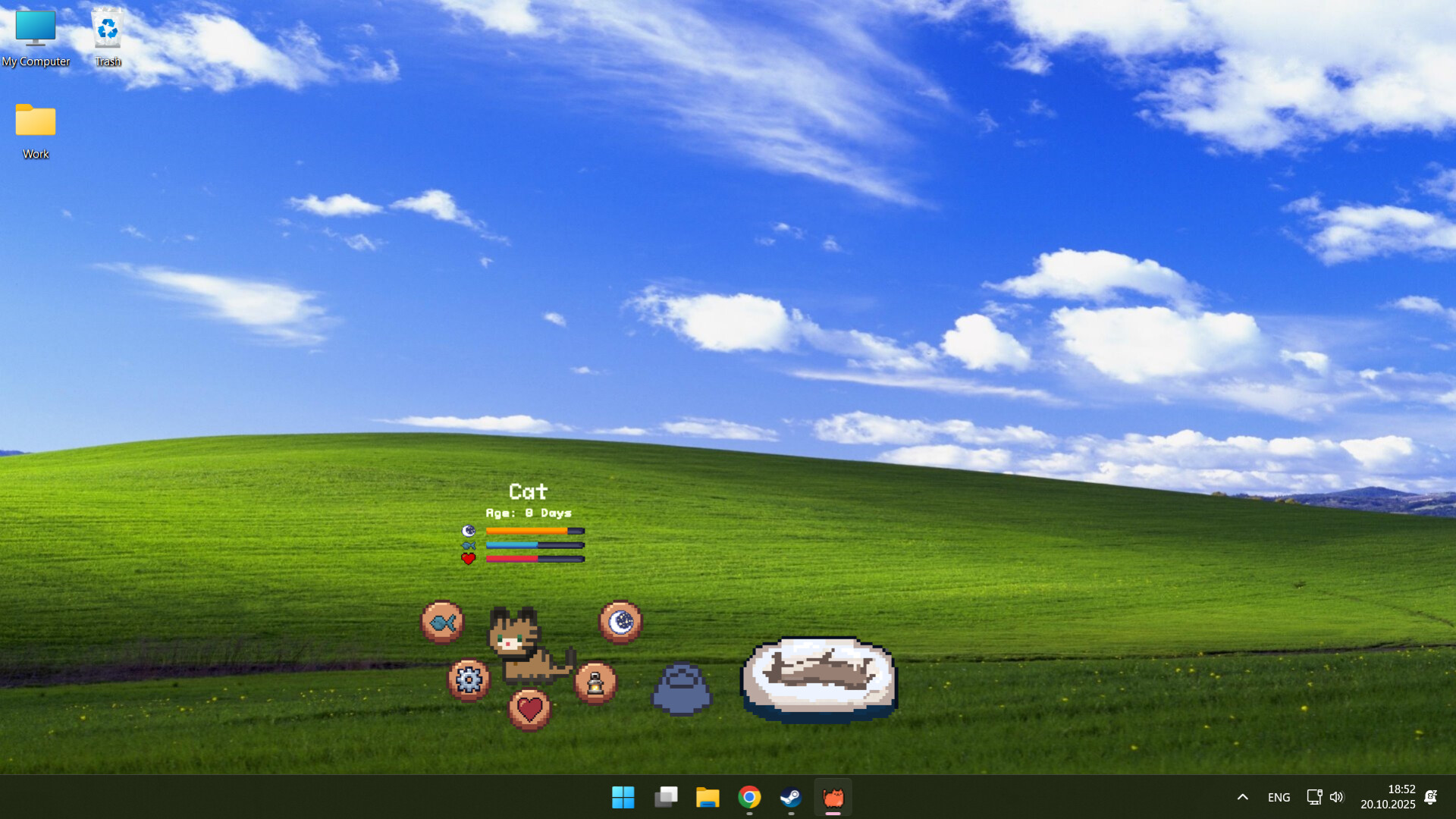
Your cat freely roams around the screen, exploring edges and interacting with objects you place. The cat’s movement is not limited to a fixed spot, giving the impression of a living pet on your desktop.
You can add a scratching post, litter box, ball, or teaser stick, and the cat will interact with these toys, creating varied on‑screen activity.
- Position toys near screen corners to encourage the cat to travel across the whole display.
- Observe which toy the cat approaches most often to understand its preferred activity.
03 / THE GUIDE
Feeding, Petting, and Sleep
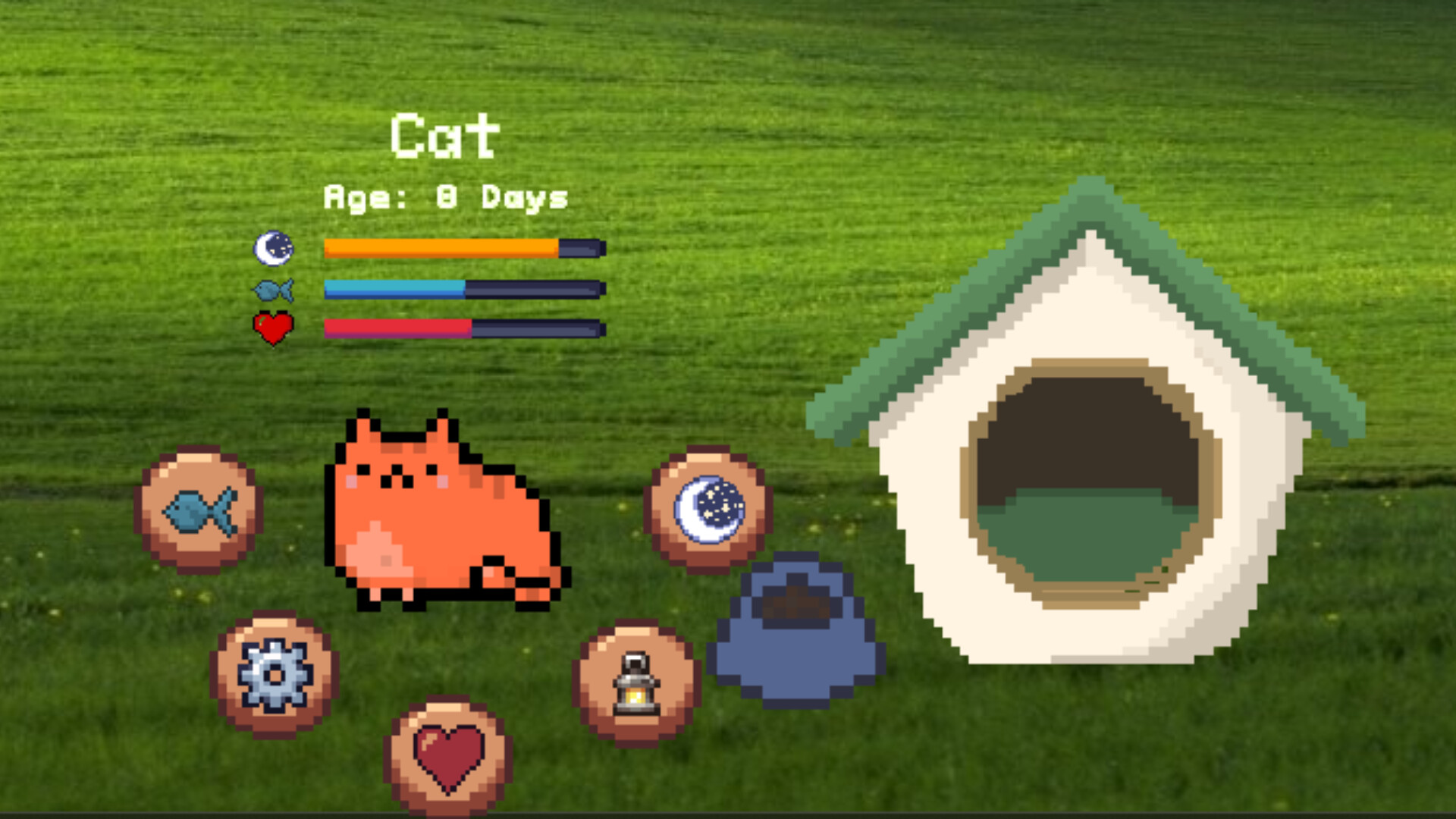
Caring actions include feeding, petting, putting the cat to sleep, and playing. Performing these actions keeps the cat happy and active, influencing its on‑screen demeanor.
The volume of the cat’s purring can be adjusted, letting you match the sound level to your work rhythm or personal preference.
- Lower the purring volume when you need quiet focus, and raise it during breaks for ambience.
- Regular feeding and petting can keep the cat in a calm state for longer periods.
04 / THE GUIDE
Appearance and Workshop Support
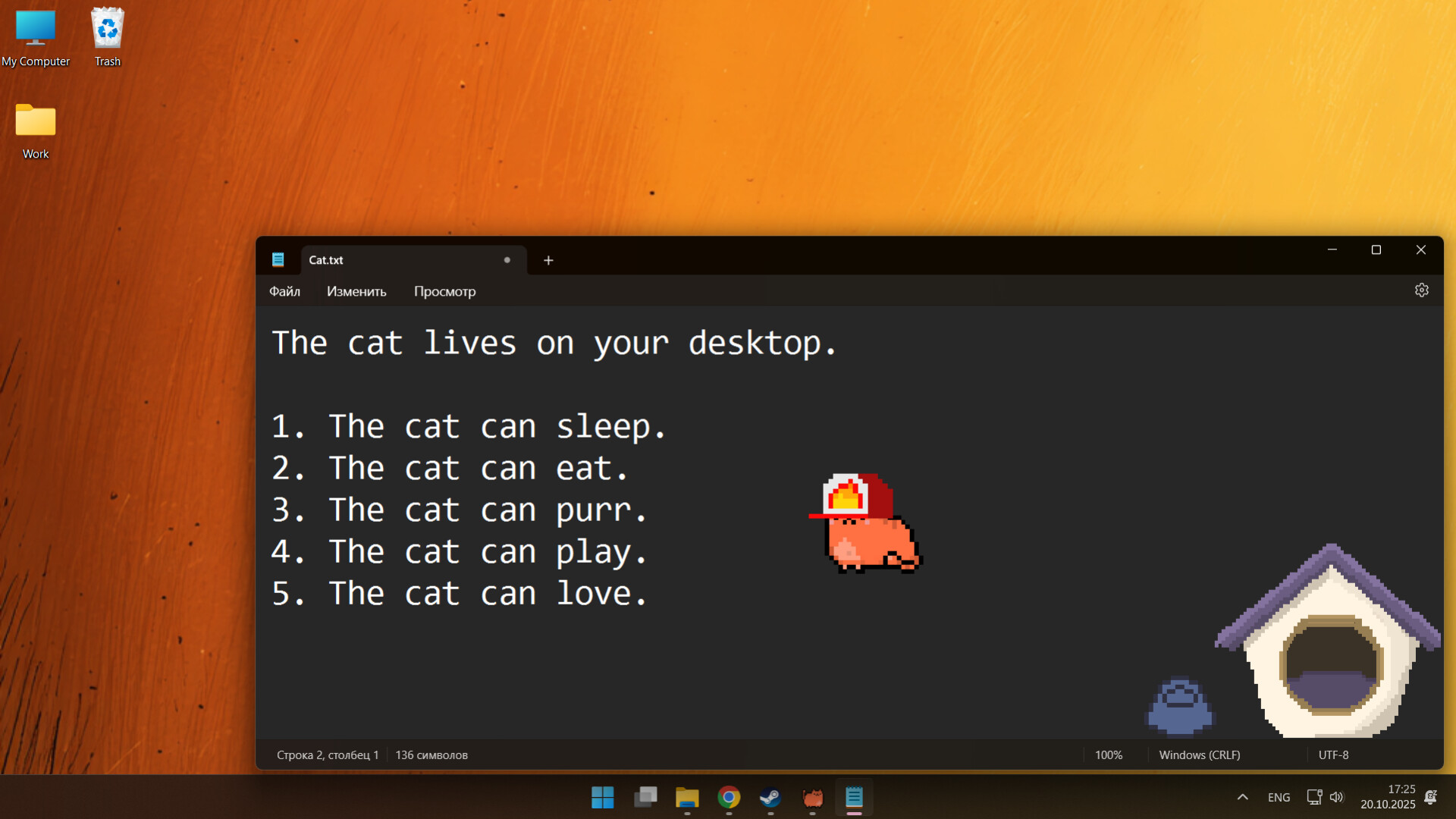
Full customization lets you change the cat’s appearance, add hats, beds, and new sounds, giving you control over its visual and audio presentation.
The game supports Steam Workshop, so community‑made mods can expand the range of accessories and sound packs available.
- Browse the Workshop for hats that match seasonal themes you enjoy.
- Test a simple sound mod to replace the default purr and see how it affects the overall feel.
05 / THE GUIDE
Beyond‑Screen Adventures
Sometimes the cat goes "beyond the screen" into mysterious adventures and returns with rare collectible items, each accompanied by a short story that adds narrative flavor.
These collectibles arrive when the cat returns from its adventures, encouraging you to watch the cat’s movements for possible surprises.
- Watch for the cat’s sudden disappearance; it may signal a collectible return.
- Read the story attached to each item to appreciate the added lore.

COMMUNITY
Player discussion