 GameWiki
GET YOUR BEARINGS
About ScooterFlow
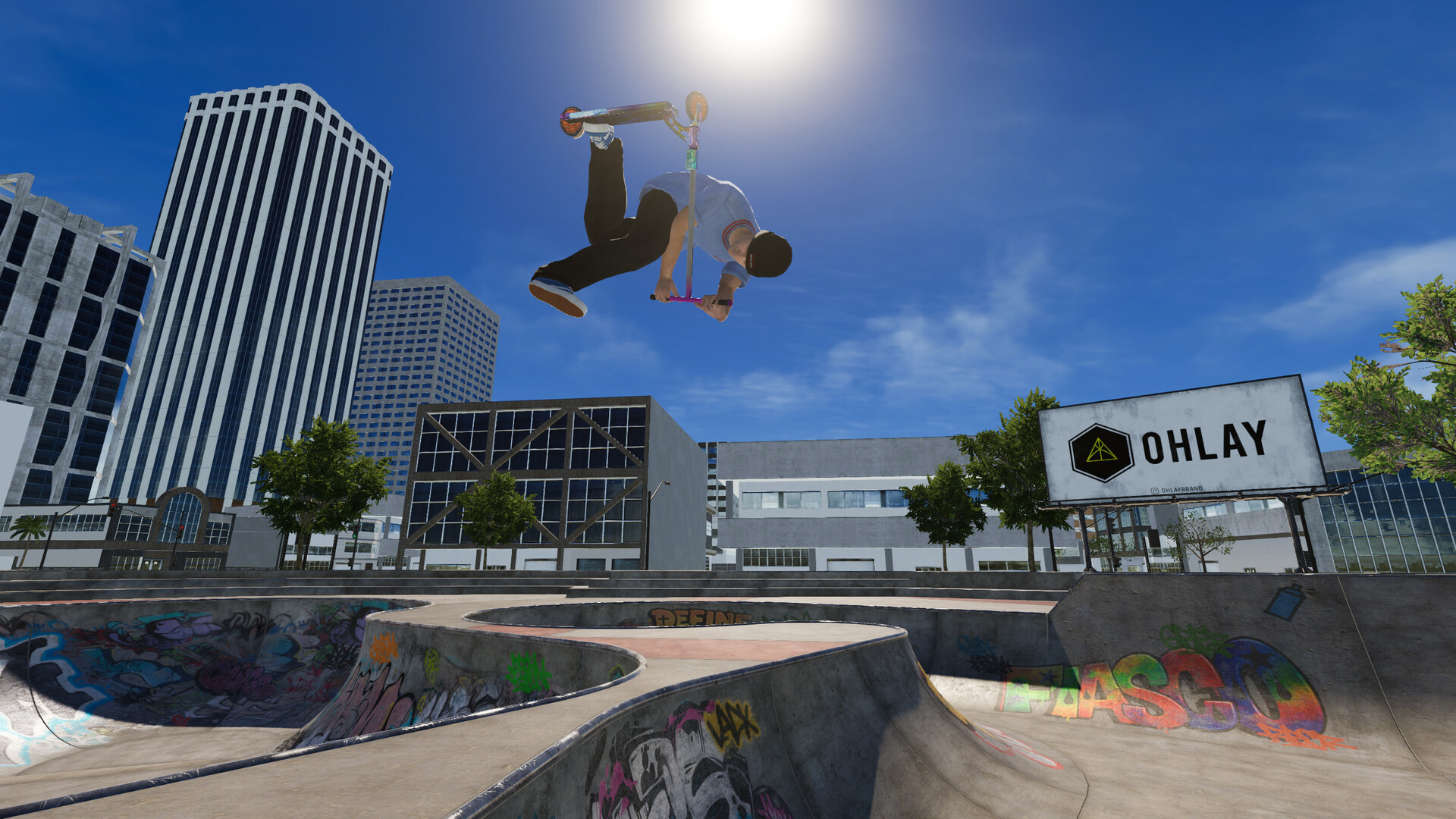
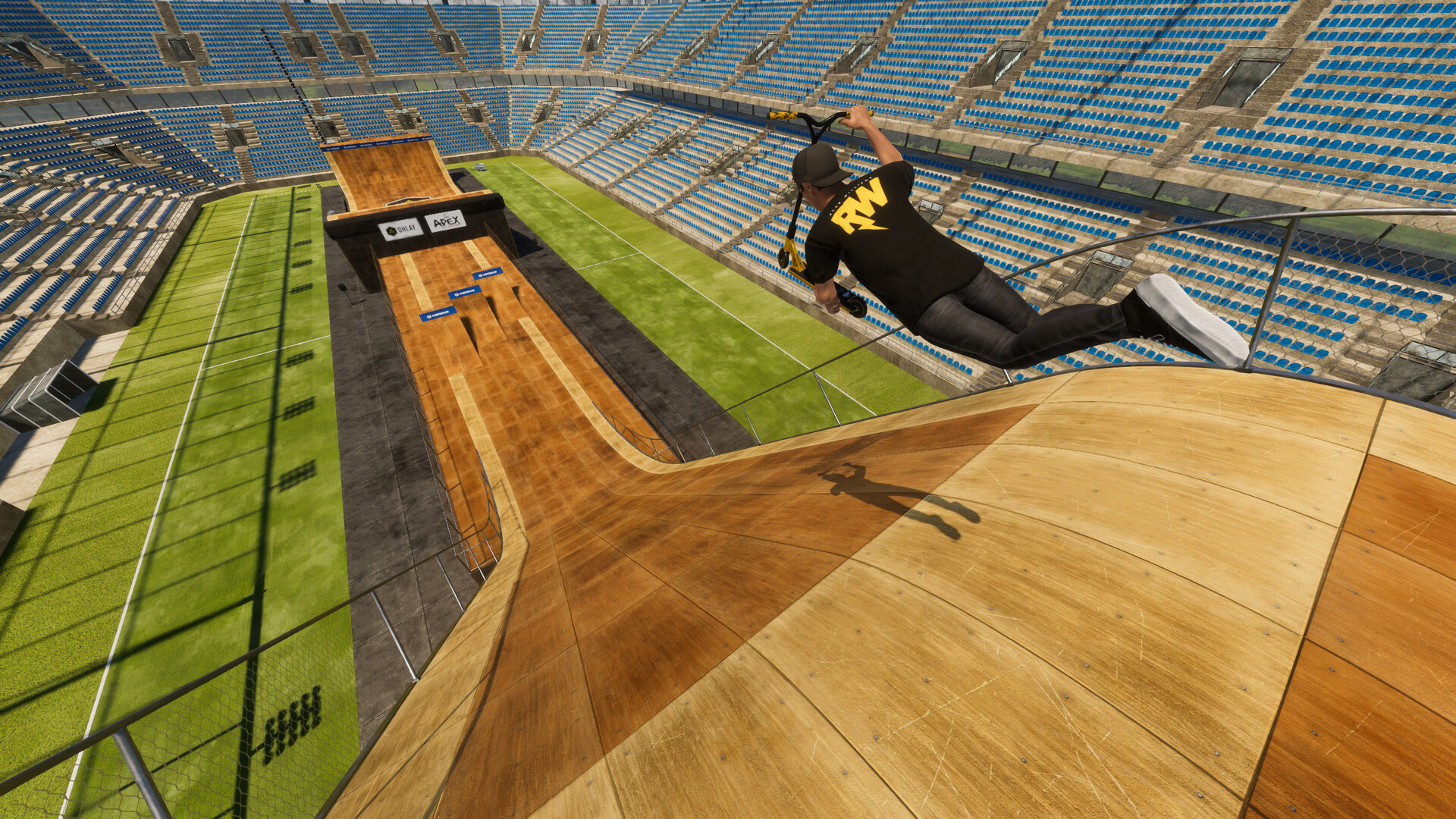
ScooterFlow delivers a freestyle scooter simulation built around a physics system that mirrors real‑world scooter dynamics. Every grind, jump and trick reacts to player input, giving a natural sense of momentum and weight that encourages creative line‑building.
The game features multiplayer sessions, a replay editor, and community‑driven custom maps, all on Windows with full controller support. Extensive scooter and clothing customization lets players personalize their ride using parts from many real‑life brands.
01 / THE GUIDE
Realistic Physics
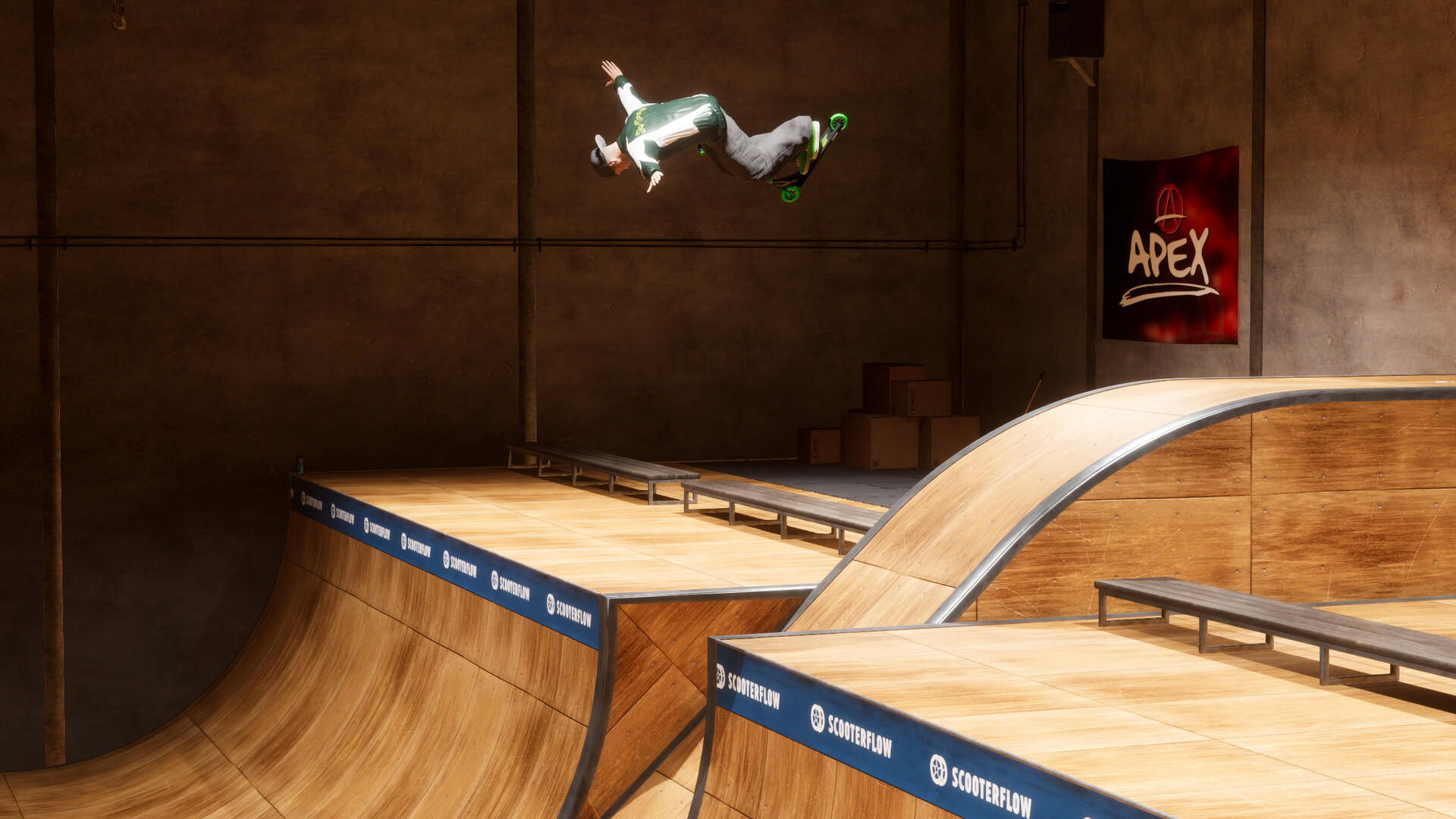
The core of ScooterFlow is a physics engine crafted to emulate the variations of real scooter movement. Each trick responds to speed, angle and surface, so the rider feels the weight shift that occurs in actual scootering.
Because the system reacts consistently across all parks, players can experiment with timing and approach speed to see how those factors change airtime, landing stability and grind length, providing a sandbox for physical exploration.
- Try a slower approach before a ramp to notice a shorter airtime.
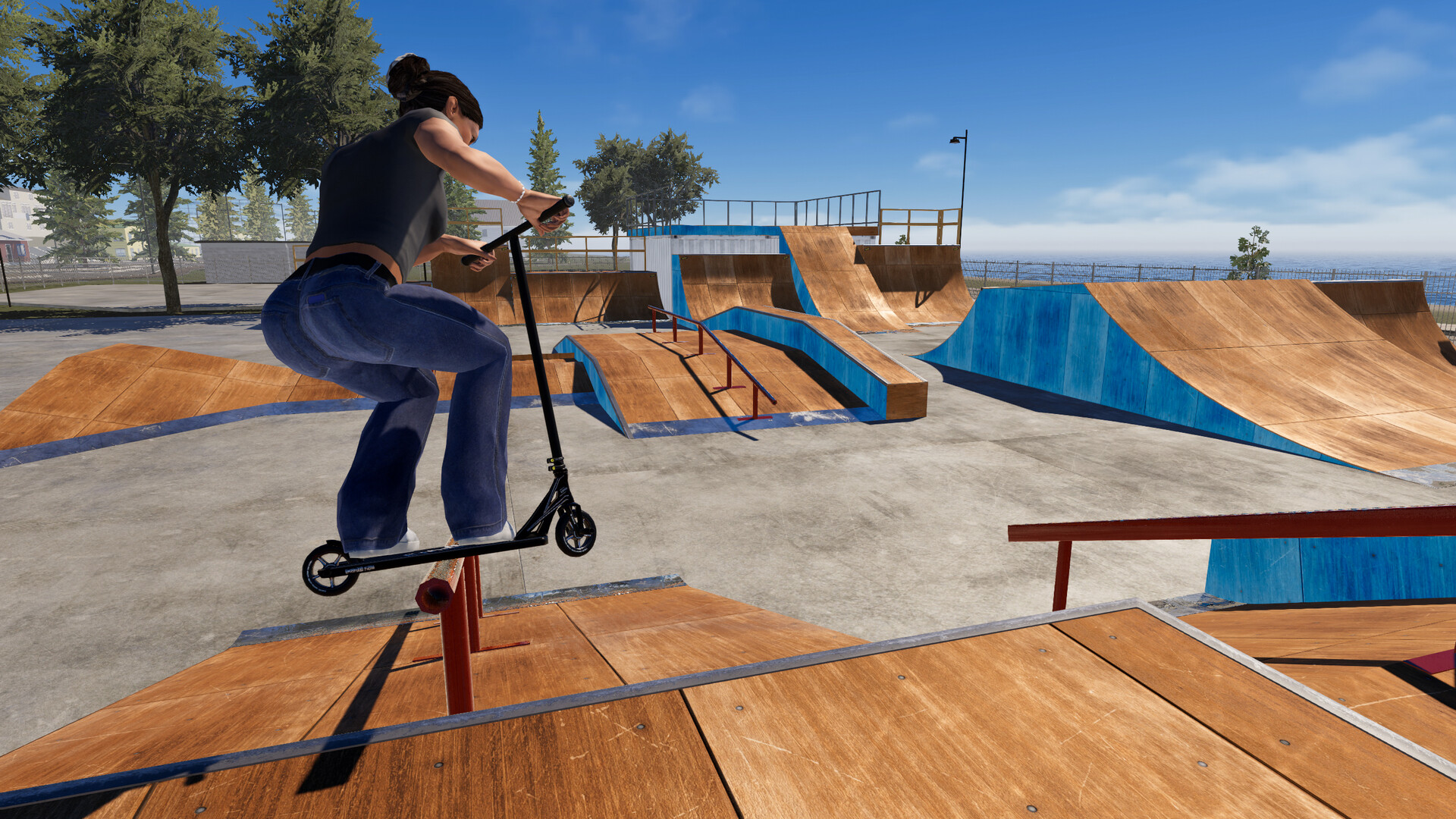
- Observe how landing on a rail versus a flat surface feels different.
02 / THE GUIDE
Multiplayer Mode
ScooterFlow’s multiplayer lets players join public lobbies or host private sessions, riding together in real time. Riders share the park in real time, so you can ride the same spaces together with friends.
In these sessions riders can link combos, film lines side‑by‑side, or simply cruise, capturing the social energy of real park sessions.
- Enter a public lobby to meet riders with different styles.
- Create a private lobby to set a specific challenge for your group.
03 / THE GUIDE
Scooter & Clothing Customization
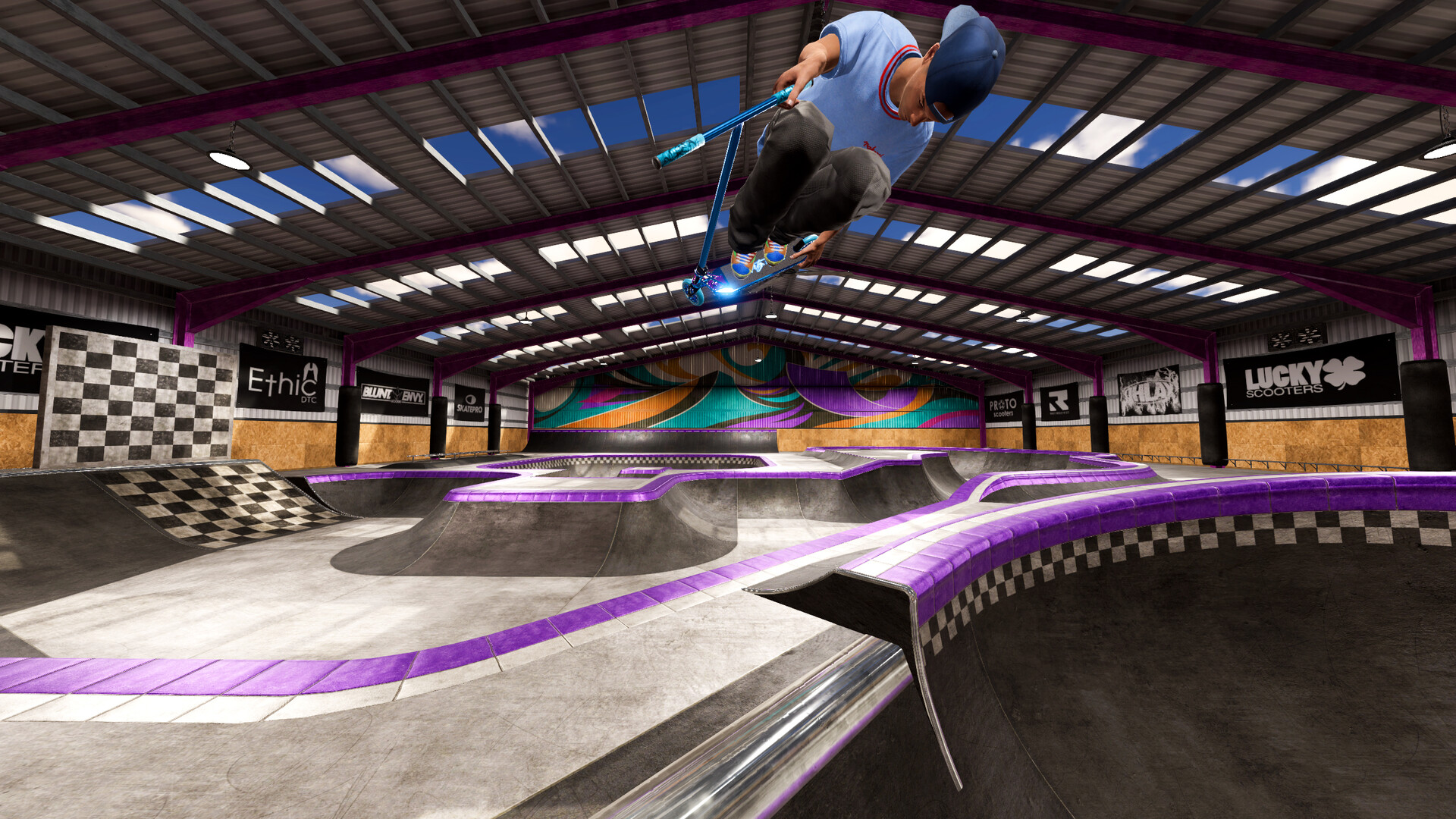
Players can build a custom scooter from an extensive catalog of real‑life parts sourced from brands such as Apex, Ethic, Lucky, Aztek, Madd Gear, Envy and more than twenty additional manufacturers, allowing countless visual combinations.
Character clothing is also fully customizable, letting riders match outfits to their scooter’s aesthetic and express personal style while riding any park or mode.
- Combine parts from different brands to create a look you enjoy.
- Coordinate clothing colors with your scooter for a cohesive appearance.
04 / THE GUIDE
Replica Skateparks
ScooterFlow recreates several iconic skateparks at a 1:1 scale, including Madrid Urban Sports in Spain and New Zealand locations such as Washington Way, Knights Stream, Bay Skate and the X Air competition park.
Each virtual park mirrors the layout, flow and atmosphere of its real counterpart, so riders encounter the same lines, obstacles and challenges that shape real‑world scooter culture.
- Visit multiple parks to see how different geometries affect trick flow.
- Spend time in a single park to discover hidden lines unique to its design.
05 / THE GUIDE
Replay Editor & Community Maps
A built‑in replay editor lets players record their lines and create videos, providing a tool for reviewing technique and sharing content with the community.
The Discord community supplies custom maps that can be downloaded and played, and players may also upload their own creations, keeping the game’s environment constantly refreshed with new challenges.
- Record a line you’re proud of and watch it back to notice subtle timing cues.
- Download a community map regularly to experience fresh terrain beyond the standard parks.
COMMUNITY
Player discussion