 GameWiki
GET YOUR BEARINGS
About Scoot
Scoot delivers a highly realistic scooter simulation that blends depth with accessibility. Its “simcade” physics let players attempt anything from stair gaps to massive ramp tricks, offering full creative freedom.
The game features two distinct worlds, an online multiplayer mode for up to four other riders, and an in‑game park builder that lets you design and share custom skateparks. Additional tools such as a replay editor and extensive customization round out the experience.
01 / THE GUIDE
Simcade Physics
Scoot’s physics are described as satisfying and realistic, allowing riders to play however they want. Whether you aim to gap a set of stairs or launch over a mega‑ramp, the system imposes no fixed style.
Because the physics are central, they support both casual attempts and technical maneuvers. Newcomers can enjoy simple lines while experienced players can push the limits of speed, momentum, and ragdoll interaction.
- Test the same line at different speeds to see how landing stability varies.
- Watch the ragdoll response after a high‑risk trick to understand momentum effects.
02 / THE GUIDE
Worlds: Carven & Jumbo Jump Island
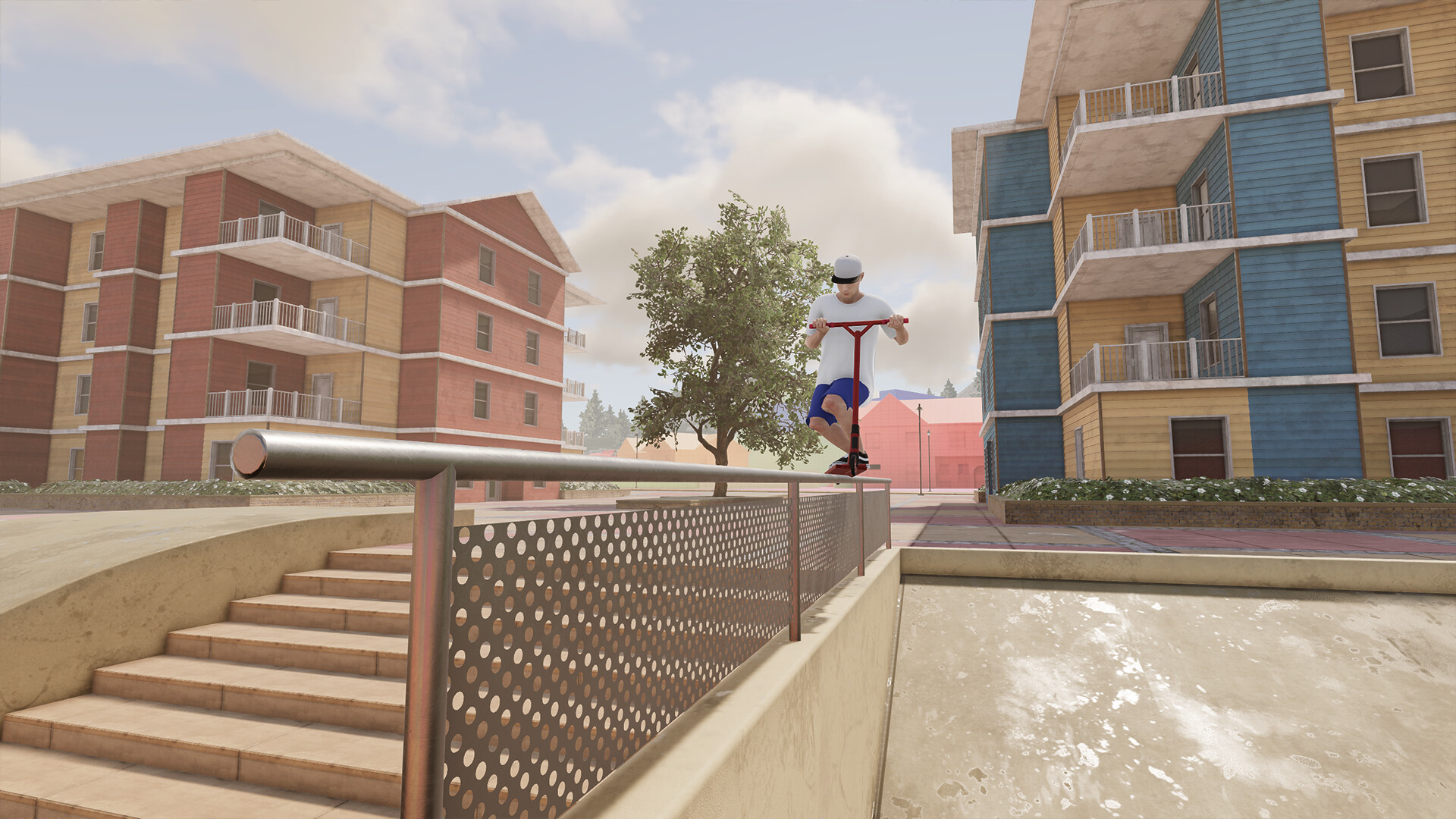
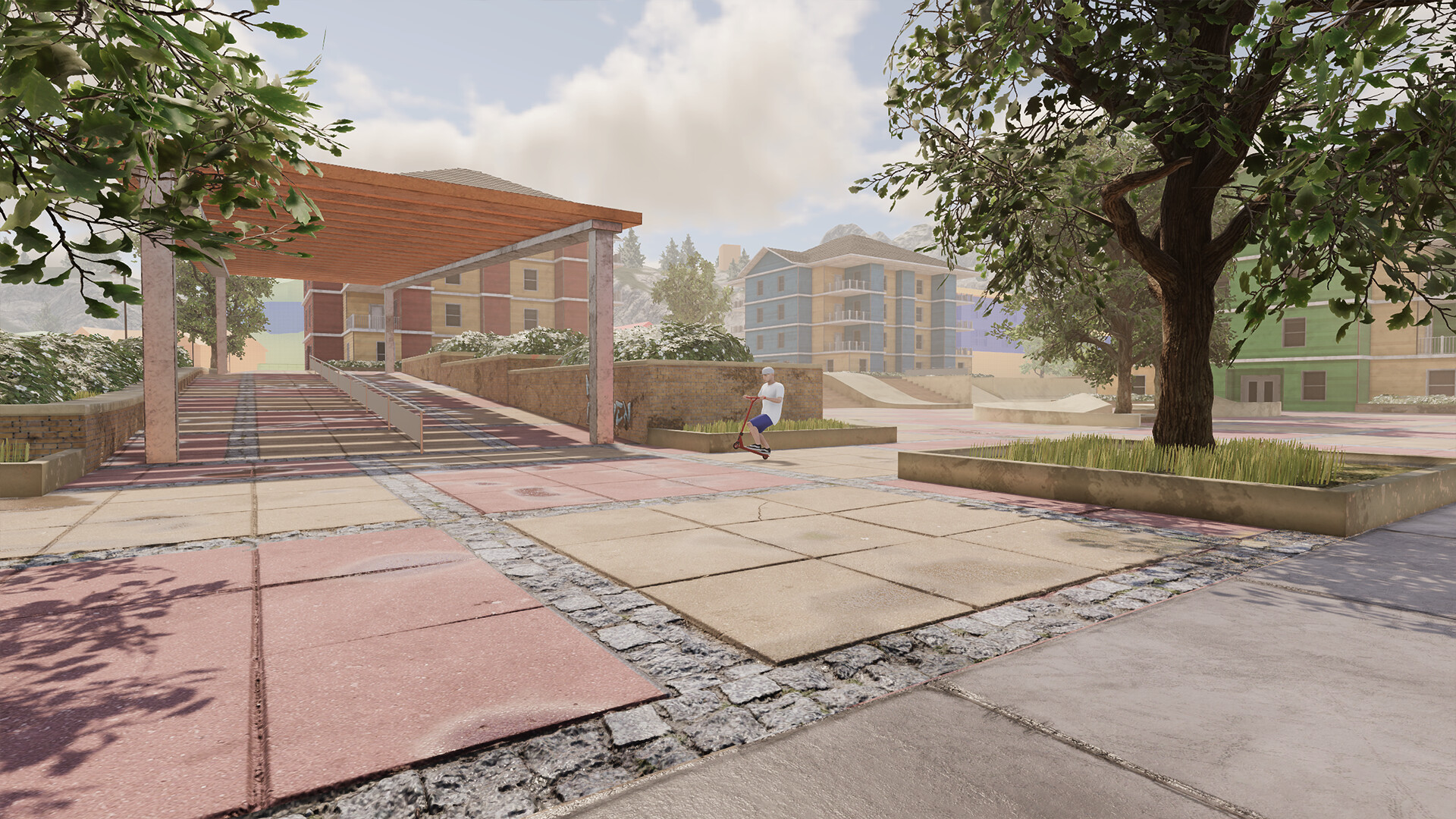
Carven is presented as a rider‑friendly city filled with street spots for grinding ledges and technical lines, encouraging urban‑style riding.
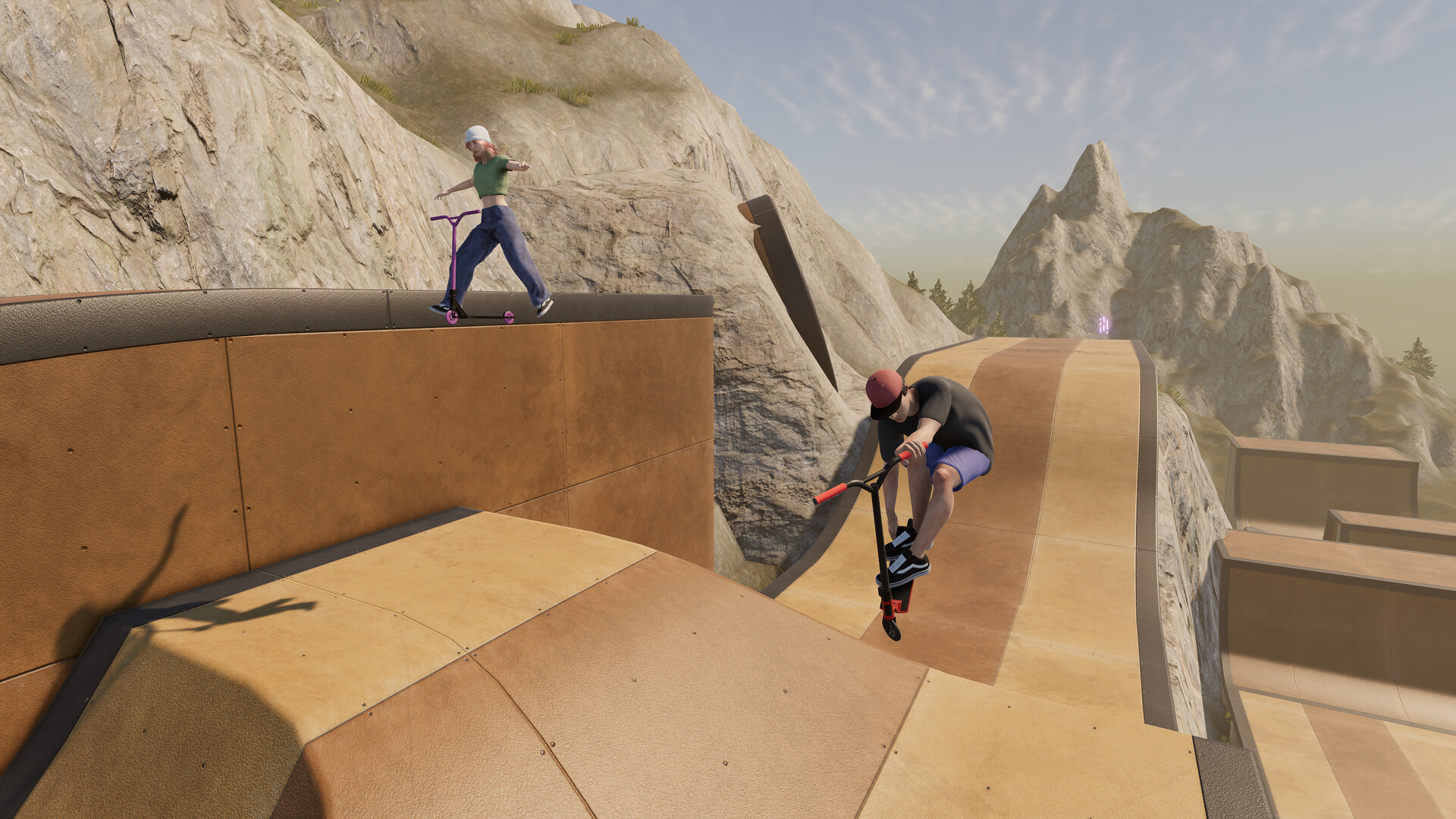
Jumbo Jump Island is described as a park from paradise, featuring an insane downhill course and a looping tunnel that cater to riders who prefer jumps and flow.
- Explore both worlds to discover which terrain matches your preferred tricks.
- Use the looping tunnel on Jumbo Jump Island to practice maintaining momentum through continuous motion.
03 / THE GUIDE
Online Multiplayer
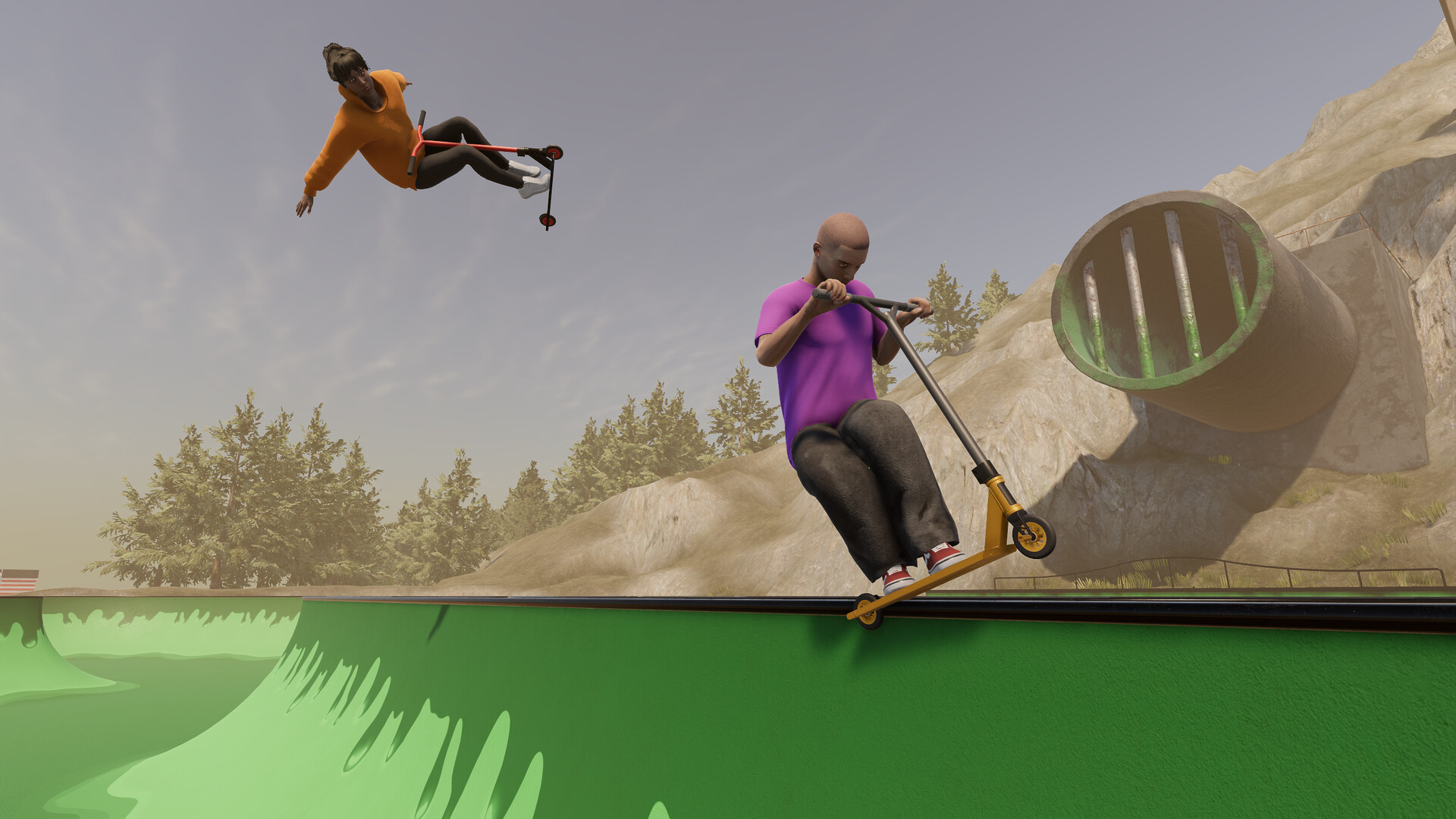
Scoot’s online mode lets you ride with up to four other players in both public and private lobbies, offering a choice between community matches and friend‑only sessions.
Public lobbies connect you with the broader player base, while private lobbies let you arrange sessions with a selected group, giving flexibility in how you experience multiplayer riding.
- Join a public lobby to test your skills against a variety of riders.
- Create a private lobby for a focused session with friends.
04 / THE GUIDE
Park Builder
The in‑game park builder lets you pick from a large array of elements and place them in any arrangement, enabling custom bowls, endless rails, and long jumps.
Parks you create can be shared with the community via Discord, providing a continual stream of fresh content for other players to ride and evaluate.
- Start with simple layouts before adding complex rail networks.
- Share your park on Discord to receive feedback and new ideas.
05 / THE GUIDE
Additional Notable Features
Beyond riding, Scoot includes a replay editor, advanced on‑foot navigation, parkour, extensive customization, and triple‑A level ragdoll physics, expanding how you interact with the world.
The game lists single‑player, multiplayer, co‑op, online co‑op, full controller support, and family sharing as features, indicating multiple play preferences are accommodated.
- Use the replay editor to analyze and improve trick execution.
- Explore on‑foot navigation to discover hidden spots in each world.

COMMUNITY
Player discussion