 GameWiki

GET YOUR BEARINGS
About Schrödinger's Call
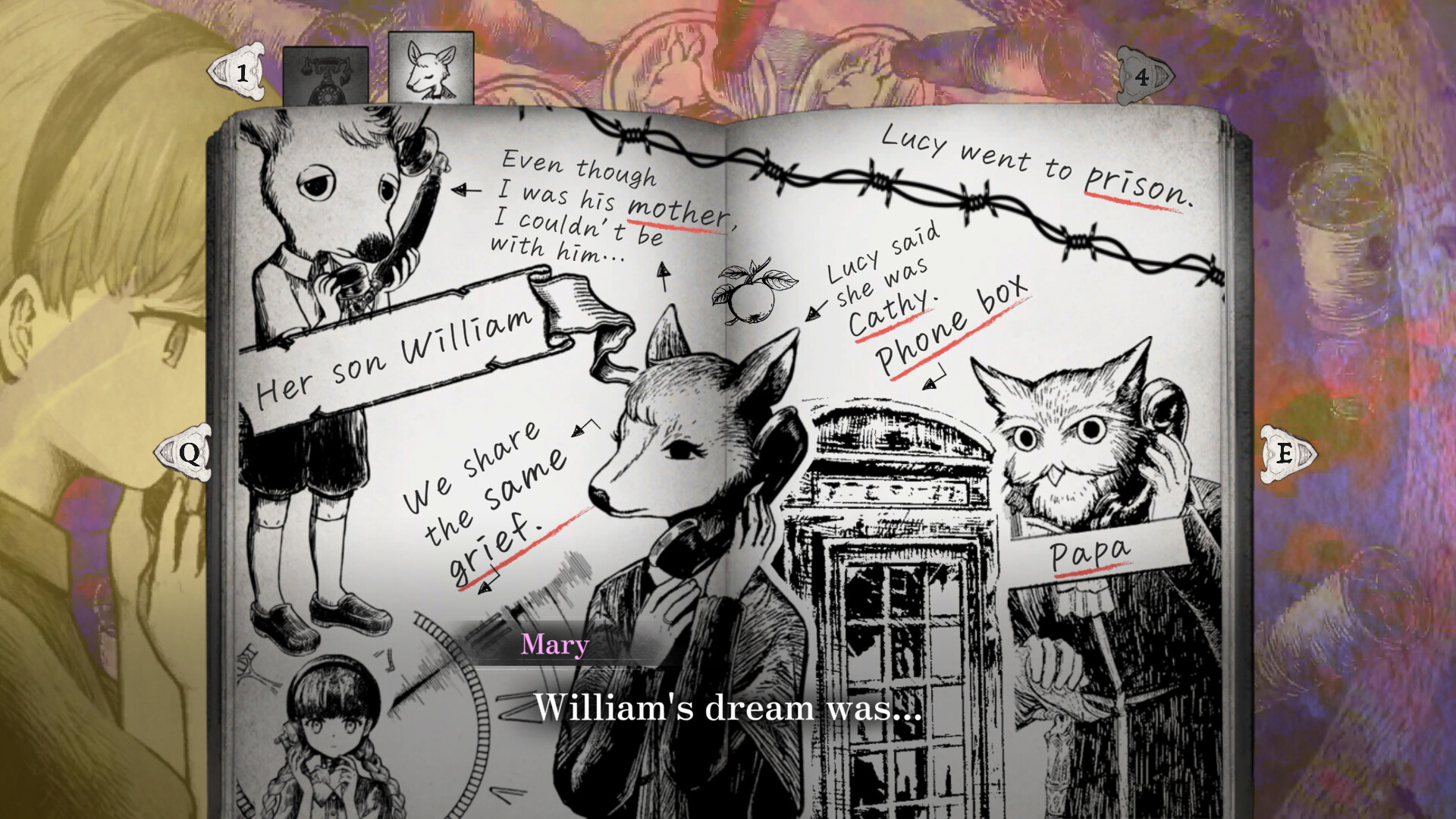
Schrödinger’s Call places players in a fleeting, picture‑book world where the moon is about to fall and only twenty‑one nanoseconds separate life from death. Mary awakens with no memories, guided by a cat named Hamlet, and becomes the “World’s Last Confidant,” holding a single phone that connects her to lingering souls.
Through each call, Mary records unfinished words and regrets, inviting players to reflect on what truly matters. The game’s gentle narrative unfolds chapter by chapter, offering a quiet meditation on endings and the power of a final conversation.
01 / THE GUIDE
Story Overview
The narrative centers on Mary, who wakes in a strange room with her memories erased. Guided by Hamlet the cat, she learns she must listen to voices trapped between life and death as the moon falls.
Each phone call reveals a lingering regret or unsaid feeling, allowing Mary—and the player—to walk alongside these souls in their final moments before the world ends.
- Pay close attention to the tone of each voice; it hints at the emotional weight of the regret.
- Consider the timing of each call; the story emphasizes the brief window before the ending.
02 / THE GUIDE
Phone Call Mechanics
A single phone is the core interactive element. Players pick up calls left unfinished by the falling moon, hearing voices of those still trapped between life and death.
As Mary notes down each lingering regret, the game progresses chapter by chapter, linking each conversation to the overarching theme of final words.
- Listen to the entire call before noting regrets; details often emerge later in the dialogue.
- Use the notes as a personal reflection tool to deepen immersion.

03 / THE GUIDE
Audio and Control Options
Schrödinger’s Call supports full controller input, including DualShock and DualSense, as well as keyboard‑only and mouse‑only configurations. Custom volume controls let players adjust sound levels to suit their environment.
Stereo sound enhances the intimate feeling of each phone conversation, while the controller support ensures accessibility across play styles.
- Adjust the custom volume controls for clearer dialogue if background sounds become distracting.
- Try the controller mode for a more tactile experience when handling calls.
04 / THE GUIDE
Achievements and Cloud Saves
The game includes Steam Achievements that reward players for progressing through calls and chapters. Steam Cloud integration automatically backs up progress, allowing seamless continuation across devices.
Family Sharing is also supported, enabling multiple users on the same Steam account to experience the story without purchasing a separate copy.
- Check the achievement list to set personal goals for each chapter.
- Enable Steam Cloud to ensure your notes and progress are saved.
05 / THE GUIDE
Platform Availability
Schrödinger’s Call is currently released for Windows PCs. The developer, Acrobatic Chirimenjako, has not listed macOS or Linux support at this time.
Players on supported platforms can access the game through Steam, taking advantage of the listed features and cloud services.
- Verify your Windows version meets the minimum requirements before purchasing.
- Keep Steam updated to ensure compatibility with cloud and achievement features.


COMMUNITY
Player discussion