 GameWiki

GET YOUR BEARINGS
About SCHiM
SCHiM is a single-player adventure where you guide a displaced soul, called a schim, across animated shadow platforms. The game blends casual platforming with a gentle narrative about reuniting a spirit with its original object. Each level presents a distinct abstract scenery that tells a small story of loss and recovery. The experience is designed for relaxed play, offering full controller support, a keyboard-only option, and custom volume controls, and the Steam listing covers Windows, macOS, and Linux.
01 / THE GUIDE
Gameplay Mechanics
Players jump from shadow to shadow, using animated platforms that move within each level's unique environment. The core challenge is navigating these shadows without timed input, allowing a calm pace.
The game does not require precise timing, and players can explore each level's scenery while progressing toward reuniting the schim with its original being.
- Take advantage of the lack of timed input to experiment with different jump routes.
- Observe the movement patterns of shadow platforms before committing to a jump.
02 / THE GUIDE
Story Premise
A schim is defined as the soul and spirit of any object, thing, or living being. In SCHiM, a human-attached schim becomes separated early in the game.
The player's goal is to guide this displaced schim back to its original host before it is too late, unfolding small stories in each level.
- Pay attention to environmental cues that hint at the schim's original connection.
- Reflect on the narrative snippets to understand each character's loss.

03 / THE GUIDE
Visual Style
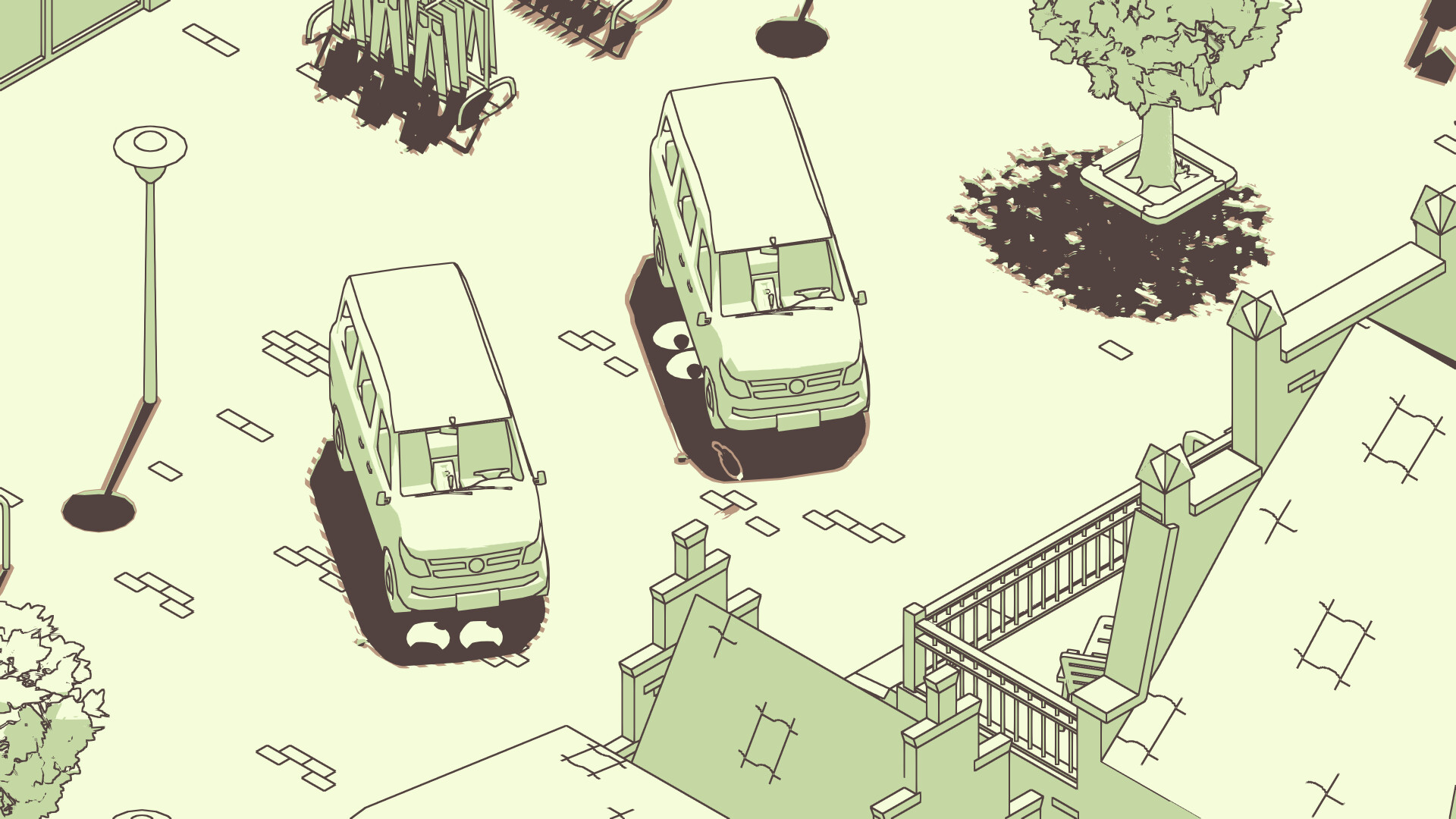
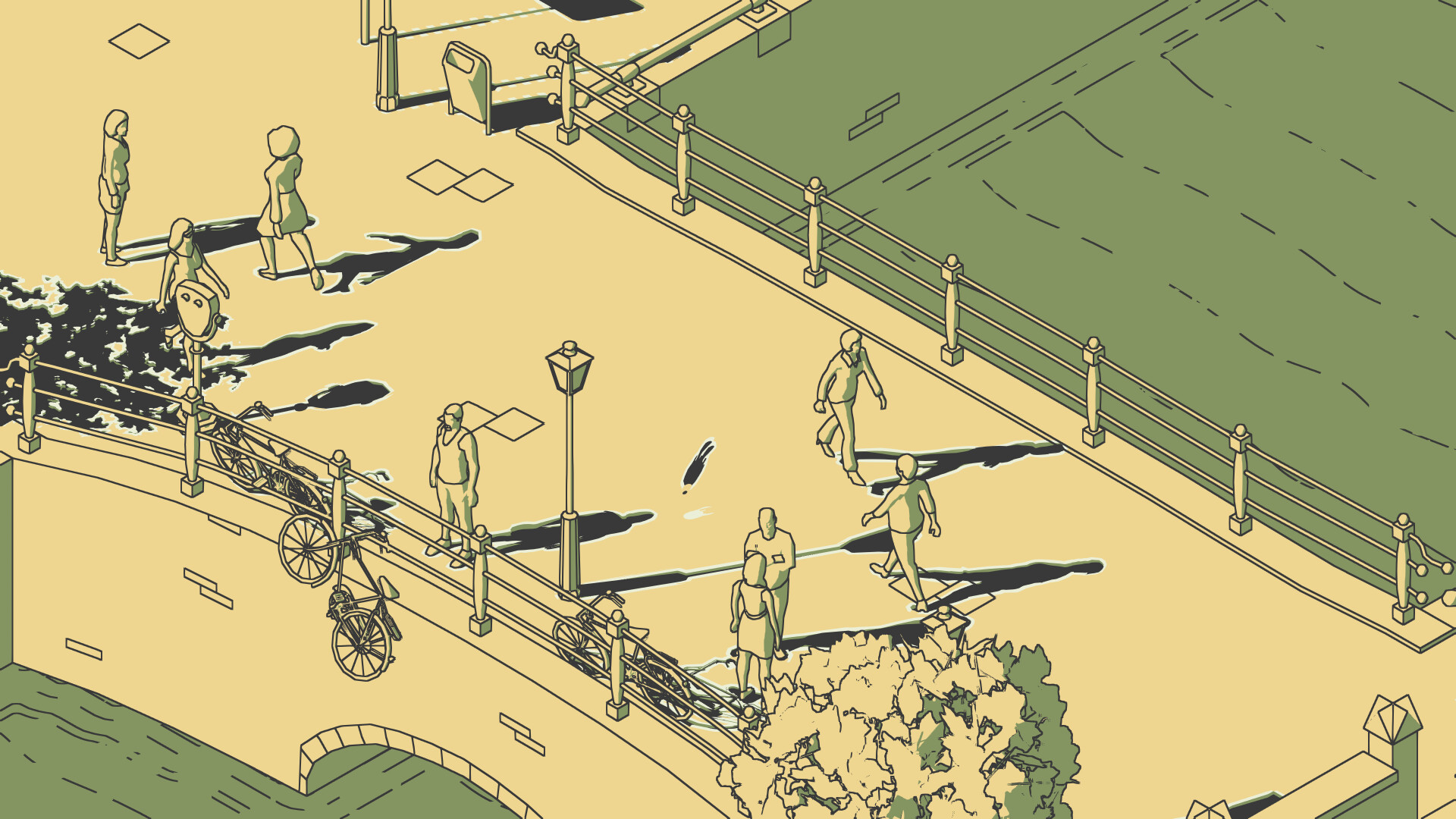
Each level features its own abstract scenery, creating a beautiful world built around shadow and light. The environments are animated, giving life to the shadow platforms.
The artistic direction emphasizes a relaxing and lively atmosphere, supporting the game's calm pacing.
- Adjust color alternatives if the default palette feels too stark.
- Use the camera comfort settings to maintain a clear view of shadow platforms.
04 / THE GUIDE
Audio & Controls
SCHiM offers stereo sound and custom volume controls, allowing players to tailor the audio experience. The Steam listing advertises full controller support, including DualShock and DualSense options, alongside a keyboard-only input option.
The game can be played without timed input, making it accessible for players who prefer a relaxed control scheme.
- Experiment with the custom volume controls to balance music and ambient sounds.
- Check the accessibility options, such as camera comfort and color alternatives, to suit your preferences.
05 / THE GUIDE
Platform Availability
According to its Steam listing, SCHiM is available on Windows, macOS, and Linux, and supports Steam features such as achievements, cloud saves, and family sharing.
The listing's multi-OS availability means players on any of these operating systems can purchase and play the same game.
- Steam Cloud is listed, so you can let Steam handle save syncing where available.
- Check the achievement list for optional challenges.


COMMUNITY
Player discussion