 GameWiki
GET YOUR BEARINGS
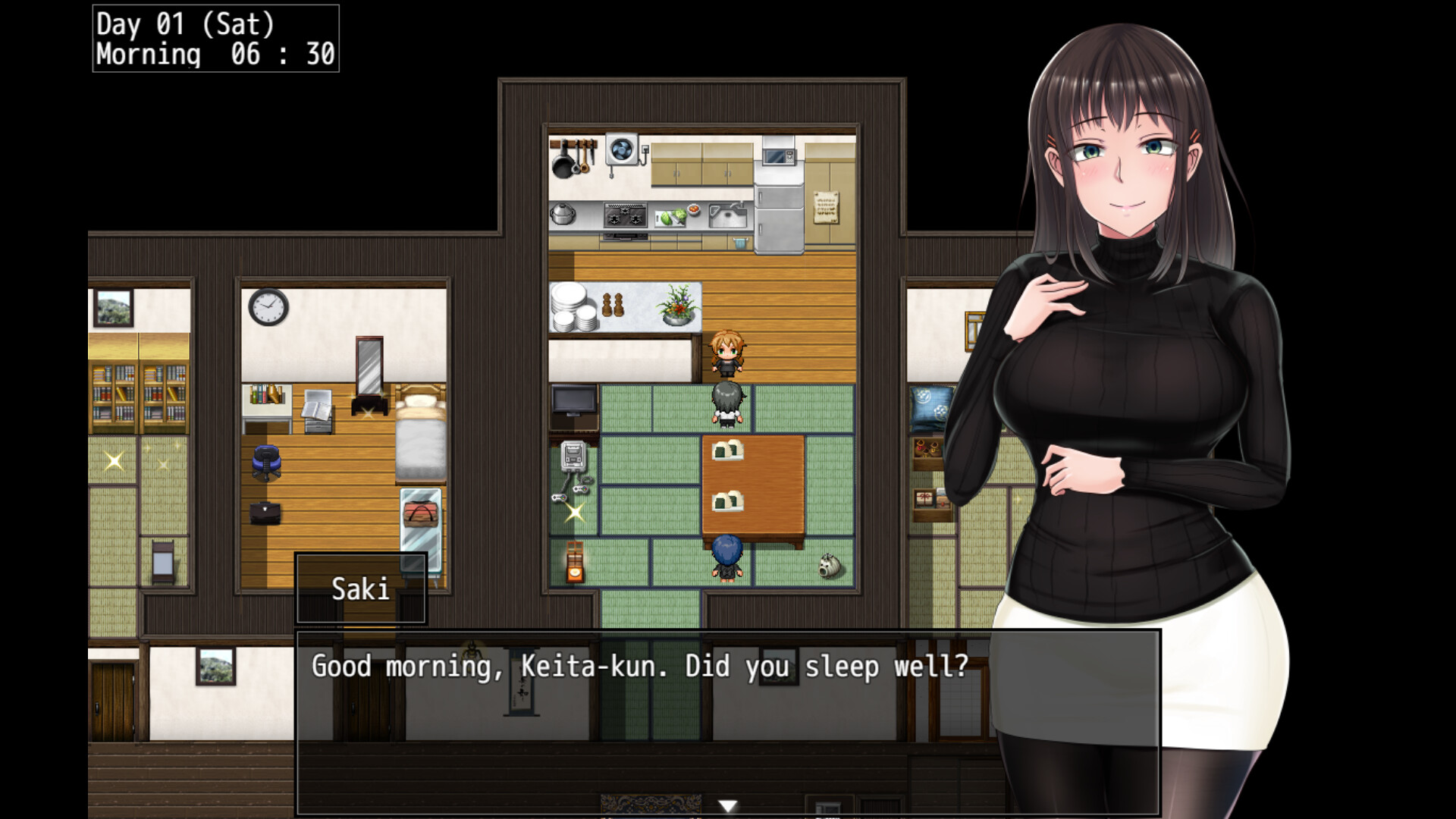
About Scars of Summer: After
Scars of Summer: After follows best friends Keita and Ryoka as they return to the quiet village of Iriki for another summer. The sequel lets players revisit the ordinary season that preceded the pivotal events of the original game.
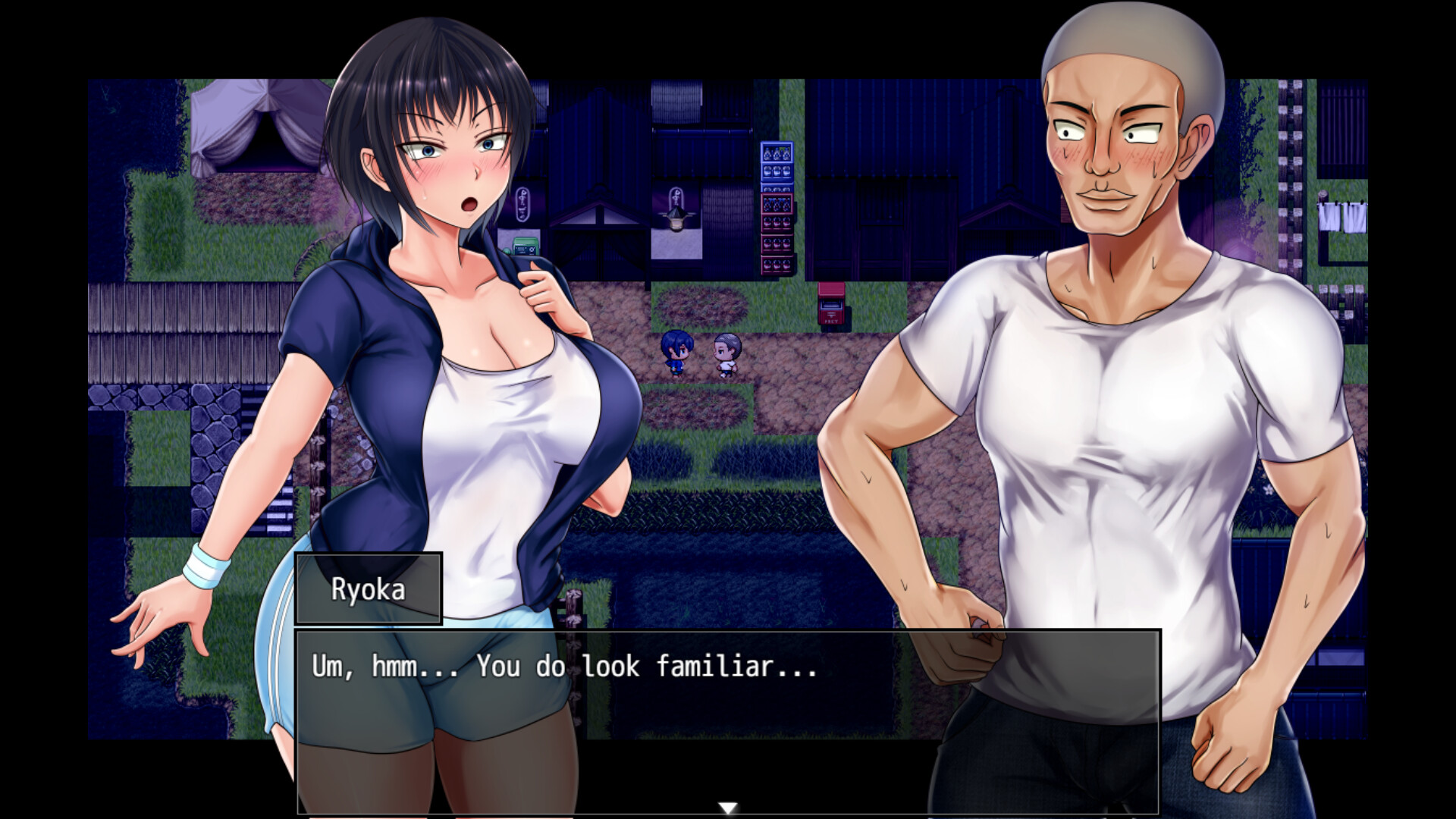
The game offers countryside pastimes—bug‑catching, watermelon‑splitting, martial arts, part‑time work, and an old‑timey gacha machine—while letting Keita call or meet Ryoka for brief conversations.
01 / THE GUIDE
Exploring Iriki
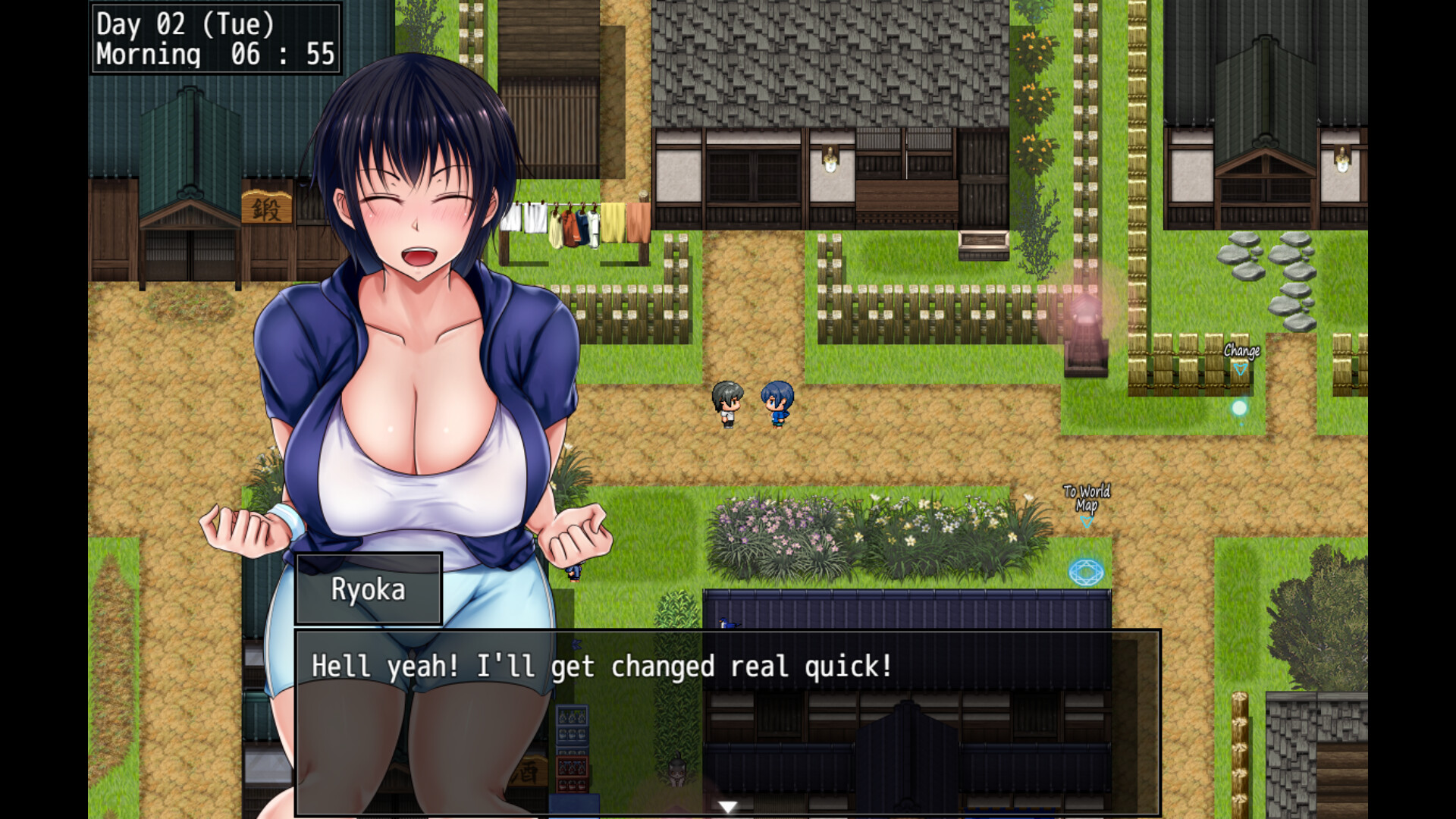
Iriki is presented as a rural Japanese town that players can wander at their own pace, providing familiar locations from the original title.
The town serves as the backdrop for the listed minigames and for encounters with Ryoka, without imposing a specific objective.
- Notice how the layout differs from the first game.
- Observe any new visual details while walking.
02 / THE GUIDE
Summer Activities
The sequel includes five minigames: bug‑catching, watermelon‑splitting, martial arts practice, part‑time jobs, and collecting prizes from an old‑timey gacha machine.
These activities are accessed while staying in Iriki and are described as part of the summer experience.
- Try each minigame at least once.
- Watch how the screen changes after completing a minigame.
03 / THE GUIDE
Interacting with Ryoka
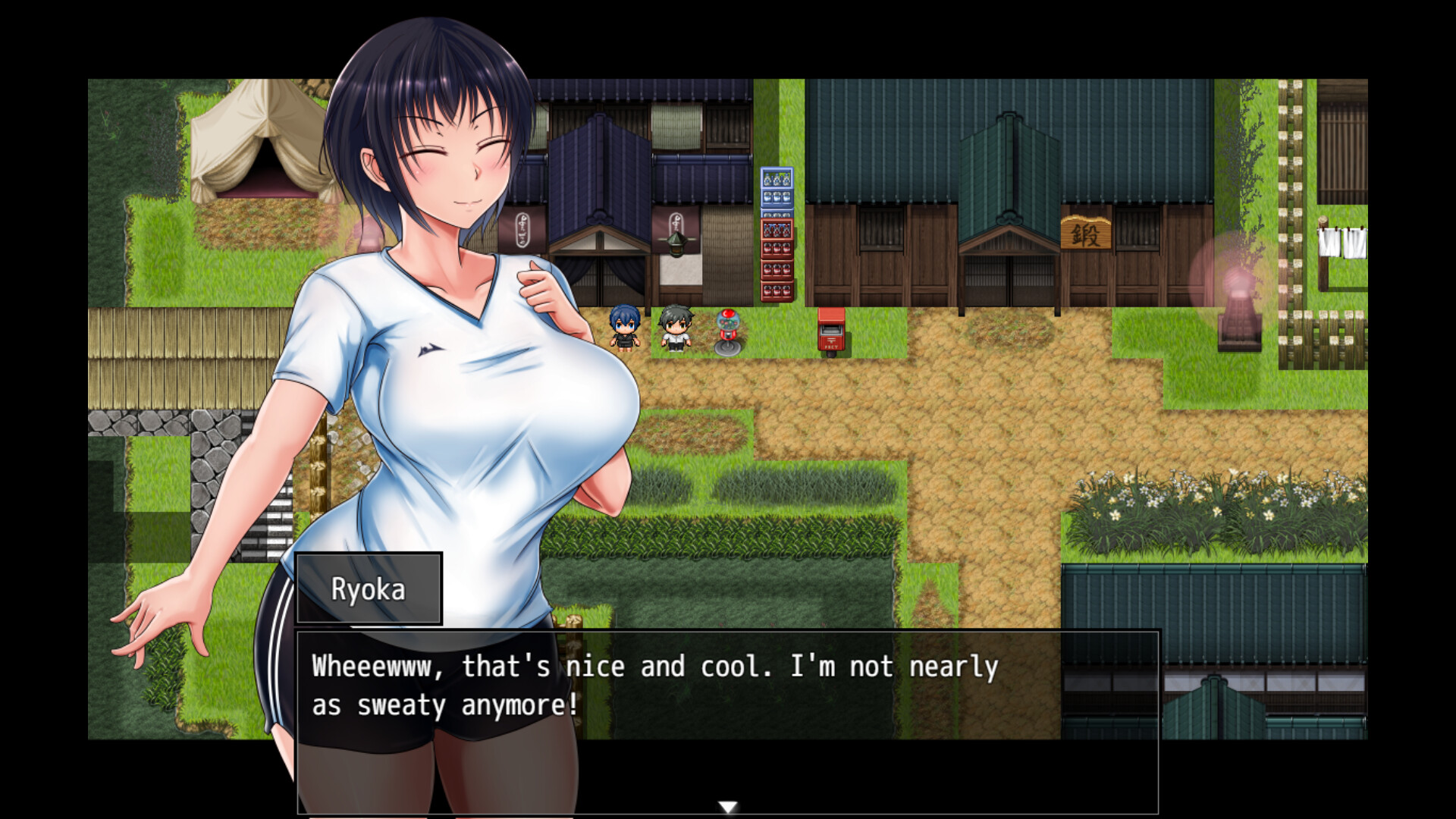
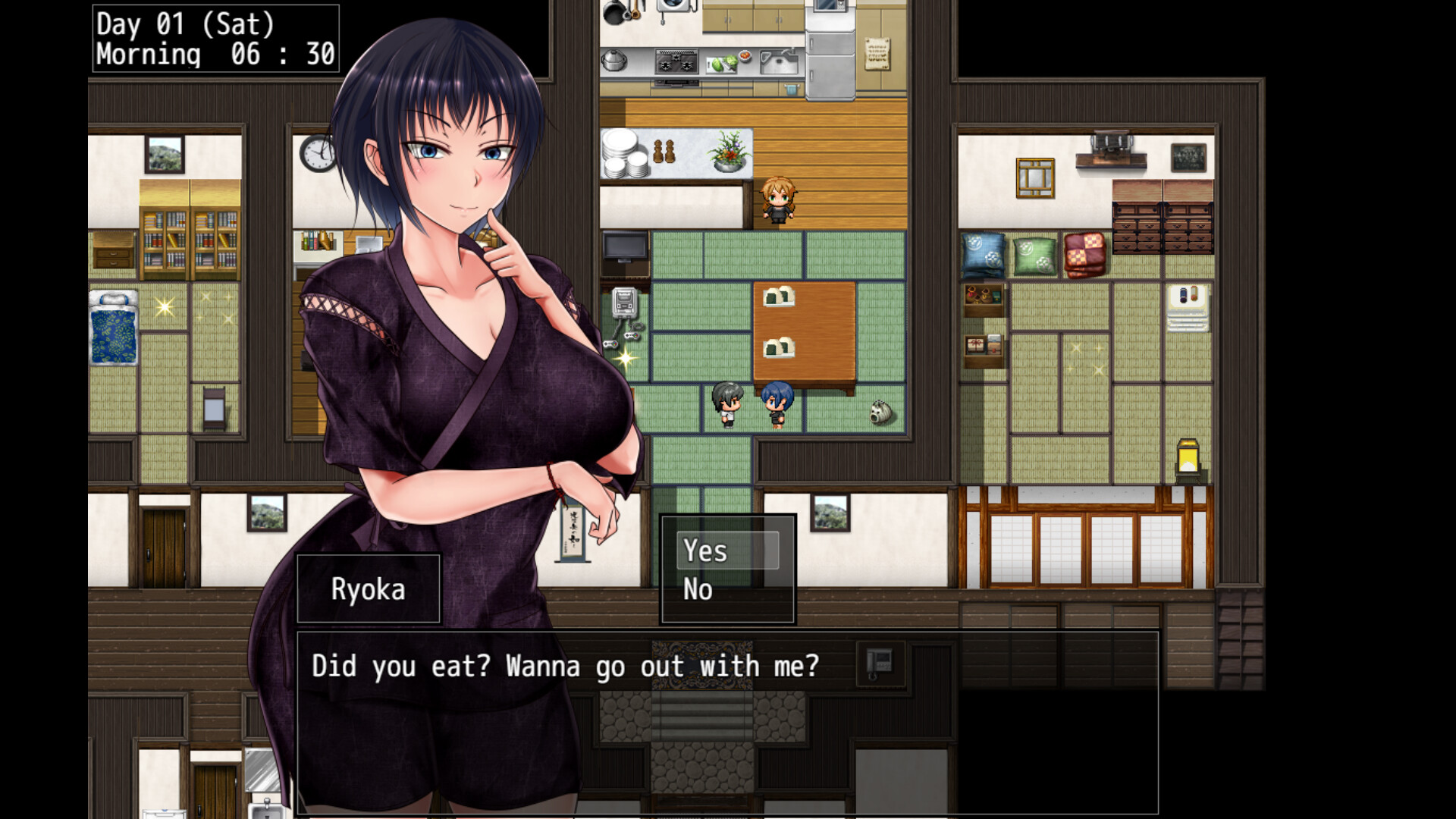
Keita can call Ryoka while she is elsewhere, prompting a phone‑style dialogue about her current activity.
He may also seek Ryoka in person for face‑to‑face conversation, offering another way to stay connected.
- Use both call and meet options to see different dialogue.
- Listen for tone changes between phone and in‑person talks.
04 / THE GUIDE
Continuing Original Routes
Every route from the original Scars of Summer appears again, providing a sequel that fills gaps and shows what follows.
These routes are presented as continuations rather than new branches, allowing returning players to experience each storyline anew.
- Compare dialogue with the first game for added context.
- Treat each route as a self‑contained story segment.
05 / THE GUIDE
Technical Features
Scars of Summer: After is a single‑player title that supports Steam Cloud for saved data and Family Sharing for shared access.
The game is listed for Windows only; macOS and Linux are not indicated as supported platforms.
- Enable Steam Cloud in the client settings.
- Verify Family Sharing by launching from another account.
COMMUNITY
Player discussion