 GameWiki
GET YOUR BEARINGS
About Scarmonde
Scarmonde is a retro‑styled single‑player RPG where you assemble a party of nameless companions and assign each one of twelve classic‑inspired classes before entering The Depths beneath Scarmonde. The goal is to locate the Dragon God’s three Sacred Treasures and claim the promised paradise.
The game emphasizes immediate combat over extensive dialogue and provides modern conveniences such as keyboard and partial controller inputs, a windowed/full‑screen toggle, and Steam features like achievements, Steam Cloud, and family sharing for Windows PCs.
01 / THE GUIDE
Control Schemes
Scarmonde supports both keyboard and partial controller inputs. The keyboard uses Spacebar to confirm, X to open or exit the menu, arrow keys for movement, and Q/W to switch characters while the equipment screen is open.
The controller maps Triangle/Y to open the menu, Circle/B to cancel, X/A to confirm, and Square/X to run or dash. Windowed or fullscreen mode can be toggled by pressing the Function (Fn) key together with F4.
- Try the Fn + F4 toggle early to see which display mode fits your setup.
- Use Q and W on the equipment screen for quick character switching.
02 / THE GUIDE
Companion Classes
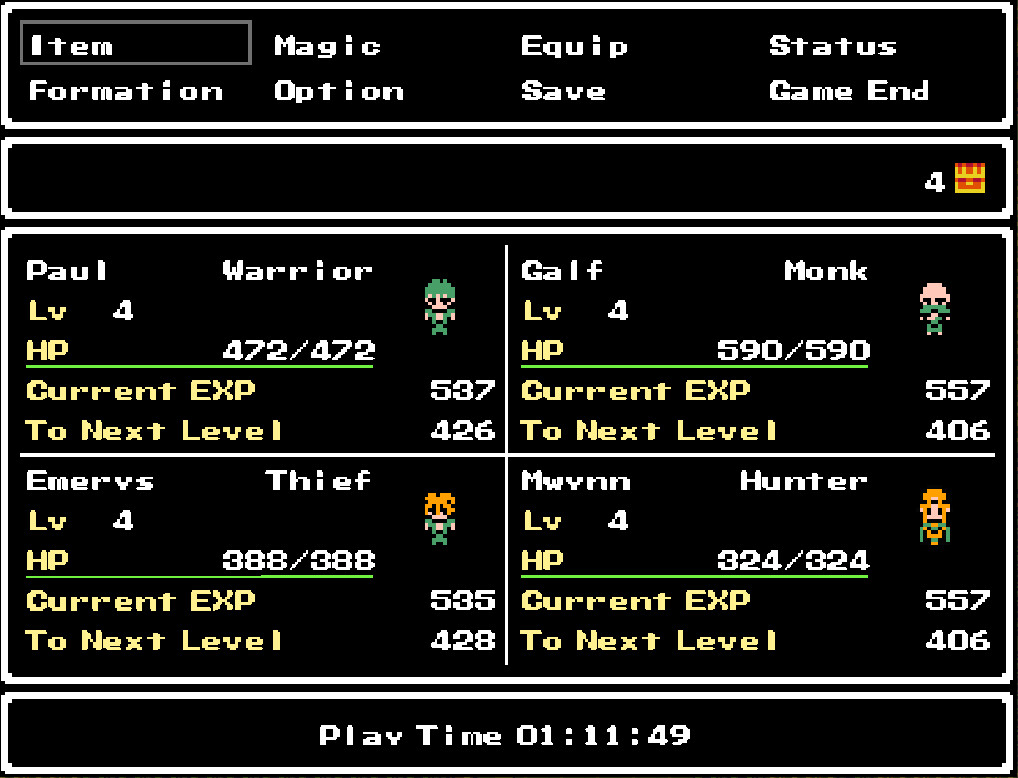
Before descending into The Depths, you assign each companion one of twelve classes: Knight, Warrior, Cleric, Mage, Thief, Monk, Paladin, Hunter, Sage, Duskar, Bard, and Dancer. The list is presented as the set of available options.
All twelve classes are available from the start, allowing you to mix and match them to form your party. No additional character customization is described in the provided information.
- Experiment with different class mixes to see how they affect early encounters.
- Consider including both melee and support‑oriented classes for variety.
03 / THE GUIDE
Retro Visual Style
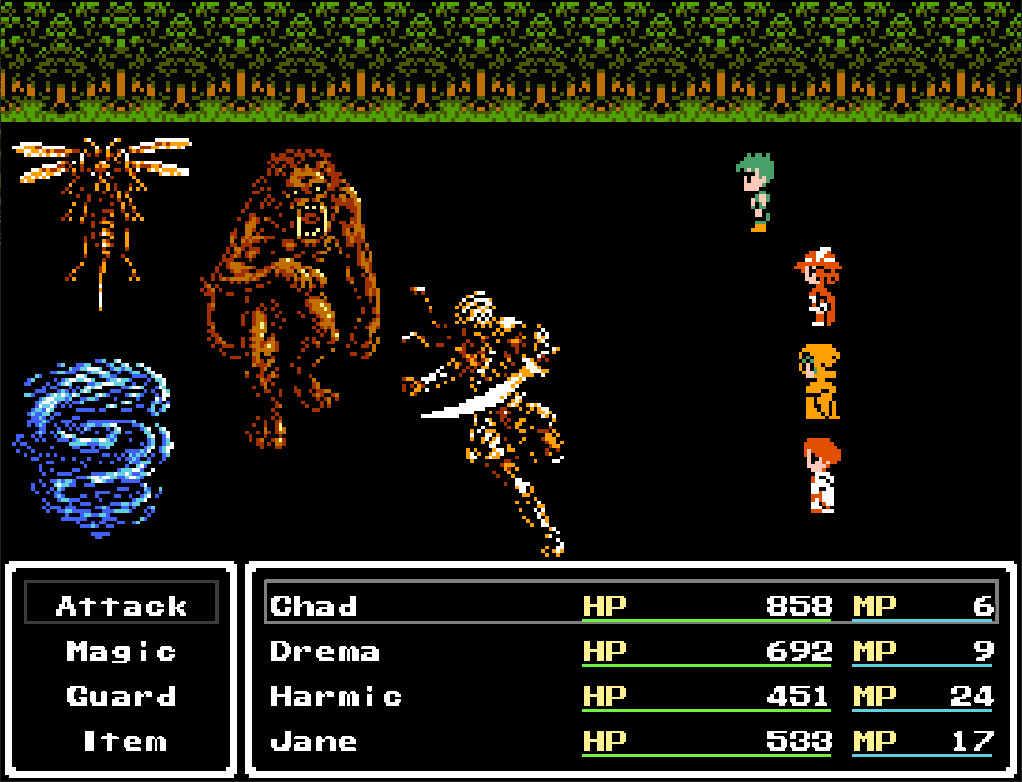
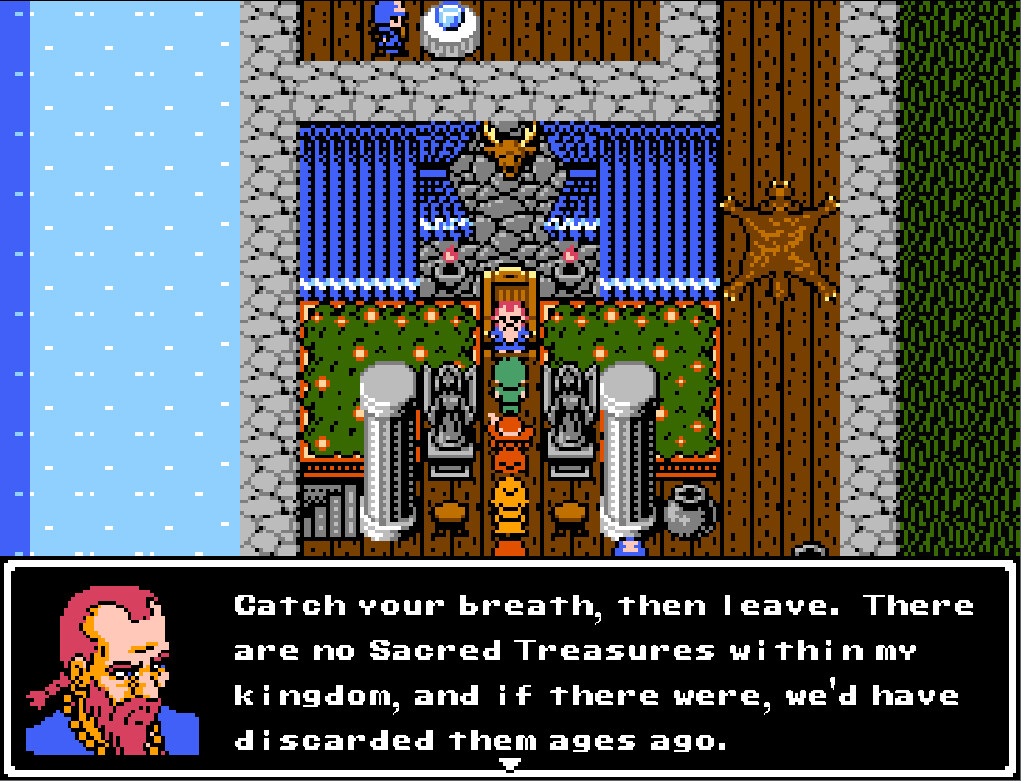
Scarmonde adopts a retro visual presentation that evokes classic RPG aesthetics. The description notes the graphics may suggest an older look while the game still includes modern conveniences.
Modern conveniences mentioned include the ability to toggle between windowed and fullscreen modes and the presence of partial controller support, which coexist with the retro visual design.
- Switch to fullscreen if you prefer a more immersive retro look.
- Use windowed mode when you need to multitask alongside the game.
04 / THE GUIDE
Steam Features
Scarmonde lists several Steam integrations: achievements, Steam Cloud, and family sharing. These features are indicated in the official feature list.
The game is described as single‑player, and the Steam features are presented as optional components that can be used alongside the core gameplay.
- Check the Steam achievement list to set personal goals.
- Steam Cloud is listed among the game's Steam features if you want to make use of it.
05 / THE GUIDE
Platform Support
The platform data shows Scarmonde is released for Windows PCs, with macOS and Linux marked as false. This indicates official support is limited to the Windows operating system.
No additional platforms are mentioned, so the documented availability is confined to Windows environments.
- Confirm your Windows version meets the game's system requirements before purchase.
- If you encounter display issues, try the built‑in windowed mode.

COMMUNITY
Player discussion