 GameWiki
GET YOUR BEARINGS
About Scarlet Skips
Scarlet Skips is a single‑player action title where you guide Scarlet through a series of jumps to “touch grass.” The game relies on timing, using only press, hold, and release of a single button, making it easy to pick up yet hard to put down. Progress is built around a rogue‑like upgrade system offering 10 upgrade cards that can be stacked for countless build possibilities, all presented with expressive Unreal Engine animation.
01 / THE GUIDE
Gameplay
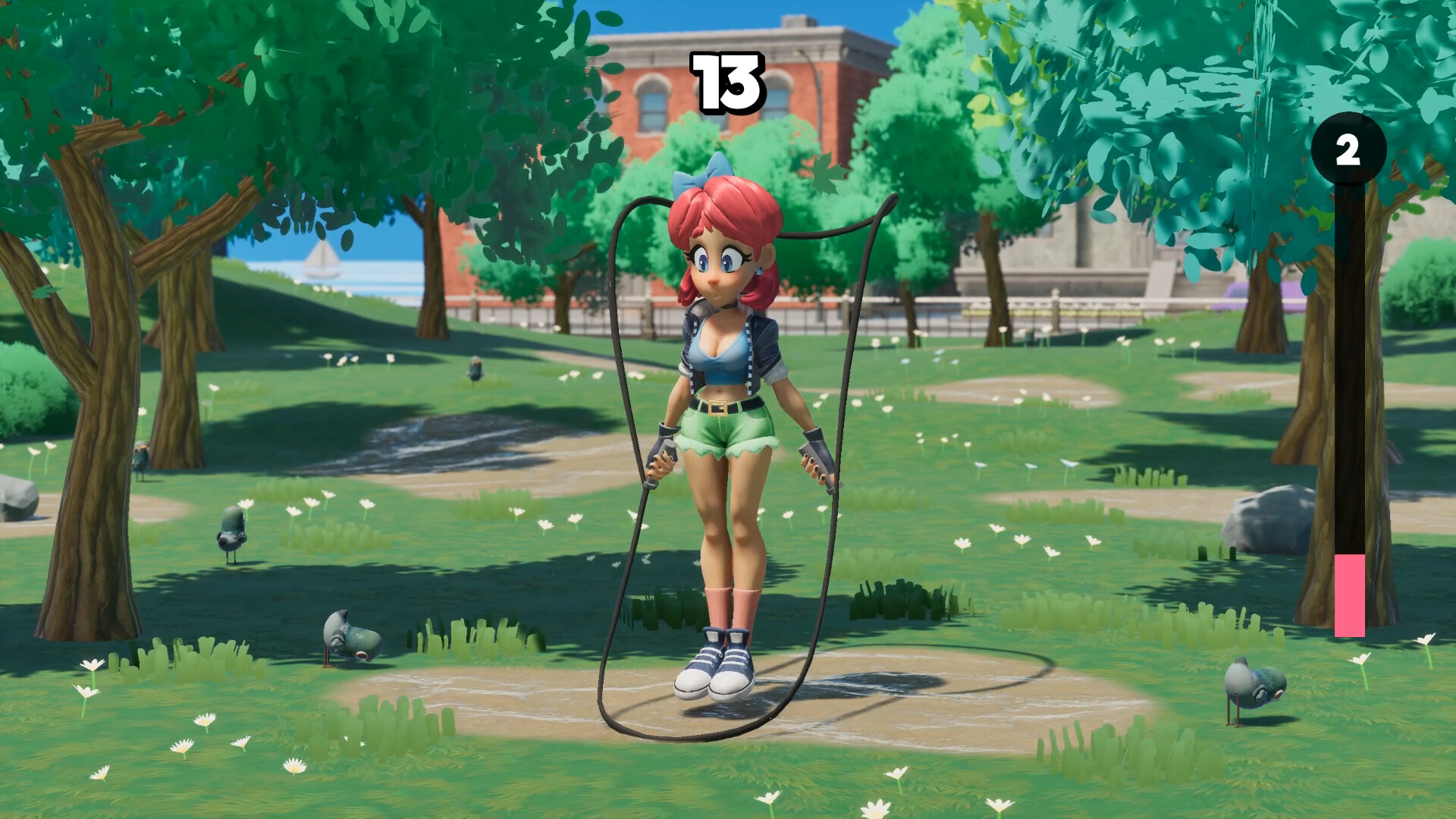
Players help Scarlet break out of her funk by timing jumps to reach the grass. The core loop is simple: press, hold, and release a single button to control each jump. Timing is emphasized as the key to success, encouraging a one‑jump‑at‑a‑time approach.
The game’s difficulty scales with the player’s ability to manage jump timing and the random power‑ups they acquire, creating a dynamic challenge that feels both rewarding and addictive.
- Practice short press versus long hold to gauge jump distance.
- Focus on consistent rhythm to improve timing accuracy.
02 / THE GUIDE
Upgrade System
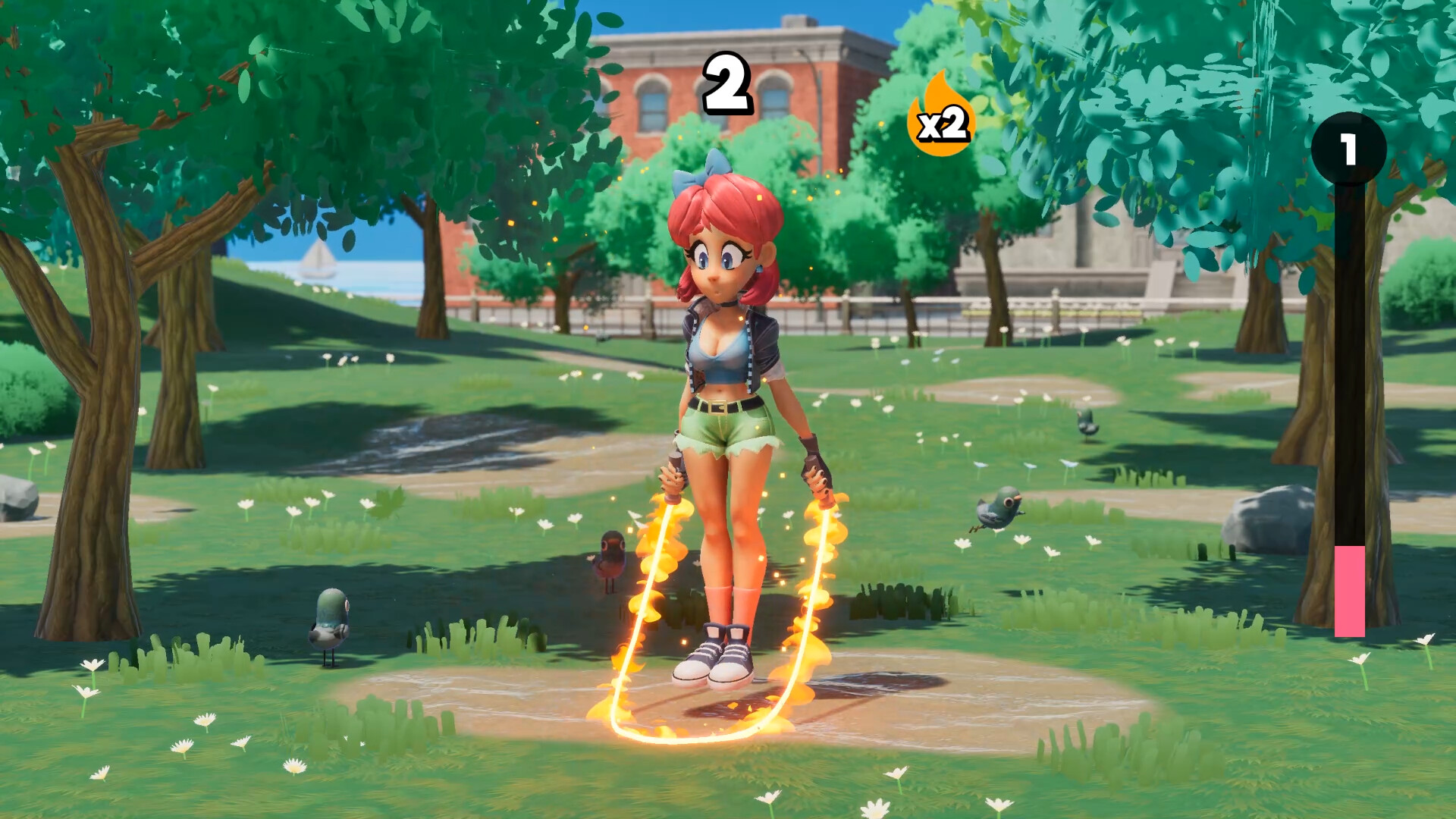
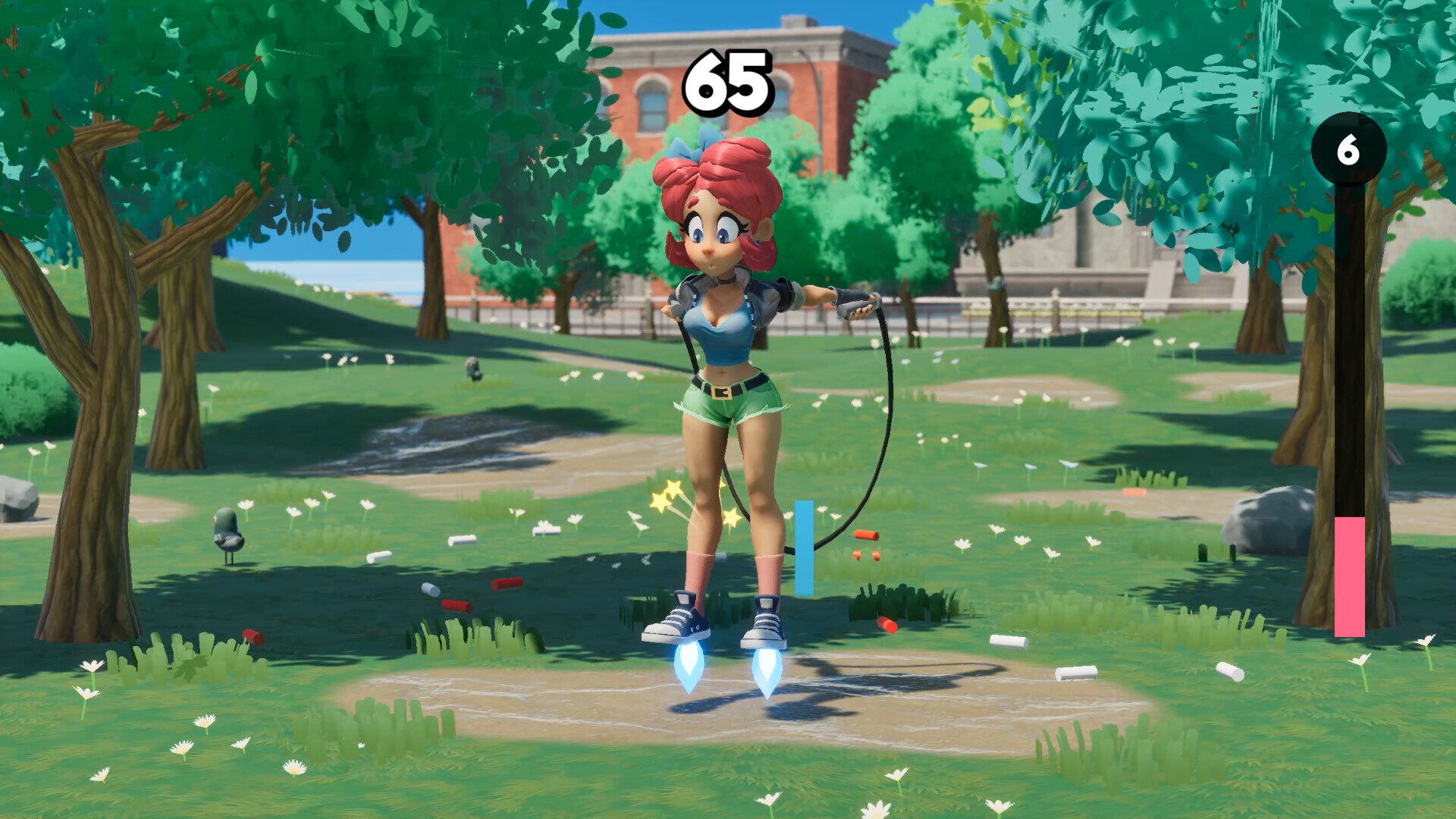
Scarlet Skips features a rogue‑like upgrade system with 10 distinct upgrade cards. After each level up, players choose from three random power‑ups, which can increase jump height, add a jump‑rope, or even set jumps on fire.
Upgrades stack and combine, allowing virtually infinite configurations. Players can experiment to find favorite builds or impose self‑limitations for added challenge.
- Mix jump‑height upgrades with fire upgrades for high‑risk, high‑reward runs.
- Track which combinations feel smooth to develop a personal meta.
03 / THE GUIDE
Animation
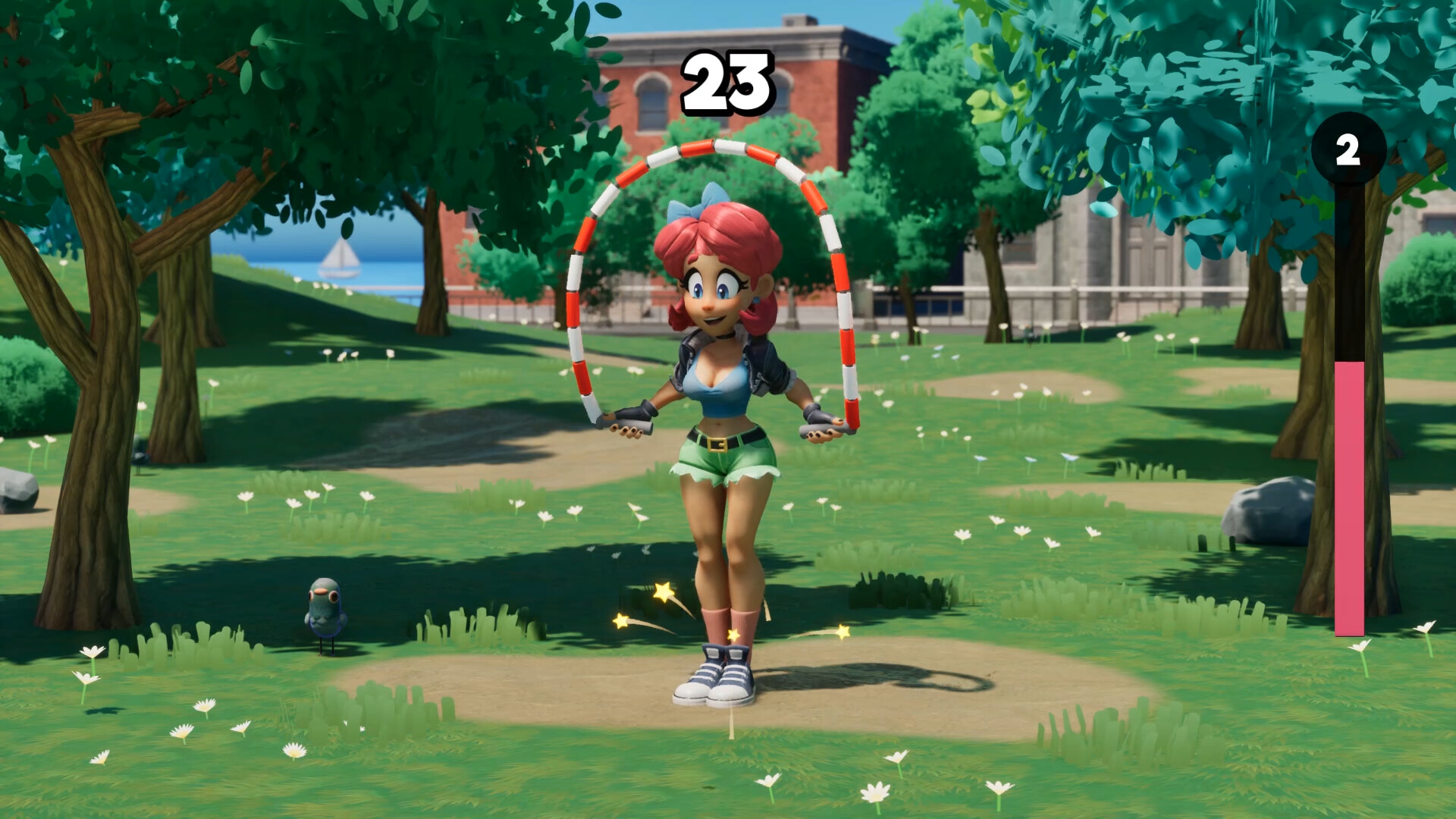
Scarlet’s movement is driven by dozens of candid animations blended with logic‑driven procedural motion. This system lets her react dynamically to gameplay conditions, making each jump feel lively and expressive.
The developers used Unreal Engine animation tools to push Scarlet’s visual style, aiming for a dynamic, adorable, and expressive presentation throughout the game.
- Watch for subtle animation cues that indicate optimal jump timing.
- Enjoy the visual feedback as a guide for when to press or hold.
04 / THE GUIDE
Controls
The game supports full controller, keyboard‑only, and mouse‑only options, giving players flexibility in how they input the single‑button commands. Regardless of device, the core input remains press, hold, and release.
This design ensures the game is accessible to a wide audience while maintaining the same timing‑focused challenge across all input methods.
- Try the mouse‑only mode for finer press‑duration control.
- Use a controller if you prefer tactile button feedback.
05 / THE GUIDE
Platforms
Scarlet Skips is available on Windows platforms, supporting Steam features such as achievements and family sharing. The game does not list macOS or Linux support.
Steam integration allows players to earn achievements and share the game with family members through the platform’s sharing system.
- Check the Steam achievement list for extra goals.
- Enable family sharing to let others play on the same account.

COMMUNITY
Player discussion