 GameWiki

GET YOUR BEARINGS
About Scanner Sombre
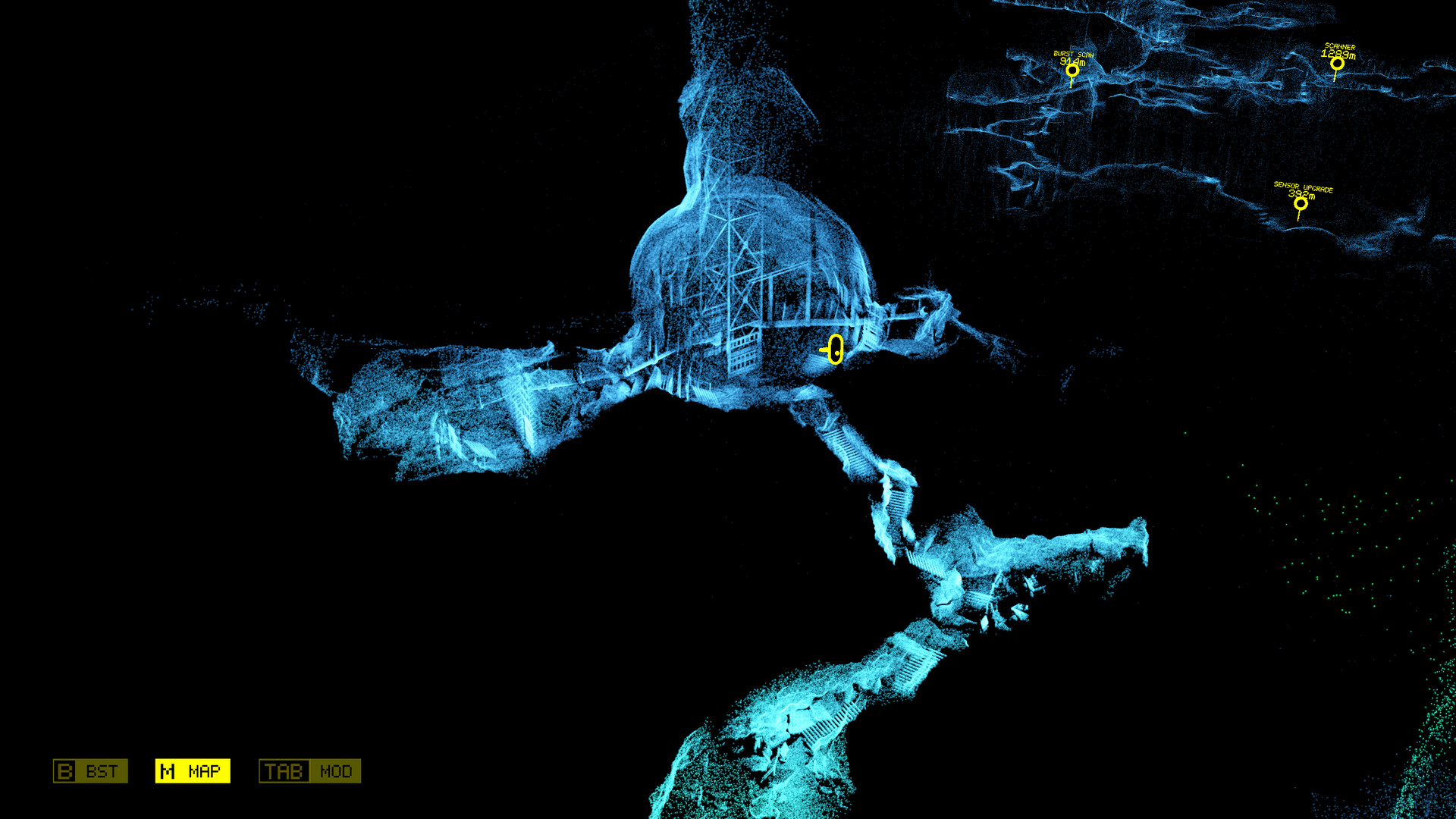
Scanner Sombre is a tense 3‑D horror cave‑exploration game where oppressive darkness is the player’s greatest obstacle. A handheld LIDAR scanner projects rainbow‑colored point clouds that gradually illuminate the environment, turning light and shadow into a haunting visual experience crafted by Introversion Software.
01 / THE GUIDE
Gameplay Mechanics
The central mechanic is the LIDAR scanner, which casts light into the darkness and builds a point‑cloud map of the cave as you move. This mapping is essential for navigating the oppressive environment and spotting hidden hazards.
- Move deliberately so the scanner can fully reveal the surrounding geometry.
- Pay attention to the expanding point cloud to anticipate upcoming obstacles.
02 / THE GUIDE
Visual Style
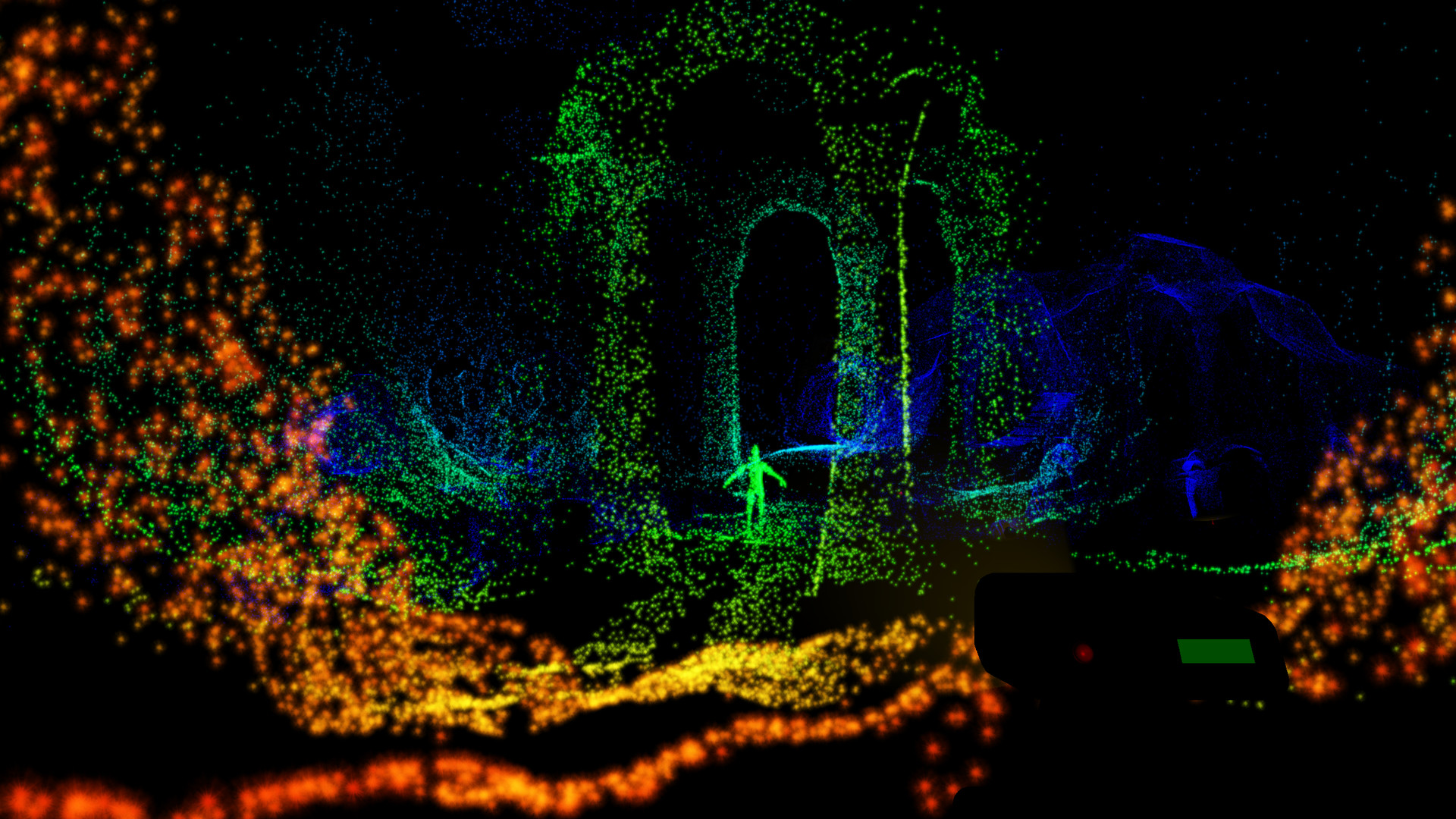
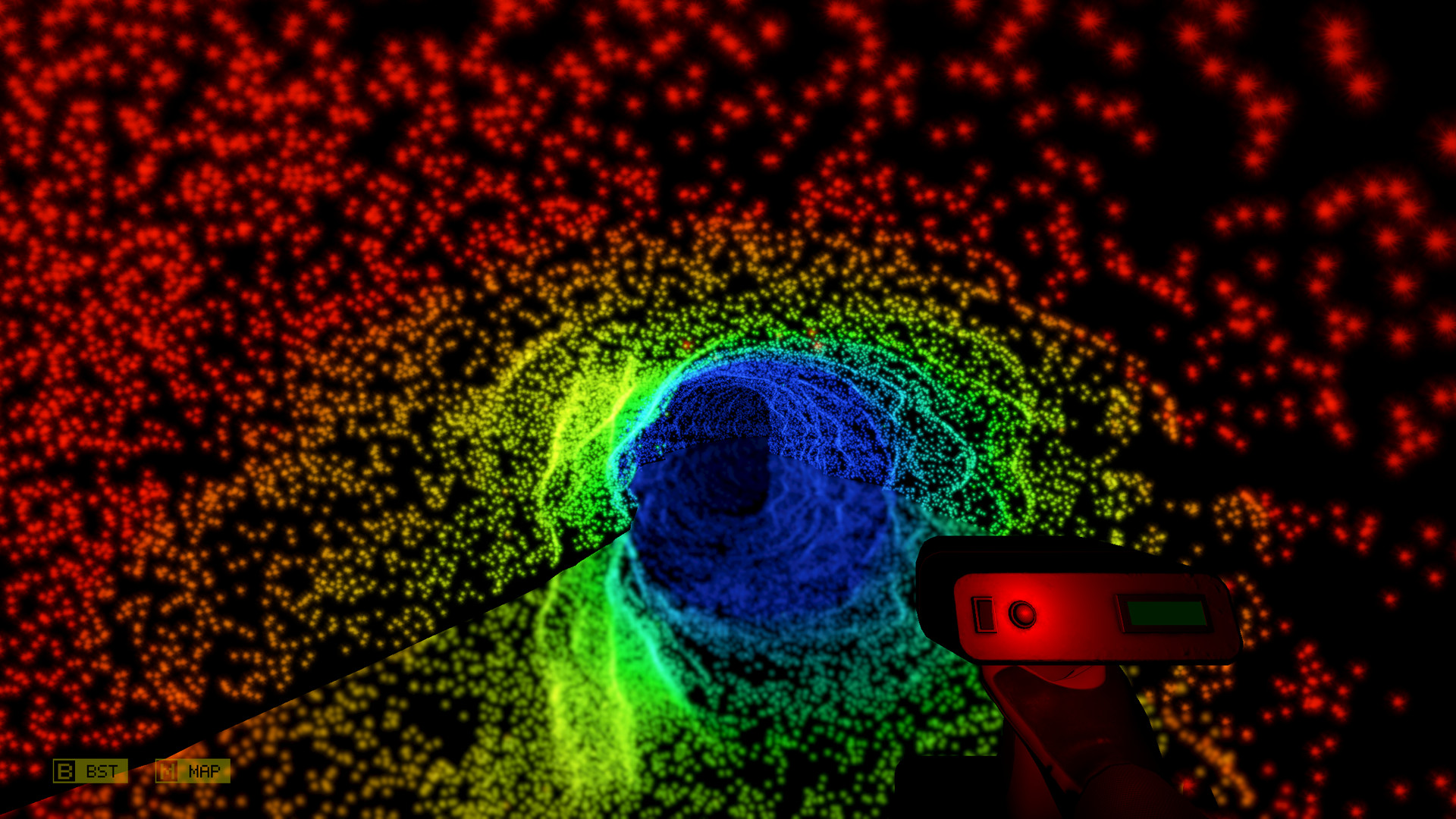
Scanner Sombre renders the cave with vibrant, rainbow‑colored point clouds inspired by industrial LIDAR scans. The color‑coded points convey depth and create an eerie, inhuman aesthetic that contrasts sharply with the surrounding darkness.
- Observe the hue shifts; warmer colors indicate nearer surfaces while cooler tones mark distant geometry.
- Use the visual contrast to locate subtle environmental details.
03 / THE GUIDE
Storytelling
The narrative is delivered through environmental clues—forgotten symbols, remnants, and subtle visual hints—that suggest a deeper, darker history hidden within the cave. Players piece together the story by exploring and interpreting these elements.
- Take note of recurring symbols; they often point to thematic connections.
- Re‑enter previously explored areas after new discoveries to reveal additional context.
04 / THE GUIDE
Controller Support
The game provides full controller support, including DualShock, DualSense, and tracked controllers, as well as optional VR mode. Players can navigate and operate the scanner using these devices, matching the intended hands‑on experience.
- Select the controller layout that feels most comfortable for precise scanner movement.
- Try the VR mode if you have compatible hardware to experience depth more directly.
05 / THE GUIDE
Platform Availability
Scanner Sombre is released for Windows and macOS, reaching a broad PC audience. The title also supports Steam Family Sharing, allowing multiple accounts on the same device to access the game without additional purchases.
- Verify that your system meets the Windows or macOS specifications before buying.
- Use Family Sharing to let friends try the game on a shared machine.


COMMUNITY
Player discussion