 GameWiki
GET YOUR BEARINGS
About Sandwich Simulator
Sandwich Simulator puts you in charge of a growing sandwich shop. You can run the restaurant alone or join up to six friends in online co‑op, taking orders, assembling sandwiches with four breads and over ten ingredients, and delivering them while keeping the kitchen tidy.
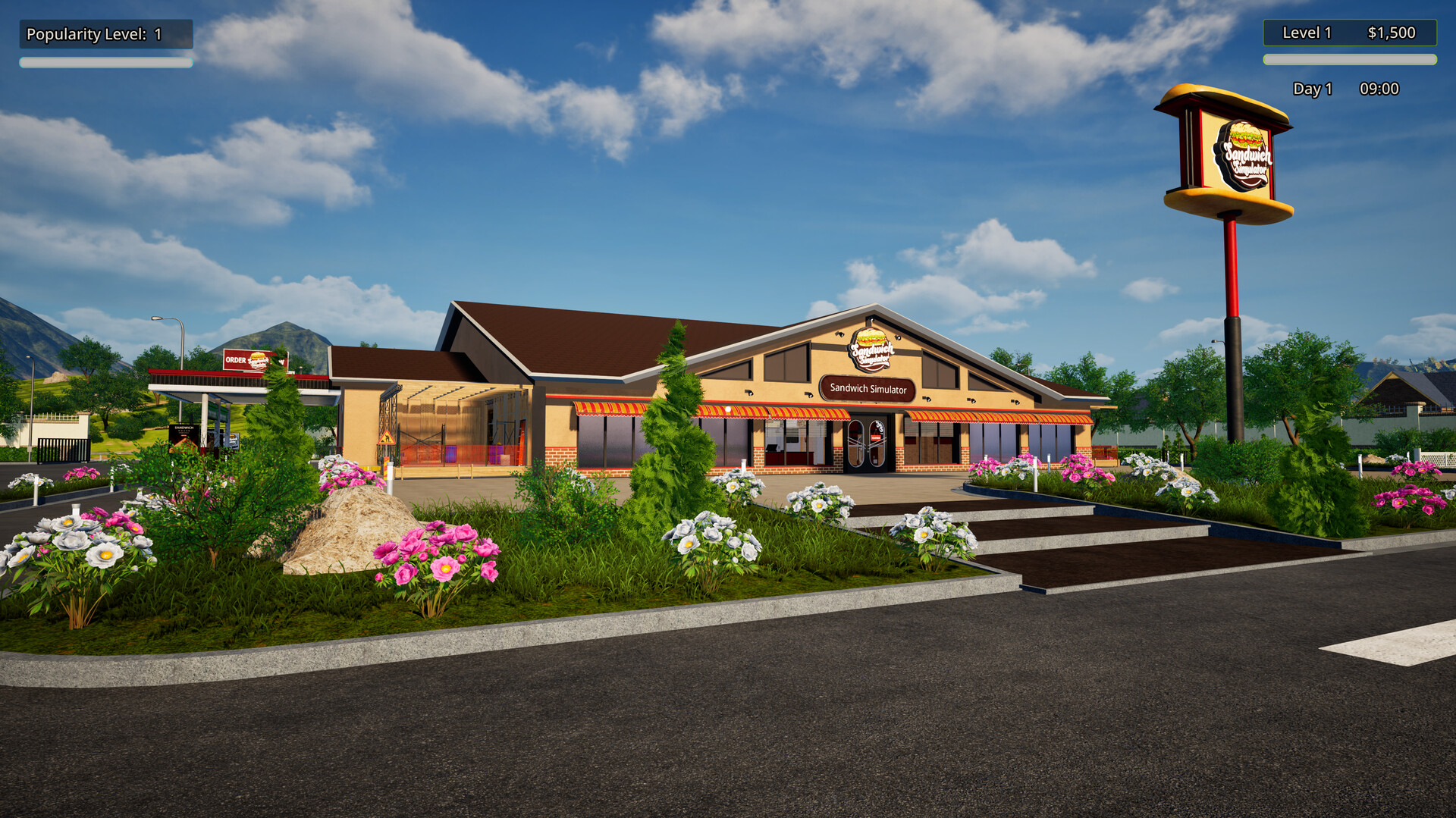
As your reputation rises, more customers arrive, orders become more varied, and the pace quickens. You can rearrange every station, accept courier deliveries, and later add a drive‑thru upgrade that creates extra serving space and raises profit.
01 / THE GUIDE
Online Co‑op
The game supports online co‑op for up to six players, letting each participant handle a specific task such as taking orders, cooking, cleaning, or delivering trays.
Co‑op play distributes workload, which can help meet the fast‑paced order deadlines that appear as the restaurant’s fame grows.
- Assign each player a primary duty before the shift begins.
- Communicate quickly about urgent orders using voice or text.
02 / THE GUIDE
Kitchen Customization
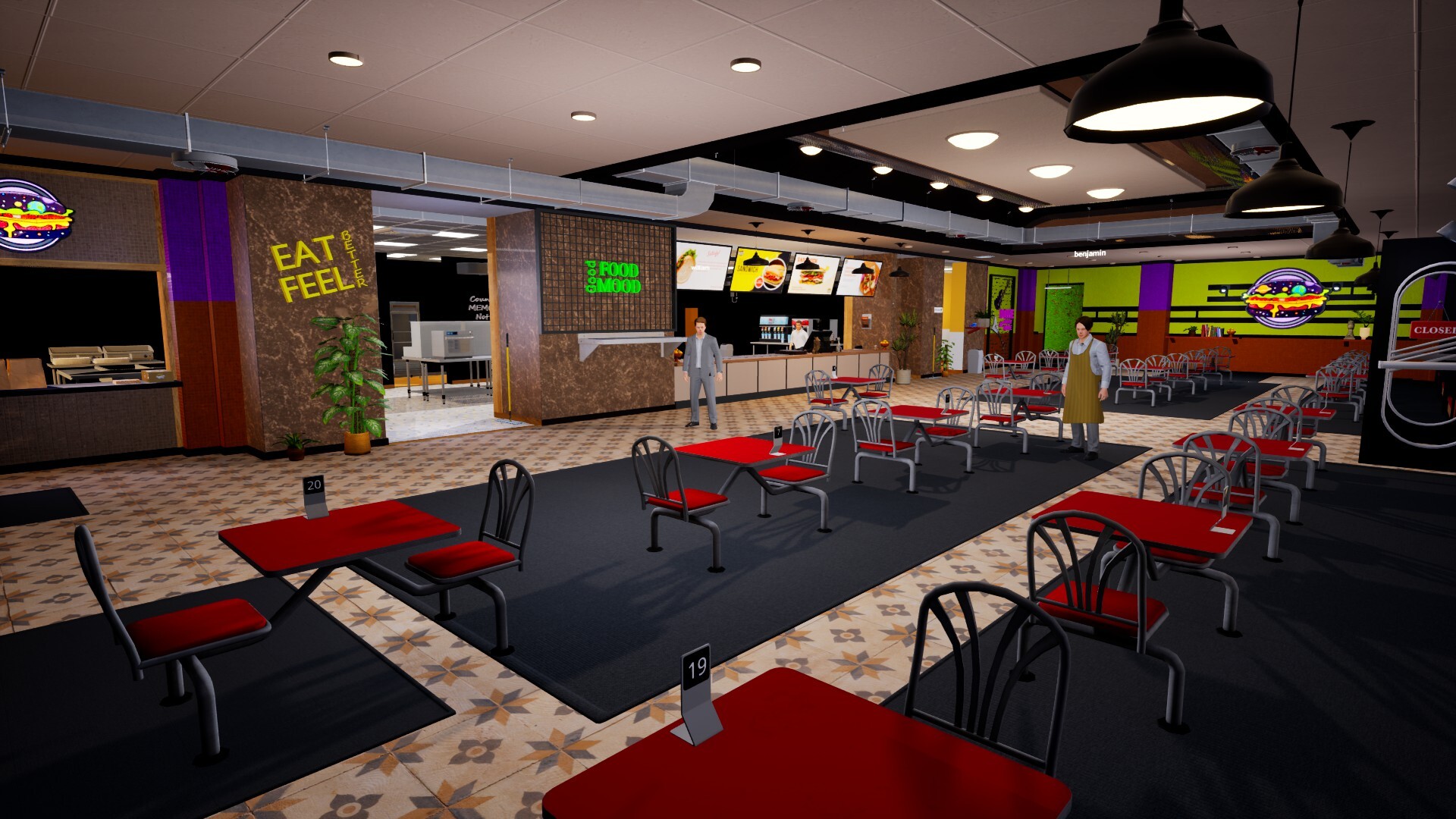
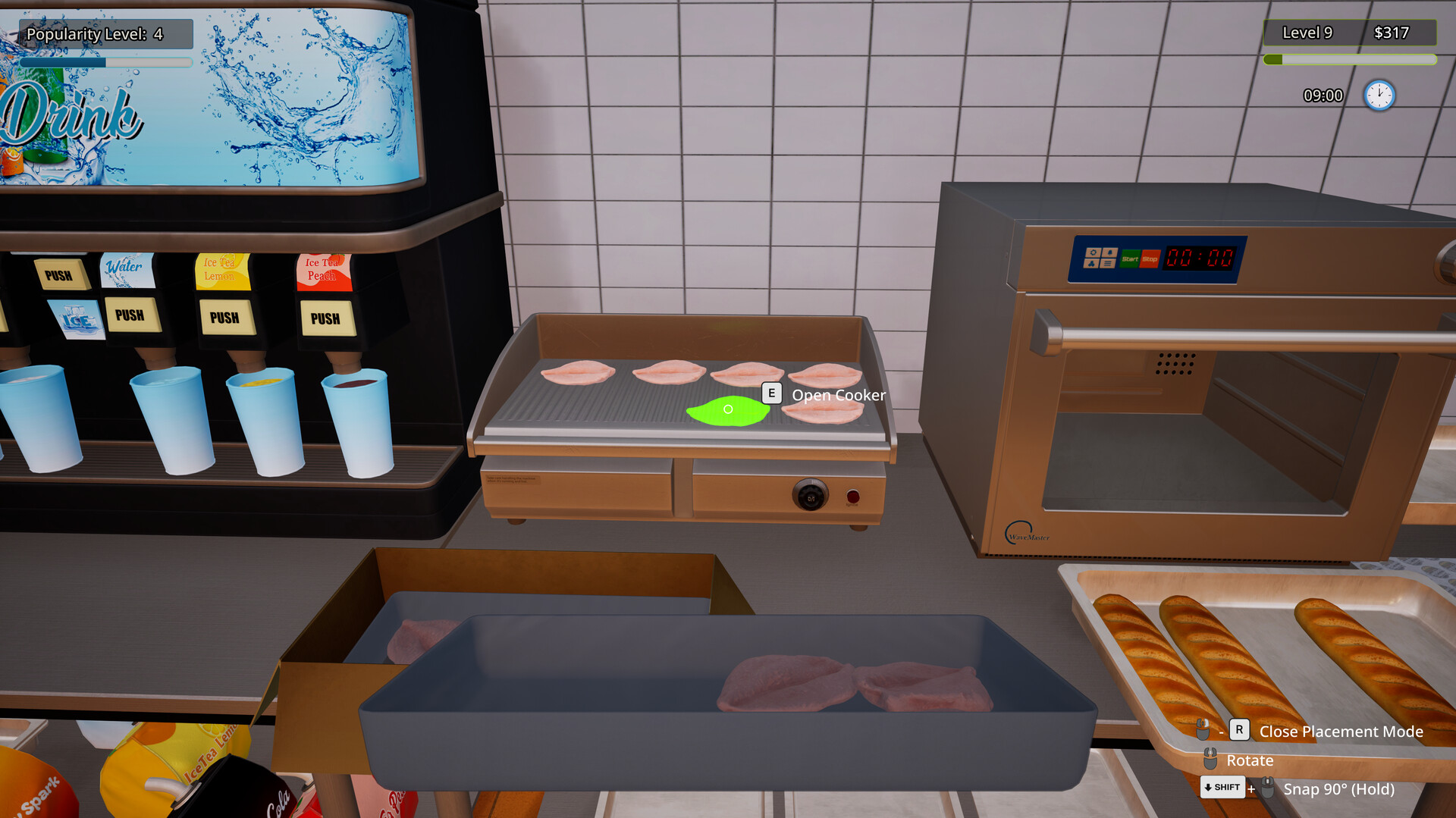
All ingredient stations and kitchen utensils can be moved, allowing you to design a layout that matches your preferred workflow.
The game warns against illogical placements, such as putting tables inside the fridge, which would not keep guests fresh.
- Place frequently used ingredients near the prep area.
- Leave trash bins accessible for quick cleaning.
03 / THE GUIDE
Order Management
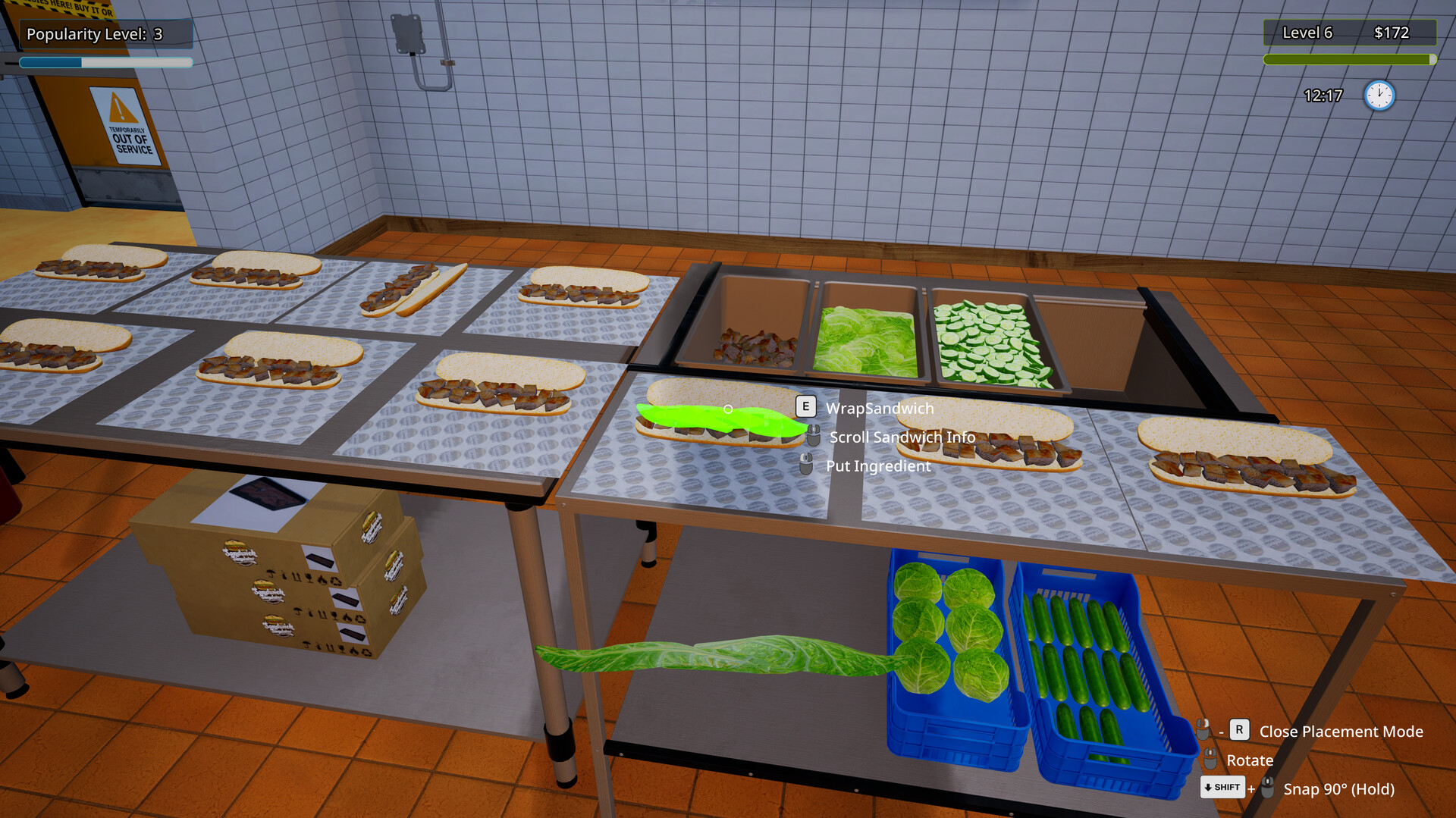
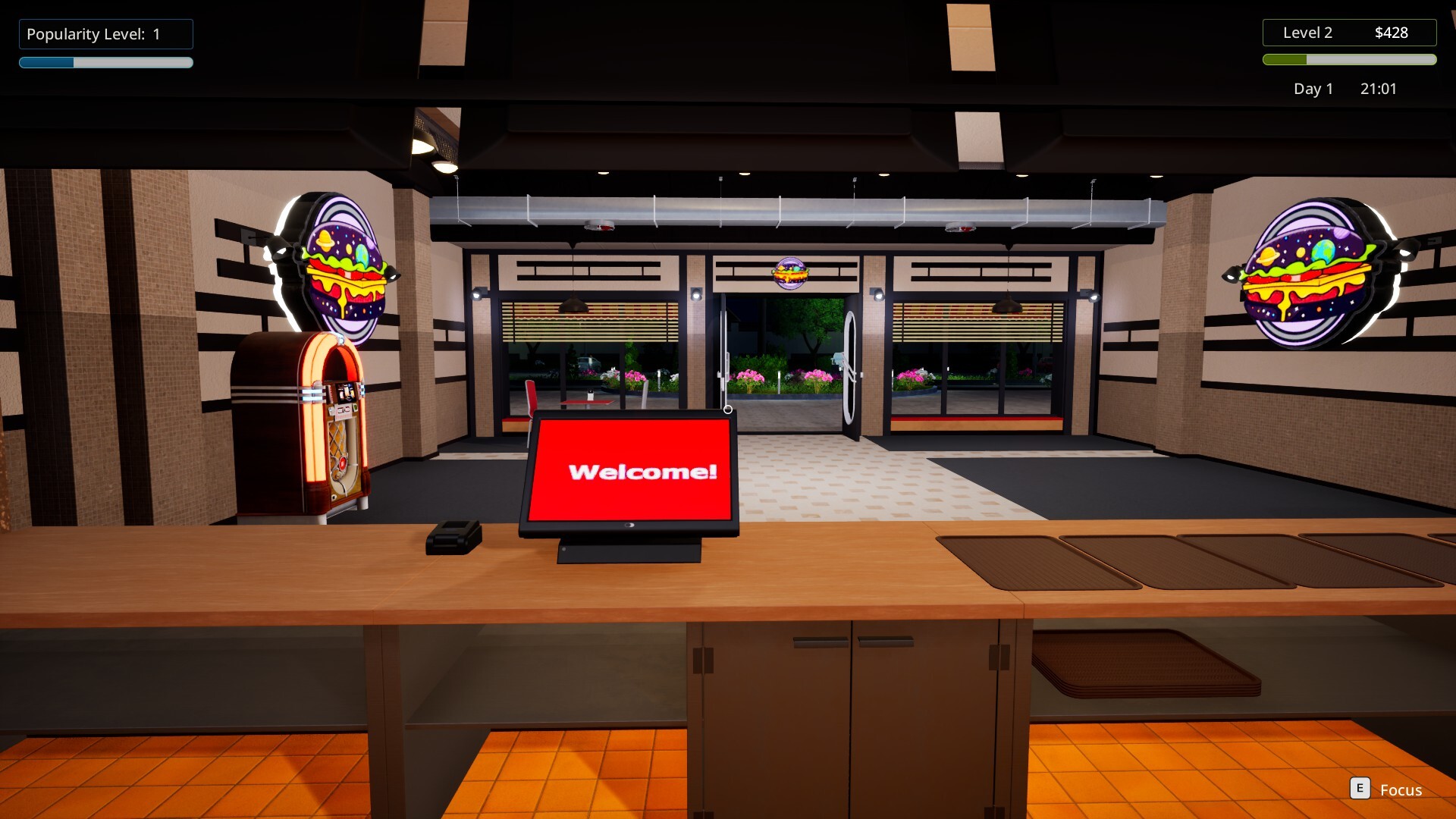
Customers order at the counter; you must assemble sandwiches using four bread types and more than ten ingredients, then place the dish on a tray and deliver it promptly.
As fame increases, the variety of orders expands and the time pressure grows, demanding faster decision‑making to keep customers satisfied.
- Prioritize the longest‑waiting orders first.
- Group similar sandwiches to reduce ingredient swaps.
04 / THE GUIDE
Cleanliness and Reputation
Keeping counters, floors, and restrooms clean is essential; dirty areas lower your restaurant’s reputation, so regular wiping and trash collection maintain a positive image.
Online customers rate your service after courier deliveries, so a tidy kitchen also influences remote feedback.
- Assign one player to handle cleaning during busy periods.
- Check the restroom frequently to avoid reputation penalties.
05 / THE GUIDE
Drive‑Thru Upgrade
When the restaurant becomes large enough, you can purchase a drive‑thru service upgrade, adding extra serving space and turning the shop into a banquet stop.
The upgrade raises profit without adding more tables, allowing you to serve more customers simultaneously.
- Use the drive‑thru for quick orders while tables handle larger meals.
- Monitor both queues to balance service lines.
COMMUNITY
Player discussion