 GameWiki
GET YOUR BEARINGS
About Sandboxels
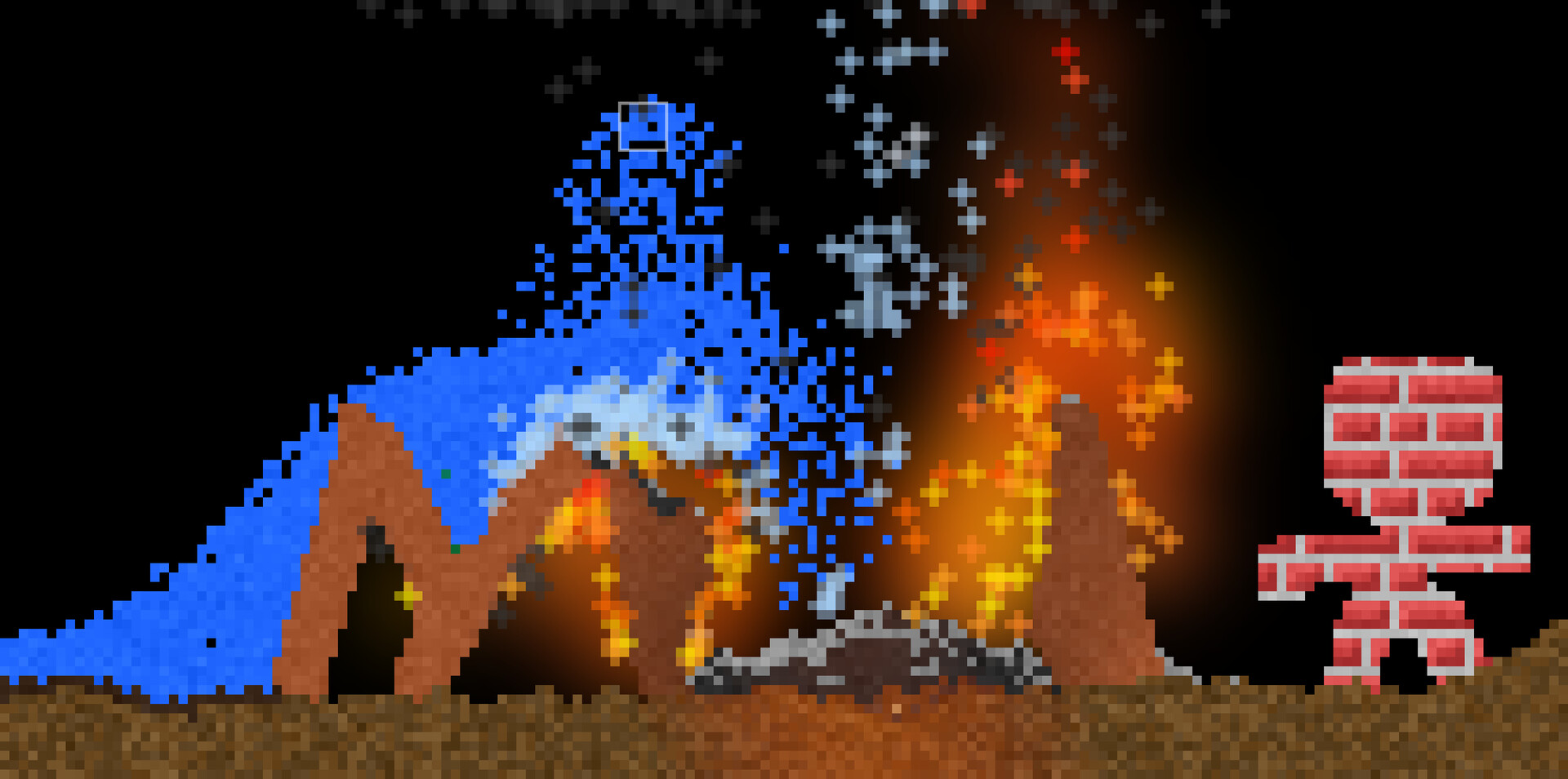
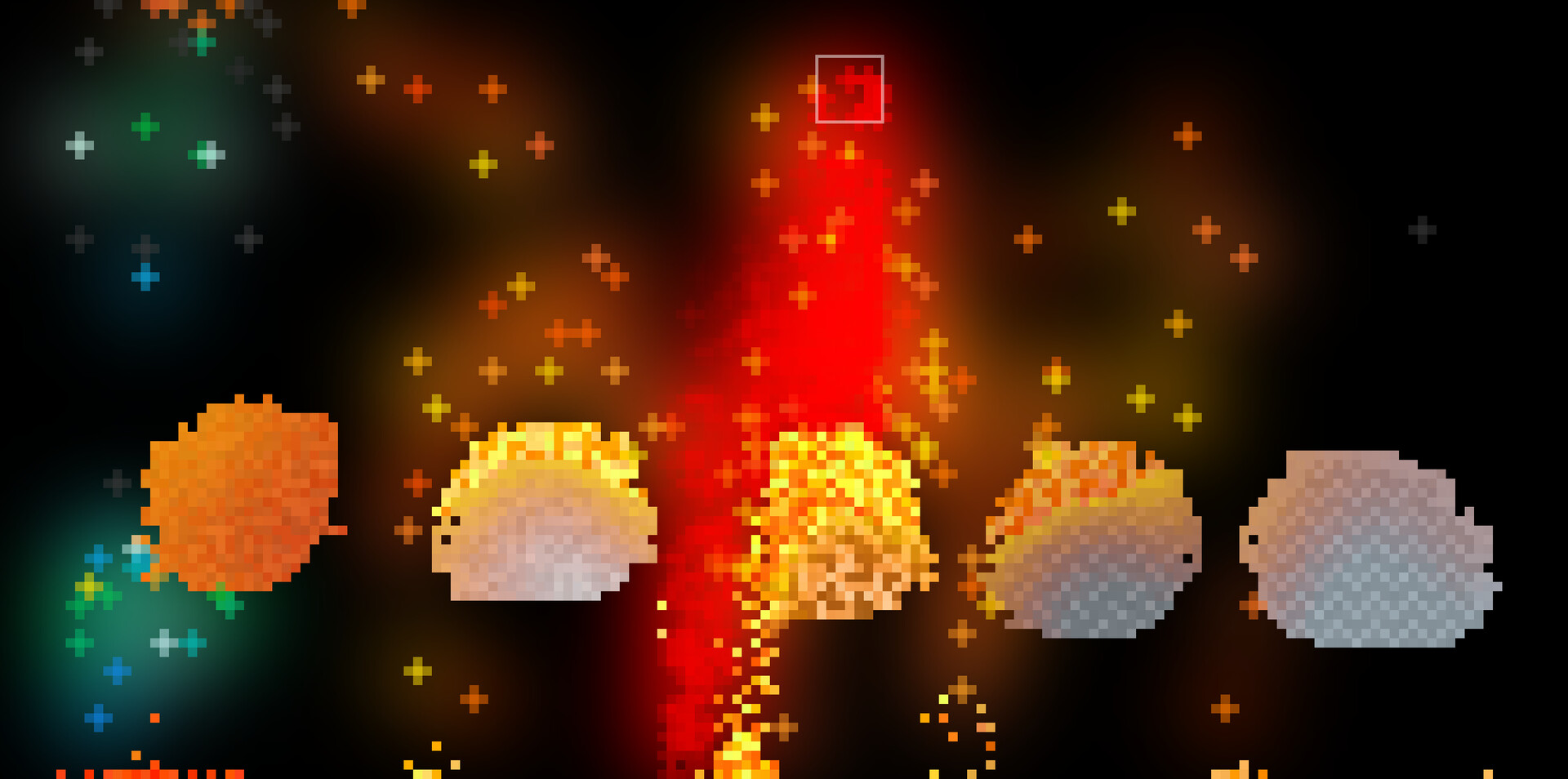
Sandboxels is a falling‑sand simulation that models heat, electricity, density, chemical reactions, cooking, and fire spread across more than 500 distinct elements. Players place pixels on a canvas and watch liquids, powders, plants, animals and other materials interact in real time.
The game runs on Windows and macOS via Steam and adds unlimited save file management, Discord Rich Presence, and direct Steam Workshop integration for browsing and publishing creations. It is a single‑player experience that also includes a level editor and supports Family Sharing.
01 / THE GUIDE
Choosing Elements
Elements are organized into categories such as Liquids, Solids, and Gases. Selecting a category reveals its members; for example, Water appears under Liquids. Players click or tap an element and then drag on the canvas to place pixels.
Each placed pixel follows its defined behavior—water flows, fire spreads, and chemicals react. The large element pool encourages testing how different material types affect one another in the sandbox.
- Combine elements from separate categories to discover new interactions.
- Use longer drag motions to deposit larger quantities quickly.
02 / THE GUIDE
Heat Simulation and Fire
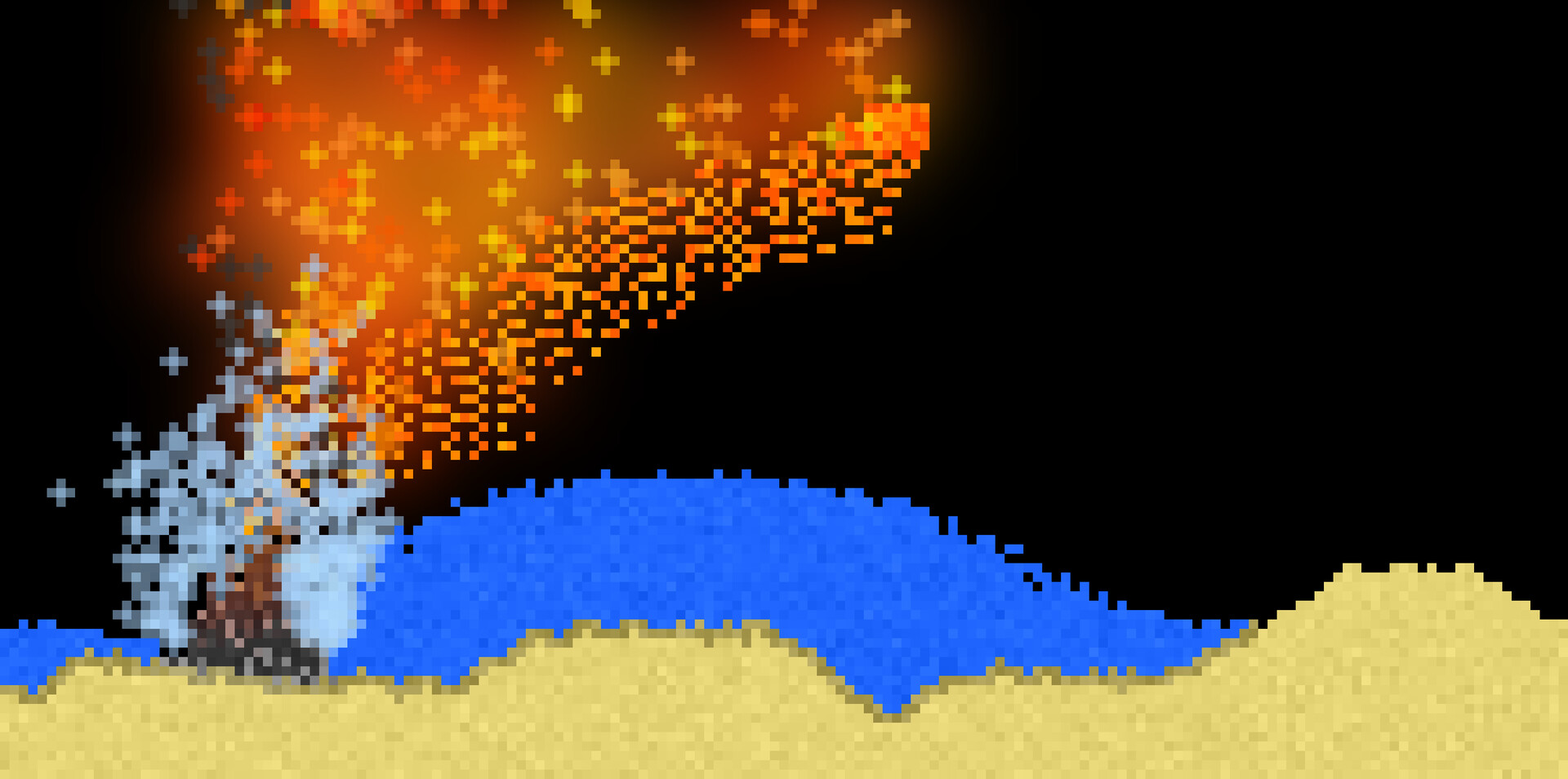
Heat values influence element behavior; hotter pixels can ignite flammable materials. Fire spreads across compatible substances, creating dynamic visual changes that propagate through the sandbox.
Players can set up controlled experiments, such as placing a heat source next to wood to observe burning, or introducing cooling elements to halt fire spread and study temperature effects.
- Place a heat source near combustible items to watch fire propagation.
- Add cooling elements to stop an ongoing fire.
03 / THE GUIDE
Chemical Interactions
When specific elements contact each other, predefined chemical reactions occur, producing new substances or visual effects. The game includes thousands of possible interactions among materials, plants, animals, fluids, and powders.
These reactions let players craft compounds, generate gases, or trigger chain reactions, providing a sandbox for virtual chemistry experiments without additional tools.
- Place reactive elements side by side to trigger a reaction.
- Observe any by‑products that appear after the reaction.
04 / THE GUIDE
Steam Workshop Integration
Sandboxels offers direct Steam Workshop support from within the game. Players can browse community creations, download saves, and publish their own layouts without leaving the application.
This integration encourages sharing of elaborate ecosystems, complex reaction chains, or artistic designs, fostering a collaborative community around the sandbox.
- Browse the Workshop for ideas before starting a new experiment.
- Publish interesting setups to receive feedback from other players.
05 / THE GUIDE
Unlimited Save Files
Sandboxels provides unlimited save file management, removing the traditional limit of fixed save slots. Players can store as many experiments as they wish, preserving each setup independently.
This freedom allows parallel testing of different concepts—such as separate chemical labs or distinct ecosystems—without overwriting previous work.
- Create separate saves for each experimental theme.
- Periodically load older saves to compare results over time.
COMMUNITY
Player discussion