 GameWiki
GET YOUR BEARINGS
About SAMURAI WARRIORS 5
Samurai Warriors 5 revives the tactical‑action series after a seven‑year hiatus, covering the period from the end of the Ōnin War to the Honnō‑ji Incident. The Windows‑only title adds revamped officer designs, new characters, and expanded combat flair while preserving the series’ hallmark battlefield chaos. Players can enjoy a single‑player story, online or split‑screen co‑op, and a range of input and difficulty options.
01 / THE GUIDE
Officer Roster
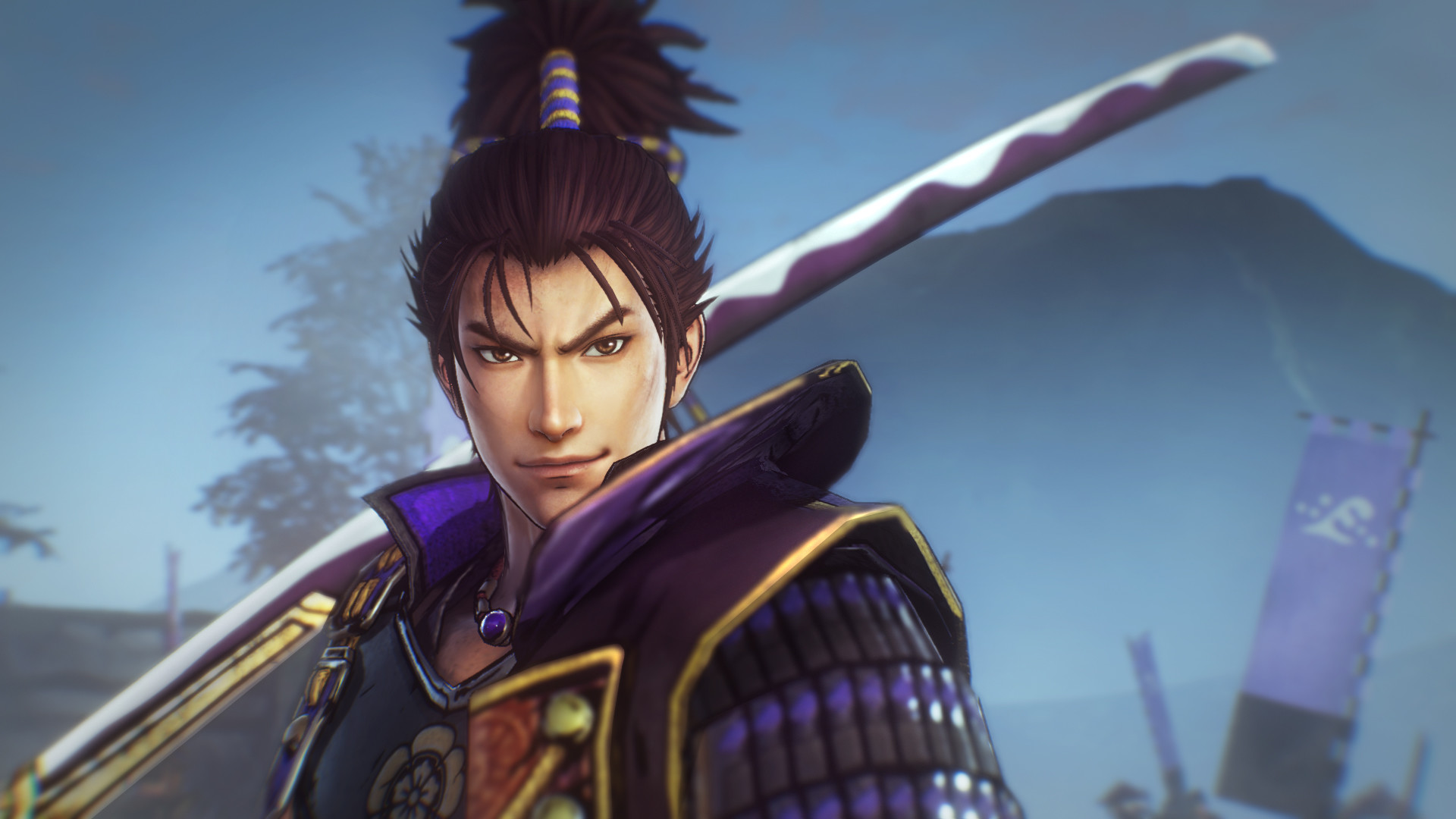
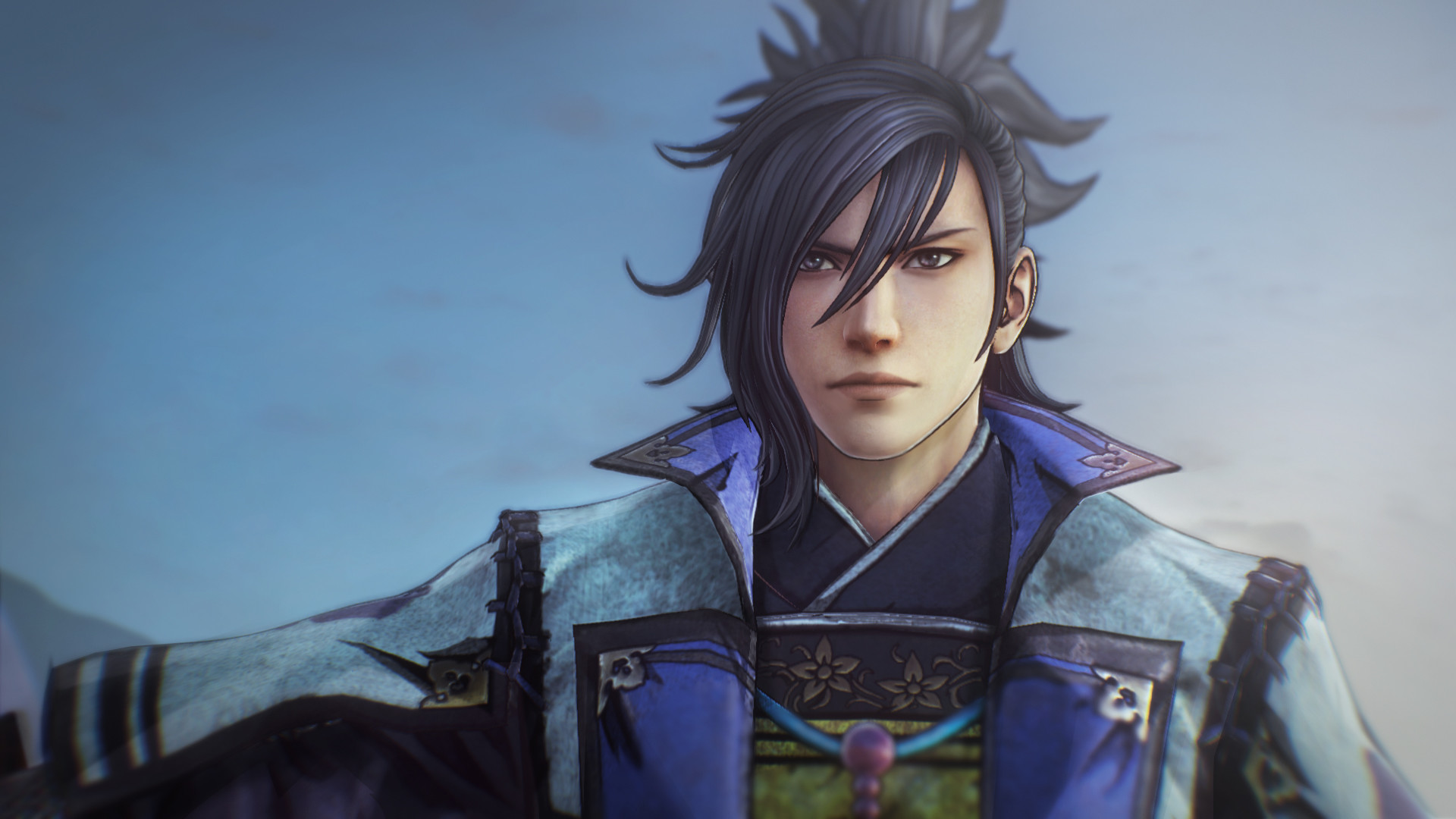
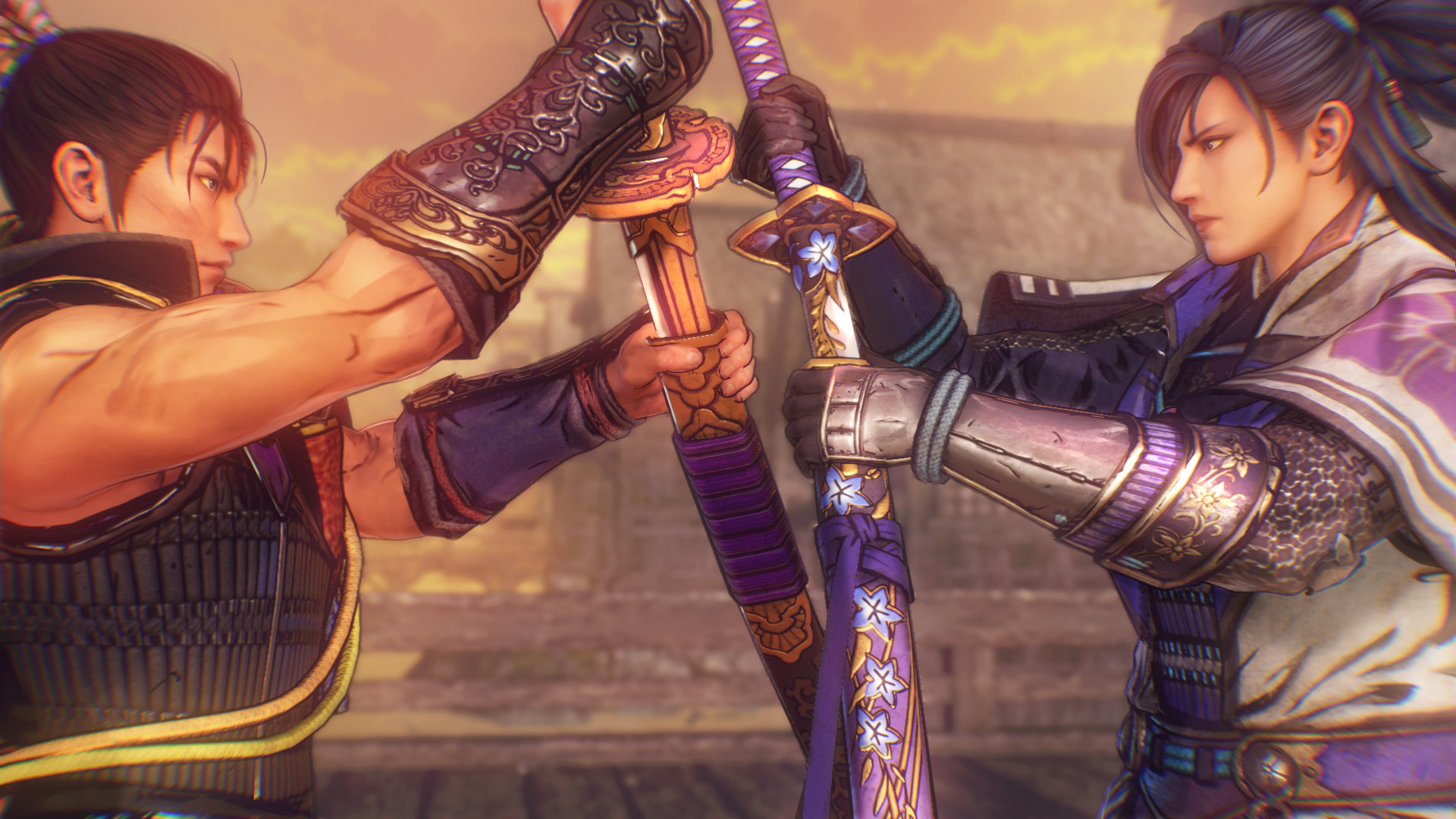
The game features 27 samurai warriors, mixing classic figures with fresh designs. Notable officers include a young Nobunaga Oda, called the “Great Fool,” and daimyō Yoshimoto Imagawa, dubbed the “Greatest Archer in all of Kaidō.” New characters such as retainer Toshimitsu Saitō and Kōga ninja Mitsuki broaden the cast.
- Read each officer’s biography to see how their stories intersect.
- Swap officers between missions to experience different combat styles.
02 / THE GUIDE
Combat Action
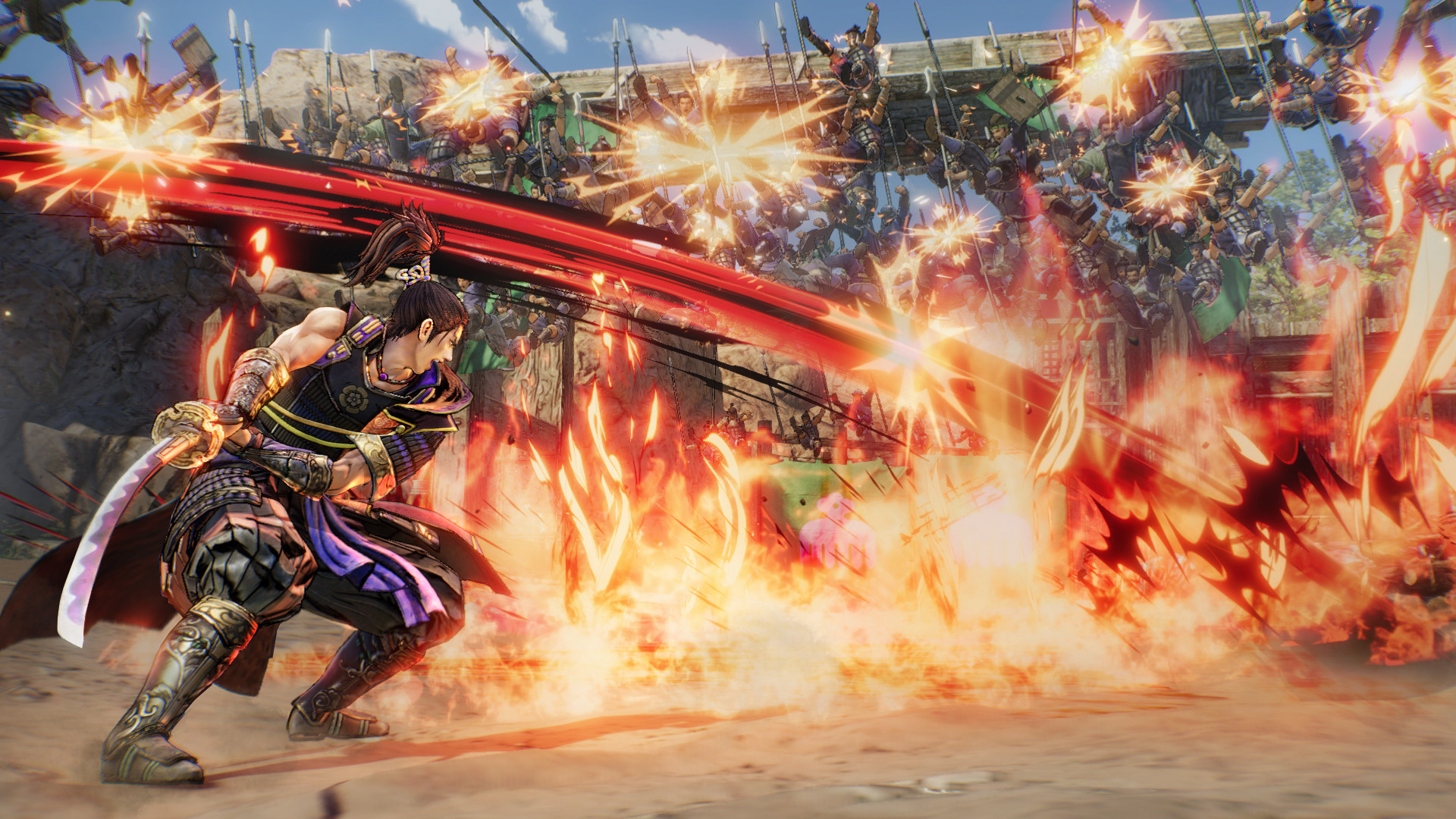
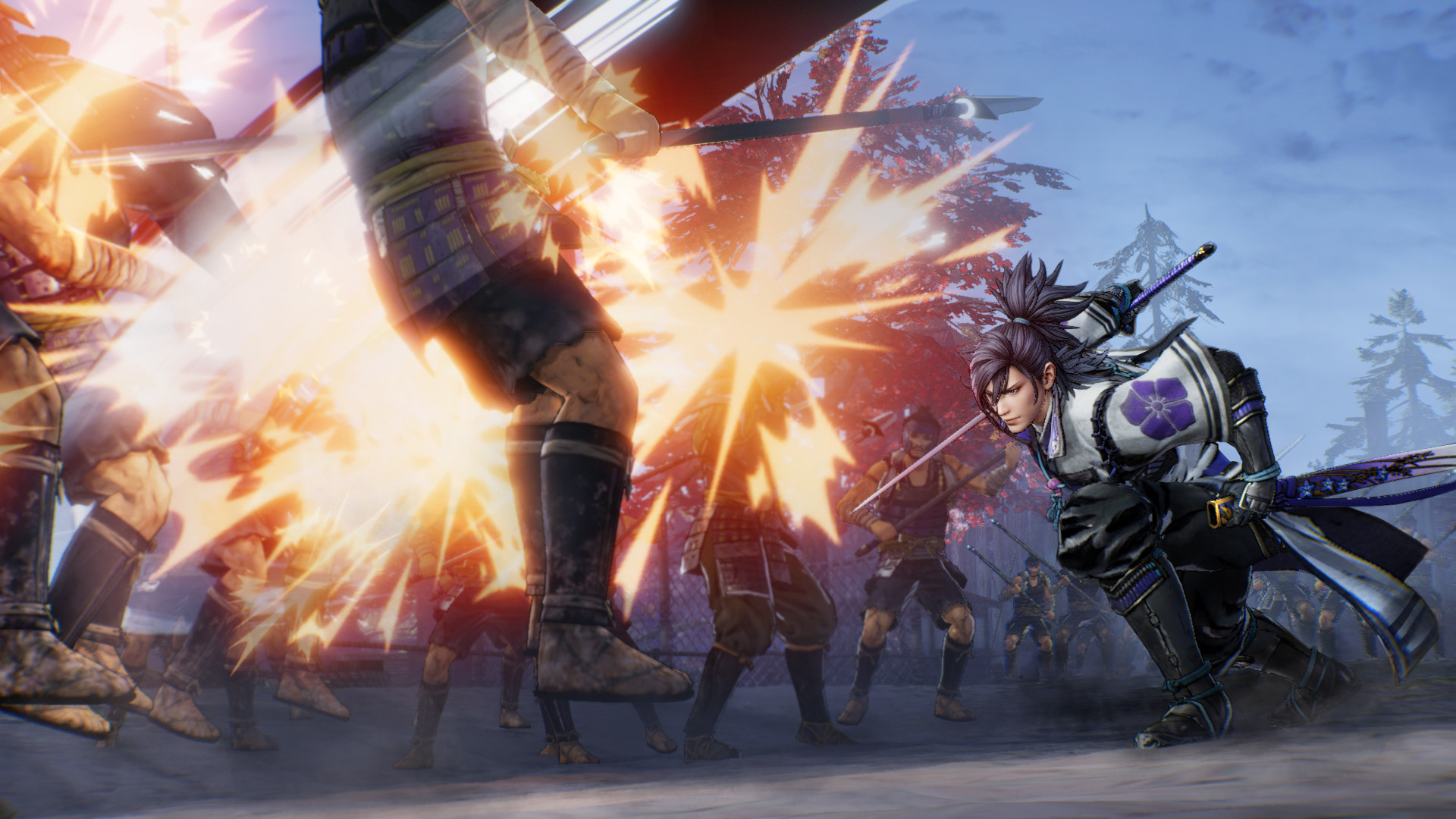
Combat retains the series’ signature “thrill of sending enemies flying,” now enhanced with new moves and Japanese‑flair visual effects. The expanded move set makes enemy knock‑backs more dramatic, delivering a visually striking battlefield experience.
- Trigger the new actions during combos to maximize enemy displacement.
- Watch visual cues for the optimal timing of powerful attacks.
03 / THE GUIDE
Multiplayer Modes
Players can team up via online co‑op or share a screen with split‑screen co‑op. Both modes let friends tackle battles together, complementing the single‑player narrative with shared drama.
- Coordinate roles with your partner to cover each other’s weaknesses.
- Adjust split‑screen settings before long sessions for comfort.
04 / THE GUIDE
Accessibility Options
Full controller support, a keyboard‑only mode, and adjustable difficulty let players tailor the experience. Custom volume controls and stereo or surround sound adapt audio to personal preference. Steam Cloud saves progress across installations.
- Set difficulty early if combat feels too intense.
- Switch to keyboard‑only mode when a controller isn’t handy.
05 / THE GUIDE
Trial Version
The trial offers the opening story chapters. After updating to the latest patch, the trial’s save file can be imported into the full game, allowing a seamless continuation without losing progress.
- Patch the game before attempting the save transfer.
- Use the trial to decide if the full experience matches your expectations.
COMMUNITY
Player discussion