 GameWiki
GET YOUR BEARINGS
About SAMURAI SHODOWN NEOGEO COLLECTION
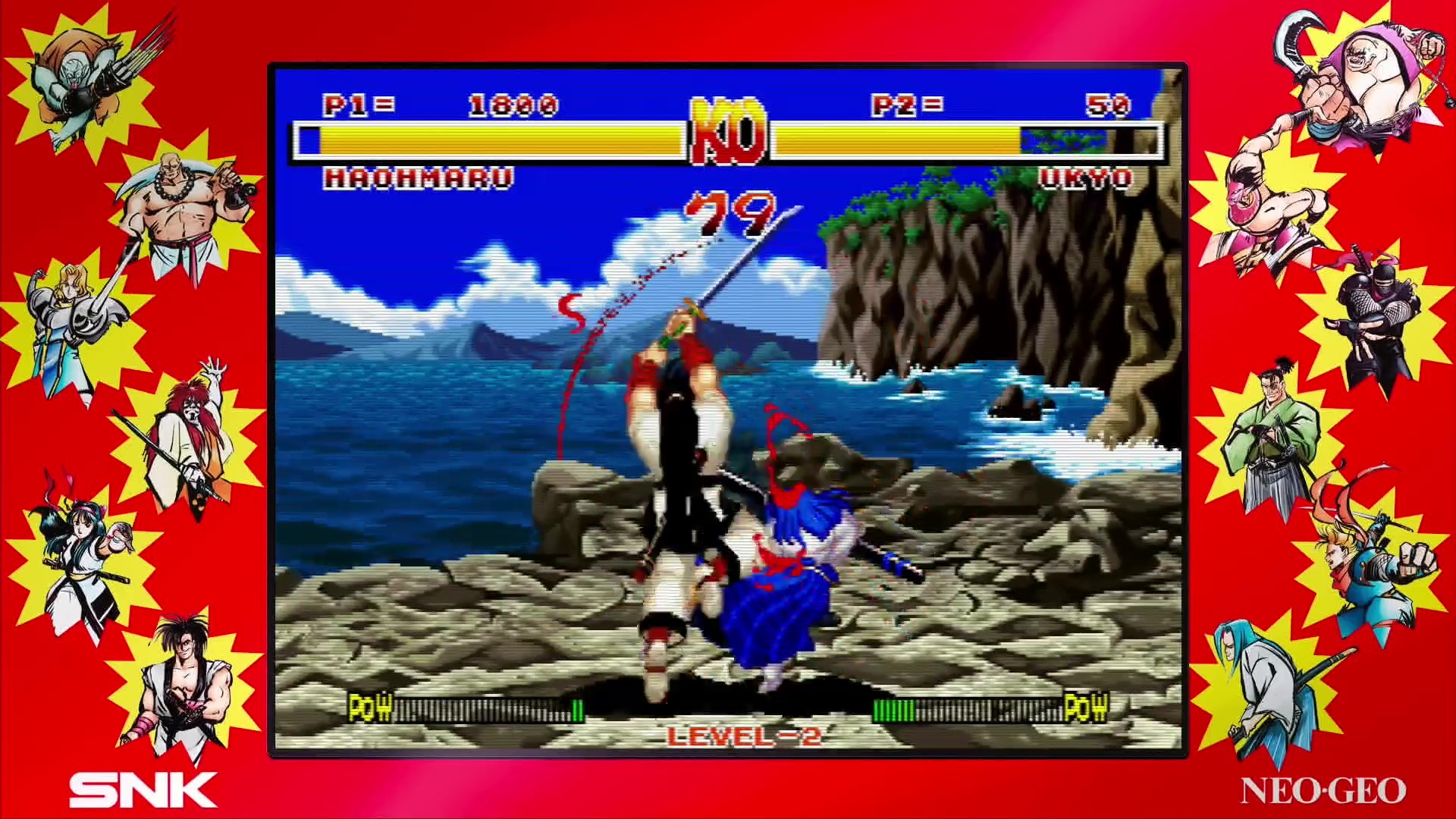
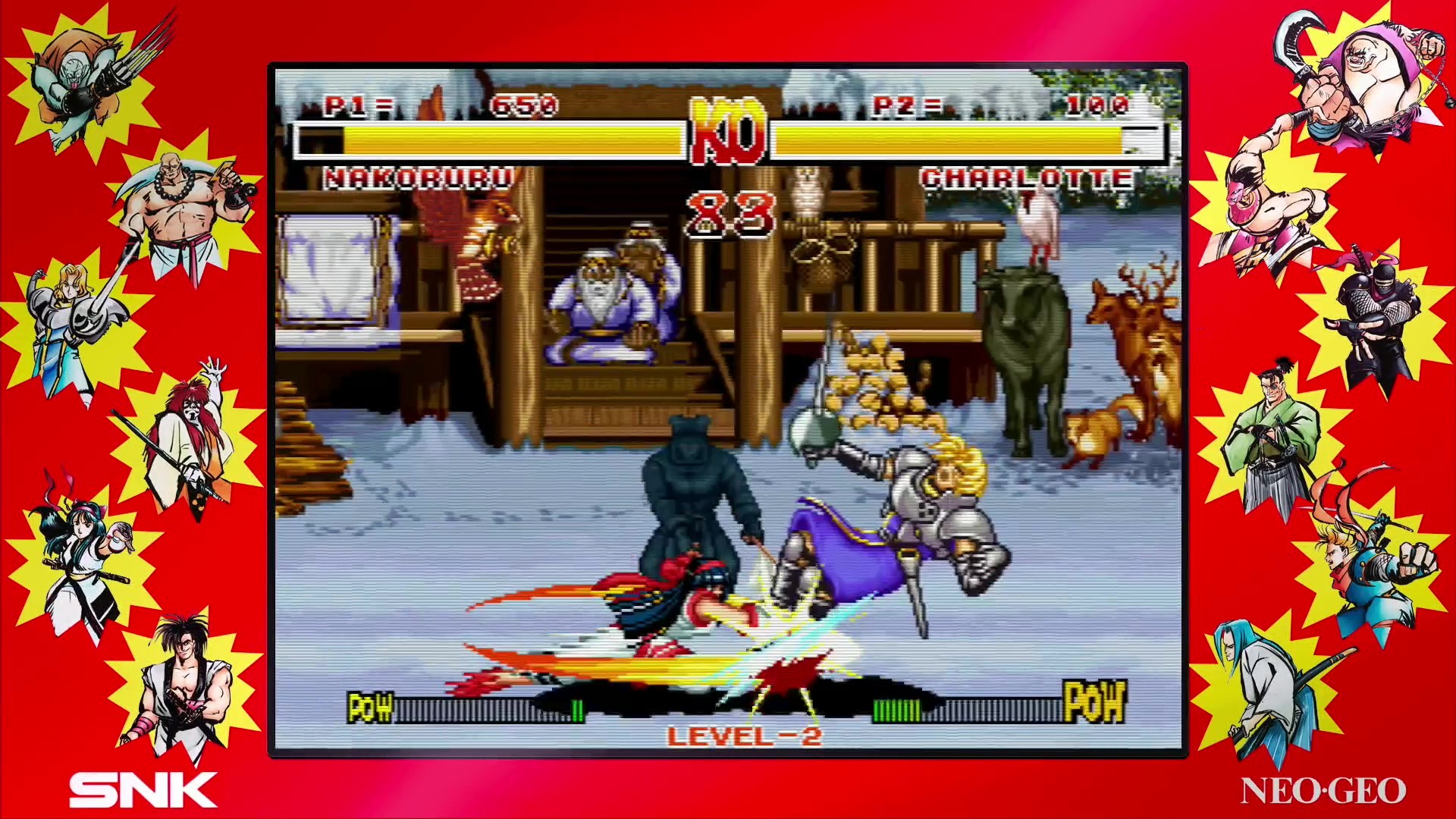
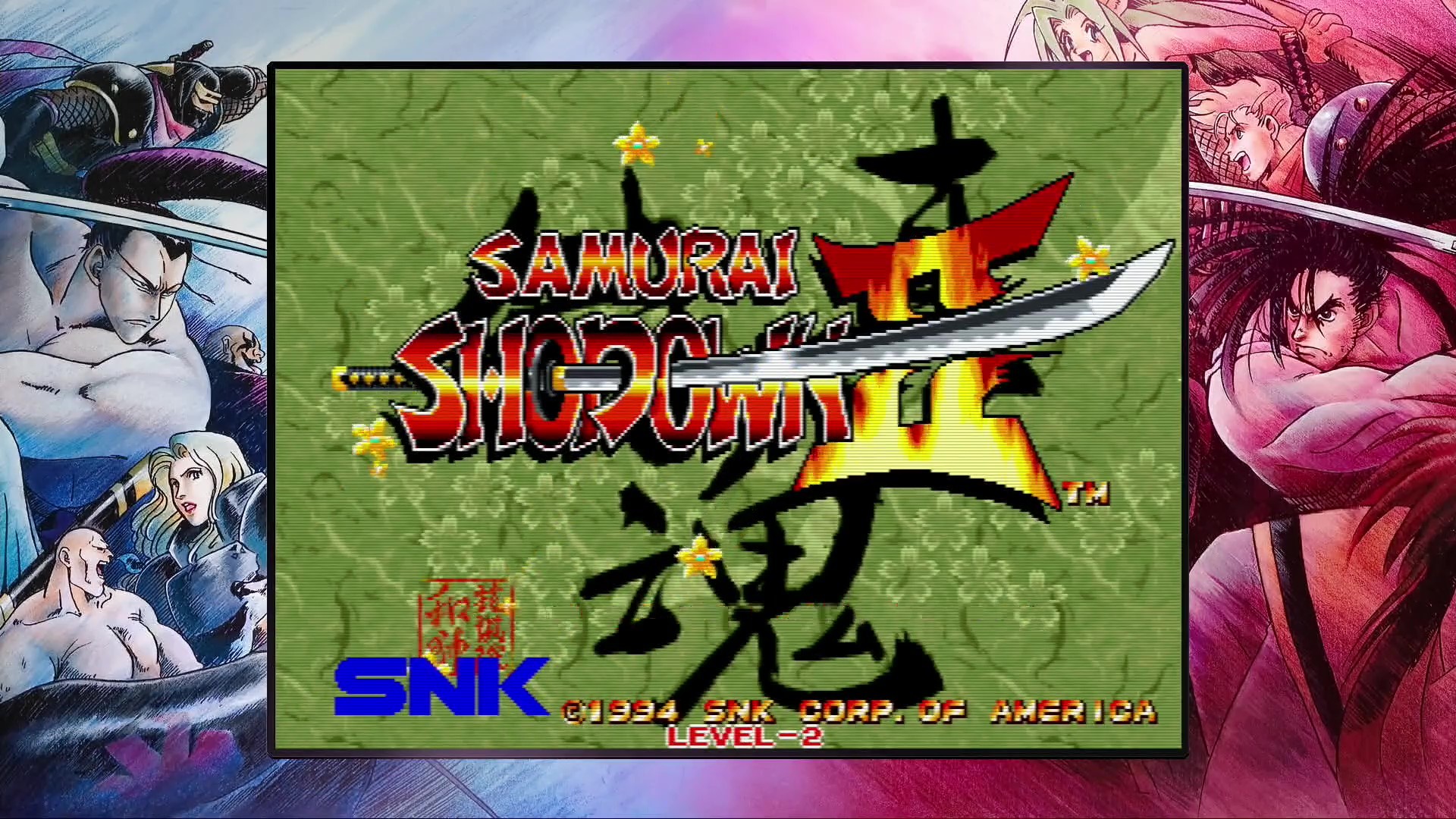
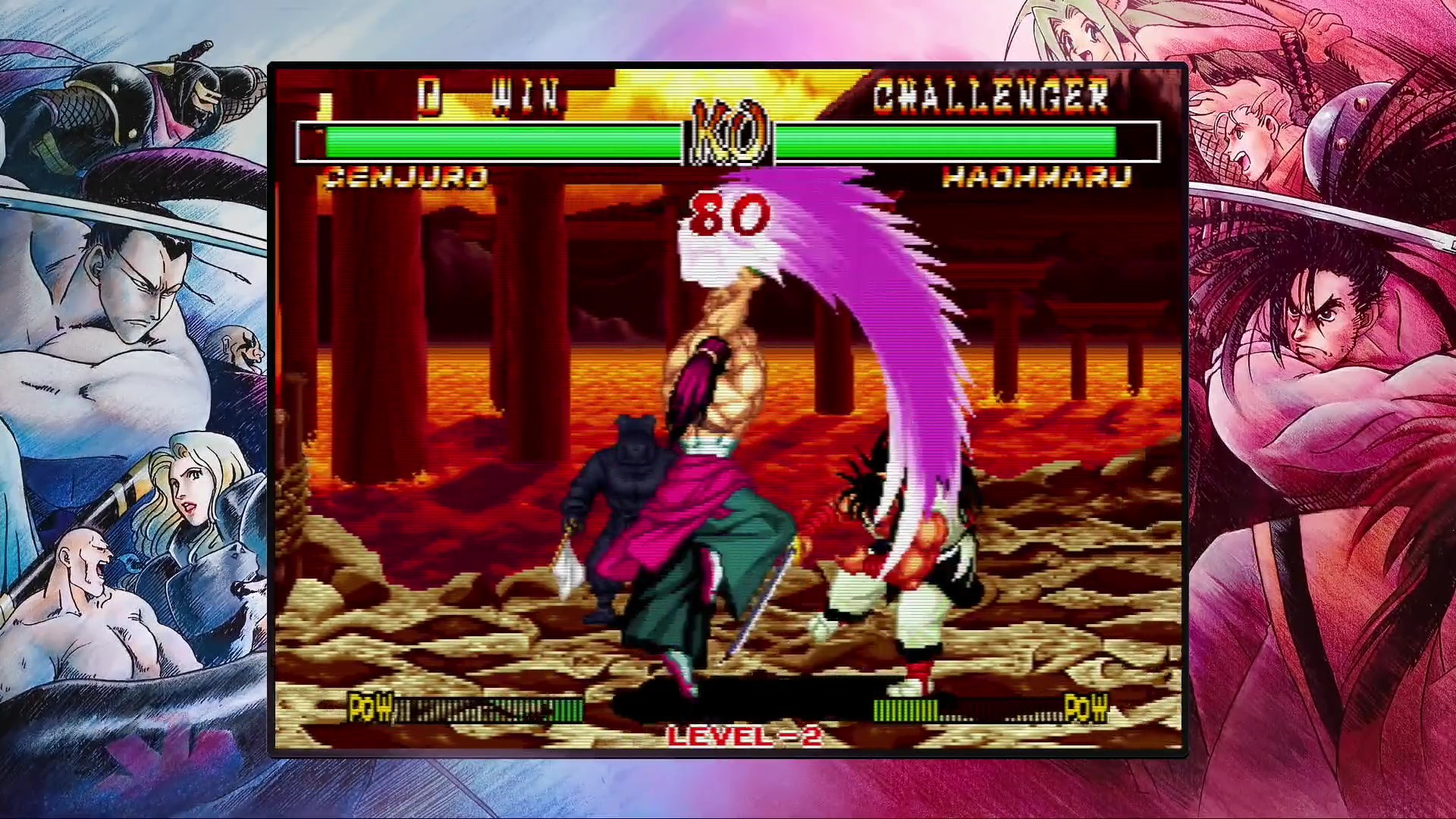
Samurai Shodown NeoGeo Collection bundles seven classic weapon‑based fighting games released between 1993 and 2004, plus the unreleased Samurai Shodown V Perfect. Players can choose Japanese or English MVS arcade versions for each title, enable retro scanlines, and use an Arcade mode that can be set to Free Mode.
The collection adds modern features such as online versus battle modes, a Museum with over 2,000 development documents and interview videos, and a Music Player with more than 200 tracks. It runs on Windows, supports full controllers, and includes Steam achievements and leaderboards.
01 / THE GUIDE
Online Versus Battle Modes
Each title offers online play where you can be matched with opponents of similar skill in Ranked matches or relax in Casual matches. A Challenge Friend option lets you invite a specific player for a duel.
Online modes are only available when using the English MVS arcade versions, and the system pairs you with other players worldwide at the press of a button.
- Start with Casual matches to gauge latency before entering Ranked play.
- Use Challenge Friend to test strategies against a known opponent.
02 / THE GUIDE
Museum Mode
The Museum houses over 2,000 development documents, images, and hours of developer interview videos, giving deep insight into the series' creation.
All content is reachable from the collection’s main menu, allowing fans to explore the archival material alongside gameplay.
- Browse interview videos to learn background stories for each character.
- Compare design documents across titles to see how the series evolved.
03 / THE GUIDE
Music Player
A dedicated Music Player inside the Museum provides more than 200 tracks from all six released titles, letting you listen to each game's soundtrack.
Tracks are organized by title, making it easy to select music from a specific era of the series.
- Create a playlist of favorite tracks for background listening while browsing the Museum.
- Compare early and later themes to notice stylistic changes.
04 / THE GUIDE
Arcade Mode Options
Arcade Mode can be set to Free Mode, which removes the traditional game‑over condition and allows uninterrupted practice or casual play.
Players may also toggle scanlines for a retro visual effect that mimics the original NeoGeo hardware.
- Enable Free Mode when learning new combos without the pressure of losing.
- Activate scanlines to match the visual style of classic arcade cabinets.
05 / THE GUIDE
Japanese and English Versions
For each title you can select either the Japanese or English MVS arcade version, giving access to both language localizations.
Online Versus Battle Modes are only available when playing the English versions, while the Japanese versions retain offline play only.
- Choose the Japanese version for original voice work and text.
- Switch to the English version to access online multiplayer features.
COMMUNITY
Player discussion