 GameWiki
GET YOUR BEARINGS
About Sackboy: A Big Adventure
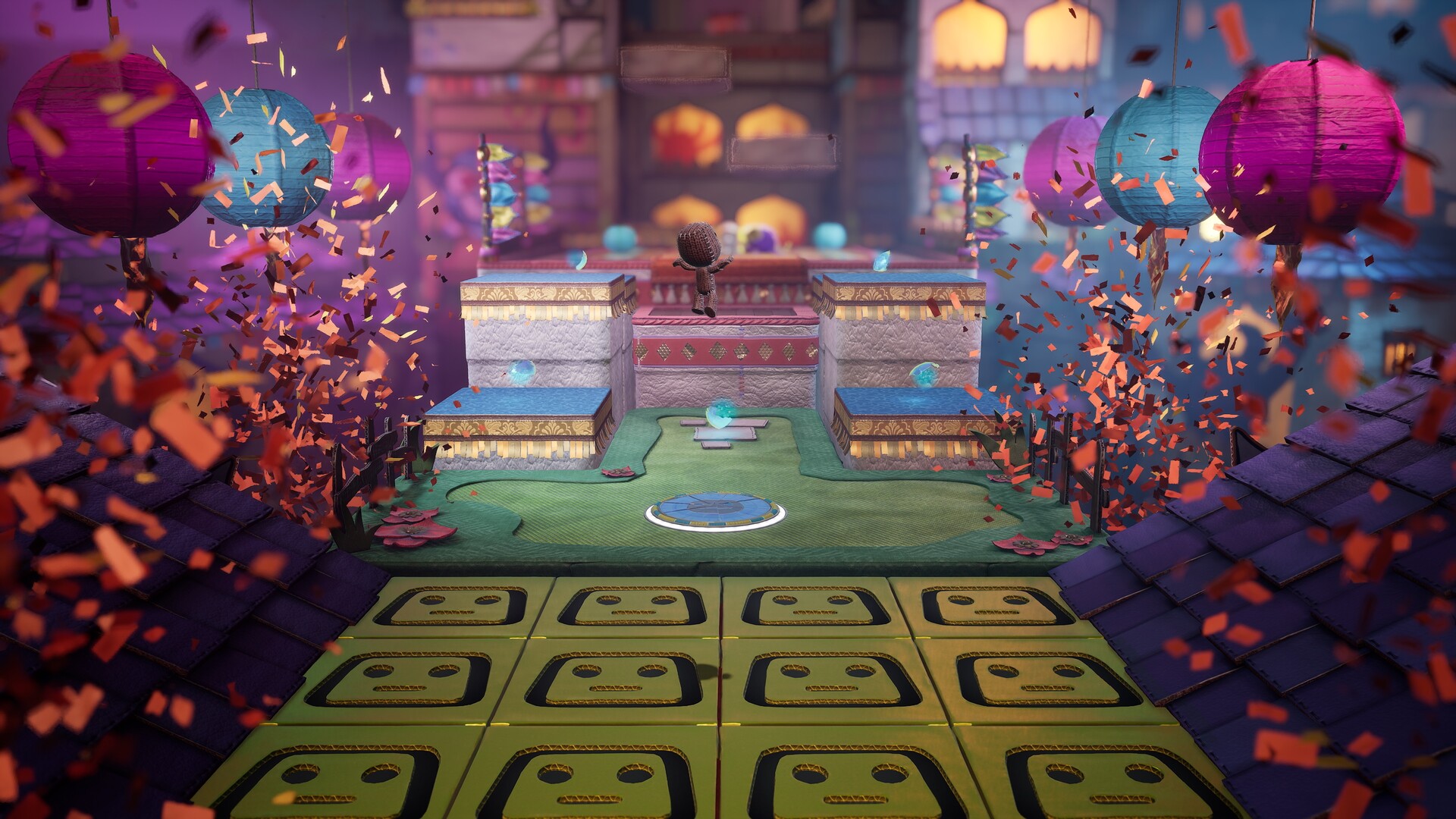
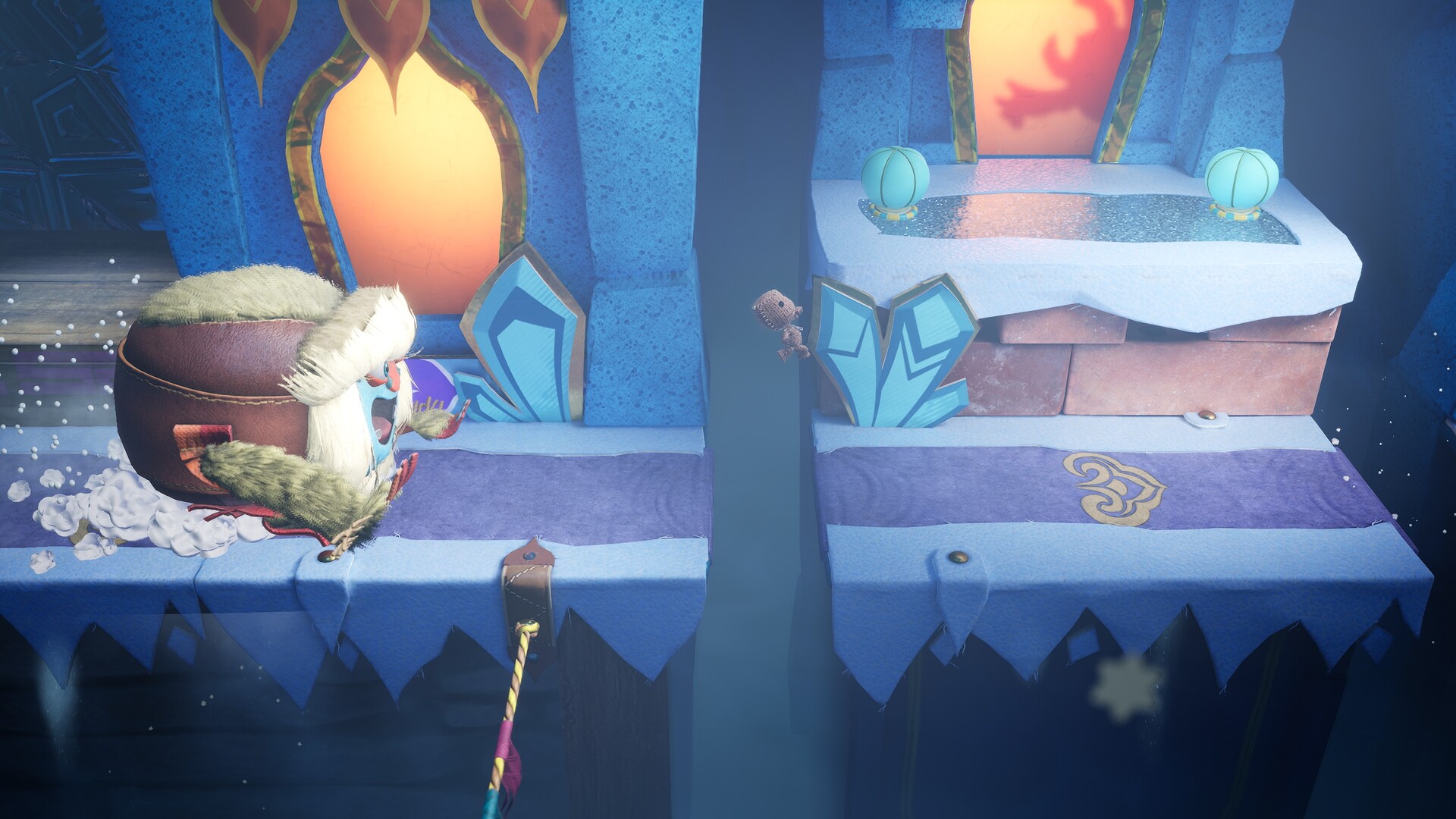
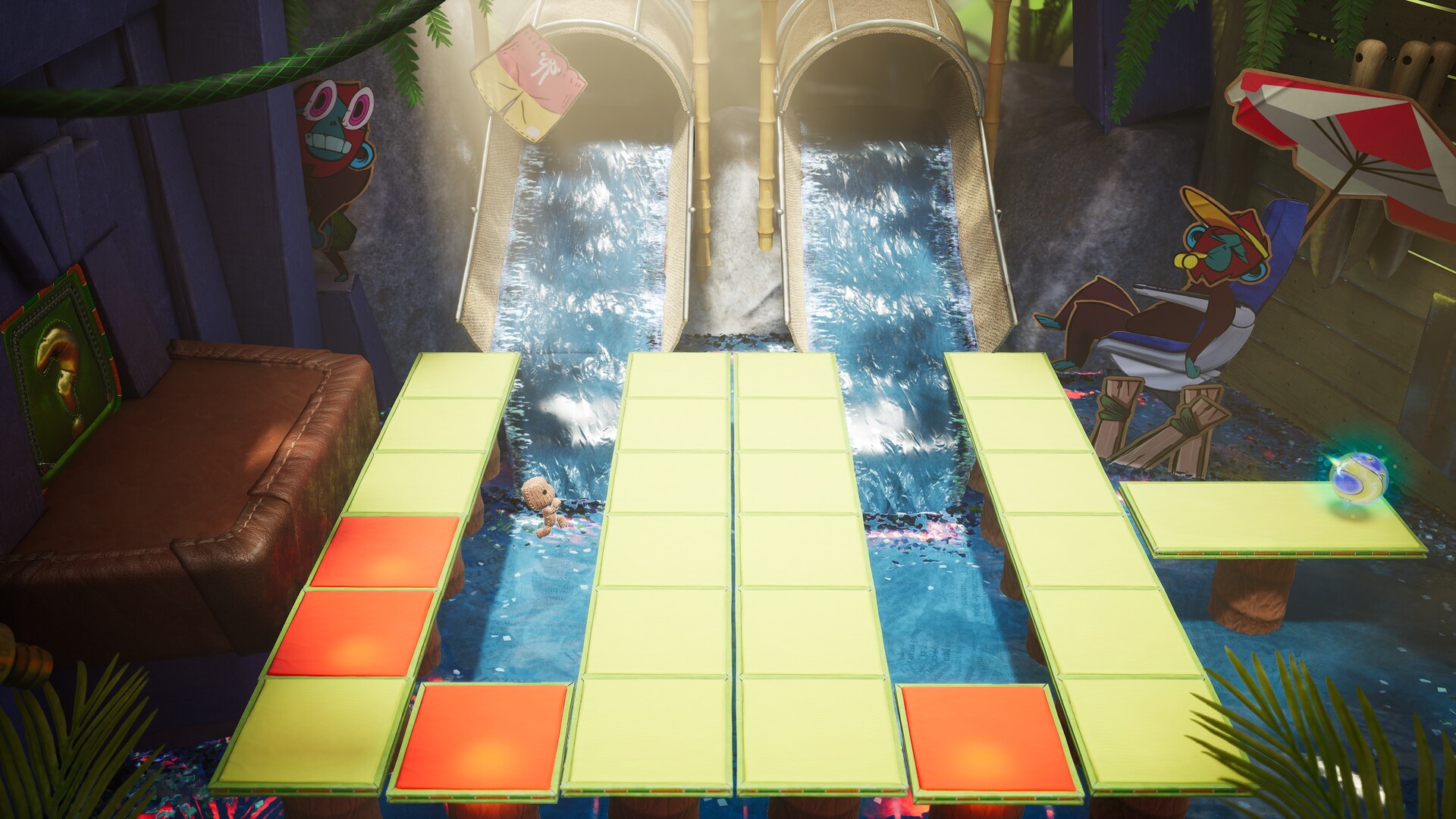
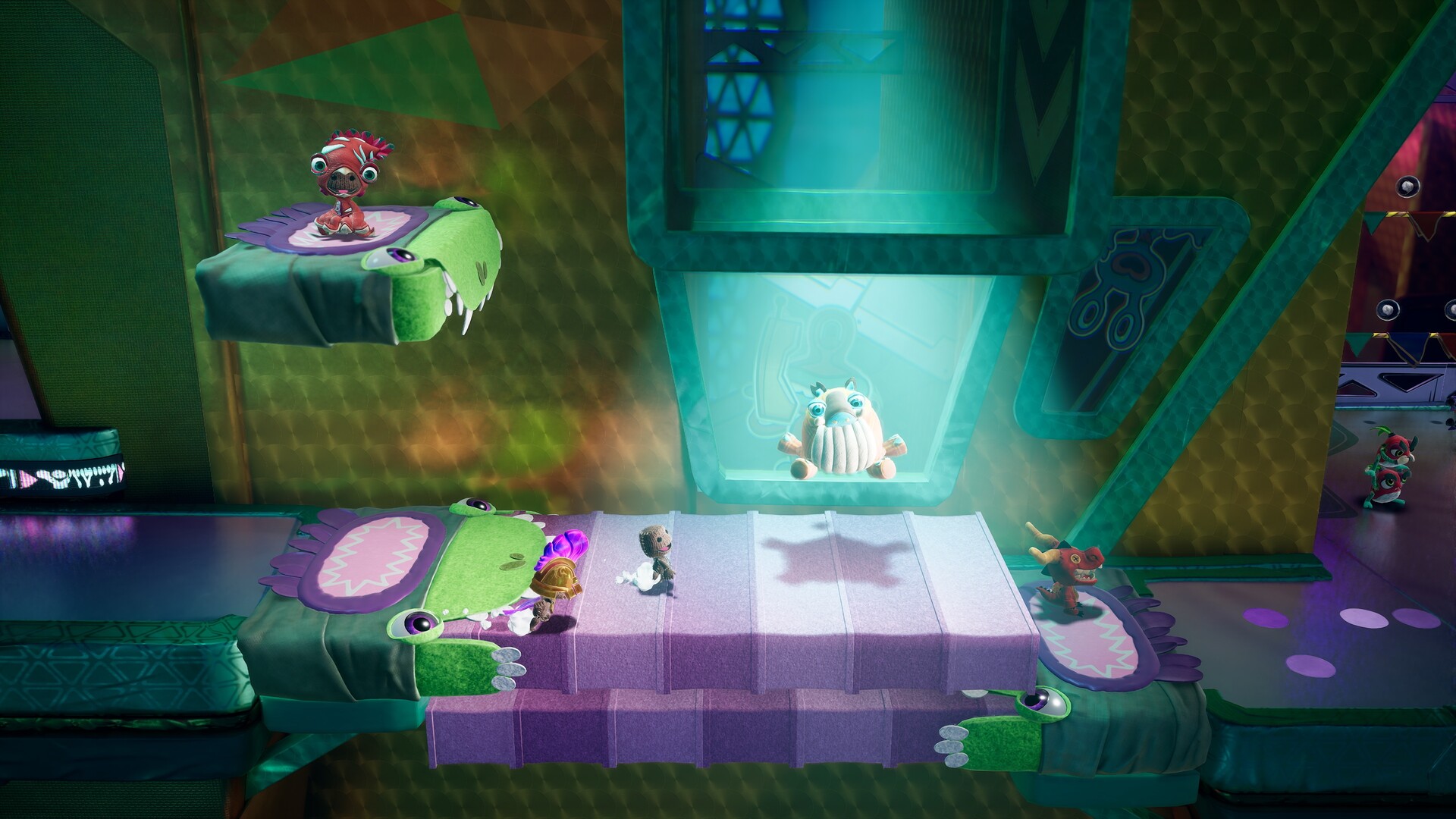
Sackboy™: A Big Adventure lets you race against time solo or team up with two‑four players in local or online co‑op. Together you tackle Vex’s nefarious tasks across Craftworld’s colourful lands, from snowy peaks to space colonies.\nOn PC the game shines with 4K resolution, DLSS support for RTX cards, up to 120 fps, and a wide range of input options, including full controller support, keyboard‑only play and customizable controls. The experience is designed for both solo exploration and chaotic multiplayer fun.
01 / THE GUIDE
Solo Adventure
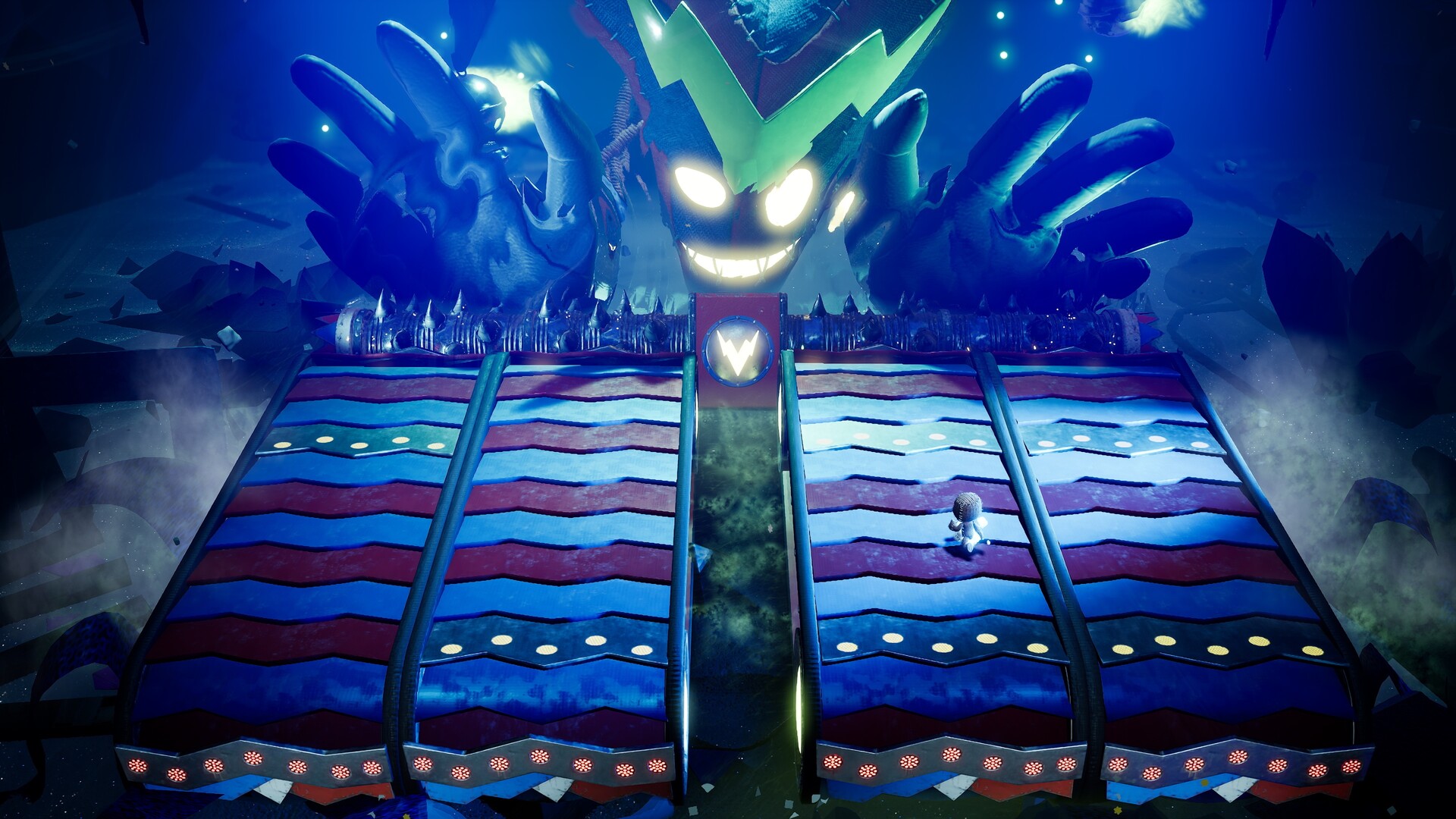
Playing alone puts you in the role of the Knitted Knight, racing against Vex’s plans across hand‑crafted worlds. The narrative follows Sackboy’s quest to rescue friends and stop the Topsy Turver.\nThe single‑player mode offers a variety of platforming challenges, enemies and surprises that keep each level fresh, encouraging repeated play for mastery.
- Experiment with different moves to discover the most efficient ways to clear obstacles.
- Take advantage of the ability to save anytime to try risky routes without penalty.
02 / THE GUIDE
Multiplayer Co‑op
Up to four players can join locally or online, sharing the screen or splitting it for cooperative play. Co‑op‑only levels let the team work together to overcome nefarious tasks using squad tactics or pure luck.\nThe game supports full controller input and a keyboard‑only option, so you can play with your preferred device.
- Communicate with teammates to coordinate moves on co‑op‑only challenges.
- Try different input methods across sessions to find the most comfortable setup for you.
03 / THE GUIDE
Graphics & Performance
The PC version runs in 4K resolution with NVIDIA DLSS for RTX graphics cards, delivering sharp images and higher frame rates. Enhanced frame rates up to 120 fps and variable refresh rates keep action fluid.\nLoading times improve on capable hardware, and a 21:9 ultra‑widescreen field of view expands visual immersion for compatible displays.
- Enable DLSS if you have an RTX card to boost performance without losing visual fidelity.
- Use a display that supports HDMI 2.1 to take full advantage of the 120 fps capability.
04 / THE GUIDE
Input Options
Players can use the PlayStation 5 DualSense controller via wired PC connection for haptic feedback and dynamic triggers, or choose from a wide range of other gamepads. Full keyboard‑only support and complete control rebinding are also provided.\nThese options ensure accessibility, allowing you to play with your preferred device without mandatory timed inputs.
- Try the DualSense’s haptic feedback for a more tactile platforming experience.
- Rebind controls to suit your play style, especially if you switch between keyboard and controller.
05 / THE GUIDE
Accessibility Features
The game includes adjustable text size, subtitle options, color alternatives, custom volume controls, and camera comfort settings. These features help tailor the experience for different player needs.\nSteam Cloud and Family Sharing are among the listed Steam features for the game.
- Adjust text size and subtitles if you find on‑screen information hard to read.
- Use camera comfort settings to reduce motion discomfort during fast sections.
COMMUNITY
Player discussion