 GameWiki
GET YOUR BEARINGS
About s&box
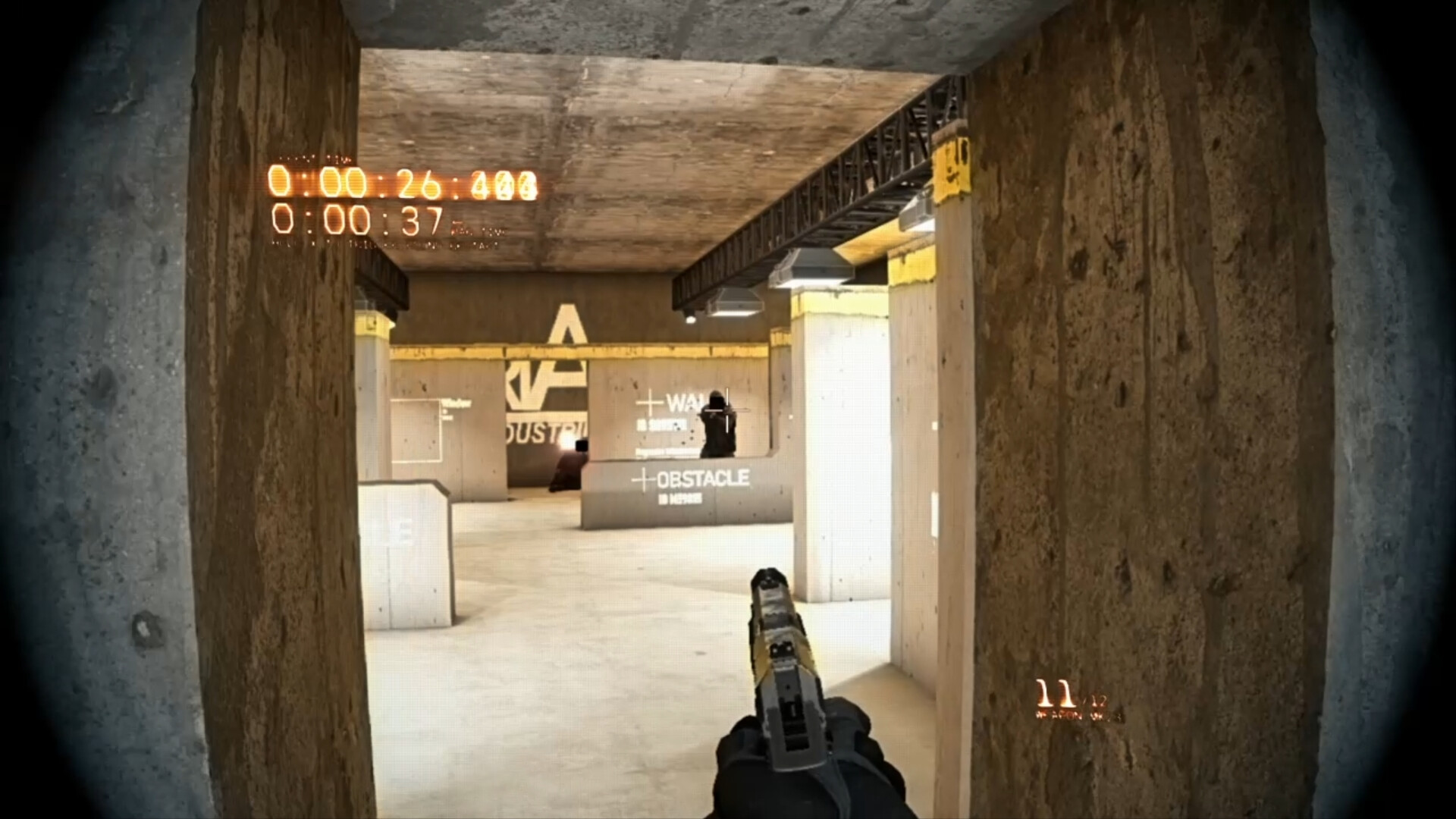
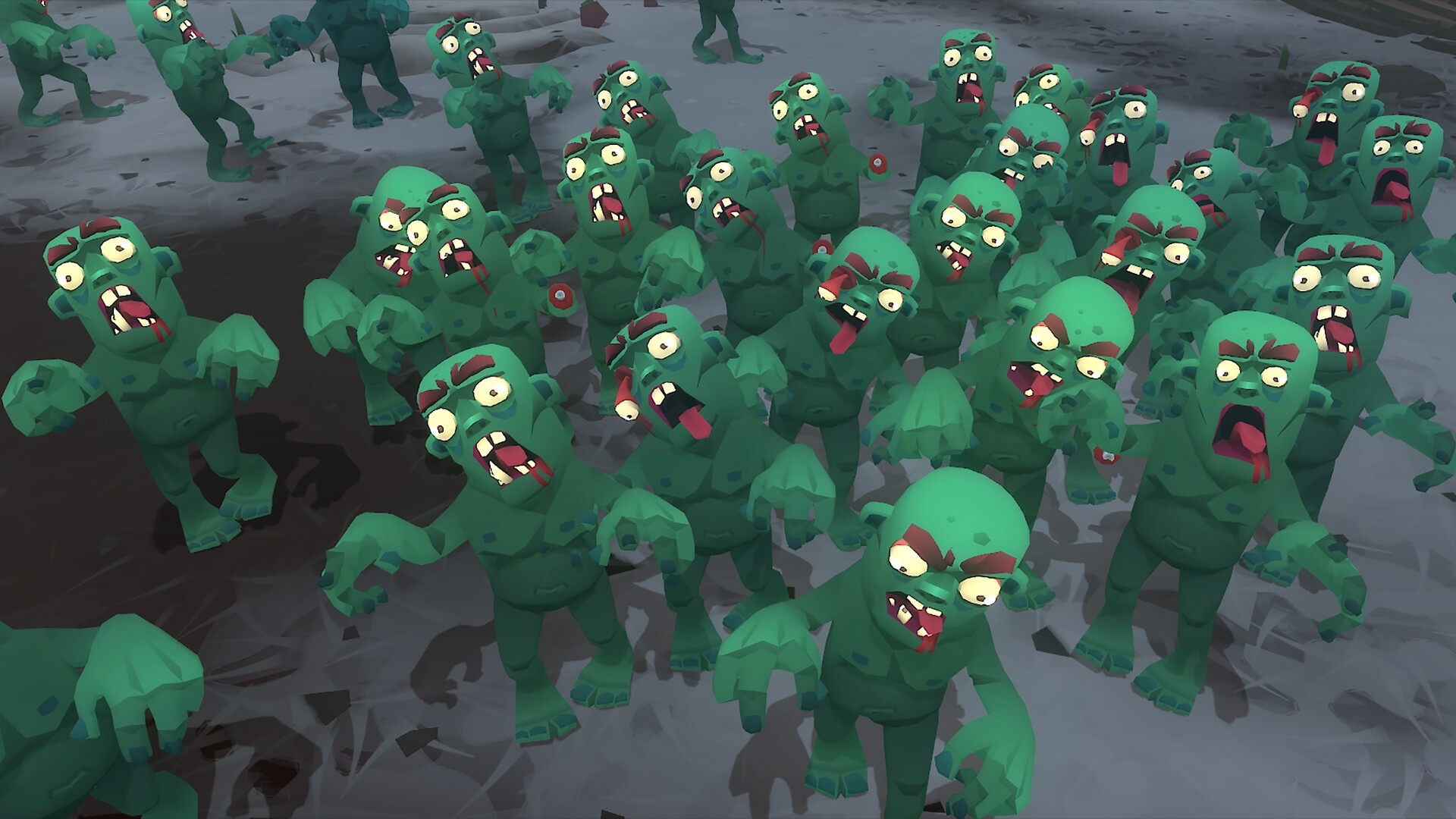
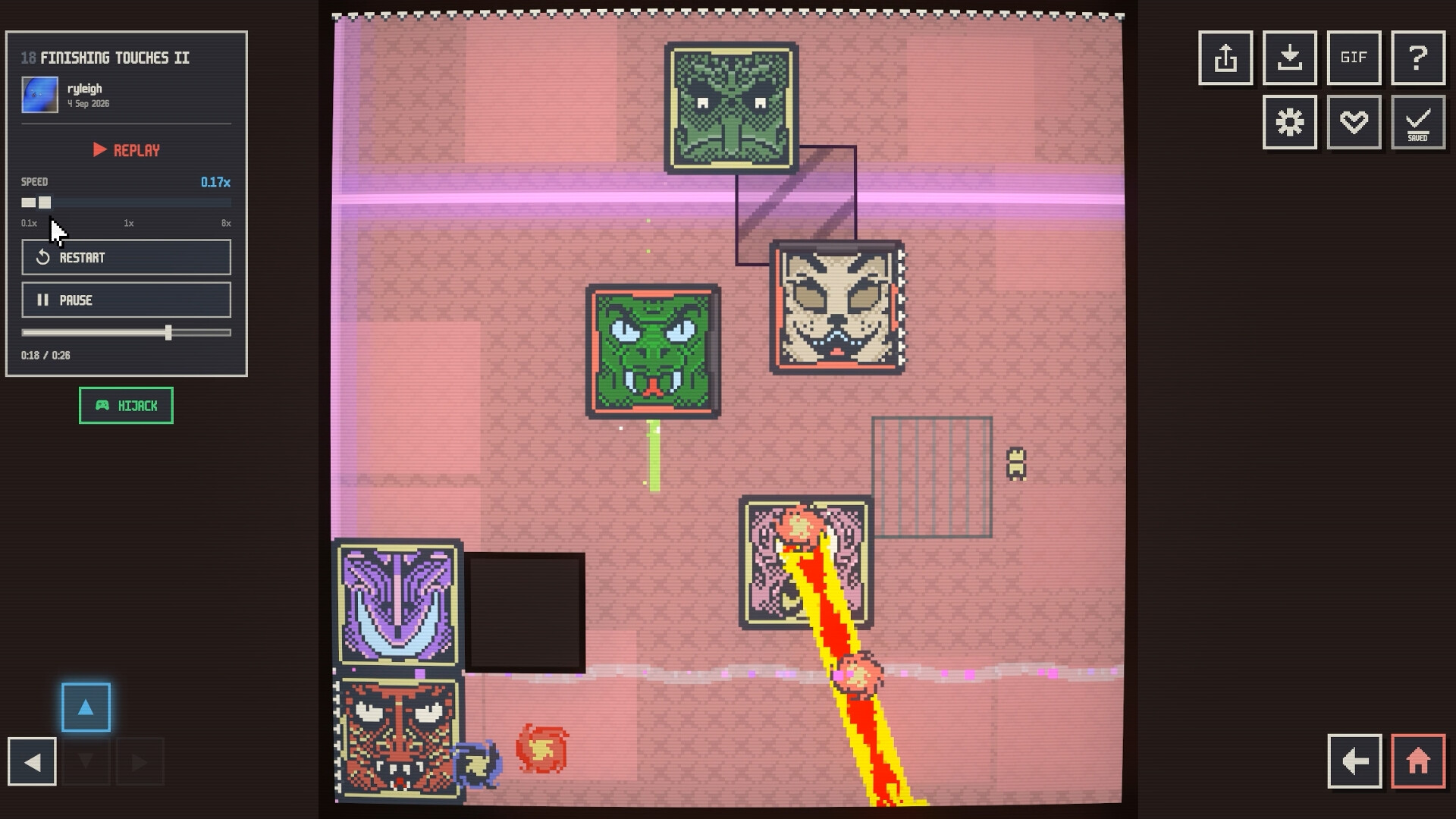
s&box is a community‑driven platform where hundreds of user‑made games are available at a click. It spans shooters, role‑play, racing, platformers, horror and experimental styles, all without installing or subscribing.
Friends can join instantly, and anyone can build games using an integrated C# editor with hotloading. Cosmetics let players personalize avatars, and creators can earn from a Play Fund tied to cosmetic purchases.
01 / THE GUIDE
Community Game Library
The platform hosts a vast library of community‑created titles, covering genres such as shooters, role‑play, racing, platformers and horror, providing immediate access to diverse experiences.
New games are added regularly, mirroring the fast‑cycle content updates described for similar platforms, so the selection continuously expands.
- Browse genre tags to discover unfamiliar styles.
- Read the update notes to spot recently added titles.
02 / THE GUIDE
Instant Multiplayer
Friends can join a session with a single click, eliminating the need for manual server configuration and allowing immediate co‑op or PvP play.
The platform supports online and LAN modes for PvP, co‑op and other multiplayer types, matching the listed feature set.
- Invite friends through the platform’s friend list for quick matches.
- Test both online and LAN sessions to compare connection behavior.

03 / THE GUIDE
Game Creation Editor
Anyone can design games using the built‑in editor, which provides a standard scene system and a C# API, with changes applied instantly via hotloading.
After creation, games can be published directly to the platform with a single button, requiring no external tools.
- Start with a simple scene to verify hotloading works.
- Reference the C# API examples for common gameplay functions.
04 / THE GUIDE
Player Cosmetics
Players may personalize their avatar with cosmetic items that persist across every game they enter on the platform.
Cosmetics are obtained through in‑app purchases, ensuring a consistent visual identity without affecting core gameplay.
- Mix purchased items to craft a unique look.
- Enter multiple games to confirm the avatar’s appearance carries over.
05 / THE GUIDE
Creator Play Fund
Creators earn a share of revenue generated when players engage with their games, funded directly from cosmetic purchases made on the platform.
The Play Fund operates without engine royalties, and creators may also release their titles on Steam as standalone products.
- Monitor the Play Fund dashboard after publishing to track earnings.
- Link cosmetic items to your game to increase potential revenue.
COMMUNITY
Player discussion