 GameWiki
GET YOUR BEARINGS
About RWBY: Grimm Eclipse
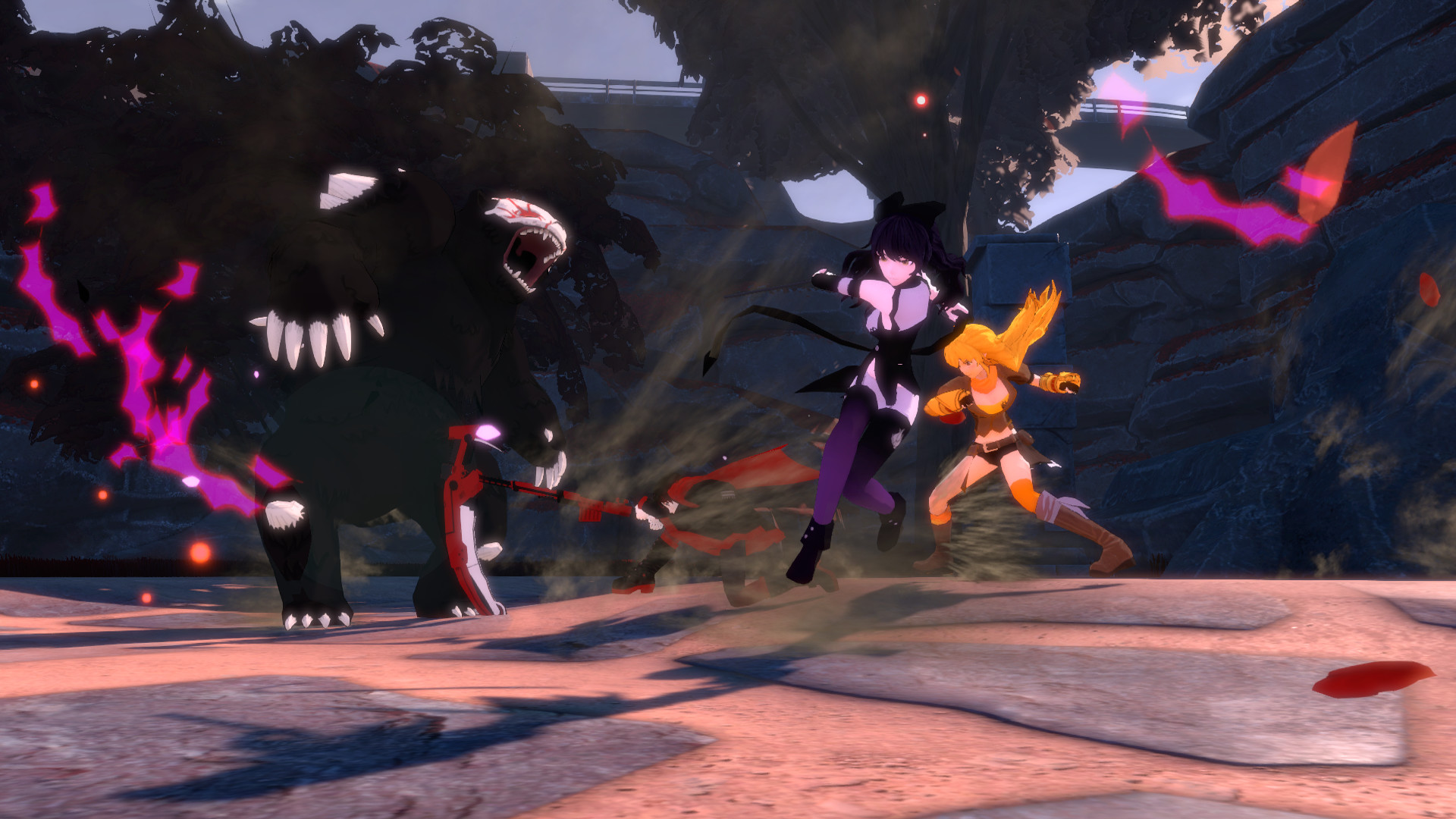
RWBY: Grimm Eclipse is a four‑player online co‑op hack‑and‑slash game built around the RWBY series, letting players battle Grimm across familiar Remnant sites and brand‑new areas.
The experience blends large‑scale action inspiration with team‑play elements, offering ranked challenges, achievements, and full voiceover from the series’ cast alongside new voice talent. It also introduces a new villain, new Grimm types, and a Horde mode with defense turrets.
01 / THE GUIDE
Co‑op Gameplay
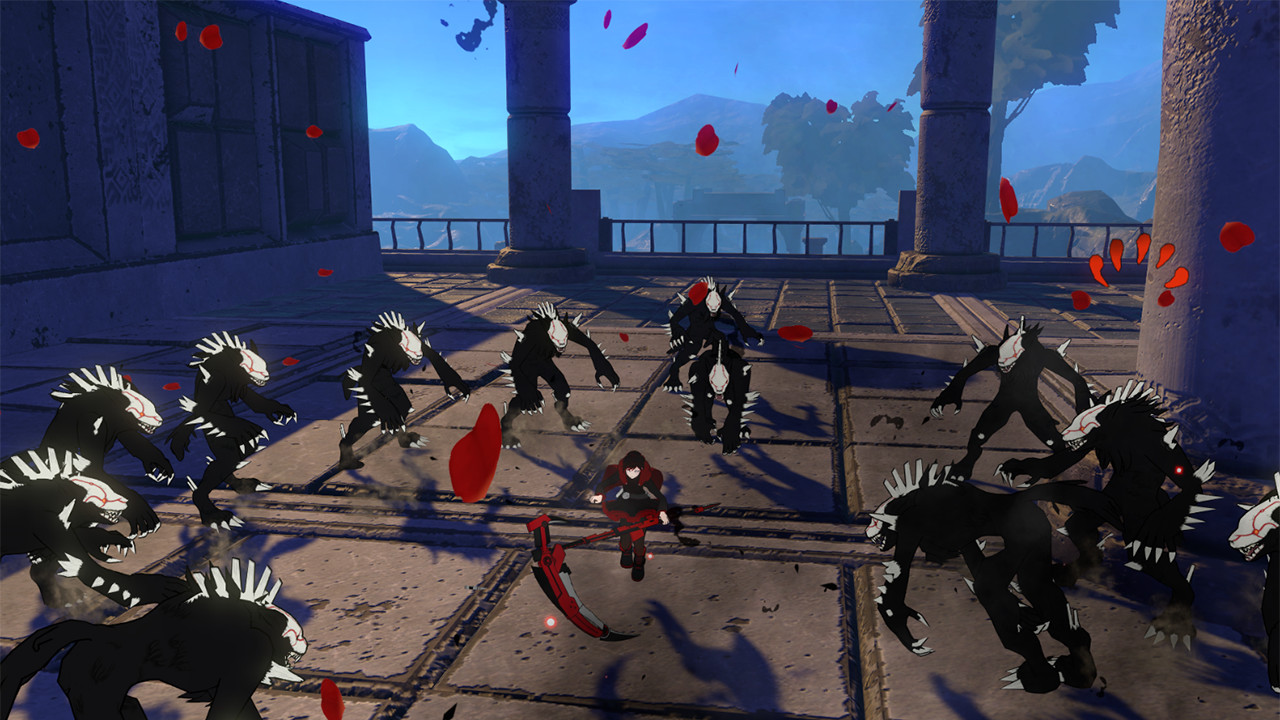
The game allows up to four players to join online co‑op, each controlling one of the four main RWBY members.
Team members act simultaneously, sharing the battlefield against Grimm and coordinating attacks as described in the co‑op feature.
- Arrange voice chat so teammates can call out enemy positions.
- Practice simple combo chains together to gauge damage output.
02 / THE GUIDE
Story and Setting
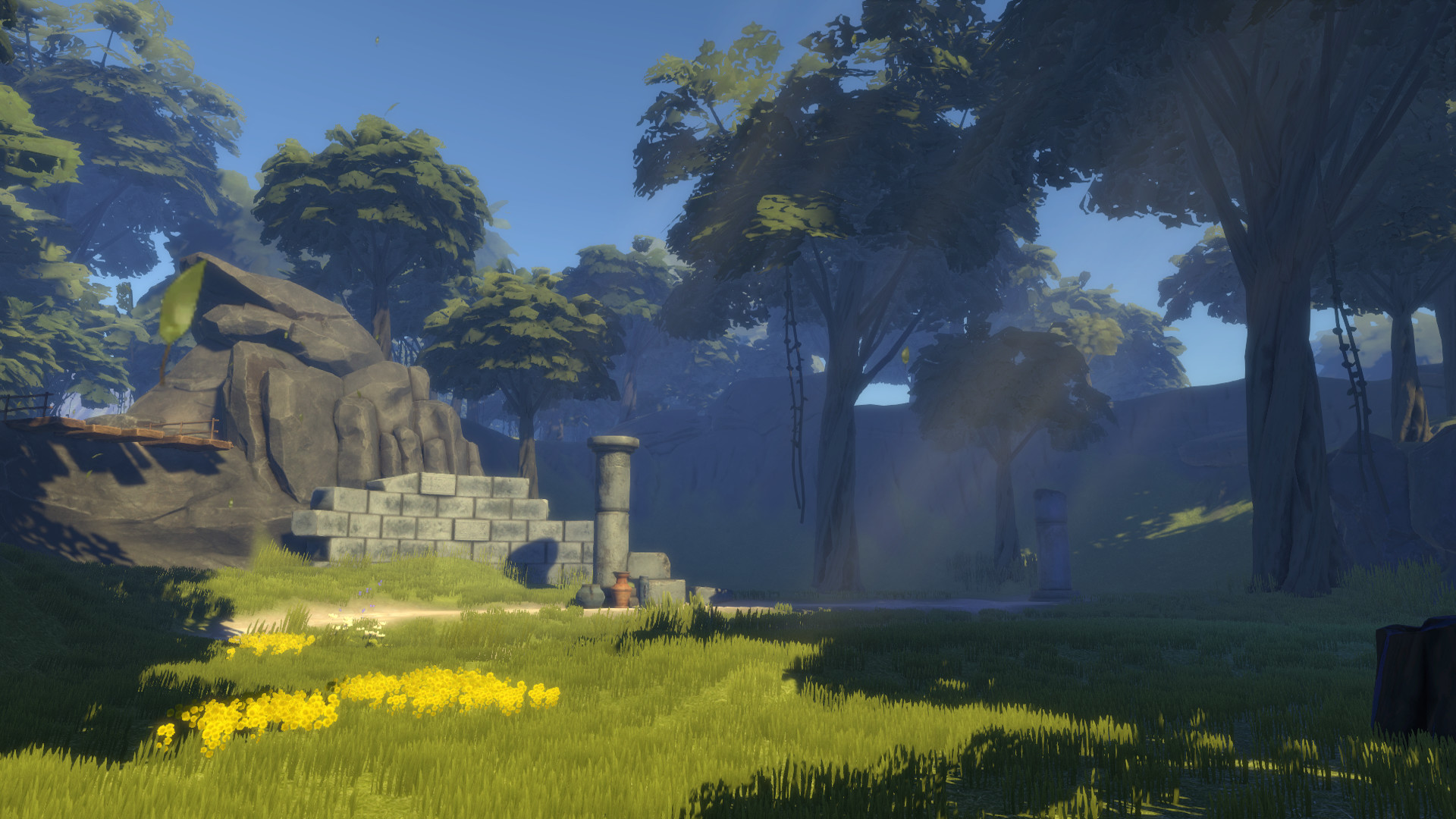
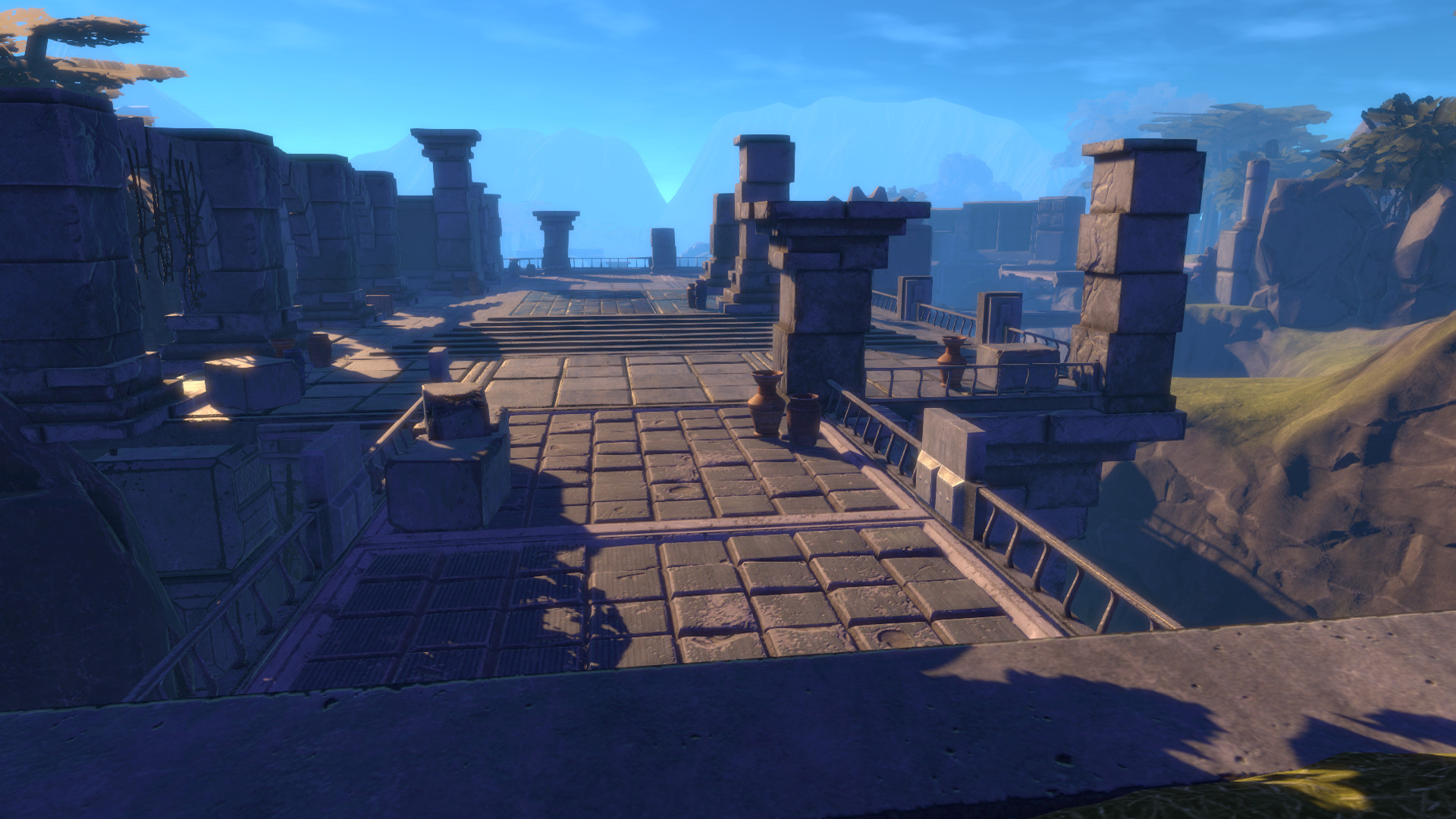
An exclusive storyline introduces new Remnant locations that have not appeared in the television series.
The narrative also adds fresh Grimm types and a villain that is unique to the game for players to confront.
- Listen for dialogue cues that hint at upcoming Grimm.
- Observe environmental details in each new area.
03 / THE GUIDE
Character Abilities
Ruby, Weiss, Blake, and Yang each possess a set of abilities that can be unlocked as the player progresses.
These unlockable abilities are tied to individual characters, allowing each teammate to develop a distinct combat role.
- Test early upgrades to see how they change attack patterns.
- Pair characters whose abilities complement each other's strengths.
04 / THE GUIDE
Horde Mode
Horde Mode provides five separate maps where teams must defend security nodes against successive Grimm waves.
Players can place defense turrets on the maps, and surviving waves contributes to ranked challenges and achievements for the team.
- Secure nodes early to limit Grimm penetration.
- Spread turrets to cover multiple approach angles.
05 / THE GUIDE
Platform and Accessibility
The title runs on Windows and macOS, and it lists full controller support among its features.
Additional options include captions, Steam Cloud saves, Remote Play on TV, and Family Sharing for shared progress to improve accessibility.
- Enable captions in settings for clearer dialogue.
- Use Remote Play on TV for a larger co‑op screen.

COMMUNITY
Player discussion