 GameWiki
GET YOUR BEARINGS
About Rusty's Retirement
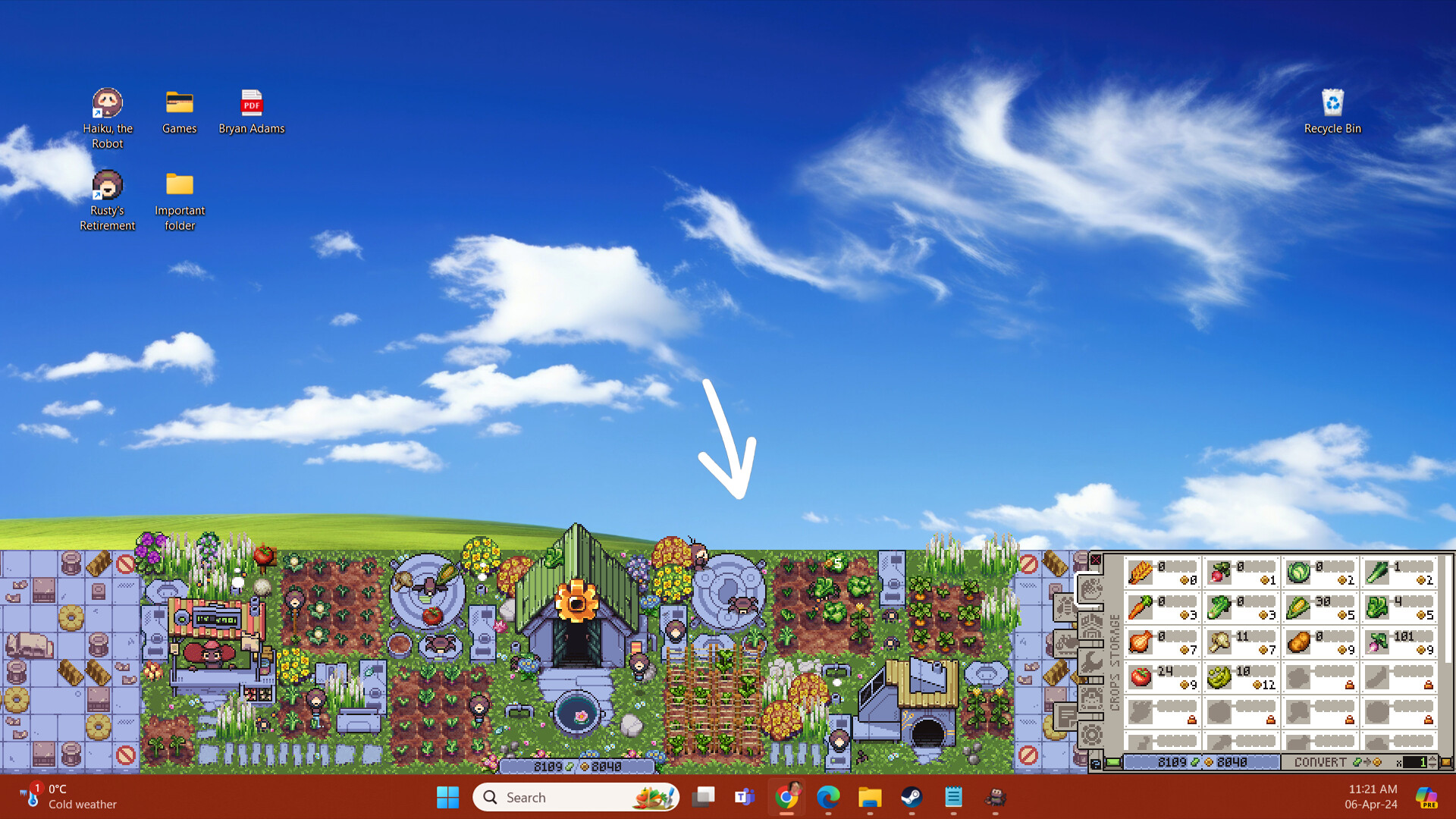
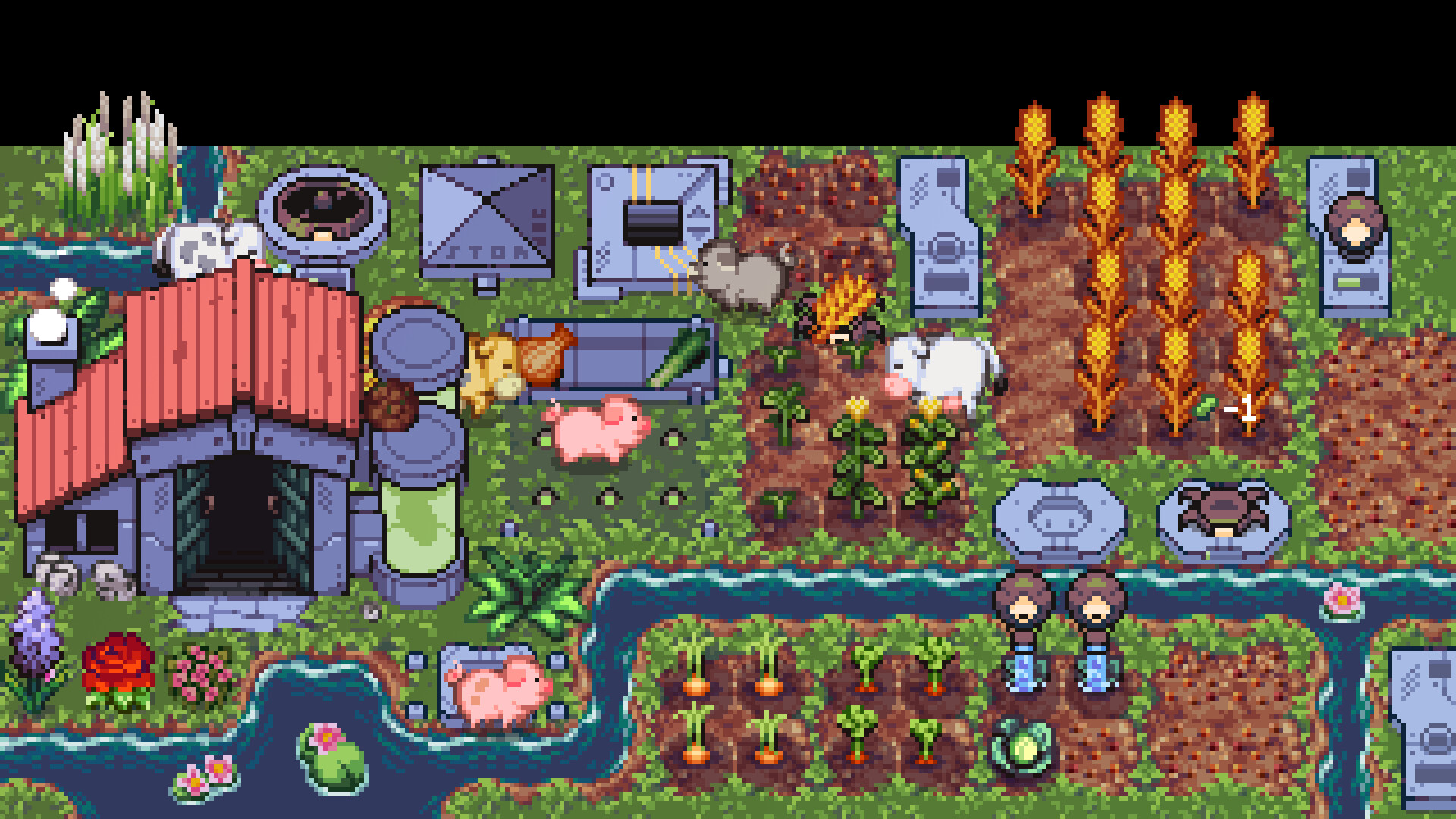
Rusty's Retirement is an idle‑farming simulator that runs at the bottom of your screen, letting you tend a farm while you work on other tasks. You plant crops, watch Rusty water and harvest, and turn harvests into bio‑fuel for robot power.
Progress unlocks new crops, and you can also create a vertical farm that sits at the side of the screen, and lets you automate work with customizable robot helpers. Twitch integration also enables viewers to direct robot tasks through chat commands.
01 / THE GUIDE
Crop Management
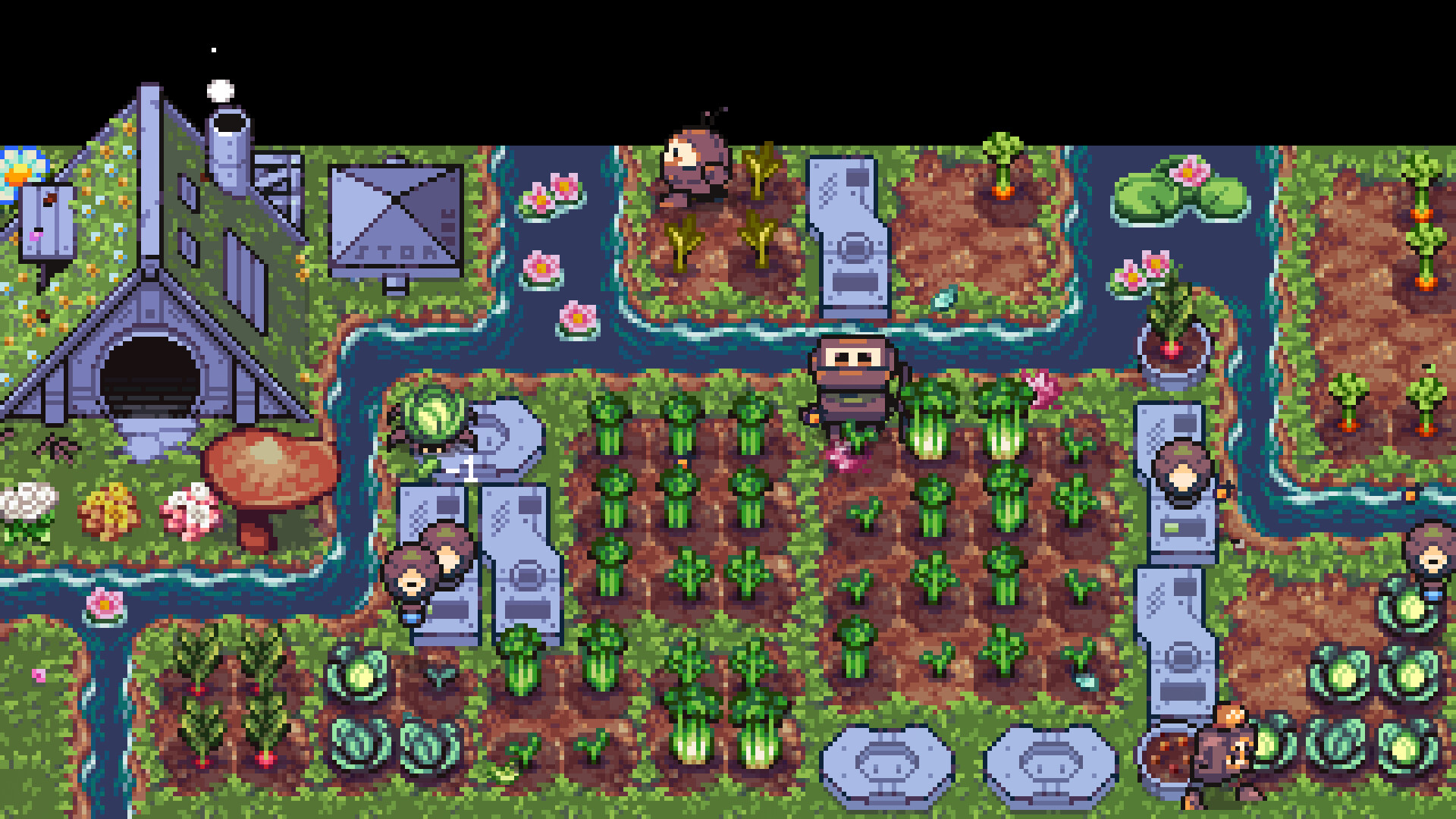
Planting starts with simple crops such as carrots and expands to tomatoes as you advance. Once a seed is placed, Rusty automatically waters, nurtures, and harvests each crop.
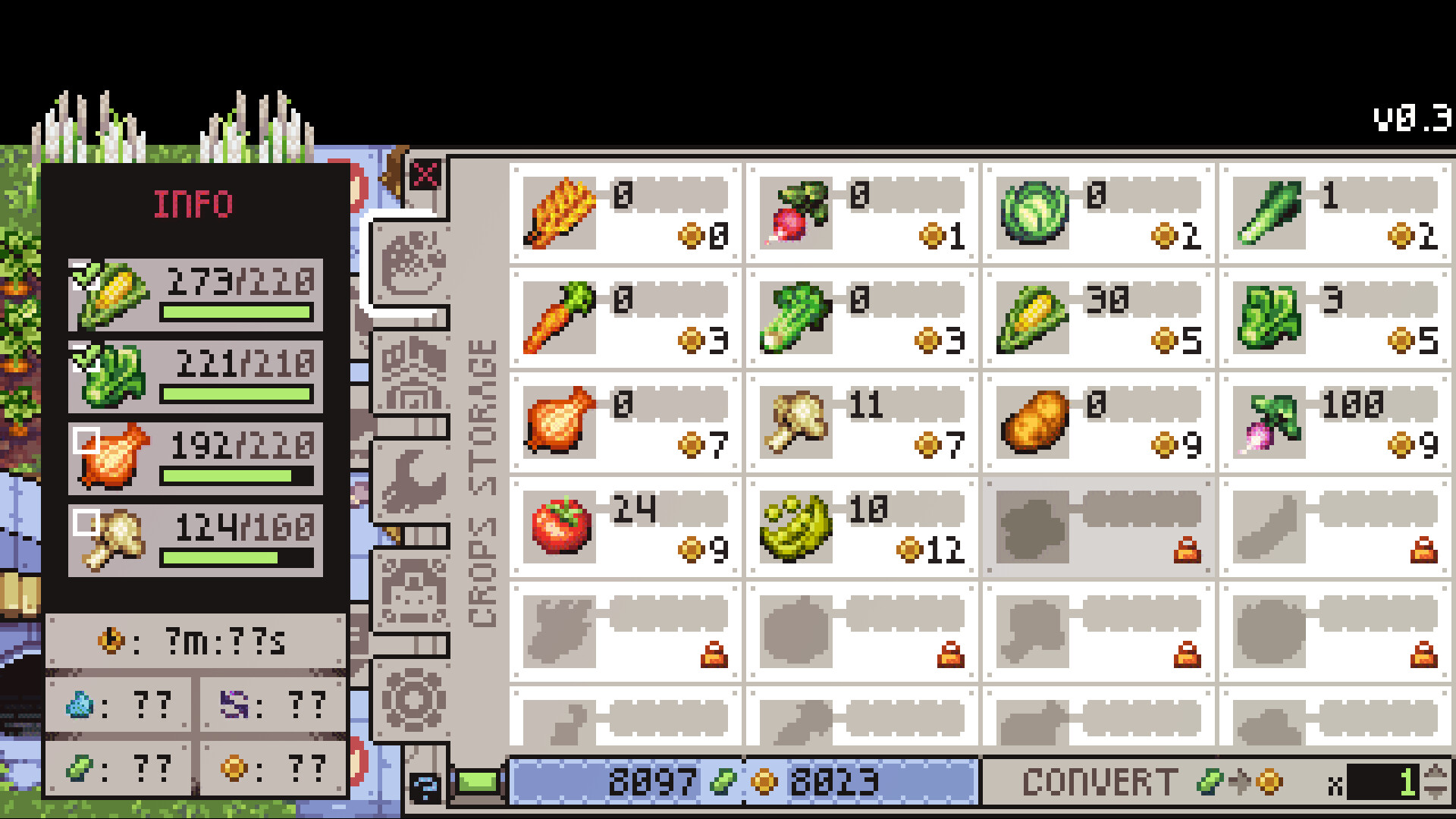
Each harvested crop can later be processed into bio‑fuel, providing a resource that can be sold to other machine inhabitants. More crop varieties increase both visual variety and fuel potential.
- Observe which crops mature faster to prioritize early bio‑fuel generation.
- Compare the visual size of carrots versus tomatoes to gauge progression.
02 / THE GUIDE
Bio‑fuel Production
Harvested crops are converted into clean, energy‑efficient bio‑fuel, a vital power source for the robots in the game world.
The bio‑fuel can be sold to other machine inhabitants, and the money earned can be reinvested into expanding your farm.
- Track how much bio‑fuel each crop yields to decide where to focus planting.
- Note the timing of sales to see if larger batches affect earnings.
03 / THE GUIDE
Robot Automation
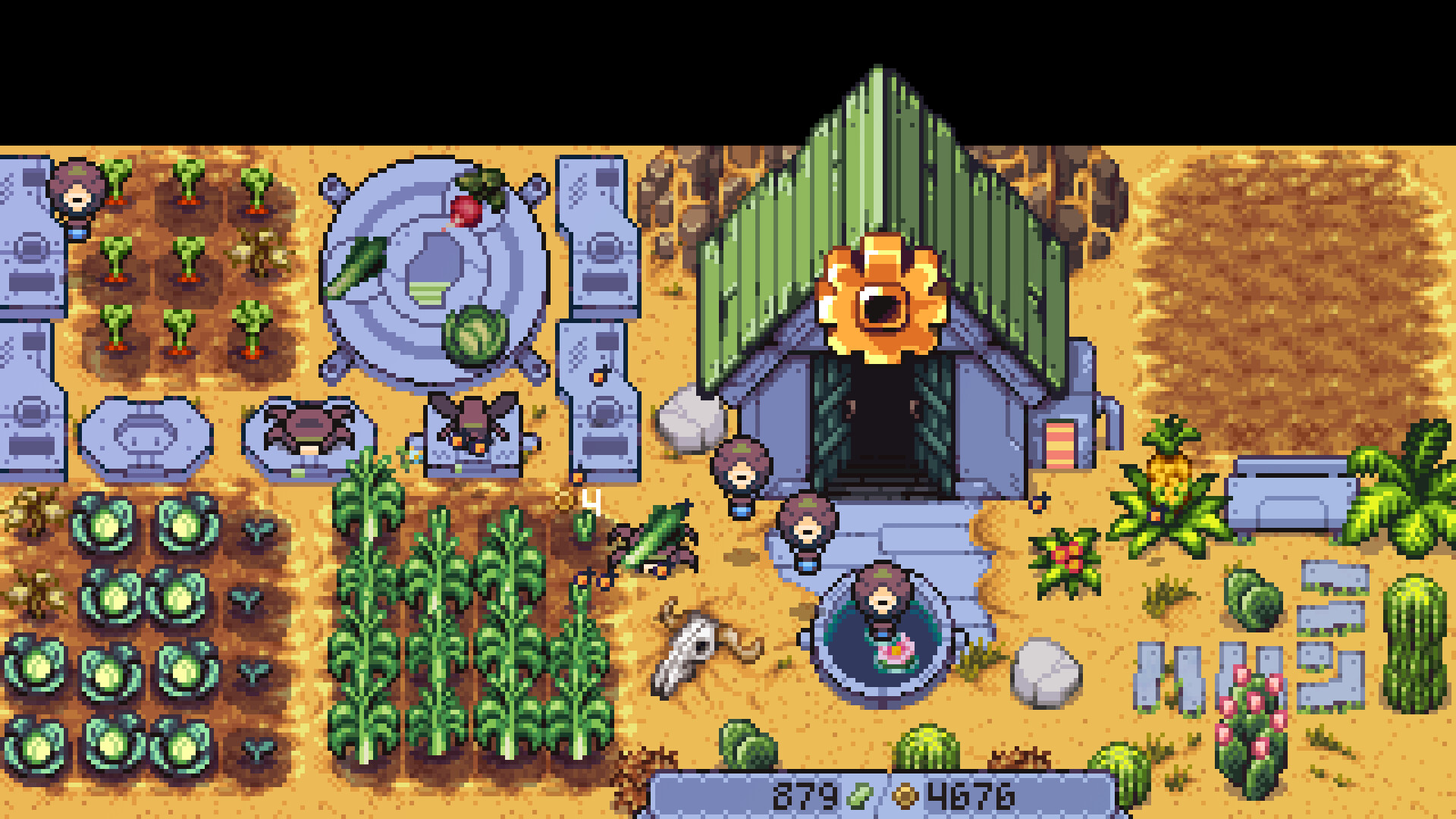
A team of cute robots can be deployed to handle planting, watering, and harvesting tasks. You may customize and upgrade these helpers to increase their efficiency.
Automation reduces the need for manual oversight, allowing the farm to continue operating while you multitask with other applications.
- Experiment with different robot upgrades to see which improves harvest speed.
- Watch robot activity patterns to identify any bottlenecks.
04 / THE GUIDE
Display Modes
The game sits at the bottom of the screen, but you can zoom in or out for a less distracting view. Enabling ‘Focus Mode’ slows crop production for a calmer pace.
Vertical mode lets you create a new farm that sits at the side of the screen, offering an alternative layout while keeping the main view unobstructed.
- Try Focus Mode when you need a slower pace for detailed monitoring.
- Switch between bottom and side placements to see which fits your workflow best.
05 / THE GUIDE
Twitch Integration
Streamers can enable a collaborative mode where viewers influence robot tasks via chat commands such as !plant, !water, and !harvest, building a farm together.
These commands affect robot behavior in real time, letting viewers see the immediate impact of their input on farm progress.
- Encourage viewers to use different commands to compare robot efficiency.
- Observe how chat activity spikes affect overall farm output.
COMMUNITY
Player discussion