 GameWiki
GET YOUR BEARINGS
About Rusted Warfare - RTS
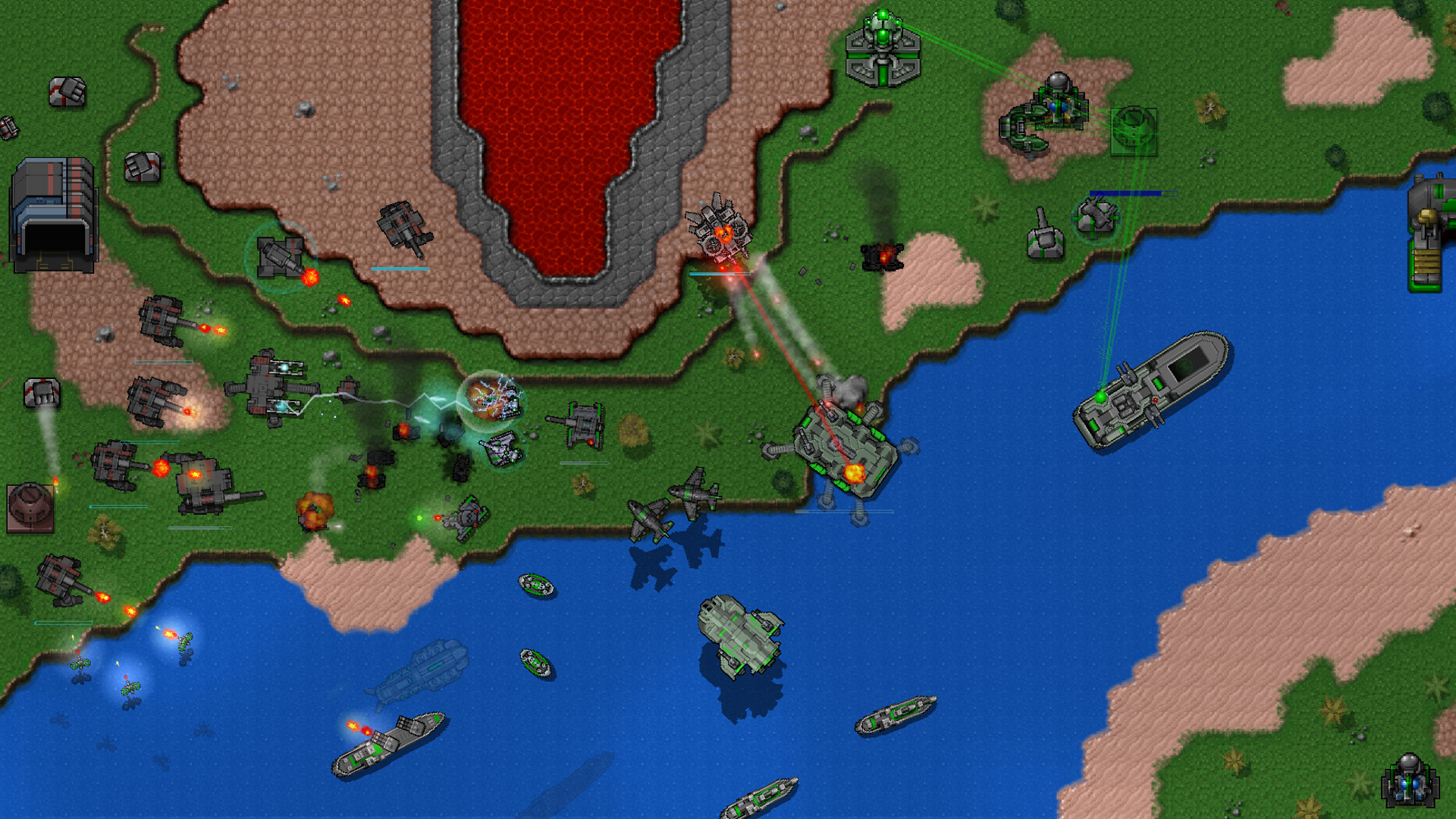
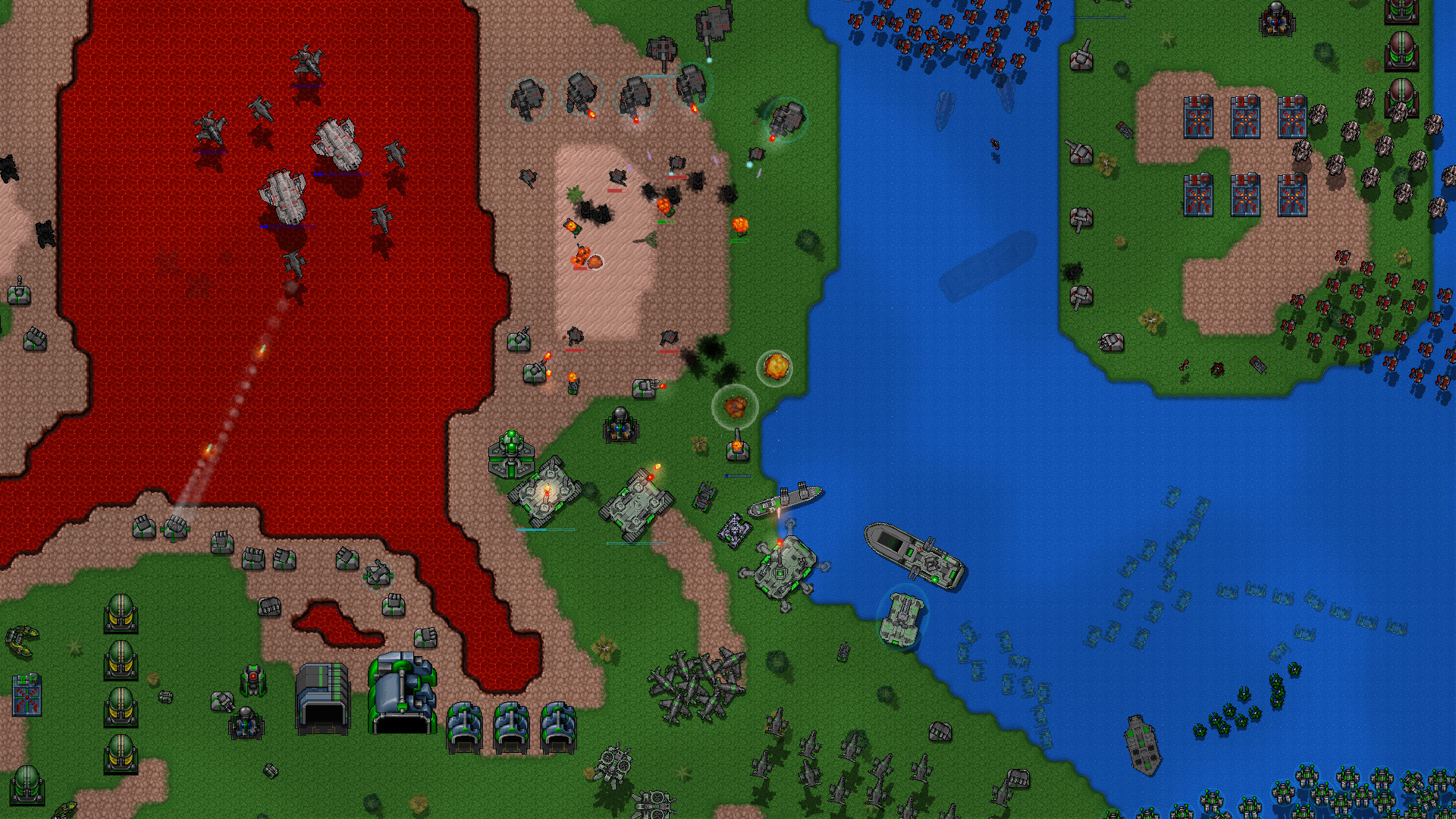
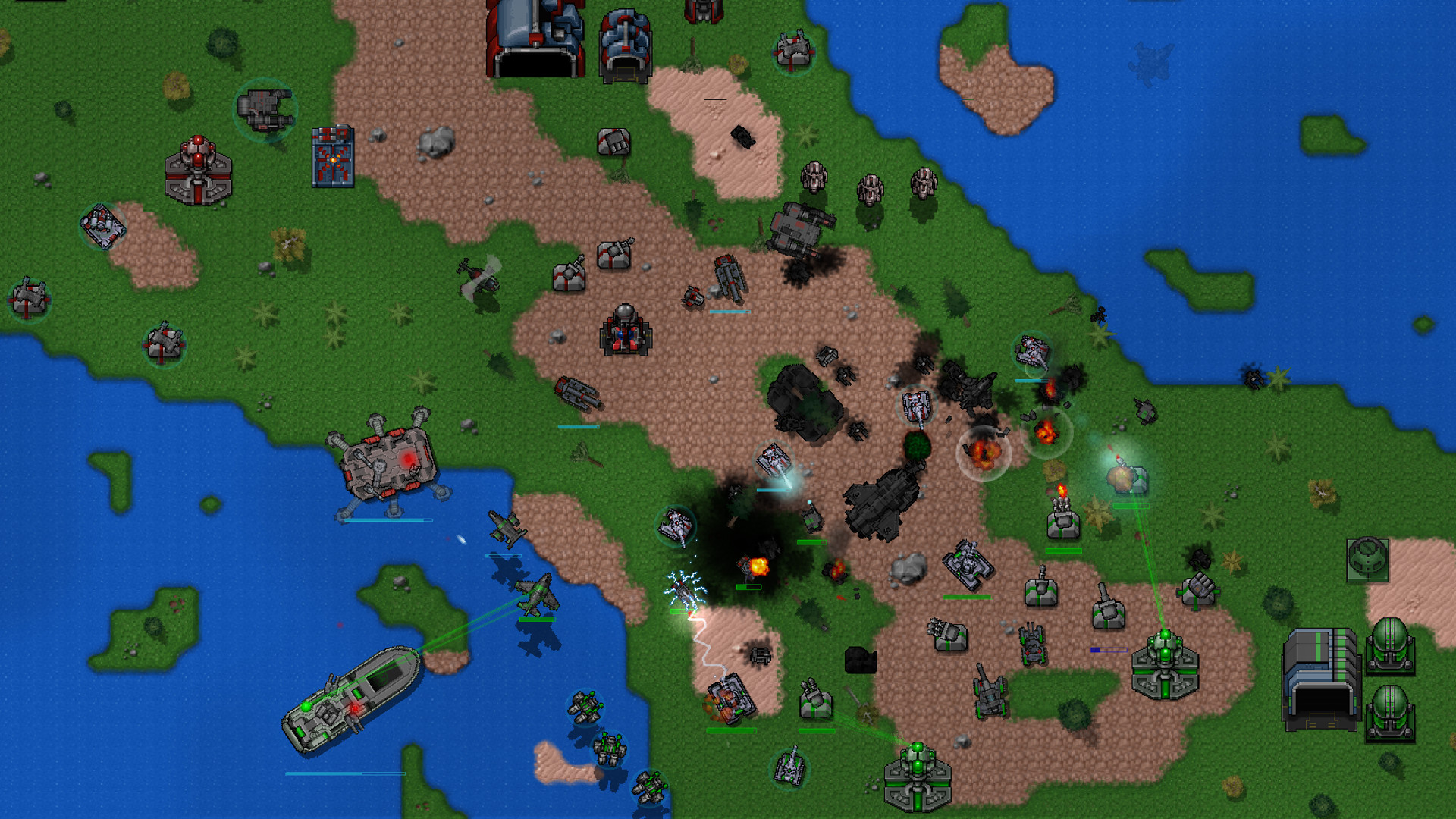
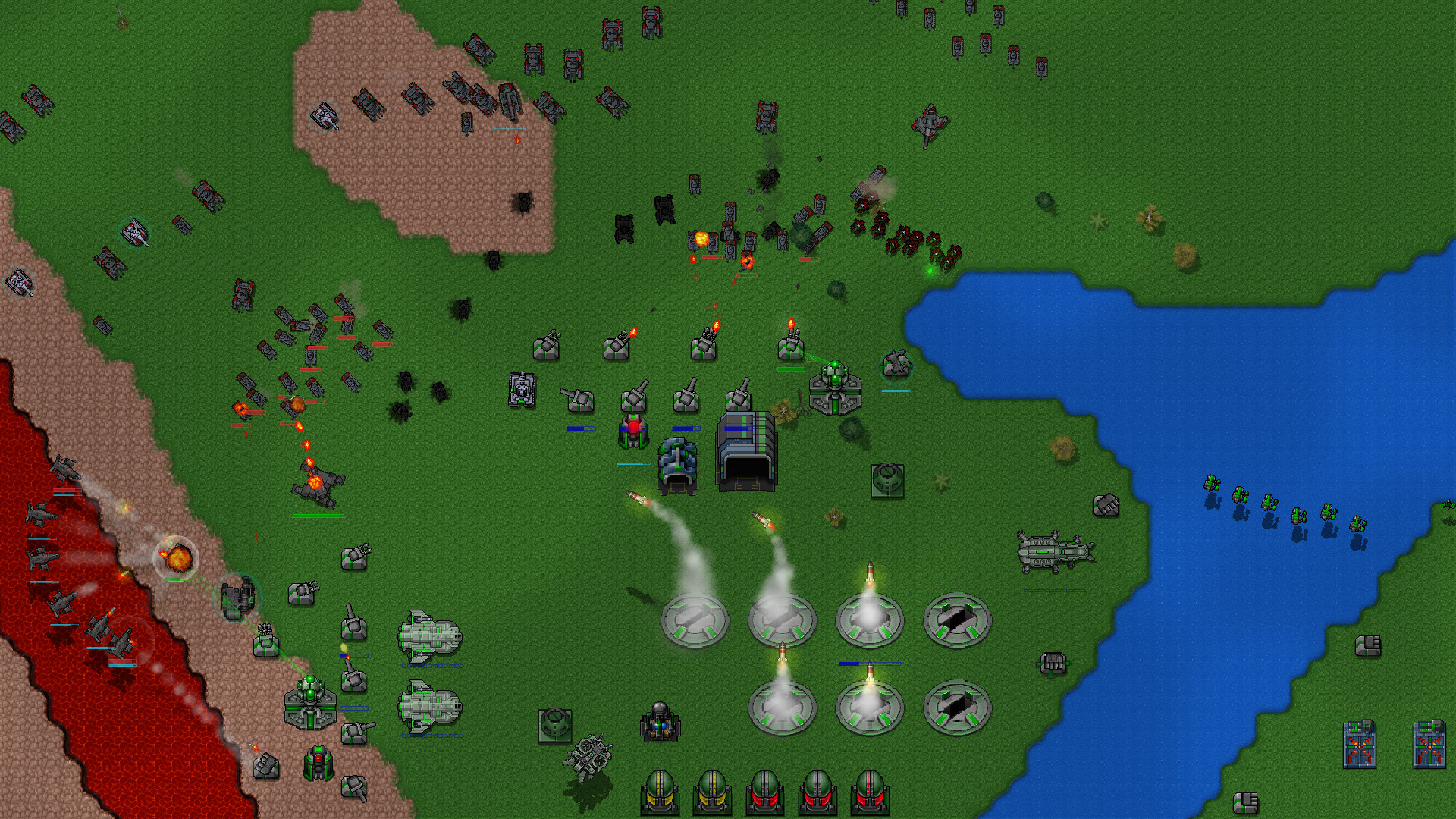
Rusted Warfare is a real‑time strategy game that draws on classic RTS design while adding modern technical features. It offers more than fifty distinct units, each with multiple upgrade paths, and can manage battles involving thousands of units.
The title includes a sandbox editor for custom scenarios, a full suite of multiplayer options, and cross‑platform play between the Windows, Linux and Android versions, all supported by Steam Workshop and Steam Cloud.
01 / THE GUIDE
Unit Variety and Upgrades
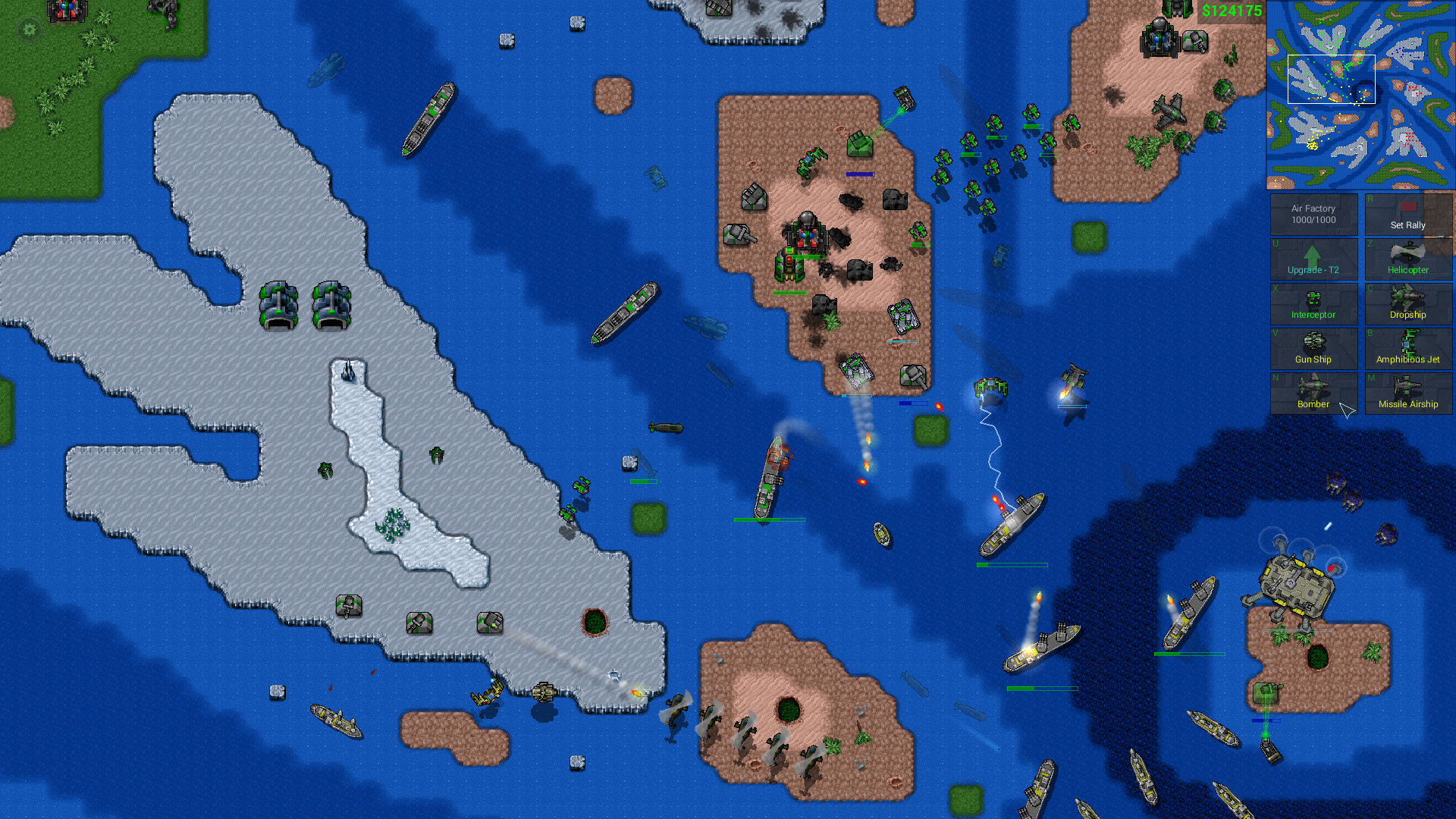
The game provides over 50 unique units, each capable of receiving many upgrades. This breadth lets players assemble armies that suit a range of tactical approaches in both solo and multiplayer matches.
The many available upgrades expand each unit's tactical role, letting players tailor armies to evolving battlefield conditions without needing separate unit types for every strategy.
- Experiment with early‑game units before adding late‑game upgrades to see how they interact.
- Observe opponent unit choices to decide which upgrades give the most effective counters.
02 / THE GUIDE
Optimised Multi‑Core Engine
Rusted Warfare runs on an engine designed for multi‑core processors, enabling smooth handling of battles involving thousands of units. This optimisation keeps command response times consistent even in large engagements.
The engine also supports infinite zoom, letting players view the entire battlefield while still issuing precise commands to individual units.
- Use infinite zoom to maintain situational awareness during massive fights.
- Monitor CPU usage on lower‑end hardware to ensure stable performance.
03 / THE GUIDE
Sandbox Scenario Editor
A built‑in sandbox editor lets players create their own battles and scenarios. Creations can be saved and later loaded for personal play or shared with the community via Steam Workshop.
The editor’s flexibility encourages community‑driven content, extending replay value beyond the base game’s offerings.
- Start with a simple map layout before adding complex unit placements.
- Test scenarios in single‑player mode before publishing them.
04 / THE GUIDE
Multiplayer Options and Replay
Players can host games, join dedicated servers, or use Steam friend matchmaking. The system also allows reconnection to games after a disconnection and saving/loading for quick lunch‑time battles.
Recorded multiplayer replays can be saved at any point, enabling players to restart from a chosen moment for analysis or practice.
- Save a replay before a critical battle to review tactics later.
- Enable shared unit control with allies to coordinate larger forces.
05 / THE GUIDE
Cross‑Platform Multiplayer
The game supports full cross‑platform multiplayer, allowing Windows, Linux and Android users to compete together. This broad compatibility expands the potential player pool for both casual and competitive matches.
The game also lists Steam Cloud support, which can help keep progress available across sessions.
- Confirm all participants run the same game version to avoid compatibility issues.
- Check that Steam Cloud is enabled so saved games persist between play sessions.
COMMUNITY
Player discussion