 GameWiki
GET YOUR BEARINGS
About RUSH
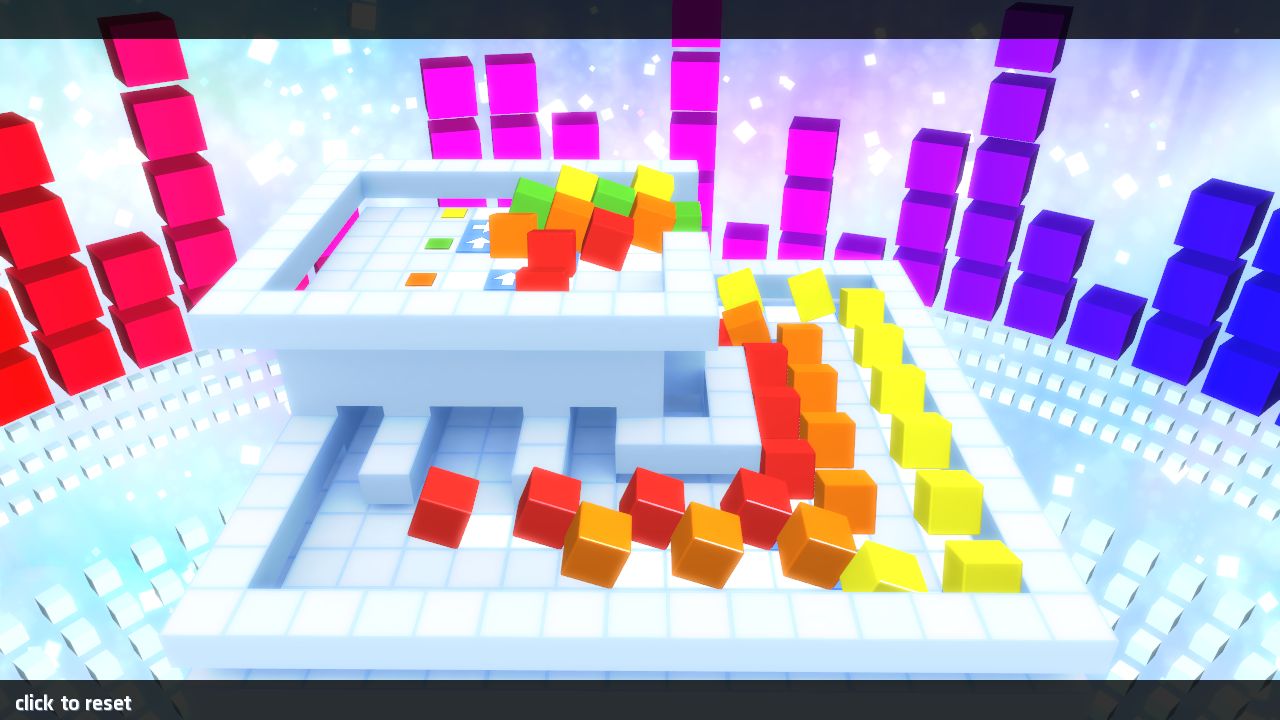
RUSH, from the creators of Toki Tori, offers a three‑dimensional puzzle experience where players guide colored cubes to matching exits. The game uses a mouse‑only drag‑and‑drop system, letting the mind stay on the logical challenges presented by conveyor belts, warps, stop signs and splits.
With more than 70 levels that grow in difficulty, a built‑in hint system, stylized environments and support for multiple profiles, RUSH delivers a focused single‑player puzzle adventure on Windows, macOS and Linux via Steam.
01 / THE GUIDE
Three‑Dimensional Puzzle Mechanics
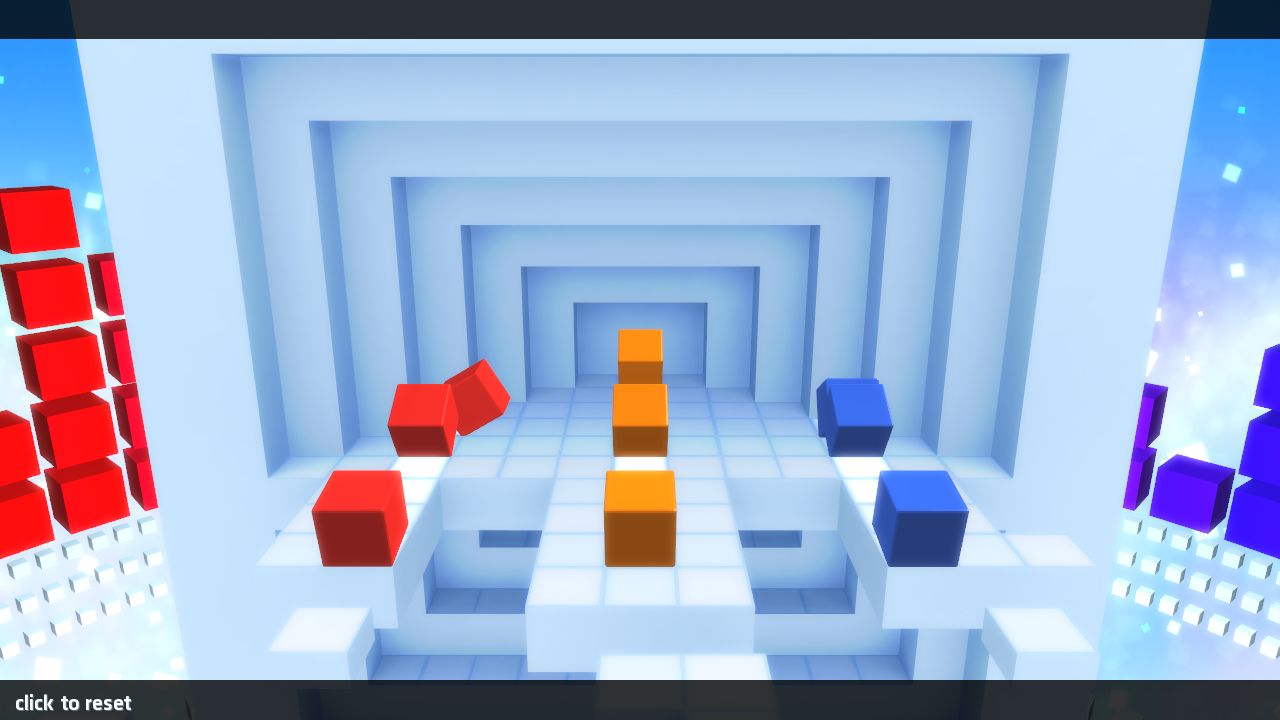
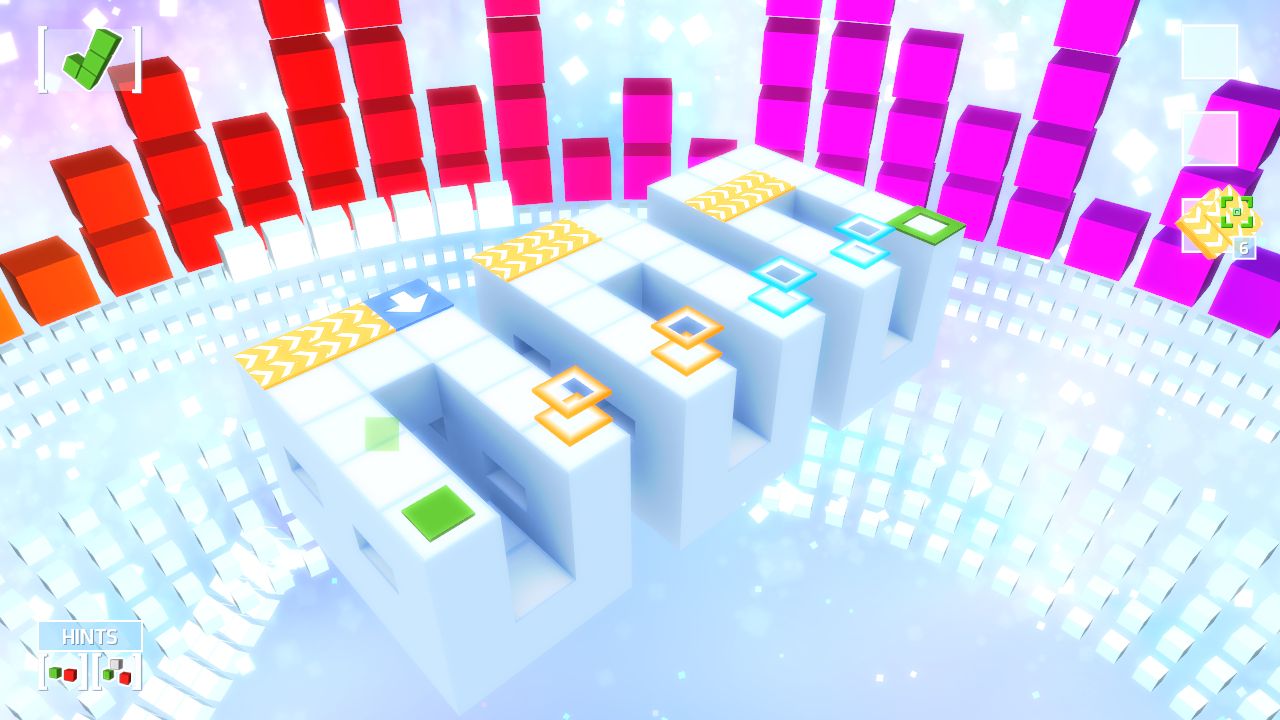
Each level occupies a fully three‑dimensional space where cubes travel along conveyor belts, through warps, and past stop signs to reach color‑coded exits. Splits introduce branching routes that require the player to consider multiple possible paths.
The puzzles become progressively harder across the 70+ levels, demanding careful planning of move order and awareness of how the various mechanisms interact within the same space.
- Observe conveyor directions before moving a cube.
- Use split branches to test alternatives without committing.
02 / THE GUIDE
Mouse Drag‑and‑Drop Control System
RUSH is designed for simple mouse interaction: click a cube, drag it to the desired location, and release. No additional button combinations are required, keeping the control scheme straightforward.
Because the game relies solely on mouse input, players can concentrate on spatial reasoning rather than learning complex controls.
- Keep the cursor steady while dragging to avoid accidental placement.
- Move cubes slowly at first to see how conveyors affect them.
03 / THE GUIDE
Integrated Hint System
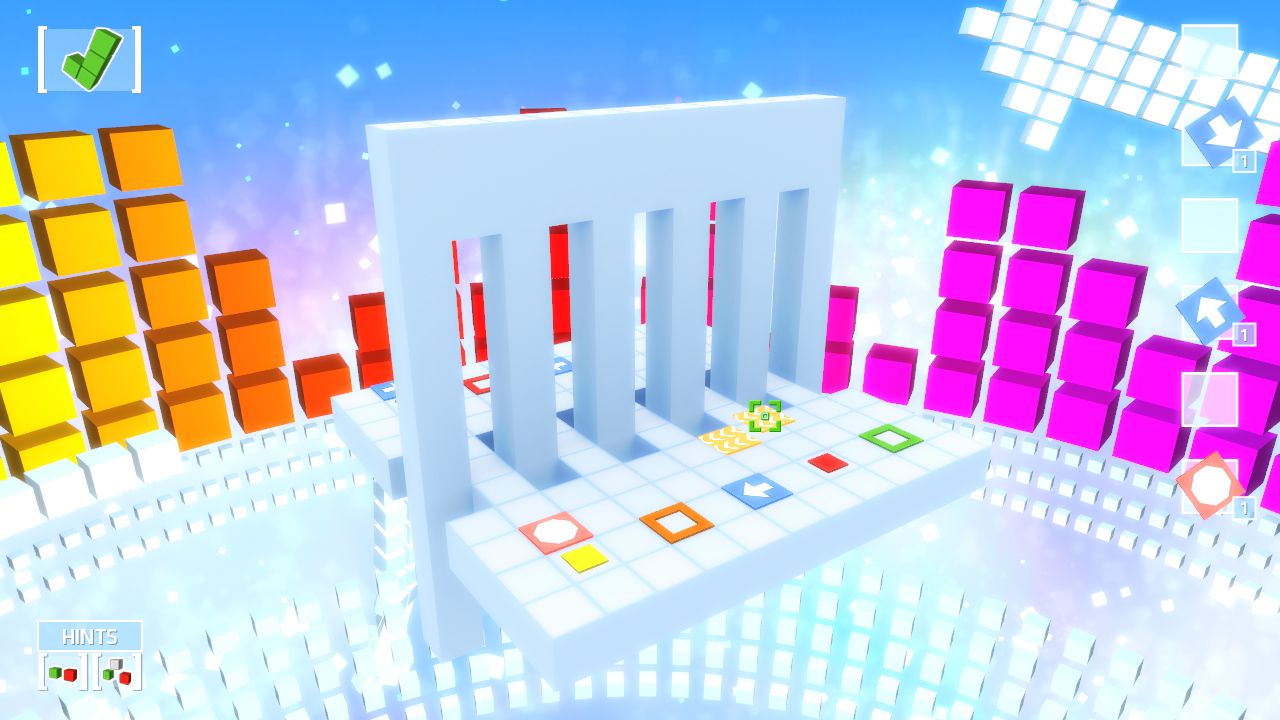
When a puzzle feels stuck, the hint system can be activated to provide guidance without solving the level outright. Hints are presented as brief assistance for challenging moments.
Using hints sparingly encourages players to develop their own problem‑solving strategies while still offering a safety net for particularly tough sections.
- Try solving the puzzle for a few minutes before requesting a hint.
- Treat hints as learning tools to understand why a move fails.
04 / THE GUIDE
Steam Integration Features
RUSH supports Steam Achievements, allowing players to earn recognitions for completing specific milestones. Steam Cloud is supported, which can help keep your data available across sessions on the same account.
Multiple profiles are available, so different players can keep separate save data on the same machine, and Family Sharing lets other accounts access the game.
- Check the achievement list to set personal goals.
- Create a distinct profile for each player to keep progress separate.
05 / THE GUIDE
Cross‑Platform Availability
RUSH runs on Windows, macOS and Linux through Steam, and the store listing notes it uses Steam Play for Mac and PC. This broadens the potential audience without requiring separate versions.
The only hardware requirement mentioned is a standard mouse and a computer capable of running Steam, making the game accessible to most users on the listed platforms.
- Verify your system meets Steam’s minimum specifications before installing.
- Keep your mouse drivers up to date for smooth dragging.
COMMUNITY
Player discussion