 GameWiki
GET YOUR BEARINGS
About RUSH: A Disney • PIXAR Adventure
Rush: A Disney•Pixar Adventure lets families explore the worlds of six Pixar films, teaming up with characters such as Woody, Lightning McQueen, and others. The game blends fast‑paced puzzle‑solving with moments that demand quick agility and speed.
Players can enjoy a solo experience or invite a friend to share the same screen via split‑screen couch co‑op. Each Pixar setting offers its own sights, sounds, and hidden secrets to discover as you progress.
01 / THE GUIDE
Co‑op Play
The title provides split‑screen couch co‑op, allowing two players to occupy the same display and work together on challenges. This design lets family members collaborate directly while navigating the Pixar worlds.
Co‑op is available at home without needing an extra device, so a friend or relative can join the same session. The experience remains consistent whether you play alone or with a partner.
- Communicate each step before attempting a puzzle.
- Assign each player a role that matches their comfort level.
02 / THE GUIDE
Puzzle Solving
Players move through each Pixar world by solving puzzles that unlock new areas and secrets. The description notes that puzzles range from quick‑thinking tasks to more deliberate problem‑solving.
Hidden secrets are scattered throughout, rewarding careful observation and exploration. The game encourages players to experiment with the environment to uncover these elements.
- Observe the surroundings for subtle clues before acting.
- Try multiple interactions when a solution is not obvious.
03 / THE GUIDE
Pixar Worlds
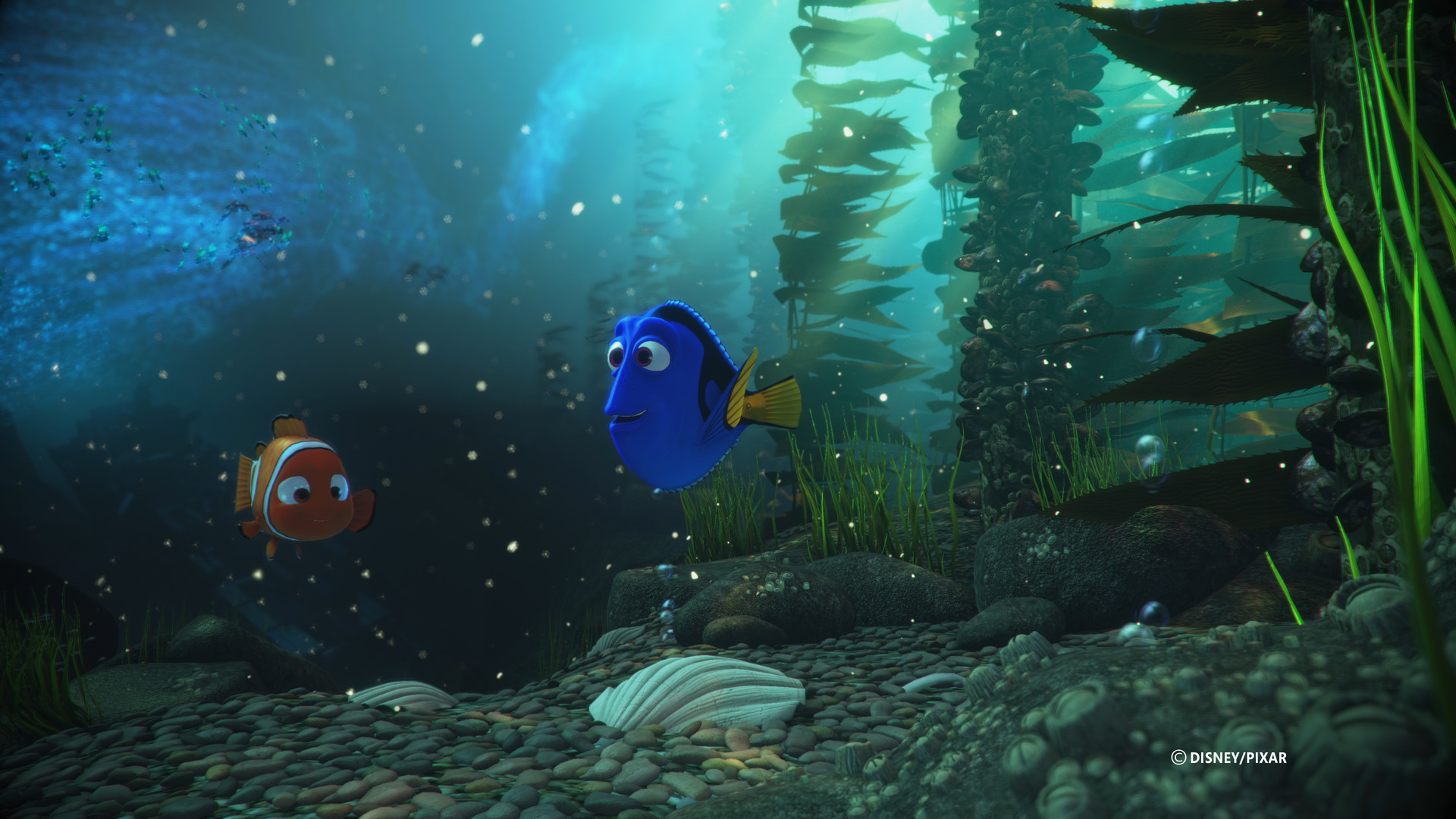
Six distinct Pixar film settings are recreated, each featuring its own visual style and audio cues. Players can explore familiar environments while encountering challenges tailored to each world.
The worlds are designed to be recognizable to fans, offering both nostalgia and fresh gameplay moments that reflect the spirit of the original movies.
- Notice how each world’s design influences puzzle mechanics.
- Listen for audio cues that may hint at secret locations.
04 / THE GUIDE
Full Controller Support
The game includes full controller support, allowing players to navigate menus and control characters using a gamepad. Full controller support means the game can be played using a supported controller.
Controller support means both solo and co‑op sessions can be enjoyed with a gamepad, making the experience accessible for couch gaming.
- Use the controller’s analog sticks for movement during agility sections.
- Keep the controller comfortably positioned to reduce hand fatigue.
05 / THE GUIDE
Steam Platform Features
Running on Steam, the title offers achievements, cloud saves, Remote Play Together, and Family Sharing. These features integrate with the platform to broaden accessibility and allow progress tracking.
Steam Cloud is listed as a feature, offering cloud support for your game data, while Remote Play Together lets a friend join a session even without owning the game.
- Check the achievement list for optional challenges.
- Enable cloud saves to protect progress when switching PCs.




COMMUNITY
Player discussion