 GameWiki
GET YOUR BEARINGS
About Runo
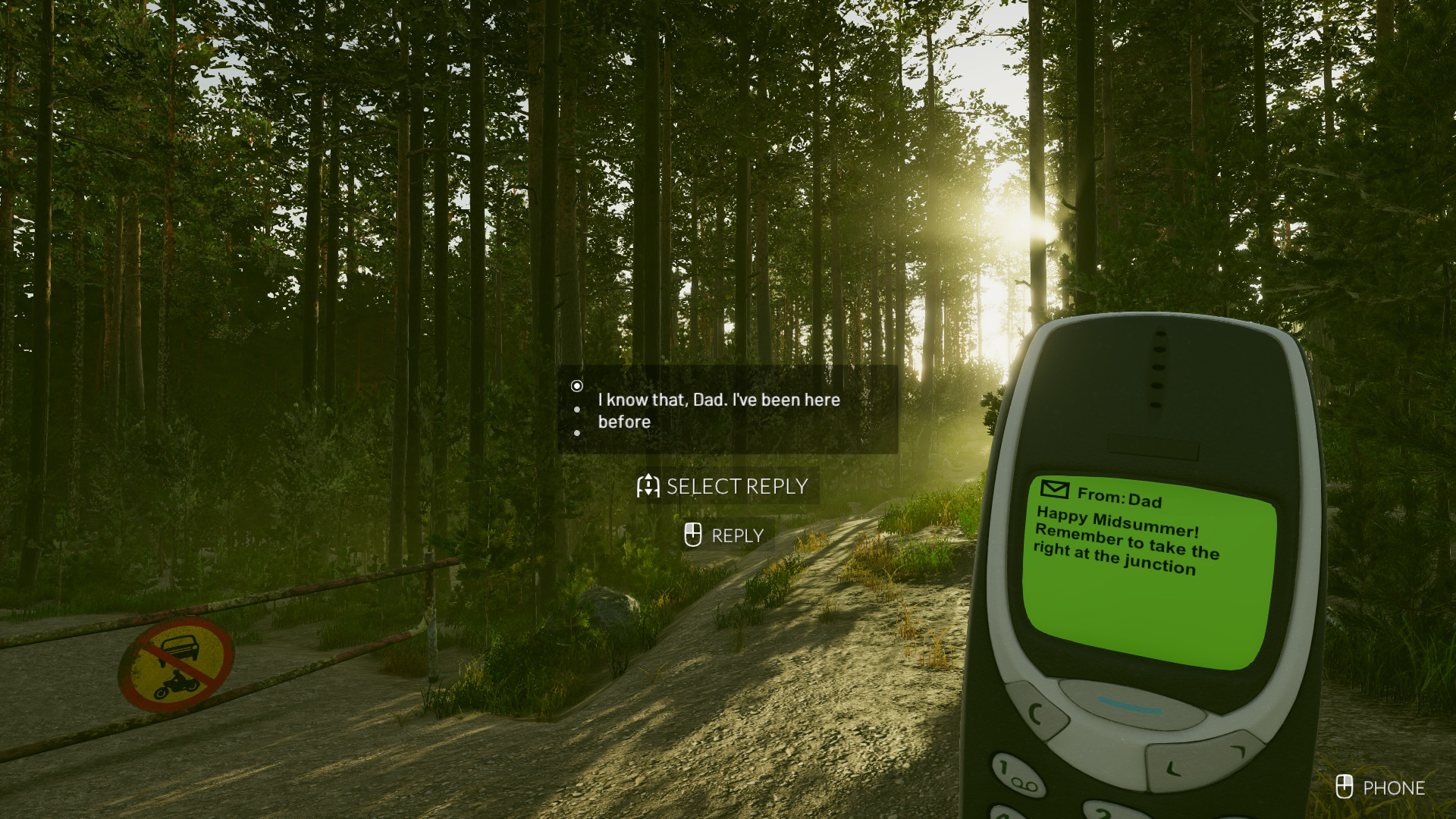
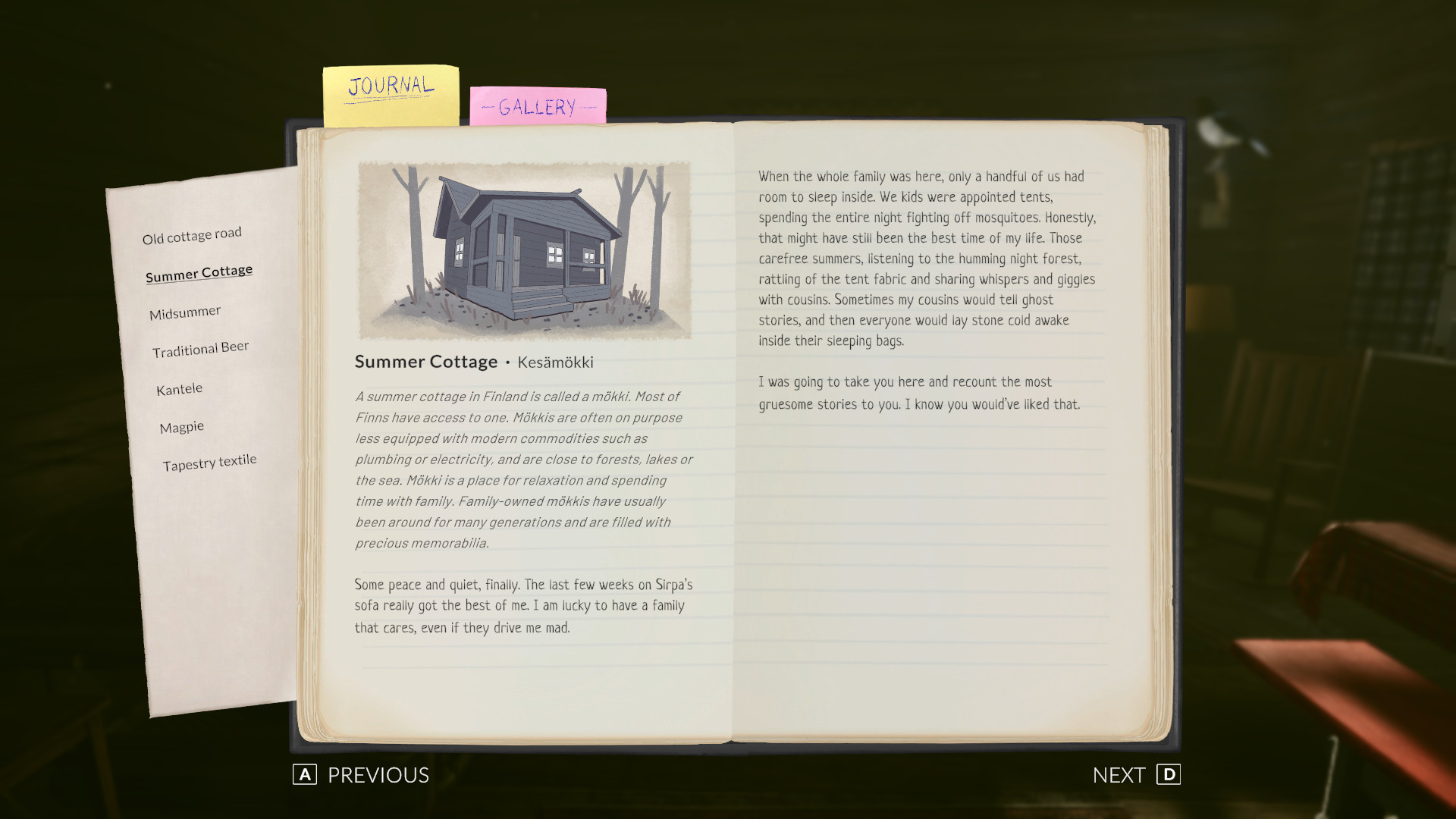
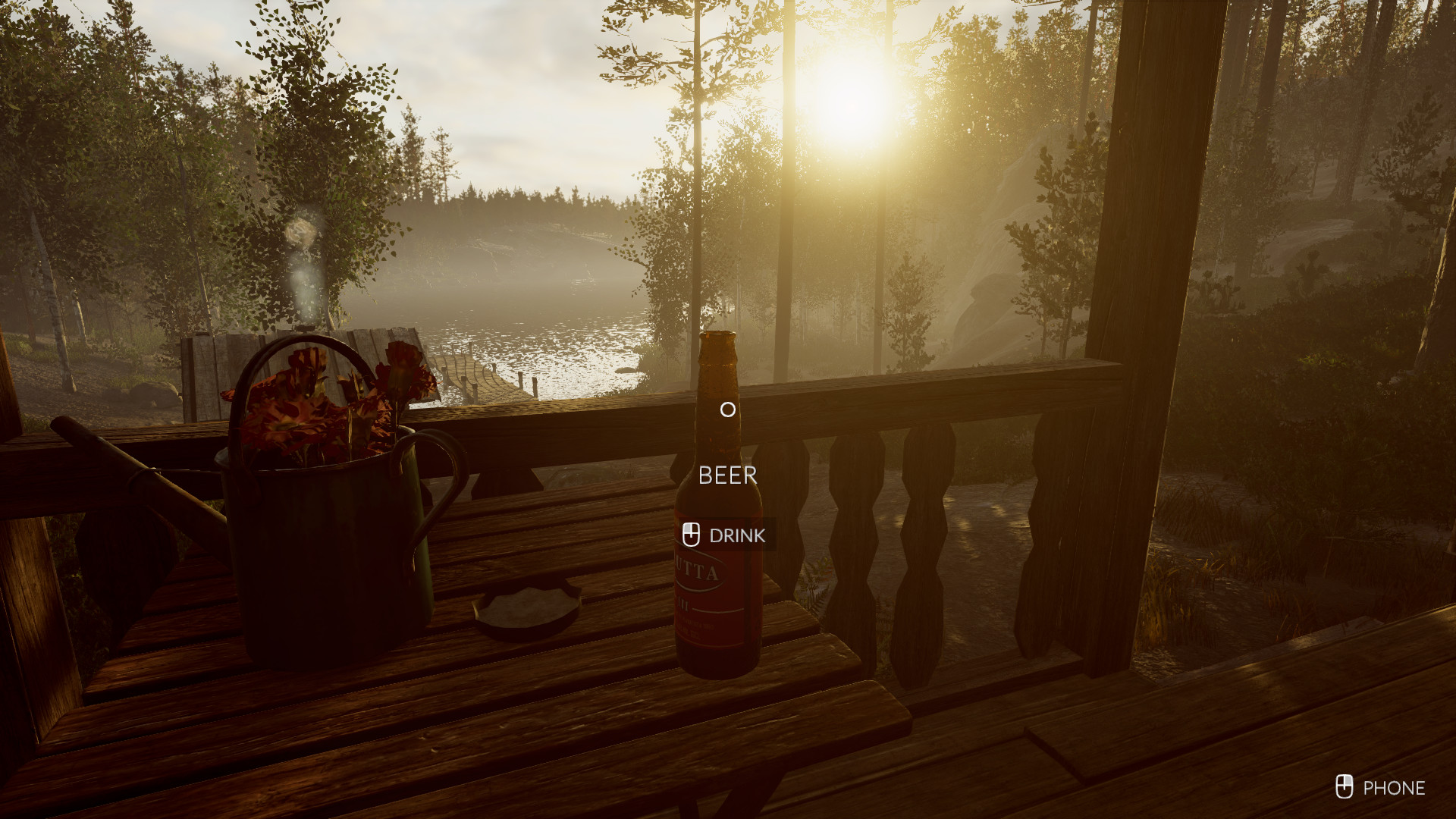
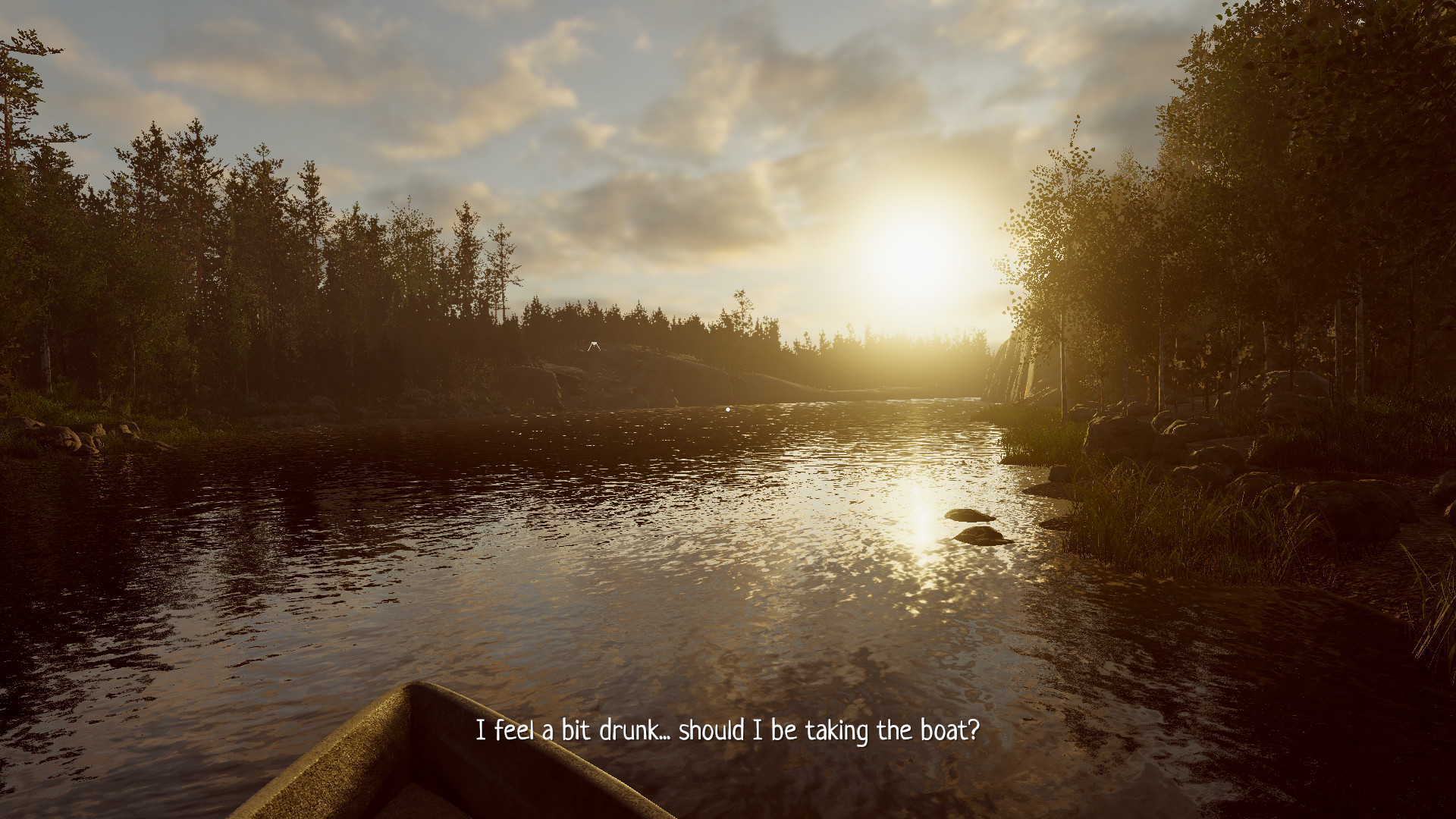
Runo is a walking‑simulator that guides players through an original tale set in an age‑old family cottage in rural Finland. The narrative weaves forgotten myths, ancient lore and personal memories, culminating on Midsummer’s Eve when something disturbs the calm.
The experience lasts about one and a half hours, requires mouse and keyboard, and has no save system, encouraging a single‑sitting playthrough—preferably with headphones. It draws on Finnish folklore, especially the Kalevala, and was created by a multidisciplinary university team.
01 / THE GUIDE
Story and Setting
Runo tells an original story about forgotten pasts and mysteries that unfold in a family cottage in rural Finland. Lost myths, tales and ancient lore become tangible as the night of Midsummer’s Eve approaches. The setting blends personal childhood memories with cultural heritage, inviting players to explore a quiet environment that slowly reveals its hidden narrative layers.
- Observe environmental details; they often hint at the underlying folklore.
- Consider listening with headphones to fully appreciate ambient storytelling.
02 / THE GUIDE
Gameplay Length and Save System
A single play‑through of Runo takes roughly 1.5 hours, and the game does not include a save feature. This design encourages uninterrupted immersion, making it ideal for a dedicated sitting. Because there is no way to resume later, planning a comfortable time slot and using headphones can enhance the experience.
- Allocate an uninterrupted block of about an hour and a half before starting.
- Adjust volume levels early to avoid needing to pause later.
03 / THE GUIDE
Controls and Input
Runo is played with a mouse and keyboard, providing precise navigation through its environments. No alternative control schemes are mentioned, so the primary input method remains these devices. The straightforward control scheme aligns with the game’s focus on exploration rather than complex mechanics.
- Familiarize yourself with mouse movement before starting to reduce early hesitation.
- Keep the keyboard layout visible for quick reference to any on‑screen prompts.
04 / THE GUIDE
Cultural Inspiration
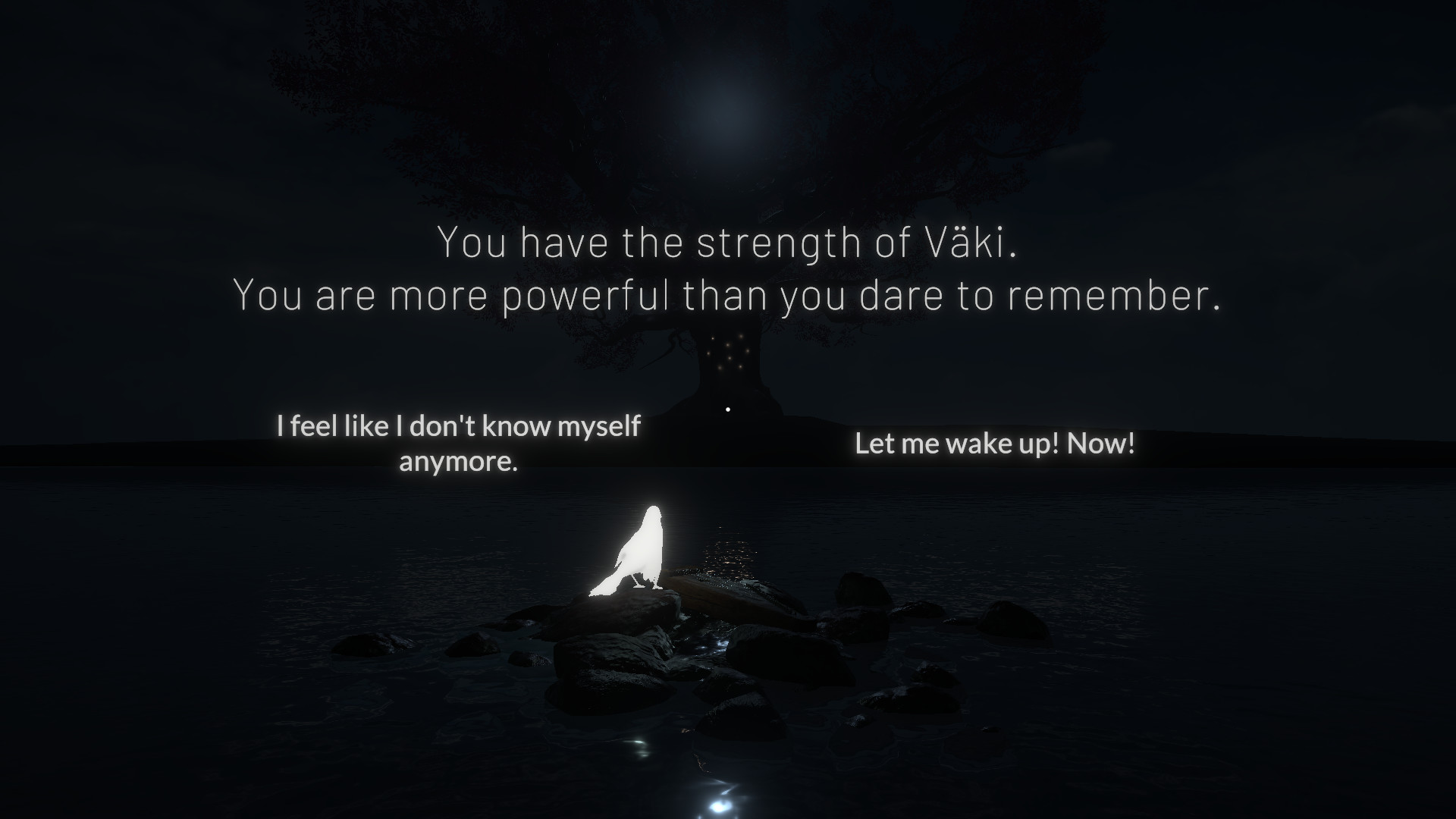
The project connects with discussions about cultural heritage, myths and folklore, drawing particular inspiration from the Finnish national epic Kalevala. The developers also incorporated personal childhood memories to honor generational stories. Funding from Finnish cultural bodies and exhibition at the Finnish Museum of Games underscore its educational and heritage‑focused intent.
- Research the Kalevala for deeper context while playing.
- Reflect on how personal memories shape the game’s atmosphere.
05 / THE GUIDE
Platform Availability and Features
Runo is available on Windows via Steam, supporting single‑player, Steam Achievements and Family Sharing. No macOS or Linux versions are listed, and the game’s feature set is limited to those explicitly mentioned. These features allow players to earn achievements and share the game with family members without additional purchases.
- Check the Steam achievement list after finishing to see what you unlocked.
- Use Family Sharing to let another household member experience the story.
COMMUNITY
Player discussion