 GameWiki
GET YOUR BEARINGS
About Rosewater
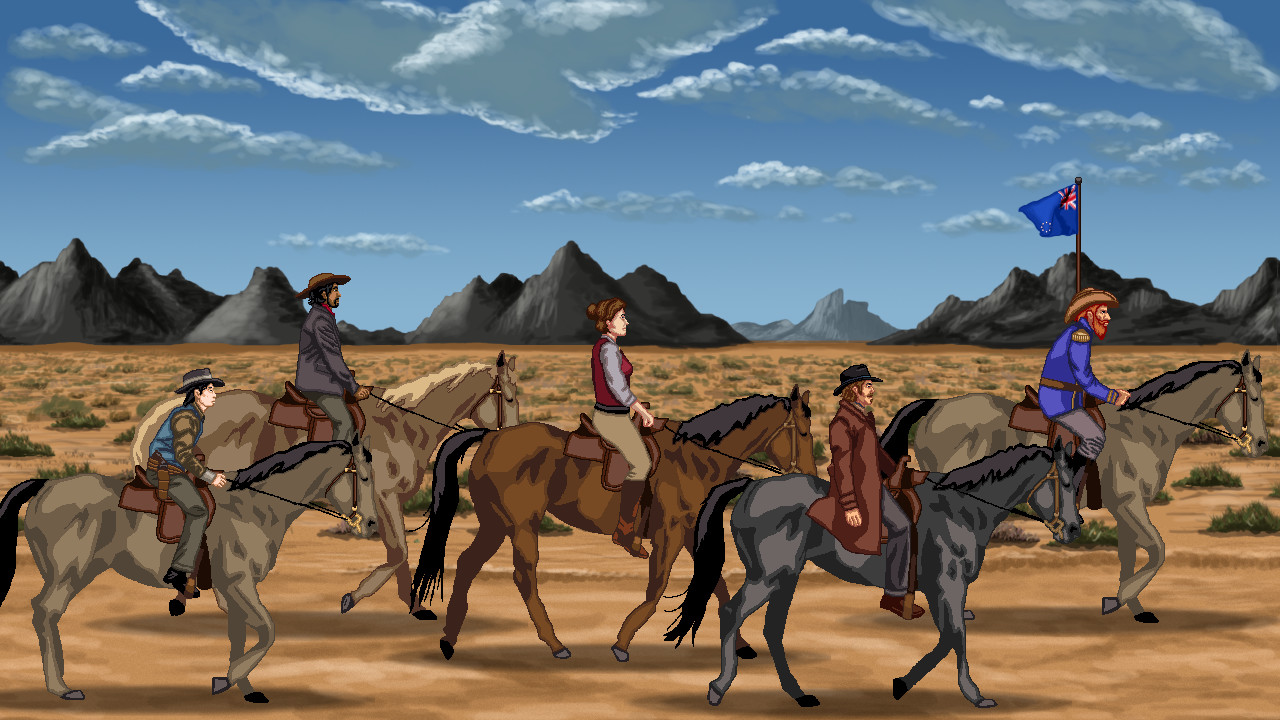
Rosewater follows freelance writer Harley Leger after she arrives in the border town of Rosewater and becomes entangled in a treasure hunt across Western Vespuccia. The story weaves through bandits, rebels, visionaries and a cast of over 60 voiced characters, with each decision shaping the narrative.
The game presents fully rotoscoped animation, 720p graphics and a live‑instrument score by Mark Benis. It offers mouse‑only input, custom volume and subtitle options, Steam Cloud, and the ability to save at any time without timed‑input constraints.
01 / THE GUIDE
Branching Story and Choices
The central plot revolves around Harley’s search for a missing man’s fortune. Every choice you make influences relationships with companions and determines which storylets appear later, creating a personalized narrative path.
Randomized encounter storylets provide multiple solutions that reflect prior decisions and the resources you have at the moment, meaning earlier actions can open or close later options.
- Track early decisions; they often reappear as triggers for later storylets.
- Notice companion remarks after choices—they can hint at hidden branches.
02 / THE GUIDE
Travel Companions
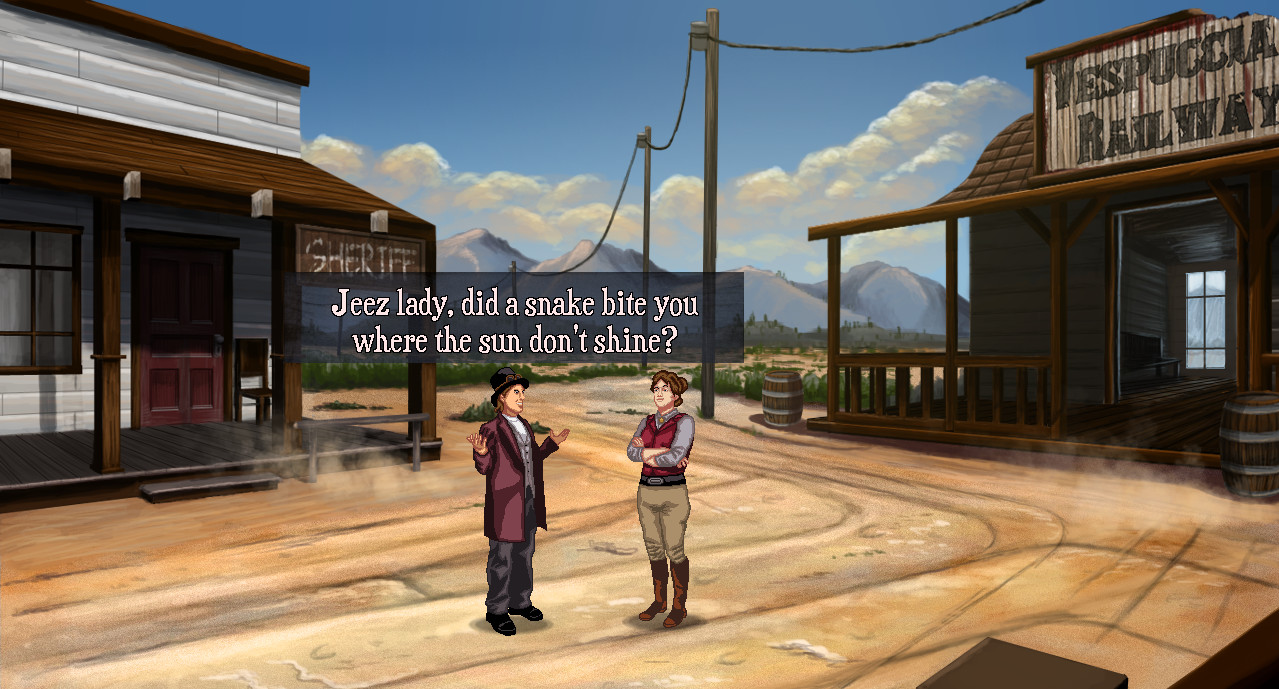
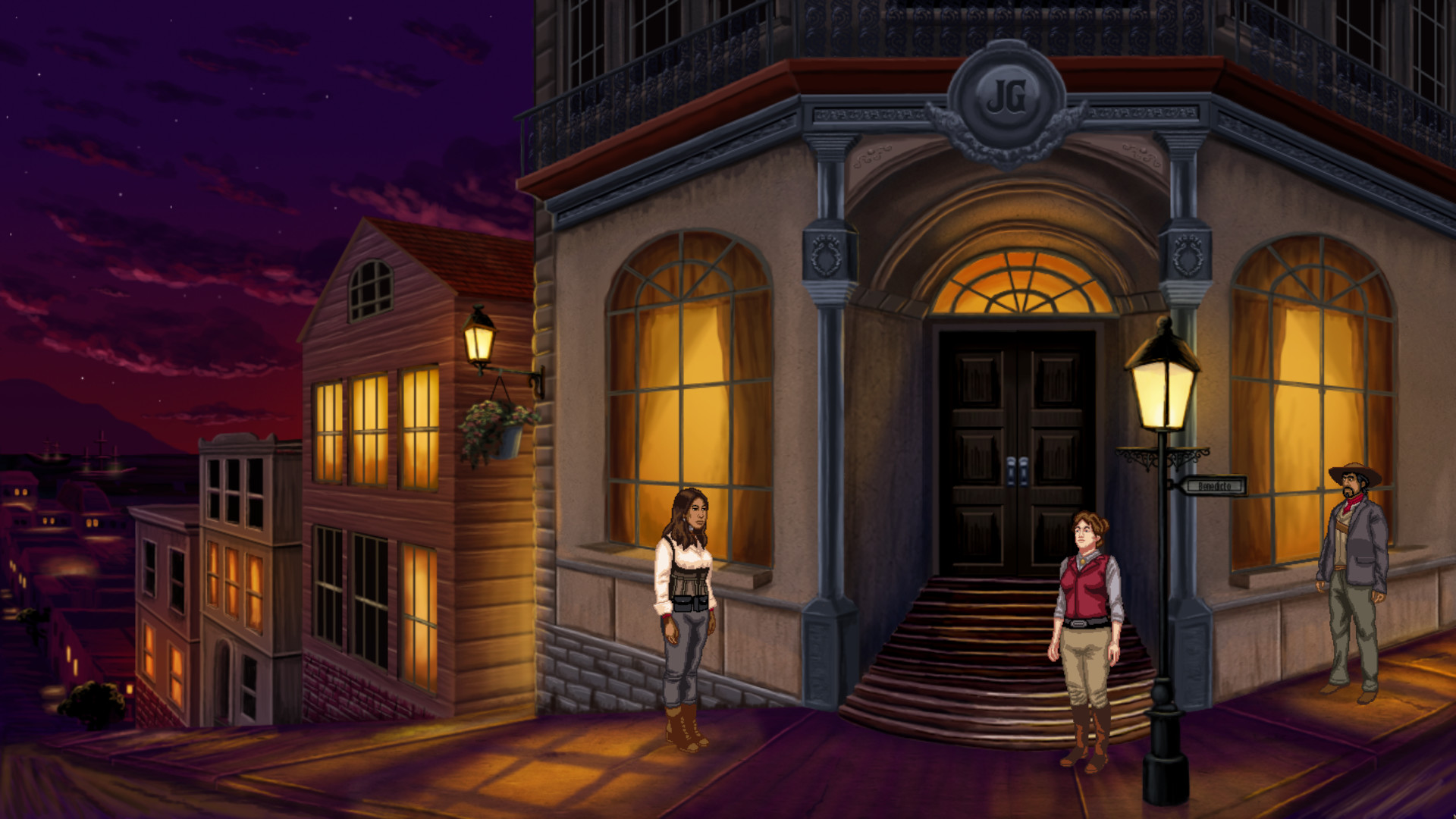
Harley travels with five distinct companions, each bringing a unique perspective to the journey. Their personalities affect dialogue options and can open or block narrative avenues depending on how you interact with them.
The game's cast includes professional actors such as Cissy Jones and Dave Fennoy, adding depth to conversations and making each partnership feel distinct.
- Listen for companion cues; they may suggest alternative approaches.
- Balancing dialogue with each companion can shape your relationships with them.
03 / THE GUIDE
Streamlined Inventory
Inventory returns in a logical, easy‑to‑use format that avoids trial‑and‑error item banging. Items are presented clearly, allowing quick access during encounters.
Because encounters are randomized, the items you carry can enable different solutions, so managing what you have becomes a strategic element of each storylet.
- Keep track of essential items; they often provide the simplest path.
- Review your inventory before entering a new encounter to anticipate possible uses.
04 / THE GUIDE
Visual and Audio Presentation
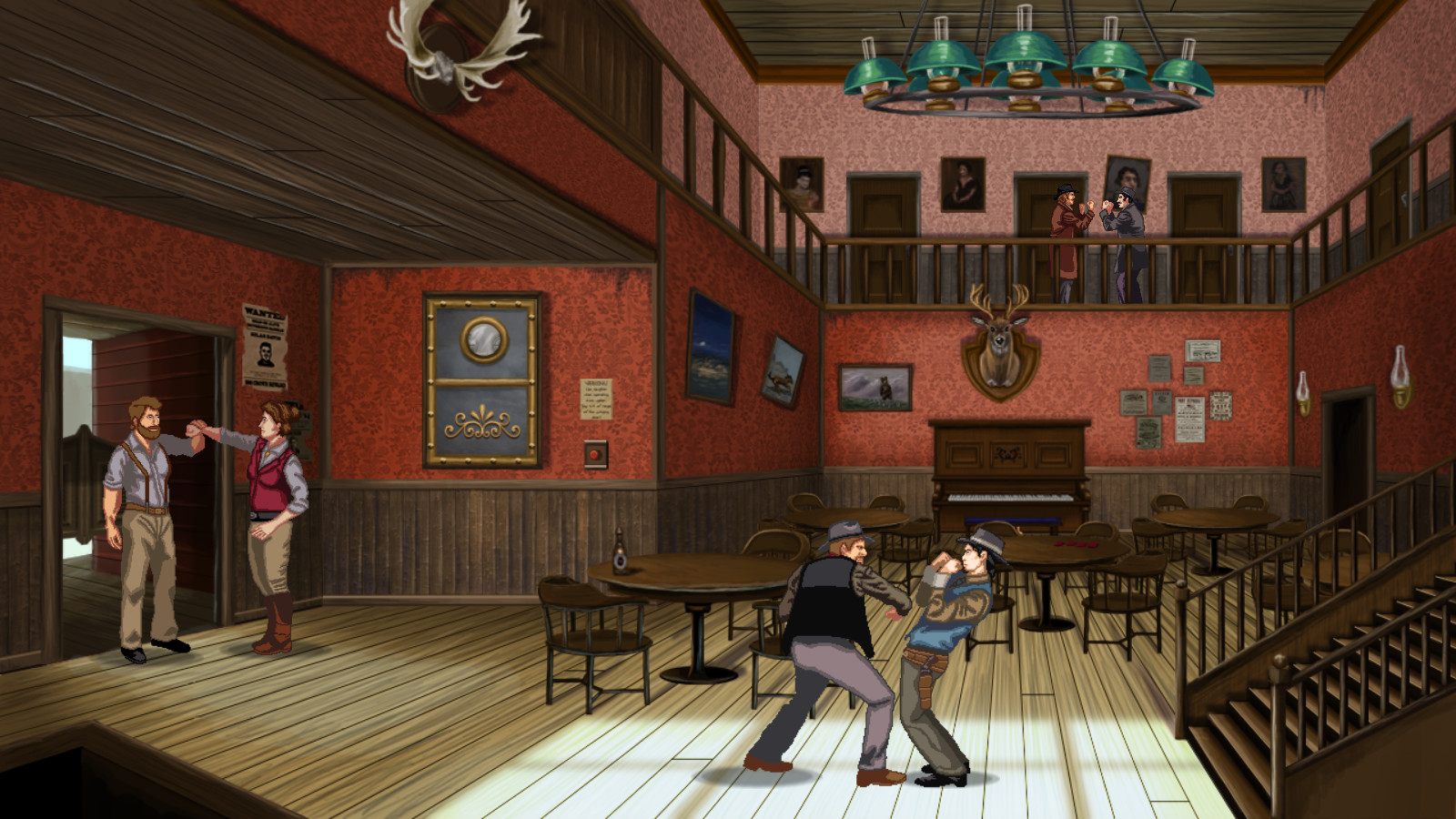
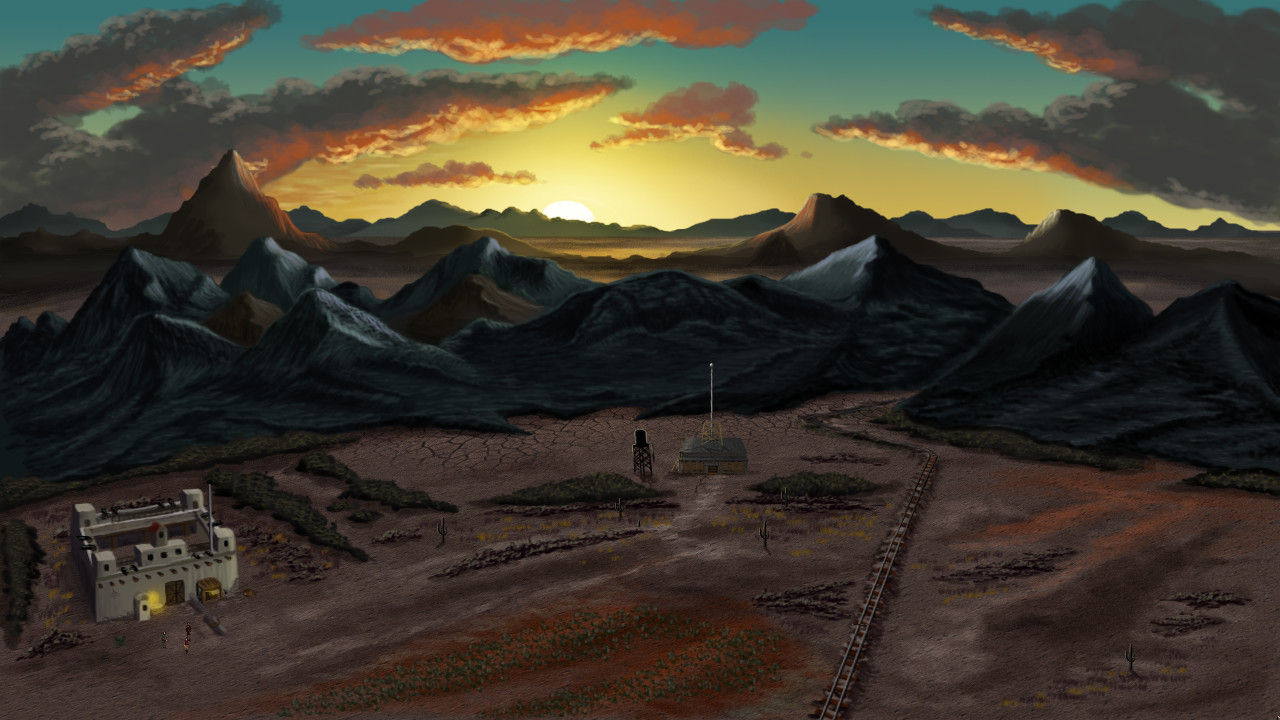
Rosewater uses fully rotoscoped animations and cinematic close‑ups, displayed at 1280×720 resolution, to emphasize action scenes. The visual style gives the game a distinctive indie aesthetic.
The soundtrack, composed by Mark Benis, features live instruments, and the extensive voice cast delivers professional performances that enhance each character moment.
- Adjust the custom volume sliders to balance music and dialogue for clearer storytelling.
- Enable subtitles if you want to catch every spoken detail during fast scenes.
05 / THE GUIDE
Platform and Accessibility Features
Rosewater runs on Windows, macOS and Linux and includes a Mouse Only Option, custom volume controls, subtitle options, and the ability to save anytime. Steam Cloud retains progress across sessions.
Additional accessibility settings such as Color Alternatives and the option to play without timed input cater to a range of player preferences and comfort levels.
- Use the mouse‑only option if you prefer point‑and‑click navigation.
- Activate color alternatives for better visual comfort during long sessions.
COMMUNITY
Player discussion