 GameWiki
GET YOUR BEARINGS
About Room to Grow
Room to Grow is a single‑player puzzle title where movement is achieved by growing your character. Expanding into walls pushes your whole body opposite, letting you shift plants, clear obstacles, and create space for later moves. Each world introduces fresh mechanics, ensuring every puzzle feels distinct.
The game offers over a hundred hand‑crafted challenges with no timers, move counters, or action elements. Players can undo, restart, or skip puzzles at will, and enjoy a custom soundtrack while using remappable controls, a high‑contrast visual mode, and adjustable input repeat delay.
01 / THE GUIDE
Growth‑Based Movement
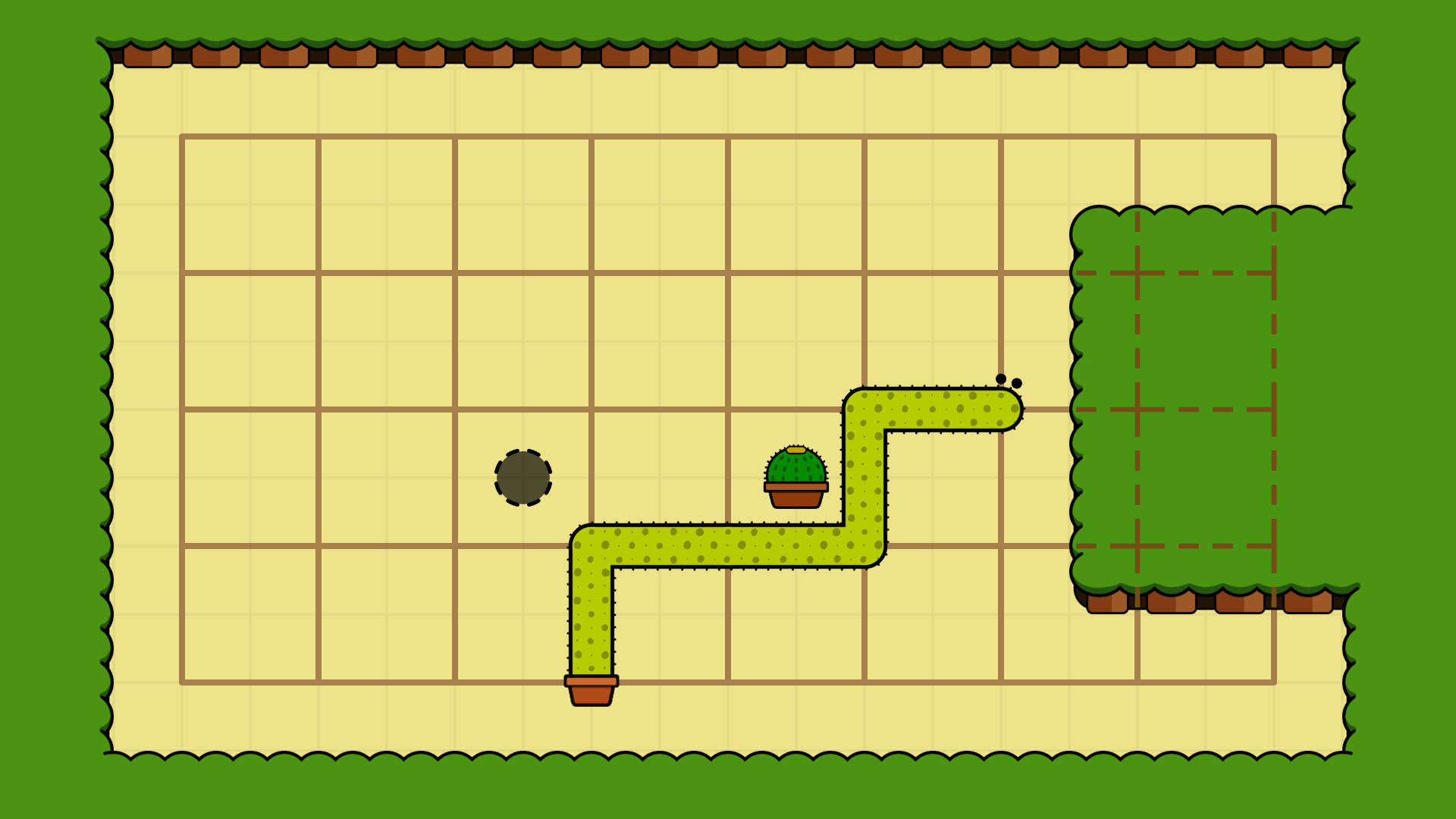
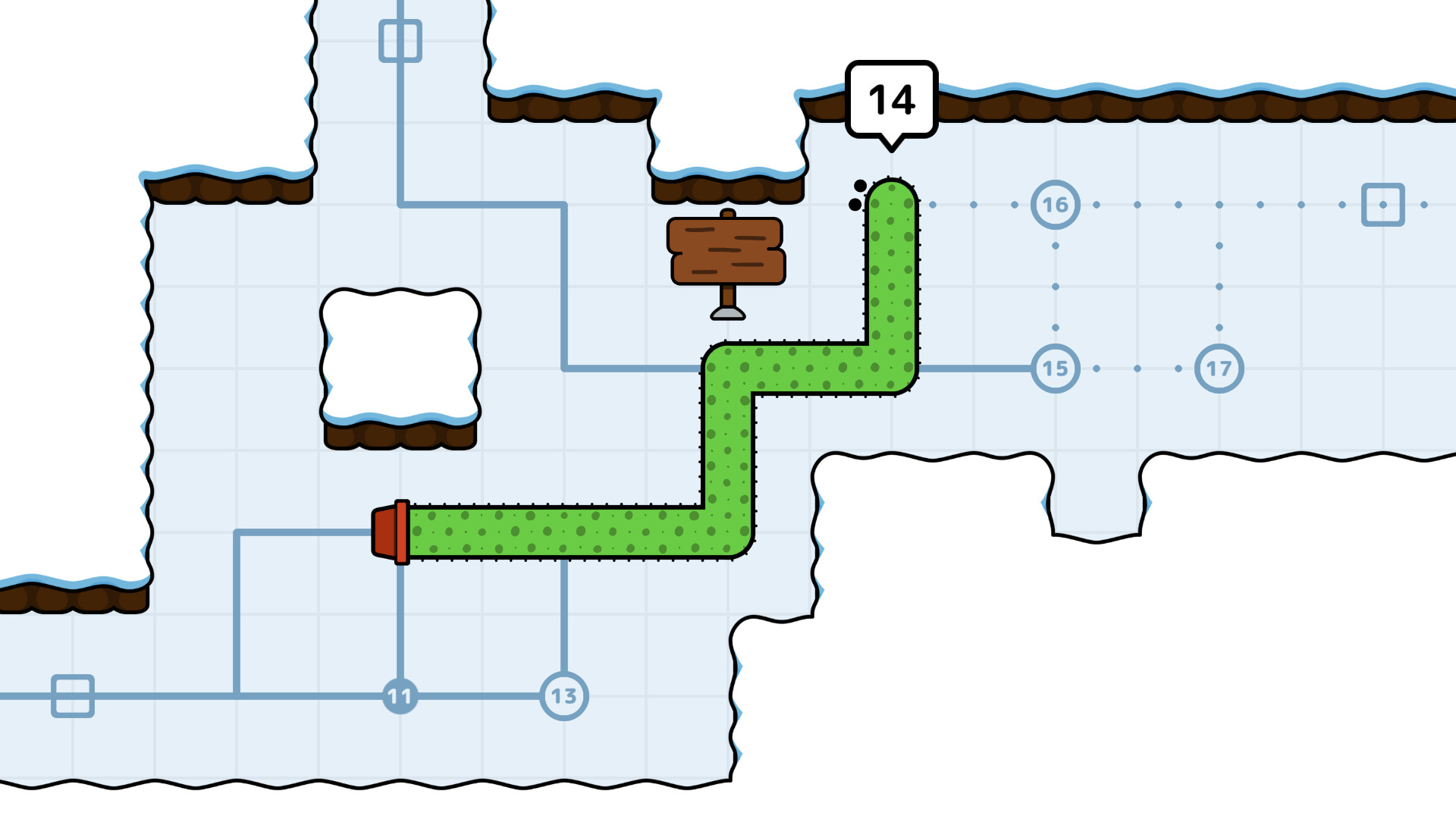
The core mechanic lets you grow to move; extending into a wall shifts your entire body in the opposite direction. This enables you to push objects like plants and reposition yourself without traditional stepping.
Because growth both moves you and interacts with the environment, puzzles often require planning several growth actions ahead to create the needed space for later steps.
- Experiment with growing into different walls to see how each direction affects surrounding objects.
- Consider the order of growth actions; early moves can open new pathways for later ones.
02 / THE GUIDE
Hand‑Crafted Puzzle Variety
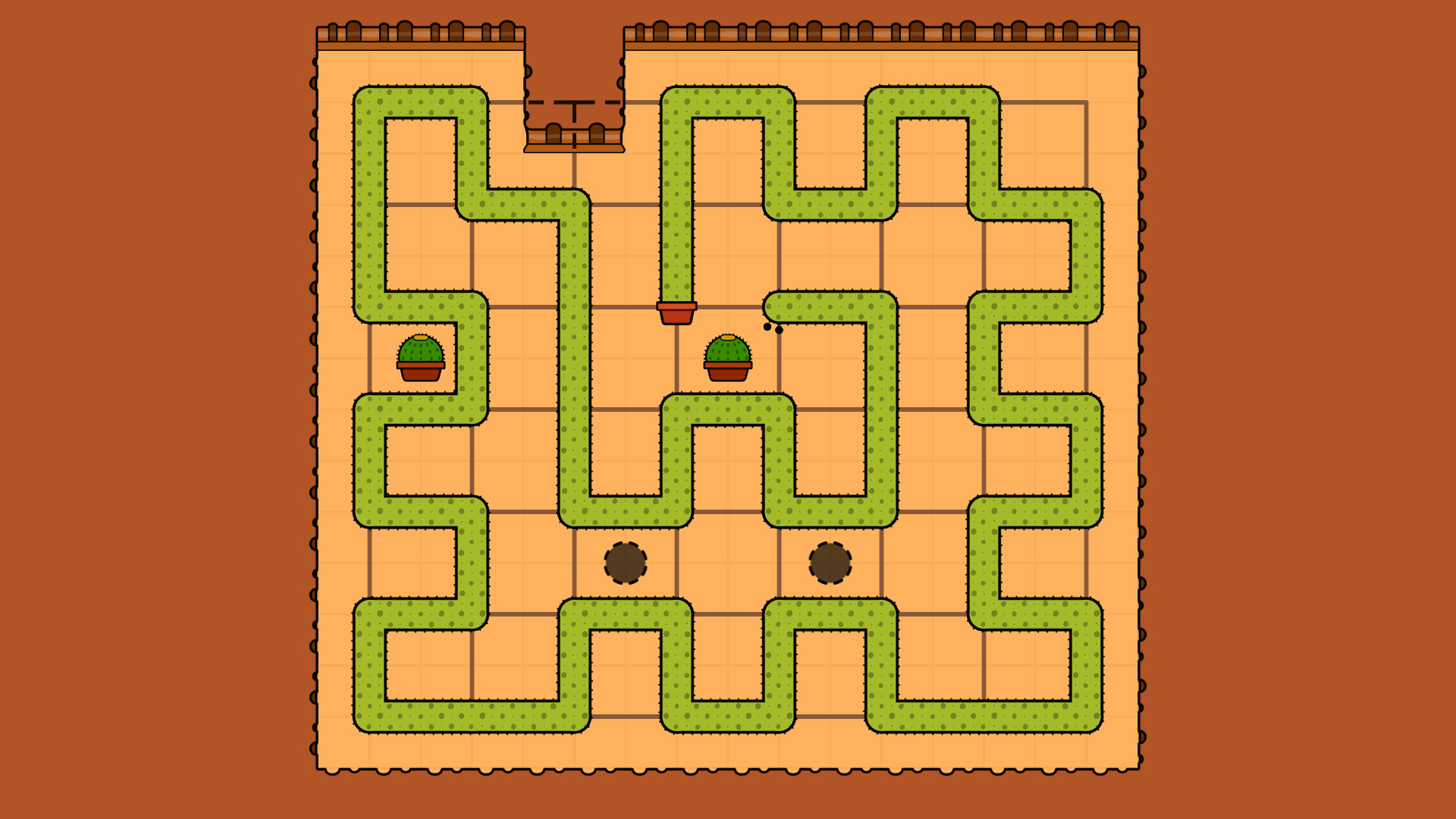
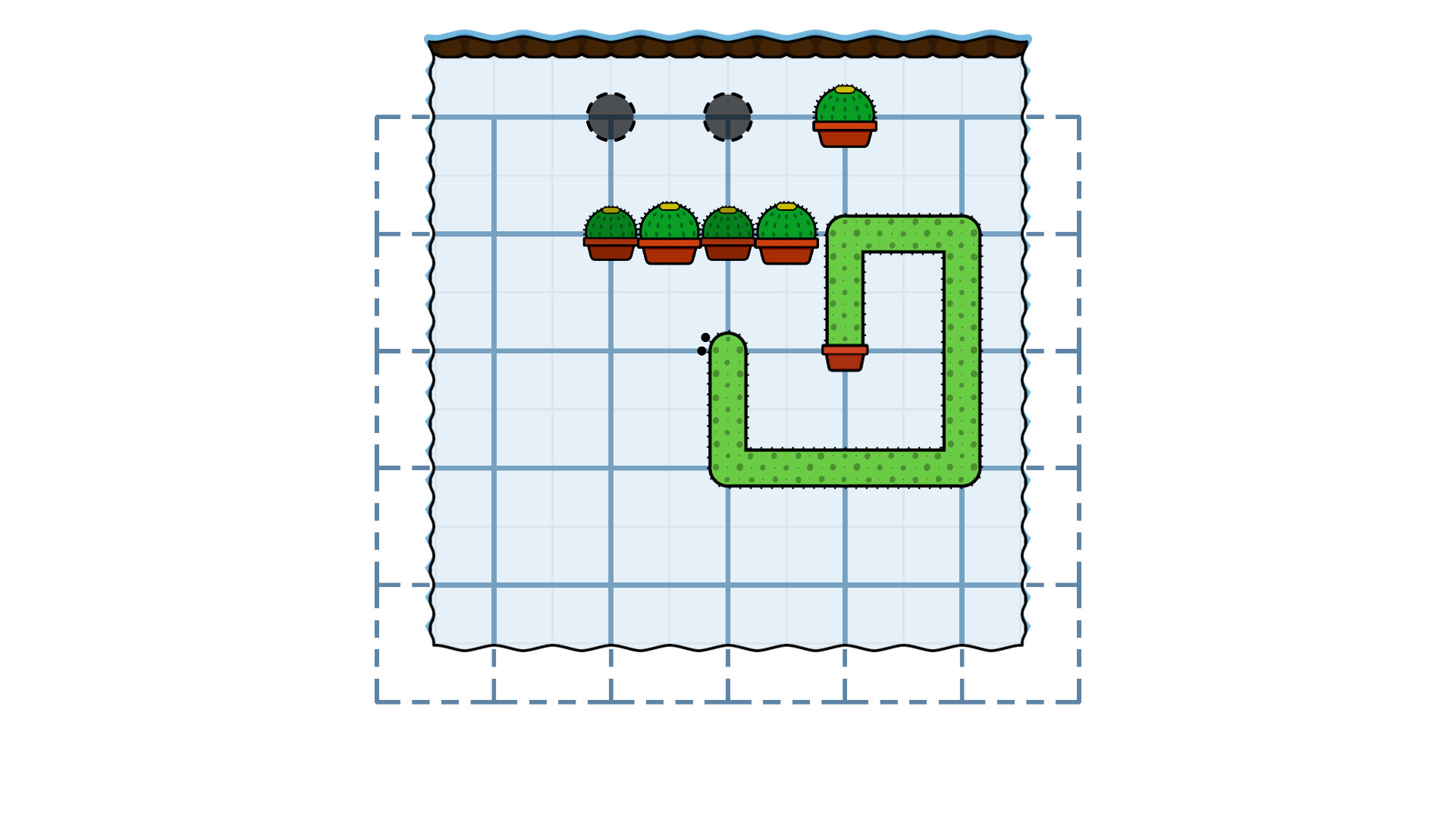
Room to Grow contains over 100 unique puzzles, each introducing unexpected mechanics that differ from standard key‑and‑lock designs. New interactions appear in each world, keeping the experience fresh.
The lack of timers or move counters means the focus stays on logical discovery rather than speed, allowing players to take time to understand each new mechanic fully.
- Take notes on new mechanics as they appear; they often combine with earlier ones.
- Use the undo feature liberally to test hypotheses without penalty.
03 / THE GUIDE
Accessibility and Visual Options
A high‑contrast mode highlights key game elements, improving visibility for players who need clearer differentiation. Additionally, input repeat delay can be adjusted to suit personal comfort levels.
These options help ensure the puzzle experience remains approachable for a wide audience.
- Enable high‑contrast mode if you find background details blend with puzzle elements.
- Adjust the input repeat delay to match your preferred pacing for growth actions.
04 / THE GUIDE
Remappable Controls and Full Controller Support
Controls are fully remappable, allowing players to assign actions to preferred buttons or keys. Full controller support means the game can be played with a gamepad without requiring a keyboard.
This flexibility lets you tailor the growth and undo actions to the input method that feels most natural, whether using a controller or other devices.
- Map growth and undo to adjacent buttons for smoother sequencing.
- Test both controller and keyboard layouts to discover which feels more intuitive for you.
05 / THE GUIDE
Original Soundtrack
The game features a delightful original soundtrack composed by Romain Rope, providing an ambient backdrop that complements each puzzle’s mood. The soundtrack provides an ambient backdrop for the puzzles.
The soundtrack enhances the overall experience, making each world feel distinct and engaging.
- Play with headphones to appreciate the nuances of the soundtrack.
- Adjust volume if you prefer focusing more on visual cues.

COMMUNITY
Player discussion