 GameWiki

GET YOUR BEARINGS
About Rollout Inline
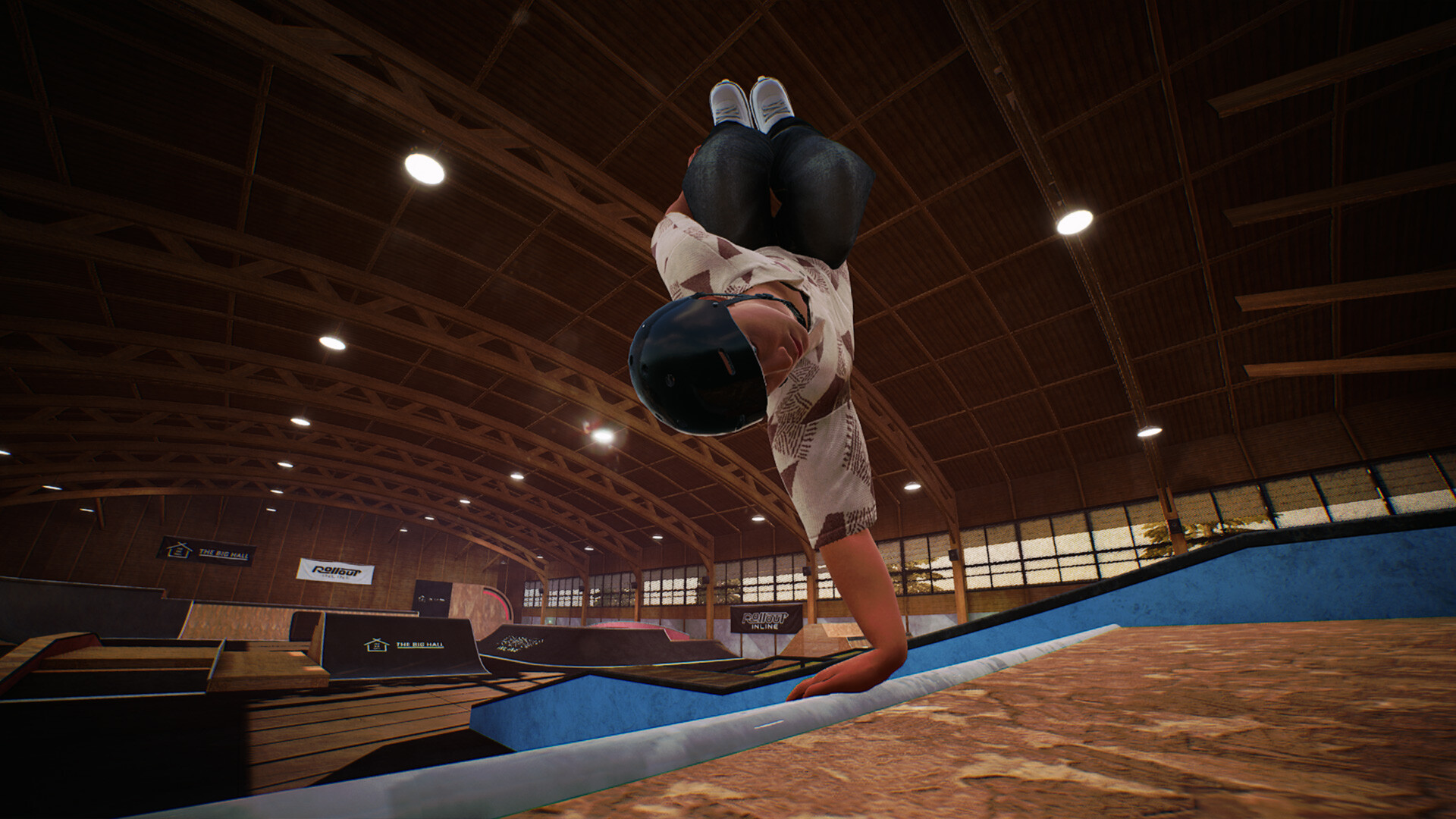
Rollout Inline is a solo‑developer indie title that delivers a modern, controller‑focused inline‑skating experience. It blends simulation and arcade elements, letting players feel the momentum of real skating while using intuitive dual‑stick inputs.
The game offers a single‑player mode with challenges across three early‑access maps, a progression system that unlocks clothing, and a replay editor for reviewing tricks. Full controller support is provided on Windows.
01 / THE GUIDE
Controller‑Centric Controls
Steering and free spinning are performed with the left stick, while jumping uses the right stick. Grinds and cess slides require both sticks, each representing a foot, which creates a foot‑by‑foot interaction model.
The settings menu includes an alternative spin configuration, allowing players to choose a different input scheme for free spins without needing additional hardware.
- Try the dual‑stick grind layout on a simple rail to feel how each foot influences balance.
- Switch to the alternative spin option and compare rotation smoothness during a practice spin.
02 / THE GUIDE
Character and Skate Customization
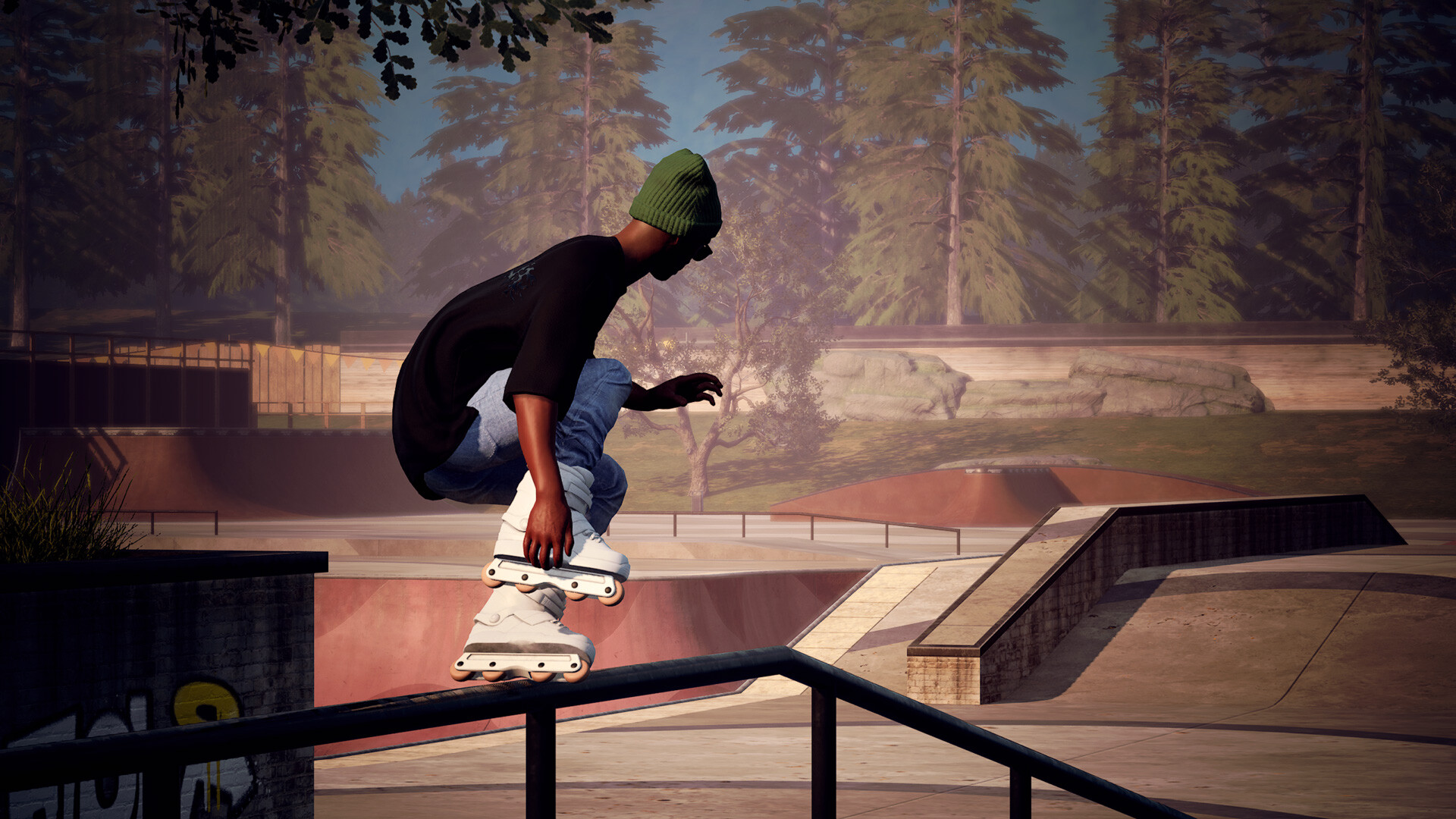
An in‑game menu lets players change clothing and skate parts at any time. Clothing items become available as the player progresses through challenges.
Skate parts do not require unlocks, so players can experiment with different visual setups whenever they wish.
- Mix unlocked clothing pieces to create a personal style before tackling a new challenge.
- Swap skate components between runs to see which visual configuration feels most comfortable.
03 / THE GUIDE
Challenges and Progression System
Each map presents a batch of challenges. Completing a batch raises the map’s level and unlocks a new set of challenges, while earlier challenges stay available for replay.
When a map level increases, new clothing items become available, linking visual rewards to the player’s progress.
- Finish the current batch before moving to the next level to keep the progression clear.
- Revisit earlier challenges after a level up to compare performance and refine technique.
04 / THE GUIDE
Multiple Maps and Environments
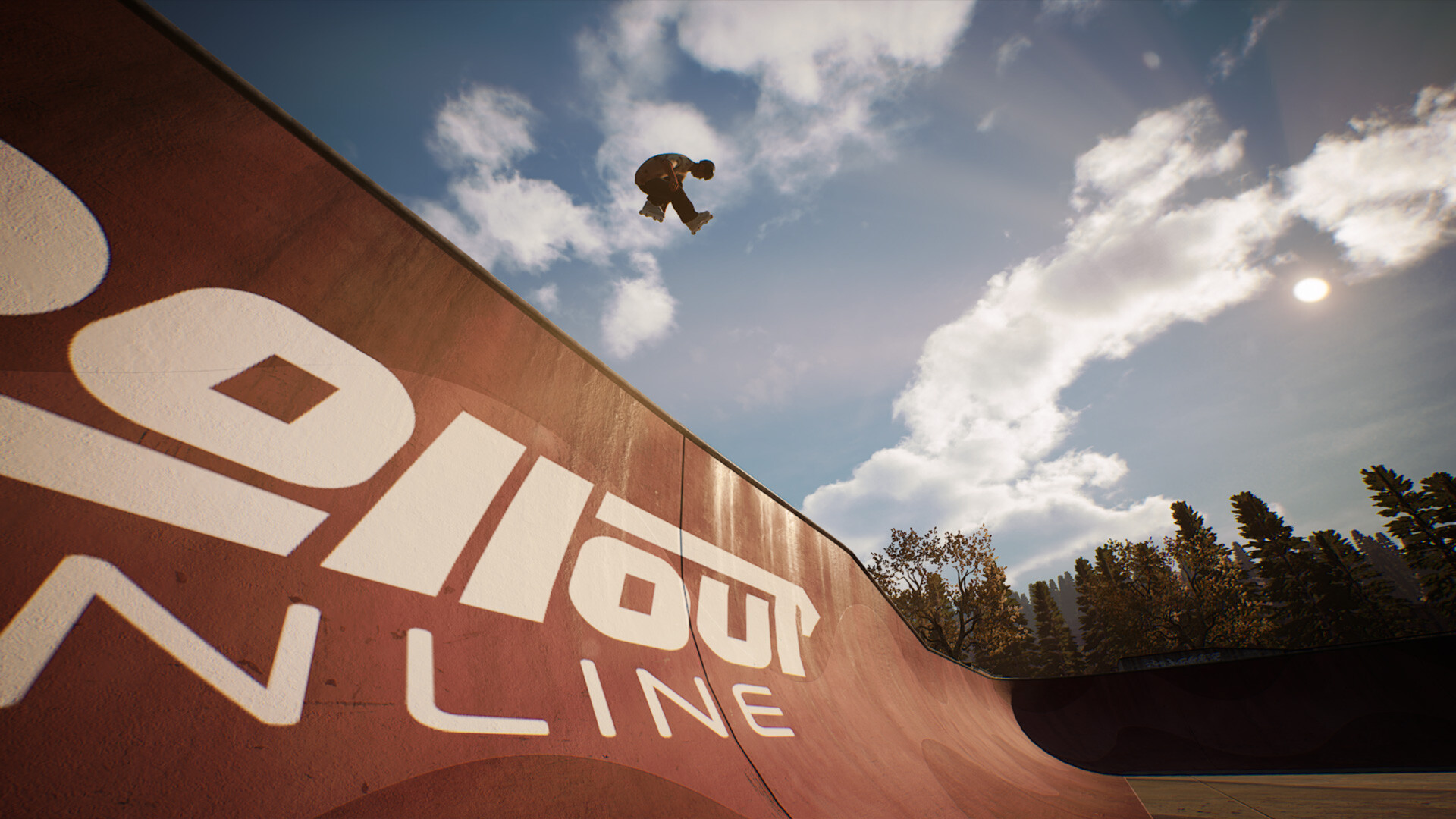
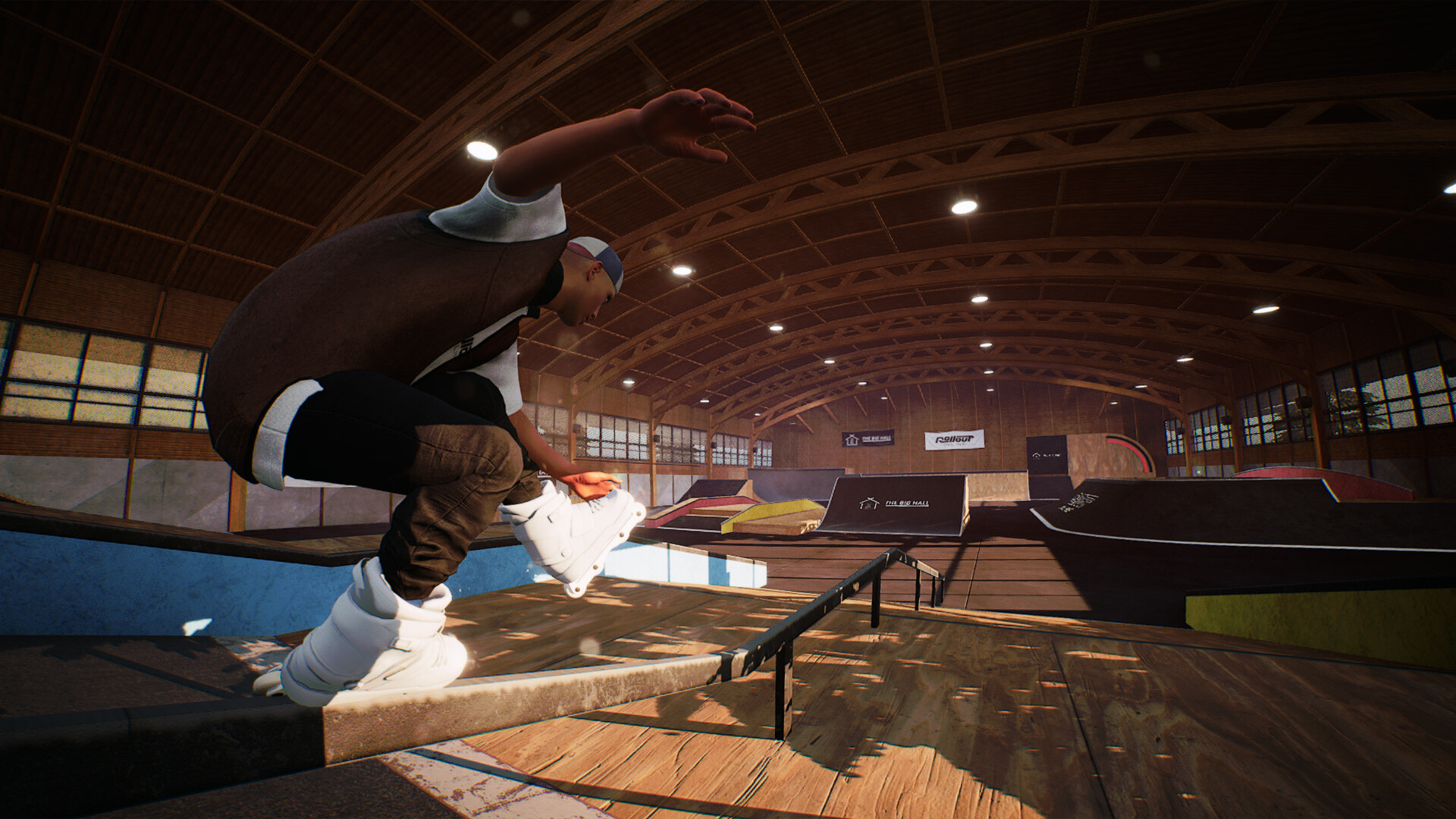
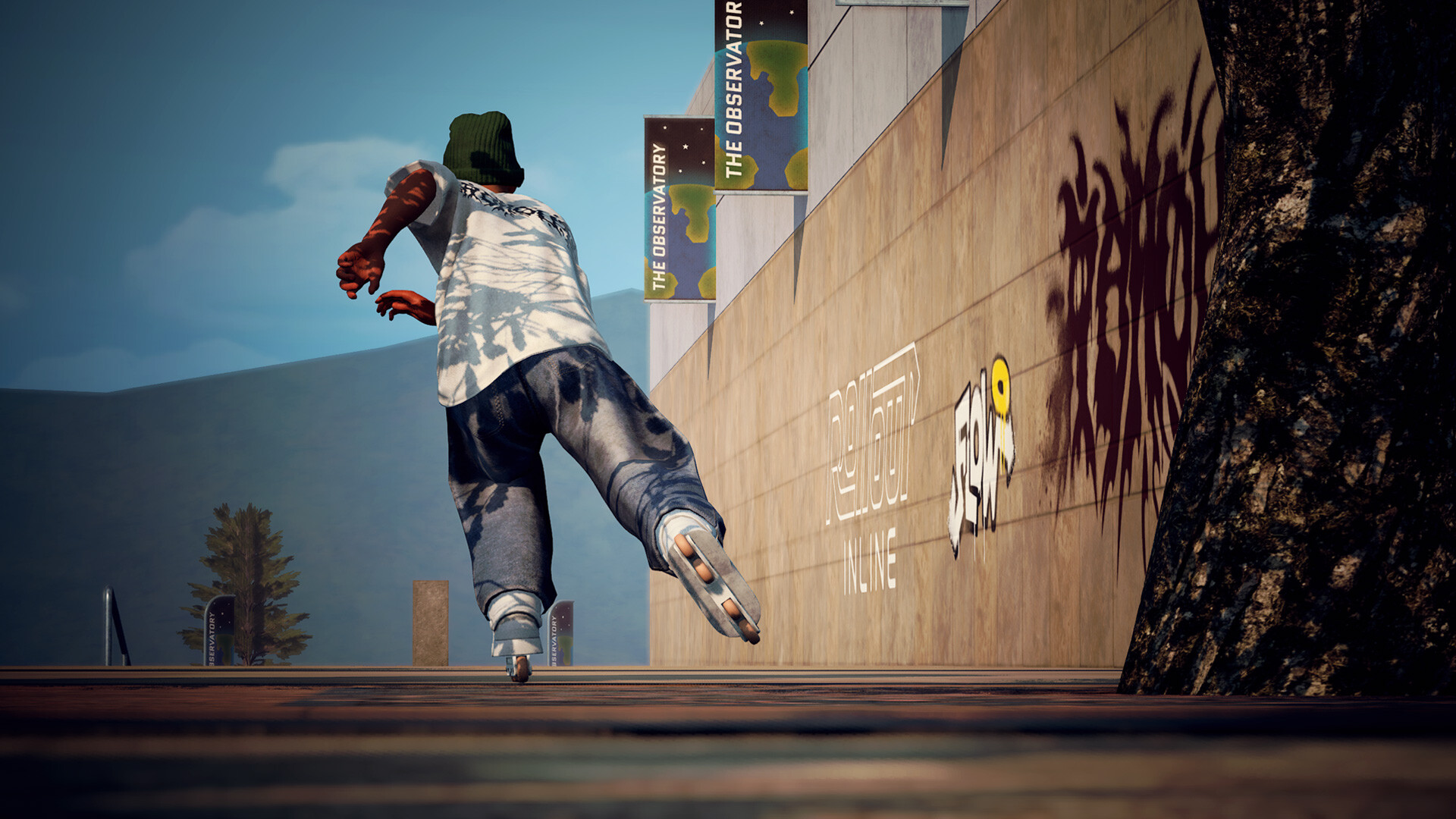
Three distinct maps launch with Early Access, each featuring elements such as massive gaps, long rails, vert ramps, and pools. These features host the challenges and provide varied terrain.
Three maps are available at the Early Access launch, allowing players to explore each environment and select the one that best matches their current skill level.
- Walk through each map in free‑run mode to locate the most approachable lines for grinding and jumping.
- Note the placement of rails and ramps before attempting a challenge to plan your approach.
05 / THE GUIDE
Replay Editor
The built‑in replay editor records runs, letting players review tricks, spins, and landings after a run.
Replays let players study their runs, which can help identify timing nuances and input precision for future attempts.
- Save a replay after each successful run to build a personal highlight collection.
- Watch a replay of a difficult trick to spot missed inputs before retrying.
COMMUNITY
Player discussion