 GameWiki
GET YOUR BEARINGS
About ROLLING STAR
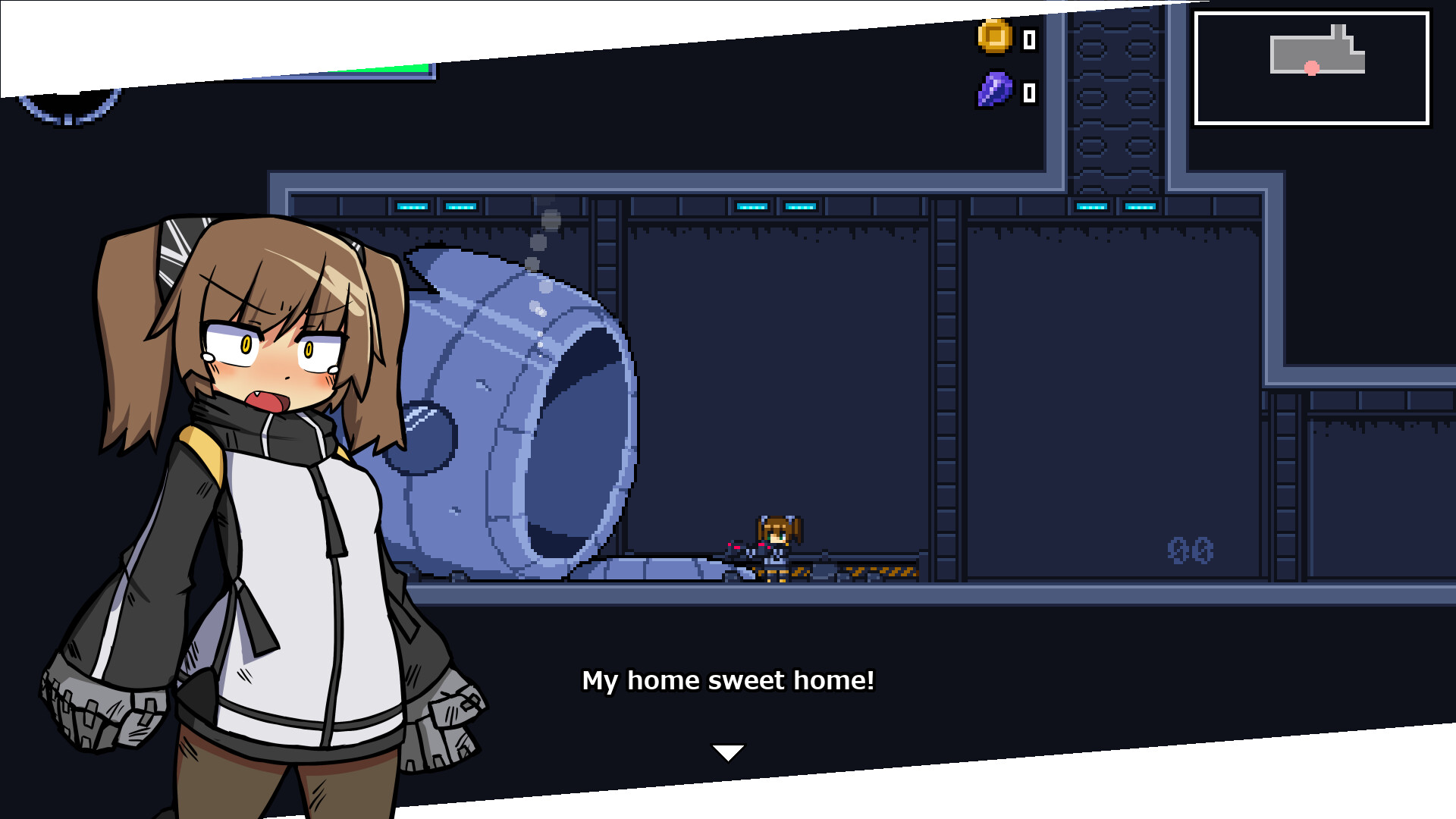
In 2301, Laurie lives alone in a space pod orbiting Earth, tinkering with her bionic arms. An alien assault forces her pod to crash onto Colony 102, a rumored source of a secret weapon. The game plays as a Metroidvania, letting players explore the colony, craft gear from enemy drops, and eventually pilot a vehicle into outer space to battle in zero‑gravity environments.
01 / THE GUIDE
Story & Setting
Laurie's quiet life ends when alien forces destroy her pod, sending her crashing onto Colony 102. The colony holds a hidden weapon that could turn the tide against the invaders.
The narrative follows Laurie’s struggle to survive, uncover the colony’s secrets, and ultimately decide humanity’s fate from her cold, metal hands.
- Observe environmental details; they often hint at the colony’s hidden weapon.
- Compare early dialogue with later discoveries to track story progression.
02 / THE GUIDE
Metroidvania Exploration
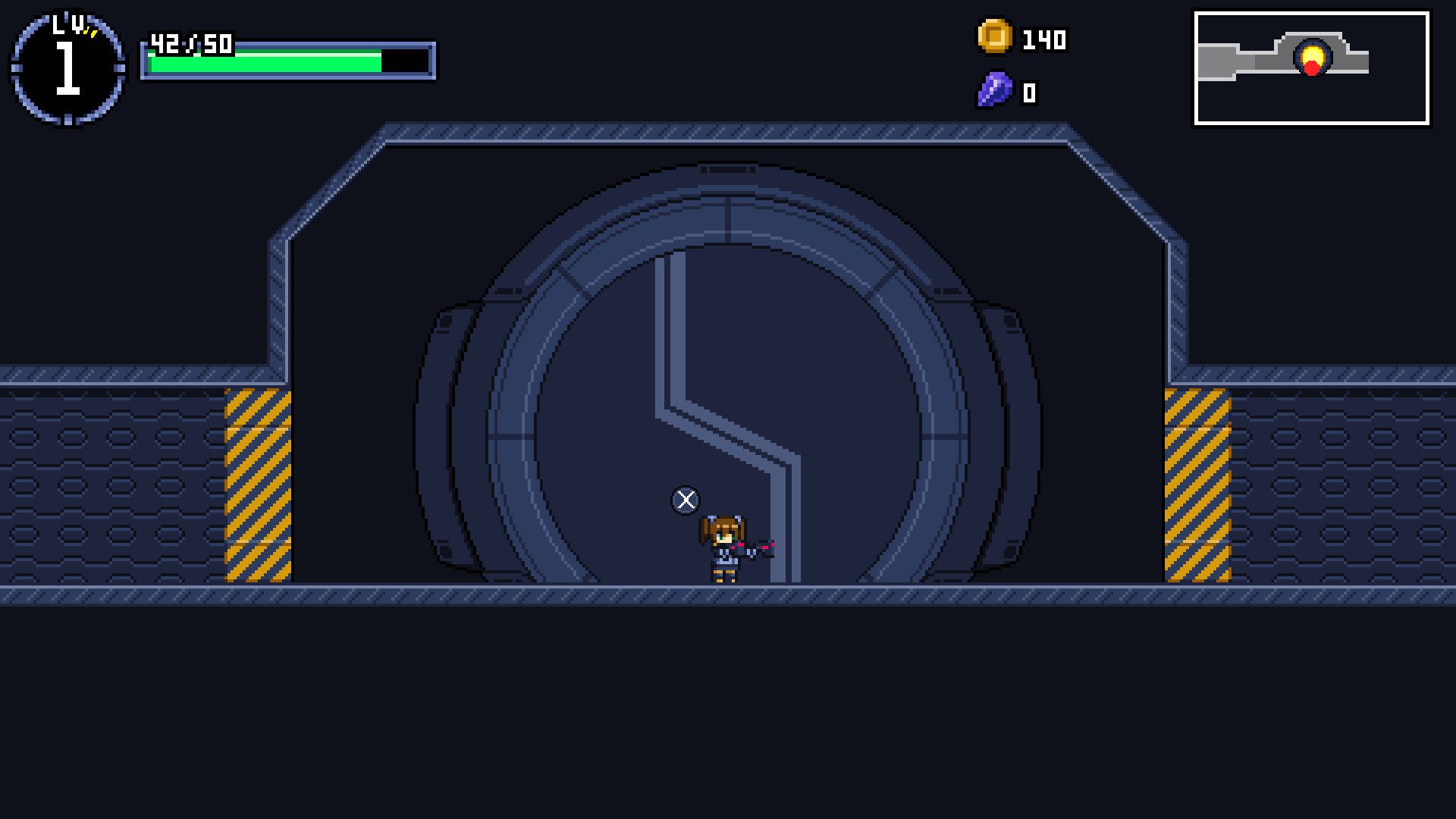
The game adopts a Metroidvania structure, encouraging players to revisit areas after acquiring new skills. Exploration unlocks pathways within Colony 102 and later in space.
Progression is tied to skill and equipment upgrades, allowing traversal of previously inaccessible sections, including the vacuum of space.
- Map out newly reachable zones after each skill gain.
- Take notes on locked doors; they often require a specific ability.
03 / THE GUIDE
Boss Battles
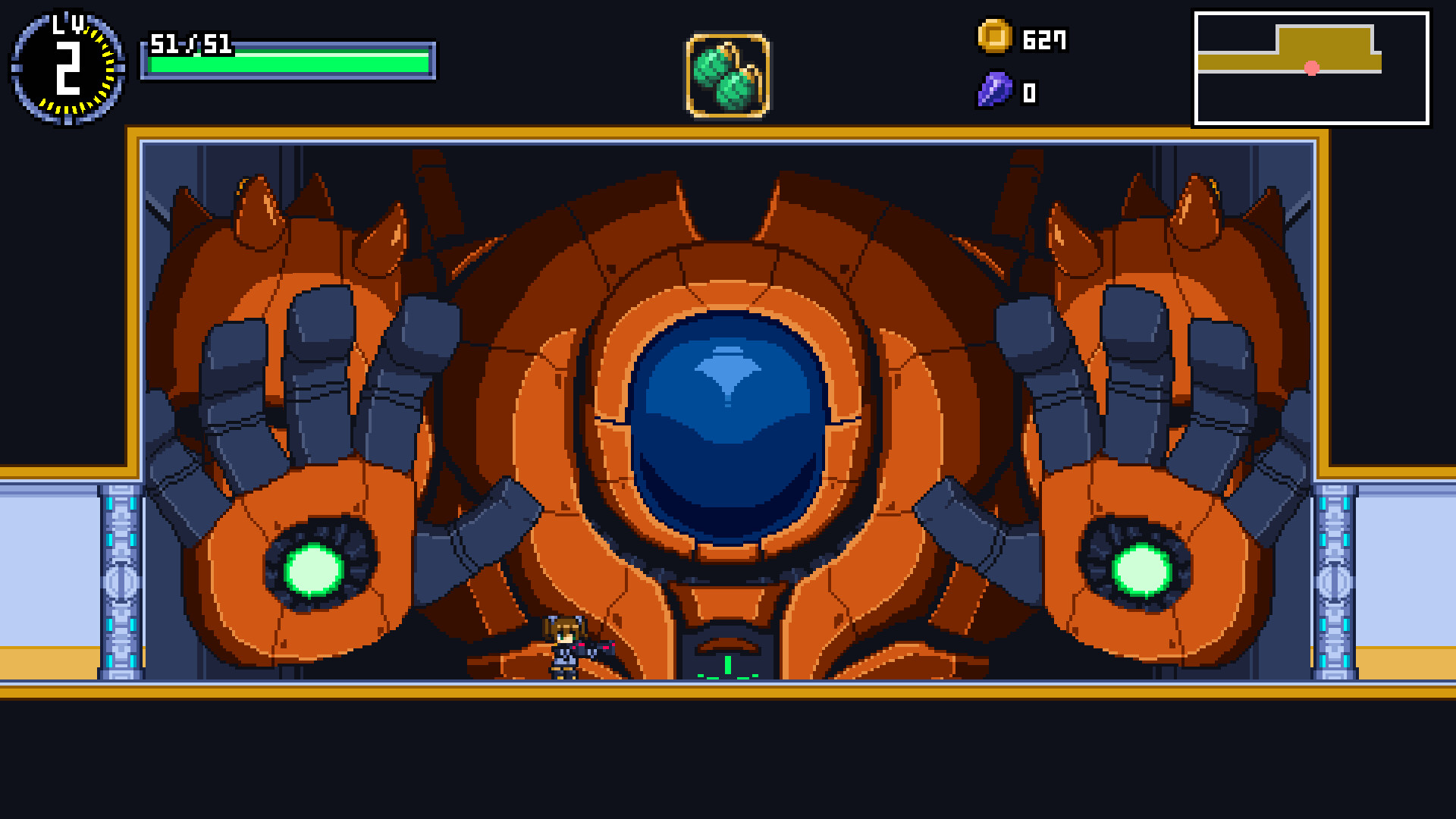
Colony 102 features massive bosses that dominate the screen and unleash relentless attacks. Defeating them provides a strong sense of accomplishment.
Each boss encounter tests the player’s mastery of combat mechanics and the equipment crafted from enemy materials.
- Watch boss patterns closely before committing to attacks.
- Experiment with different crafted gear to find the most effective combos.
04 / THE GUIDE
Crafting Equipment
Defeated enemies drop materials that can be used to craft new equipment. Crafting blends these materials with Laurie’s skills for a personalized combat style.
The system encourages players to combine drops creatively, influencing both offense and defense.
- Collect a variety of materials to keep crafting options open.
- Compare the stats of crafted items to your current loadout before swapping.
05 / THE GUIDE
Space Vehicle Exploration
After acquiring a vehicle, players can leave the colony and explore outer space. Zero‑gravity combat offers a distinct style from the colony’s grounded fights.
The vehicle also serves as a transport within the colony, providing flexibility in navigation.
- Test the vehicle’s handling in both space and colony environments.
- Look for treasures in space; the vast expanse holds them for those willing to find them.
COMMUNITY
Player discussion