 GameWiki
GET YOUR BEARINGS
About Rolling Line
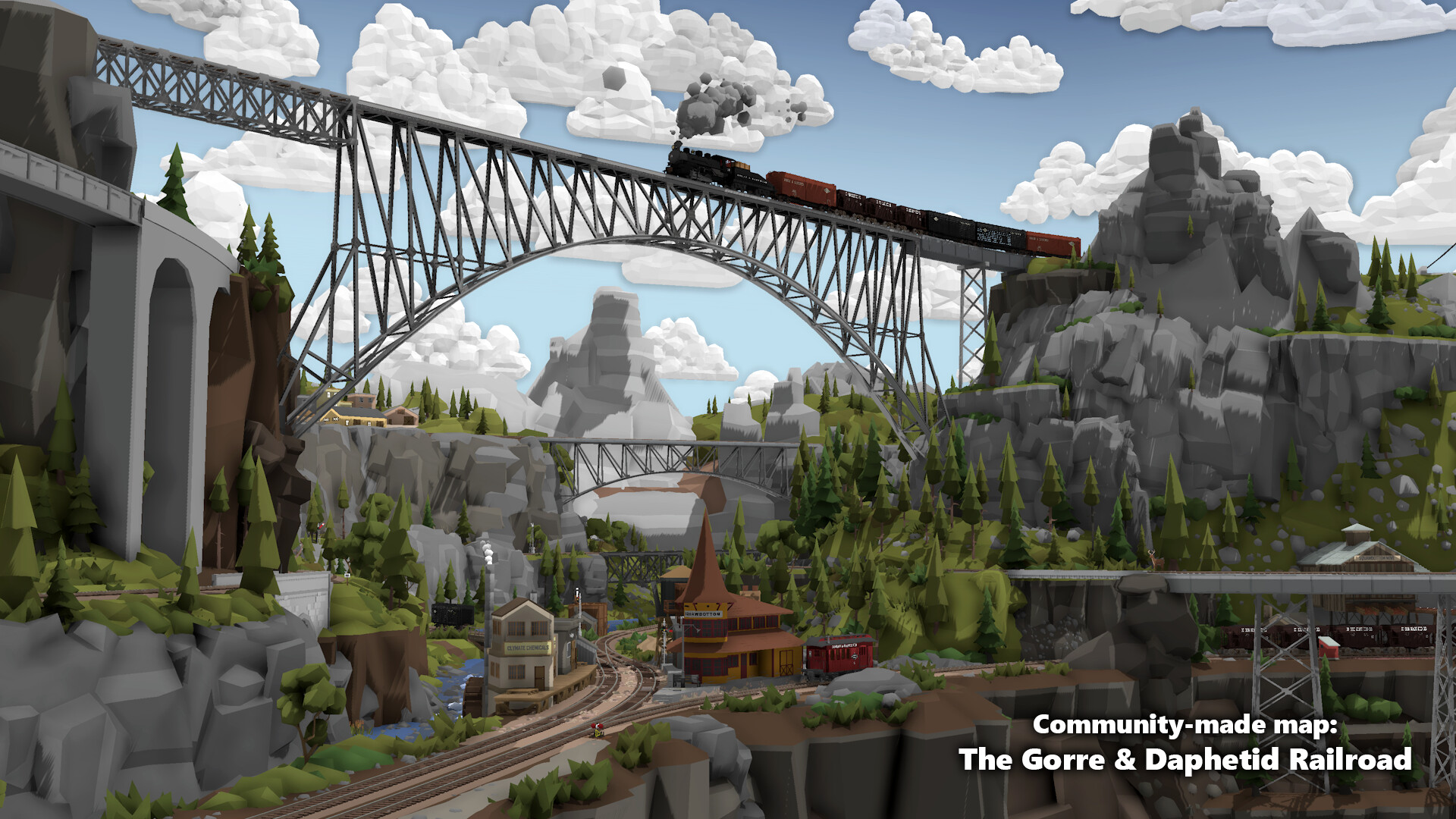
Rolling Line is a model railway simulator that lets players build, share, and explore layouts. You can drive trains on official maps, thousands of community‑made tracks from the Steam Workshop, or on layouts you create yourself. The game also includes an in‑game magazine that covers updates, building guides, and community highlights.
The title runs on PC and a range of VR headsets, supports multiplayer via public servers or private LAN games, and offers a sandbox‑style world with dynamic weather, day/night cycles, and fully editable signals, electrification, and scenery.
01 / THE GUIDE
Creating and Sharing Layouts
Players can place track pieces, scenery props, and terrain chunks to design railways of any size. A simple color‑painting system lets you customize the look of props and terrain, and you can import custom 3D models for advanced terrain.
All layouts are saved as plain‑text files, making them easy to copy, back up, and share. Subscribing to Workshop items automatically adds them to the game, allowing quick access to community creations.
- Experiment with the plain‑text format to edit layouts outside the game.
- Use the Workshop subscription button for one‑click downloads.
02 / THE GUIDE
VR and PC Gameplay Modes
Rolling Line launches in VR when a supported headset (HTC Vive, Valve Index, Oculus Rift, Windows Mixed Reality) is detected, otherwise it runs in standard PC mode. In VR you can use hand‑held controllers to drive trains or explore layouts at human scale.
The game offers multiple locomotion options, including teleporting, grabbing the world, and free directional movement, plus manual rotation and player‑height settings to accommodate various VR setups.
- Try different locomotion methods to find the most comfortable VR experience.
- Switch to PC mode if you prefer keyboard and mouse controls.

03 / THE GUIDE
Multiplayer and LAN
The game includes a public server browser for online multiplayer and also allows hosting private games with friends or over LAN. Players can join together to explore layouts, drive trains, or build tracks collaboratively.
Online and LAN sessions let players join together to explore layouts, drive trains, and build tracks collaboratively.
- Use the public server browser to find layouts built by other players.
- Host a LAN game for low‑latency collaboration with nearby friends.
04 / THE GUIDE
Driving Trains and Handling Wagons
All trains are free to use and include diesel, steam, and electric locomotives, plus a variety of freight and passenger wagons. In VR you can drive from inside the cab or operate hand‑held DCC‑style controllers at human scale.
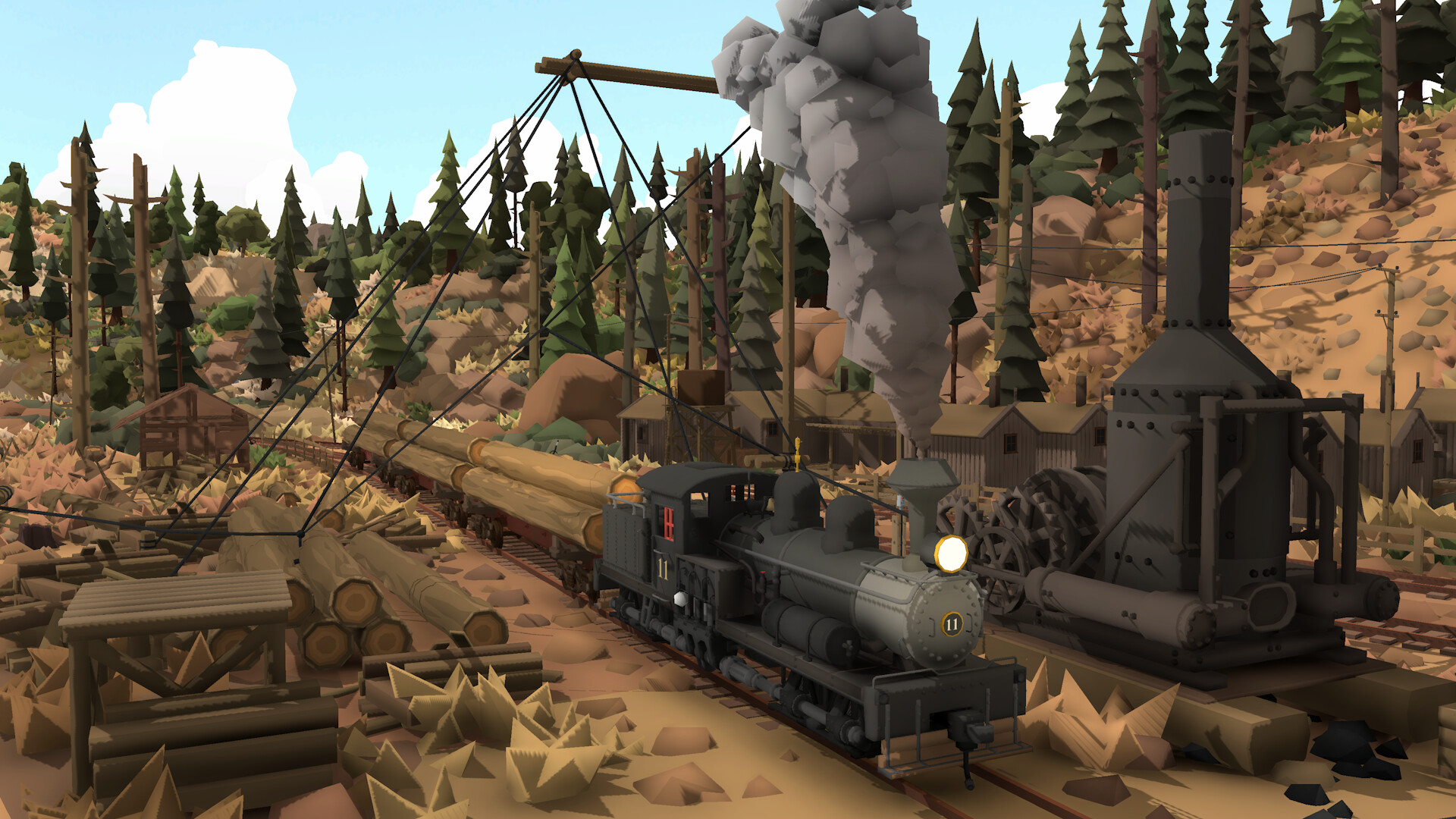
Wagons behave as physics objects, allowing you to pick up, throw, and connect them manually. You can also load freight such as logs or containers onto wagons using any in‑game prop.
- Experiment with hand‑held controllers for realistic DCC‑style operation.
- Use physics‑based wagon handling to quickly assemble trains.
05 / THE GUIDE
Dynamic Environment and Modding
Rolling Line features a dynamic day/night cycle and weather system that affect visibility and ambience. Players can set up working signals, level crossings, overhead wires, and custom electric circuitry using logic gates and sensors.
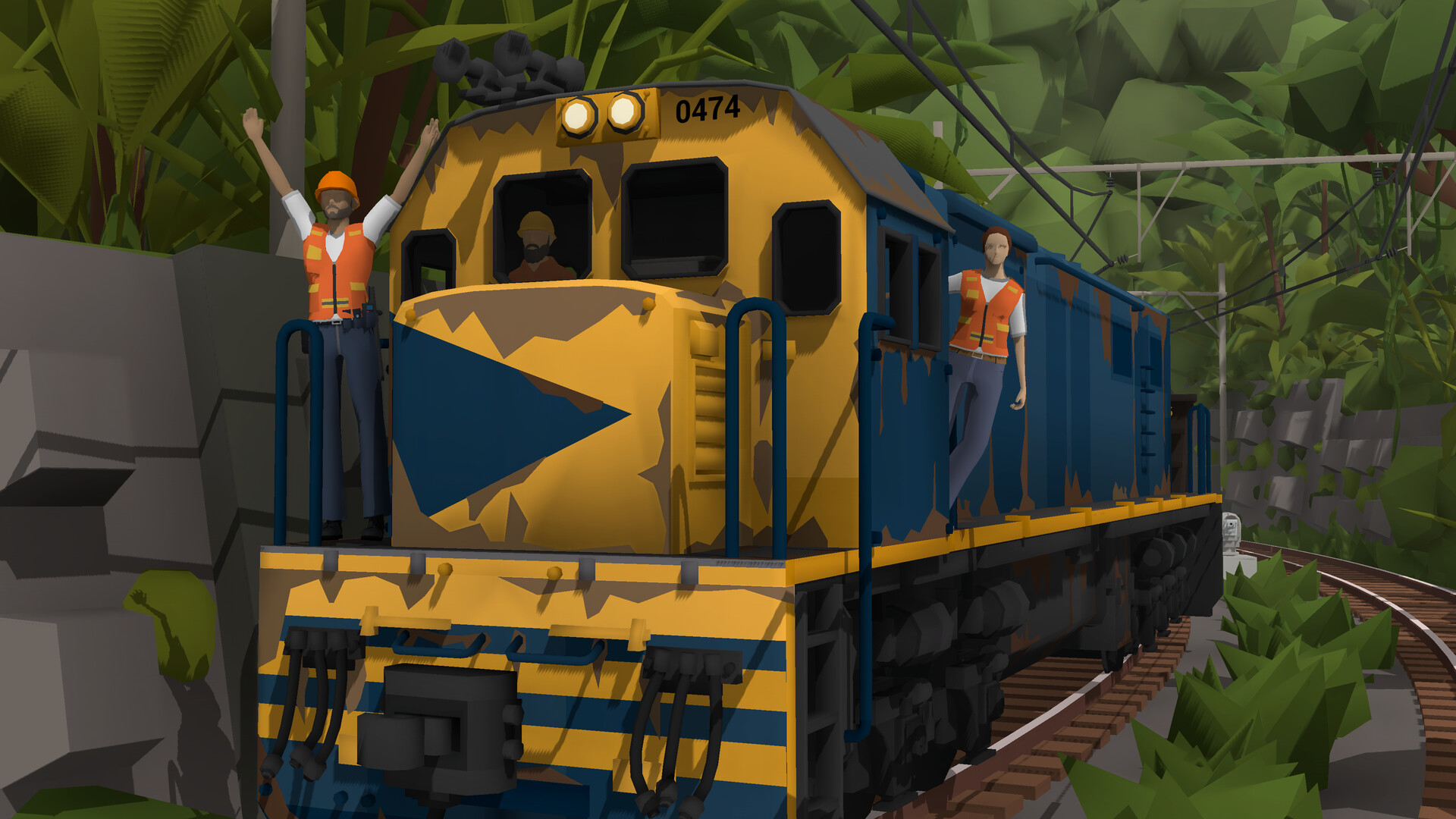
The Steam Workshop hosts over 7 000 layouts and 20 000 mods, including custom train liveries and 3D terrain models, expanding the visual and functional possibilities of any layout.
- Add weather effects to enhance realism on your layouts.
- Browse the Workshop for liveries that match the era of your railway.

COMMUNITY
Player discussion