 GameWiki
GET YOUR BEARINGS
About RollerCoaster Tycoon Classic
RollerCoaster Tycoon® Classic combines the core simulation of the original RollerCoaster Tycoon and RollerCoaster Tycoon 2 into a single PC experience. Players design coasters, manage staff, and balance finances while keeping guests entertained across many scenarios.
The game ships with the Toolkit, Wacky Worlds, and Time Twister expansion packs, adding new locations and a scenario editor. Classic‑style isometric graphics and the original soundtrack preserve the nostalgic feel while supporting Steam Cloud saves.
01 / THE GUIDE
Coaster Construction
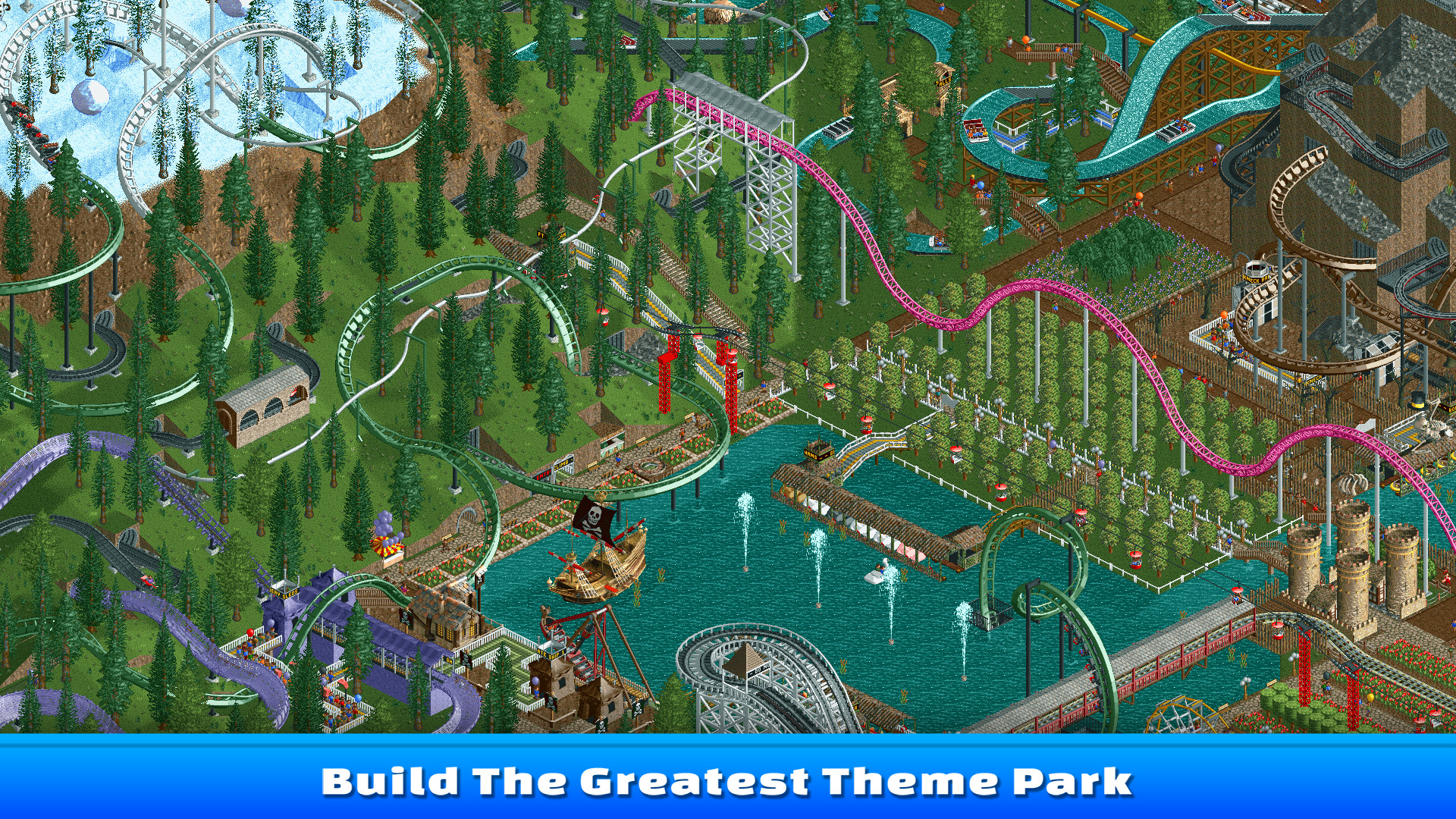
Create roller coasters by selecting a pre‑made design or using piece‑by‑piece building tools. The tools let you shape tracks, add hills, and place loops before placing the coaster in the park.
The Ride Designer lets you test a coaster, fine‑tune speed and banking, and theme it with scenery before saving the design for later use.
- Try both pre‑made and custom builds to see which fits your planning style.
- Use the test function to catch problems before final placement.
02 / THE GUIDE
Park Management
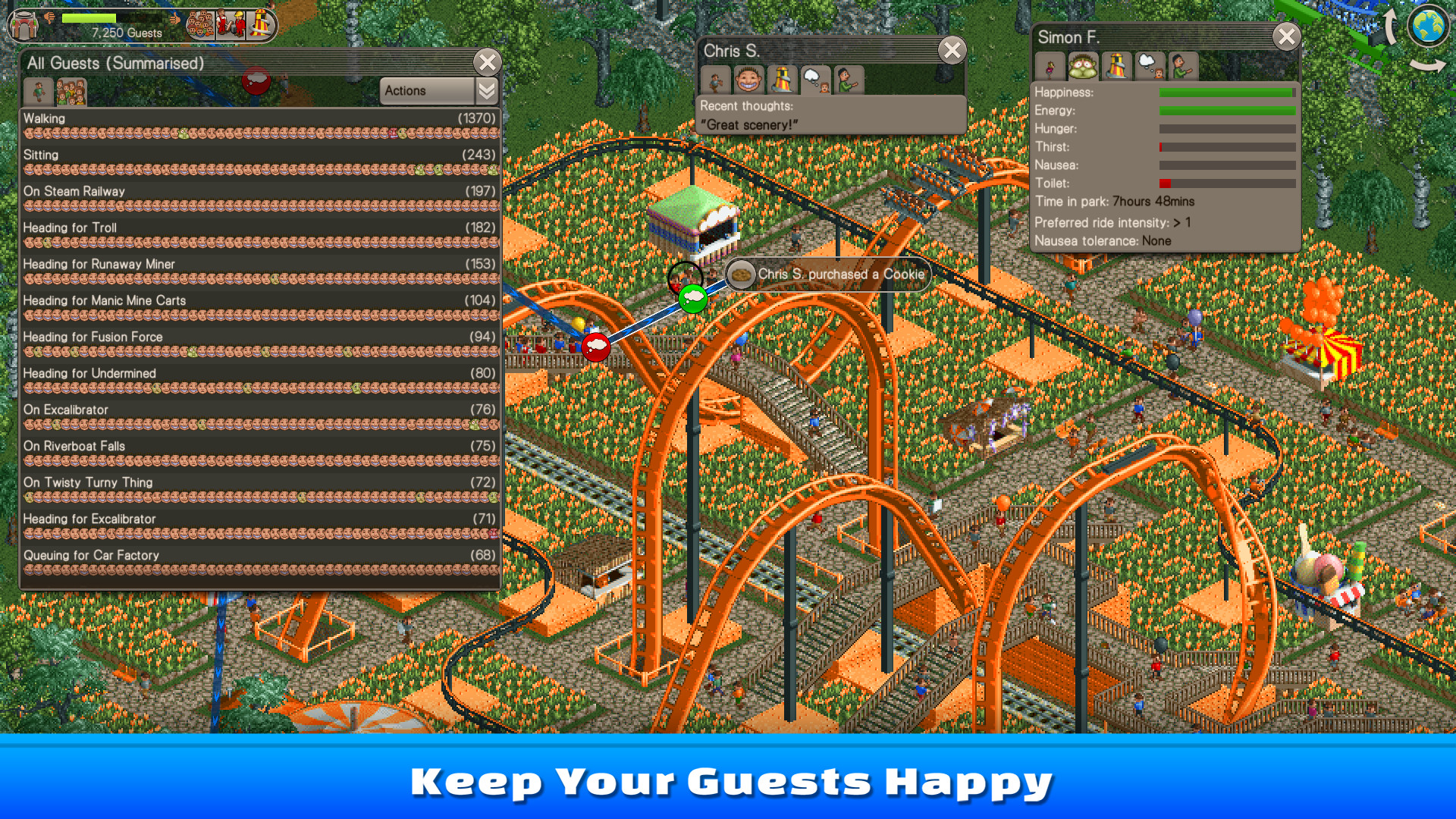
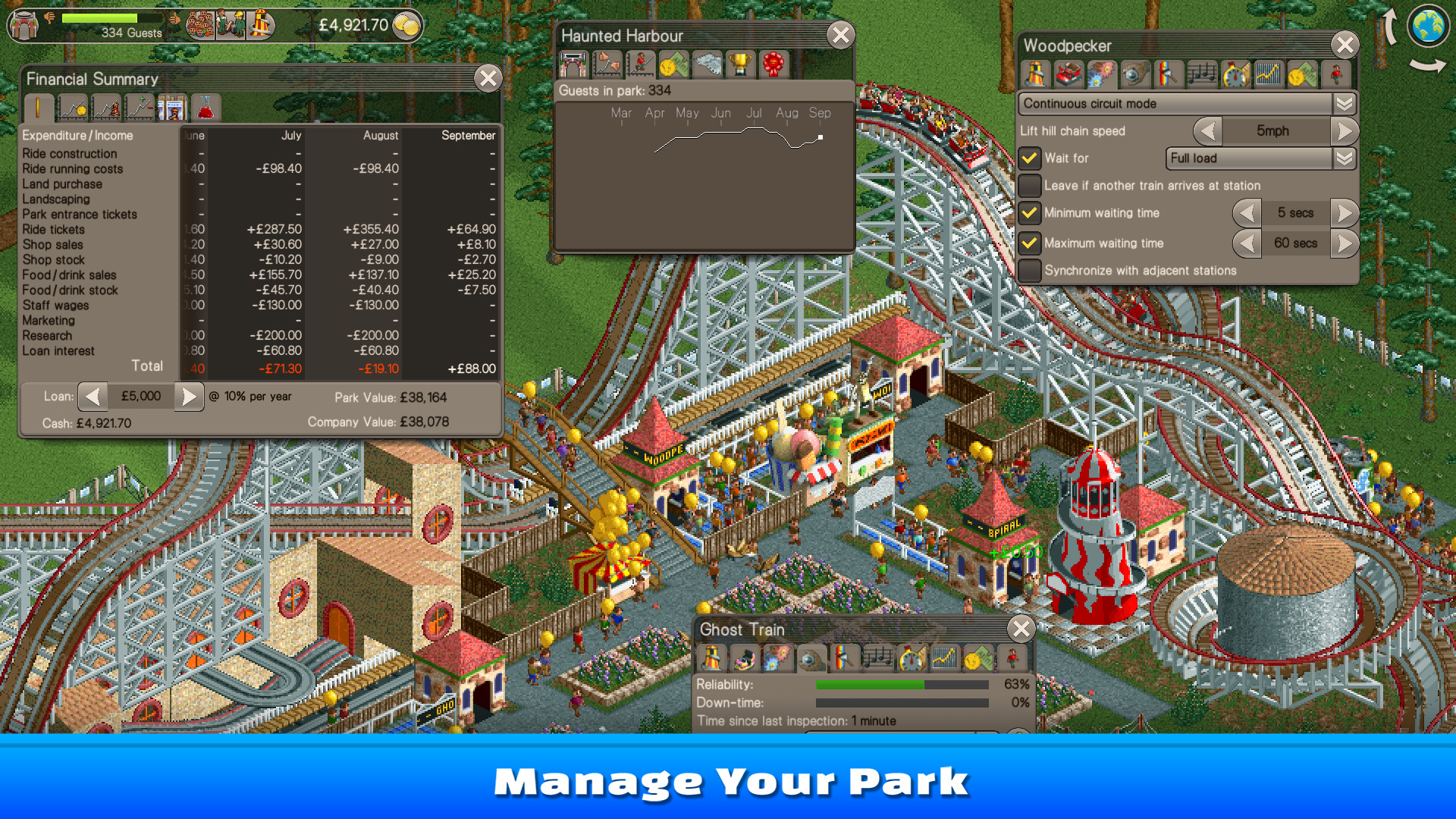
Run your park’s marketing and finances to make a profit while attracting more guests. You can adjust ticket prices, launch advertising, and monitor guest satisfaction levels.
Organize staff to keep the park running well, assigning workers to clean, maintain rides, and assist guests as needed.
- Balance ticket price with guest happiness to avoid attendance drops.
- Assign enough staff to busy rides to keep queues short.
03 / THE GUIDE
Expansion Packs
Wacky Worlds adds 17 new park scenarios set at global landmarks such as the Eiffel Tower and the Great Wall, each with exotic rides and concessions.
Time Twister provides 14 historically themed scenarios, ranging from prehistoric jungles to futuristic cities, introducing unique scenery and ride options.
- Explore Time Twister scenarios for varied thematic constraints.
- Use Wacky Worlds landmarks as visual focal points to draw guests.
04 / THE GUIDE
Toolkit and Scenario Editor
The Toolkit includes a Park Scenario Editor that lets you design custom parks with any combination of scenery, rides, and difficulty settings, starting from scratch or using Six Flags templates.
The Ride Designer lets you build, test, and theme coaster designs before saving them, and you can import or export parks and scenarios to share with friends.
- Begin with a Six Flags template to learn the editor workflow.
- Export favorite designs to reuse them across multiple scenarios.
05 / THE GUIDE
Environments and Park Scenarios
The base game offers 95 classic scenarios, from the tranquil Forest Frontiers to the commercial Megaworld Park, each with distinct terrain and guest expectations.
These scenarios act as tutorials and challenges, requiring you to adapt coaster layouts, shop placement, and marketing strategies to each environment.
- Study terrain early to plan efficient footpaths.
- Match ride mix to the scenario’s theme for higher guest satisfaction.


COMMUNITY
Player discussion