 GameWiki
GET YOUR BEARINGS
About RollerCoaster Tycoon 3: Platinum
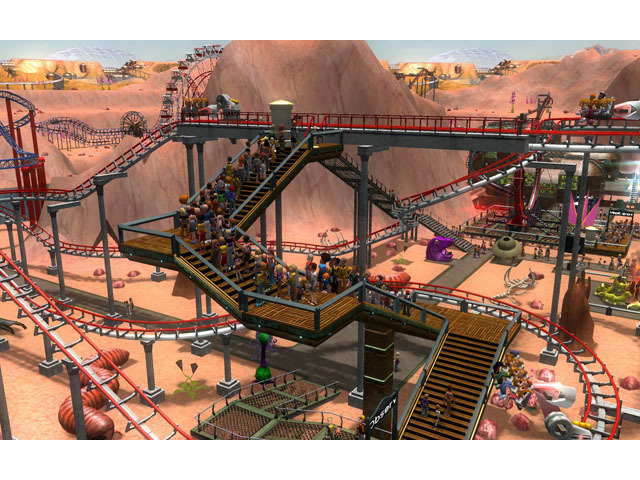
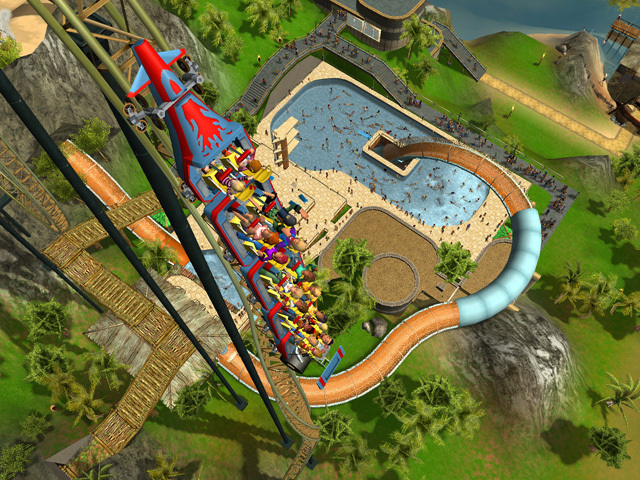
RollerCoaster Tycoon 3: Platinum blends the classic theme‑park simulation of RollerCoaster Tycoon 3 with the Soaked! and Wild! expansion packs. Players can design roller coasters, water slides, and safari habitats while watching guests react to every attraction.
The title adds fully controllable 3‑D cameras, weather effects, customizable music, fireworks and laser shows, plus a Peep Designer for creating guest groups. Dozens of scenarios span three difficulty levels, and a Sandbox mode lets you build without limits.
01 / THE GUIDE
Expansion Packs – Soaked! and Wild!
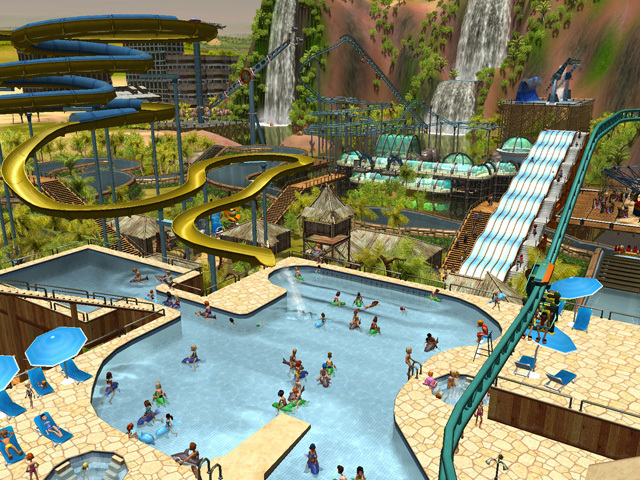
Soaked! adds water‑slide construction and related guest reactions, expanding the park’s aquatic offerings. Wild! introduces safari experiences with real animals that guests can pet, plus twelve dedicated Wild! scenarios featuring jungle and prehistoric themes.
Both packs integrate seamlessly with the base game, letting you mix extreme coasters, slides, and animal encounters in a single park. The combined content increases the variety of rides and scenery you can create.
- Mix water slides with nearby coasters to diversify guest pathways.
- Use Wild! scenarios as inspiration for themed animal enclosures.
02 / THE GUIDE
3‑D Cameras and Visual Effects
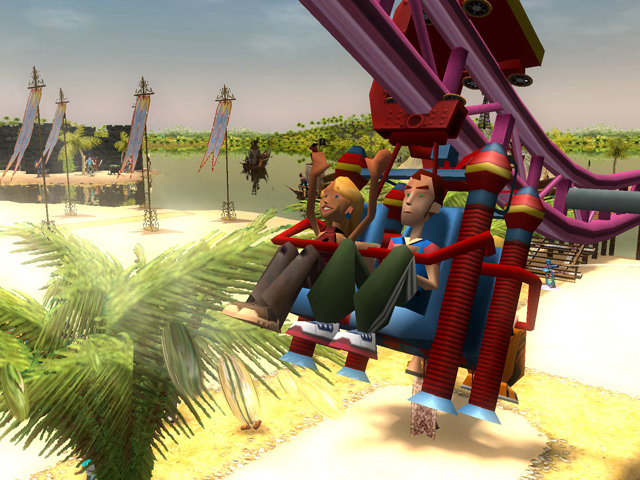
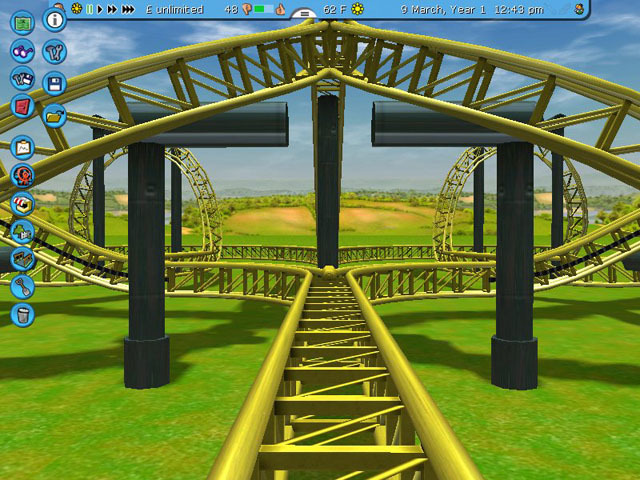
The Coaster Cam provides a front‑seat view of rides, while fully controllable park cameras let you explore every detail in 3‑D. Weather patterns shift, showing sunsets, moonlight, and other vistas that affect the park’s appearance.
These visual tools let you capture rides from any angle and set the mood with dynamic lighting, enhancing both design and presentation.
- Adjust camera angles during sunset for dramatic ride shots.
- Experiment with moonlight to highlight night‑time attractions.
03 / THE GUIDE
Guest Creation and Reactions
The Peep Designer lets you create custom park guests and groups, then observe their reactions to rides, slides, and safaris. Guests can be soaked on water slides or pet animals on safari, providing feedback on each attraction.
Their responses help you gauge the success of designs, from extreme coasters to tranquil animal encounters, guiding future improvements.
- Create diverse guest groups to test varied ride preferences.
- Use MixMaster to add fireworks and laser light shows to enhance your park's atmosphere.
04 / THE GUIDE
Scenarios and Difficulty Modes
Dozens of scenarios are available across three difficulty modes, offering structured challenges for park building. Wild! adds twelve specific scenarios with jungle and prehistoric themes, expanding the challenge set.
These scenarios provide goals and constraints, helping players practice design strategies before moving to unrestricted building.
- Start with lower difficulty to learn scenario objectives.
- Use Wild! scenarios to explore themed park concepts.
05 / THE GUIDE
Sandbox Mode and MixMaster
Sandbox mode removes limits, allowing free construction of rides, slides, and safaris. The MixMaster tool lets you design pyrotechnic fireworks and laser light shows, and you can add custom music to backgrounds, rides, and displays.
Together, these tools support limitless creativity, from extreme coaster layouts to elaborate show productions.
- Test new coaster designs in Sandbox before applying them to scenarios.
- Sync custom music with fireworks for cohesive show experiences.
COMMUNITY
Player discussion