 GameWiki
GET YOUR BEARINGS
About RollerCoaster Tycoon 3: Complete Edition
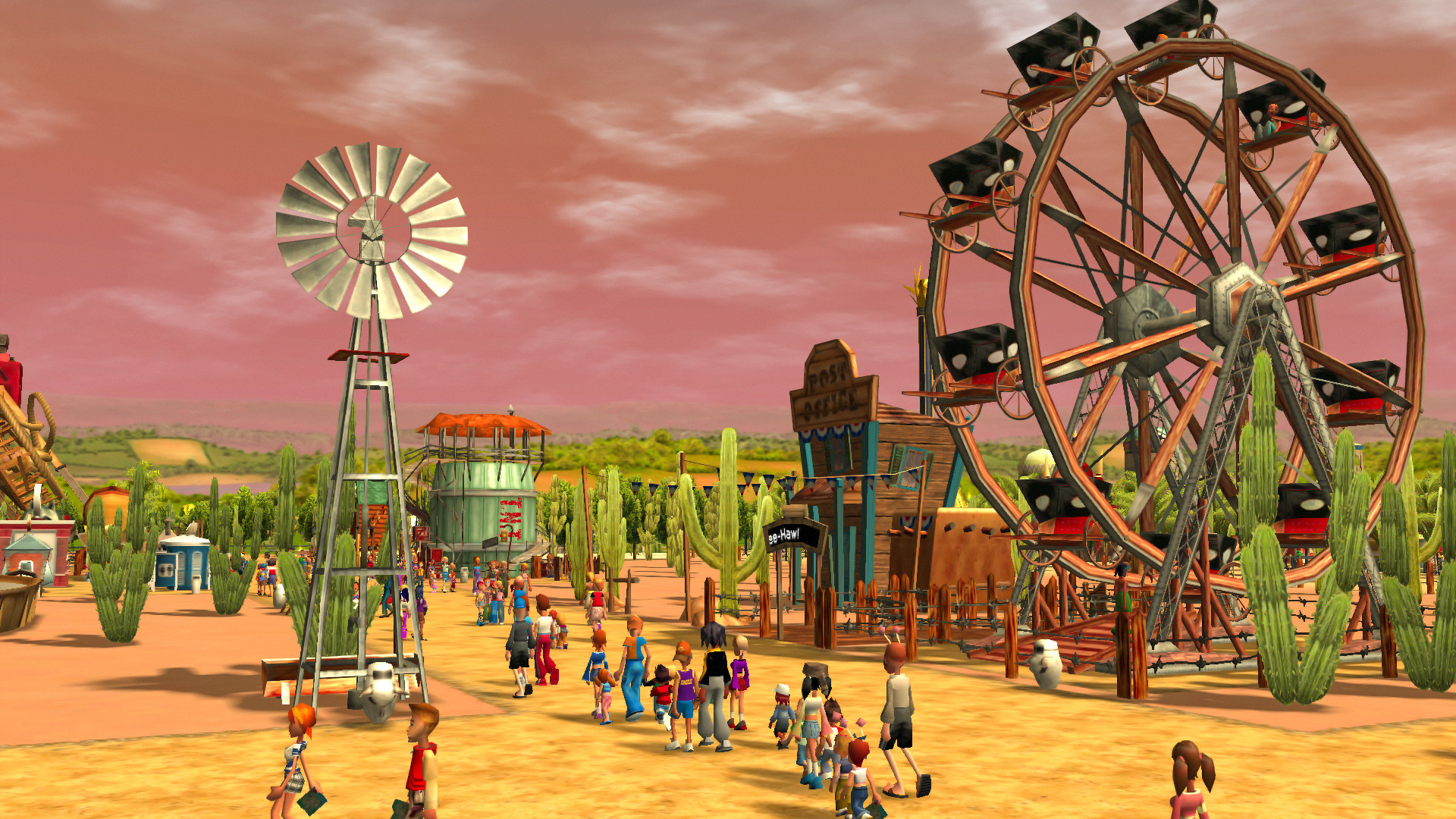
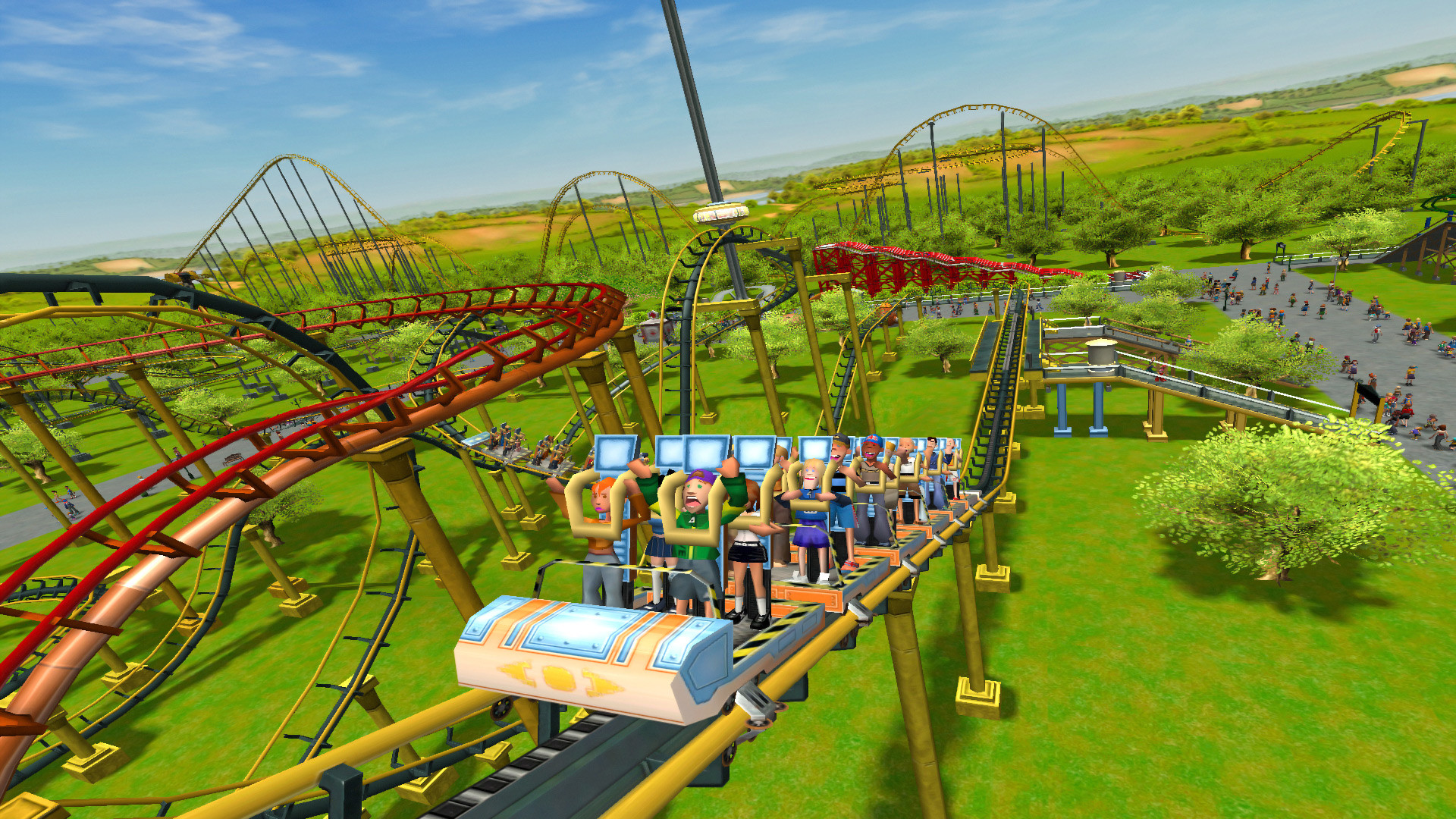
RollerCoaster Tycoon 3: Complete Edition lets you design and operate an amusement park with extensive creative tools. You can place coasters, water rides, animal habitats, shops and services while overseeing finances and staff across dozens of scenarios.
The edition bundles the Soaked! and Wild! expansions, adding water‑park and wildlife content. It runs in widescreen 1080p on PC with improved compatibility for newer hardware and supports single‑player Family Sharing.
01 / THE GUIDE
Park Construction
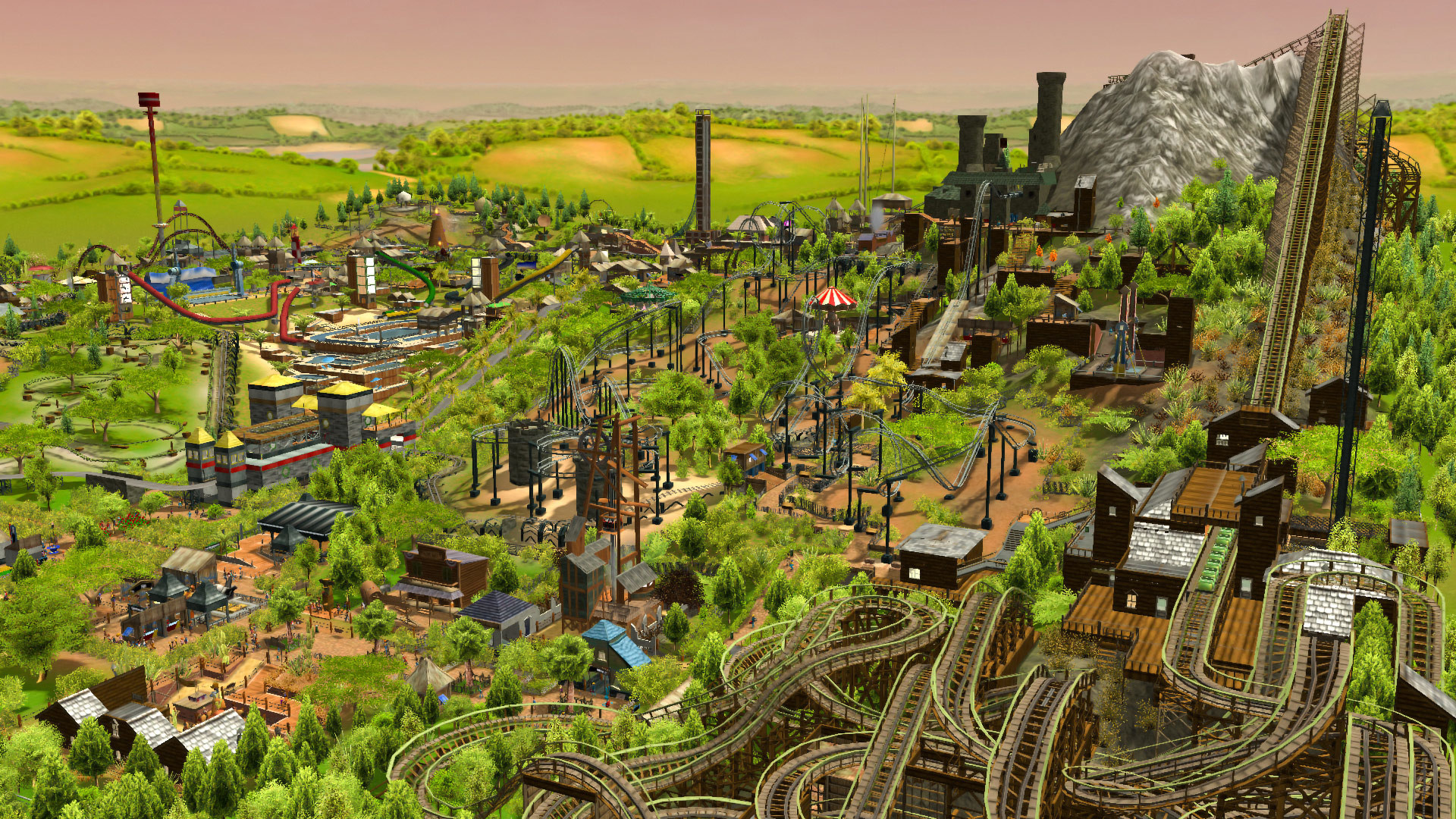
The game supplies more than 300 coasters and rides, 500 scenery pieces, 60 shops and services, and 20 animals for placement. These items can be arranged on the map to shape the overall layout of your park.
Construction uses a catalog‑driven interface where you select an item and position it on the terrain, allowing you to fit attractions into the landscape and plan guest flow.
- Try grouping similar rides to create themed zones that guide guest movement.
- Use scenery pieces to break up large open areas and add visual interest.
02 / THE GUIDE
Financial Management
Players control park finances, adjusting pricing, staffing levels and service availability to stay profitable. Successful budgeting is required to meet the objectives of the many scenarios offered.
Sandbox mode removes monetary constraints, letting you experiment with expensive attractions without worrying about cash flow, while scenario mode challenges you to achieve specific financial goals.
- Monitor income and expenses regularly to identify under‑performing attractions.
- In sandbox mode, test high‑cost rides to see their visual impact before budgeting for them.
03 / THE GUIDE
Guest Experience
Guest satisfaction is reflected by how well their needs are met, influencing park reputation and revenue. The Peep Designer feature lets you view the park through a guest’s eyes.
Keeping queues short, providing adequate amenities, and offering varied attractions helps maintain high guest happiness levels.
- Observe guest paths to spot bottlenecks and add pathways where needed.
- Use Peep Designer to experience the park from a visitor’s perspective and spot missing services.
04 / THE GUIDE
Special Displays
The MixMaster tool lets you design custom laser light shows and fireworks, adding visual flair to rides and events. These displays can add visual flair to enhance the park’s atmosphere.
Custom shows provide an additional way to dazzle visitors, especially during peak attendance periods.
- Combine laser and firework effects for a more dramatic presentation.
- Run shows during high‑traffic times to maximize guest exposure.
05 / THE GUIDE
Platform Support
Complete Edition runs on Windows and macOS, offering widescreen 1080p resolution and increased compatibility with newer PC hardware. Single‑player Family Sharing is listed as a supported feature.
Mac users should note that several language options are unavailable, including Italian, Spanish – Spain, Danish, Dutch, Finnish, Norwegian and Swedish.
- Verify your system meets the recommended specifications for smooth 1080p performance.
- Check the language list if you rely on a non‑supported language on macOS.
COMMUNITY
Player discussion