 GameWiki
GET YOUR BEARINGS
About Rogue Command
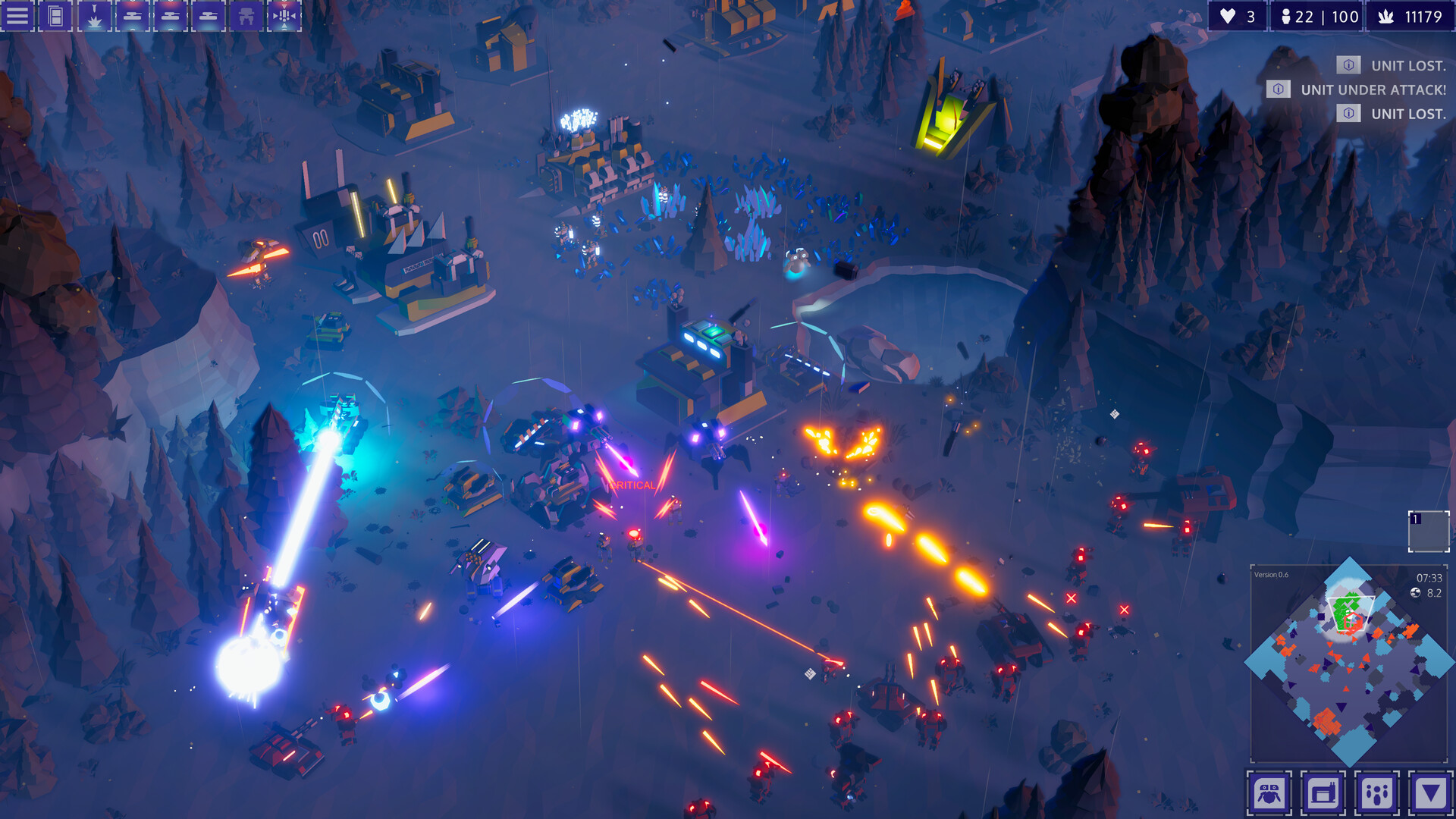
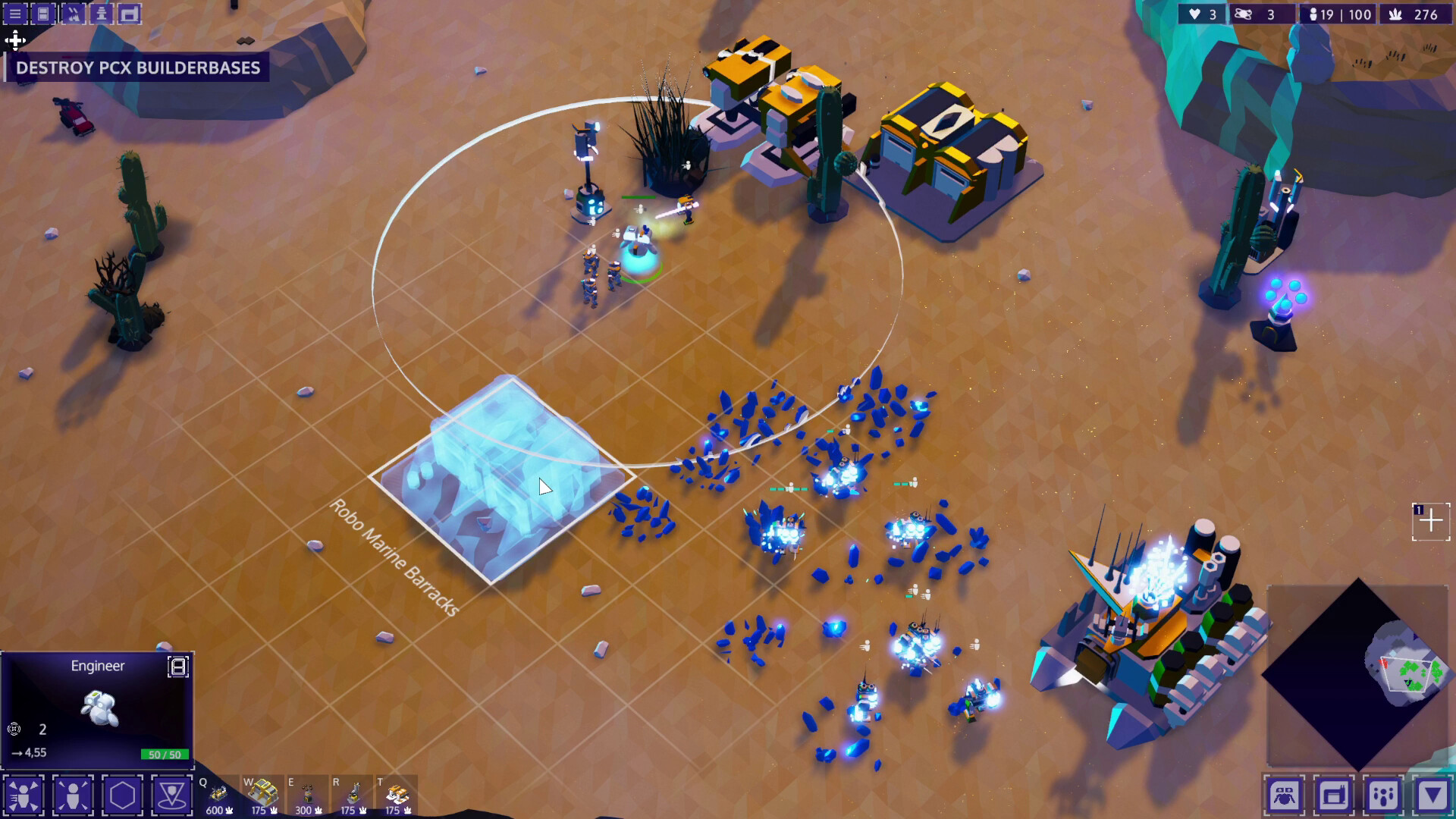
Rogue Command is a single‑player real‑time strategy that mixes classic base building, resource harvesting, and unit control with ever‑changing battlefield rules. Each run lets you slow time to 10 % for precise orders while you explore, defend, and attack on dynamic maps.
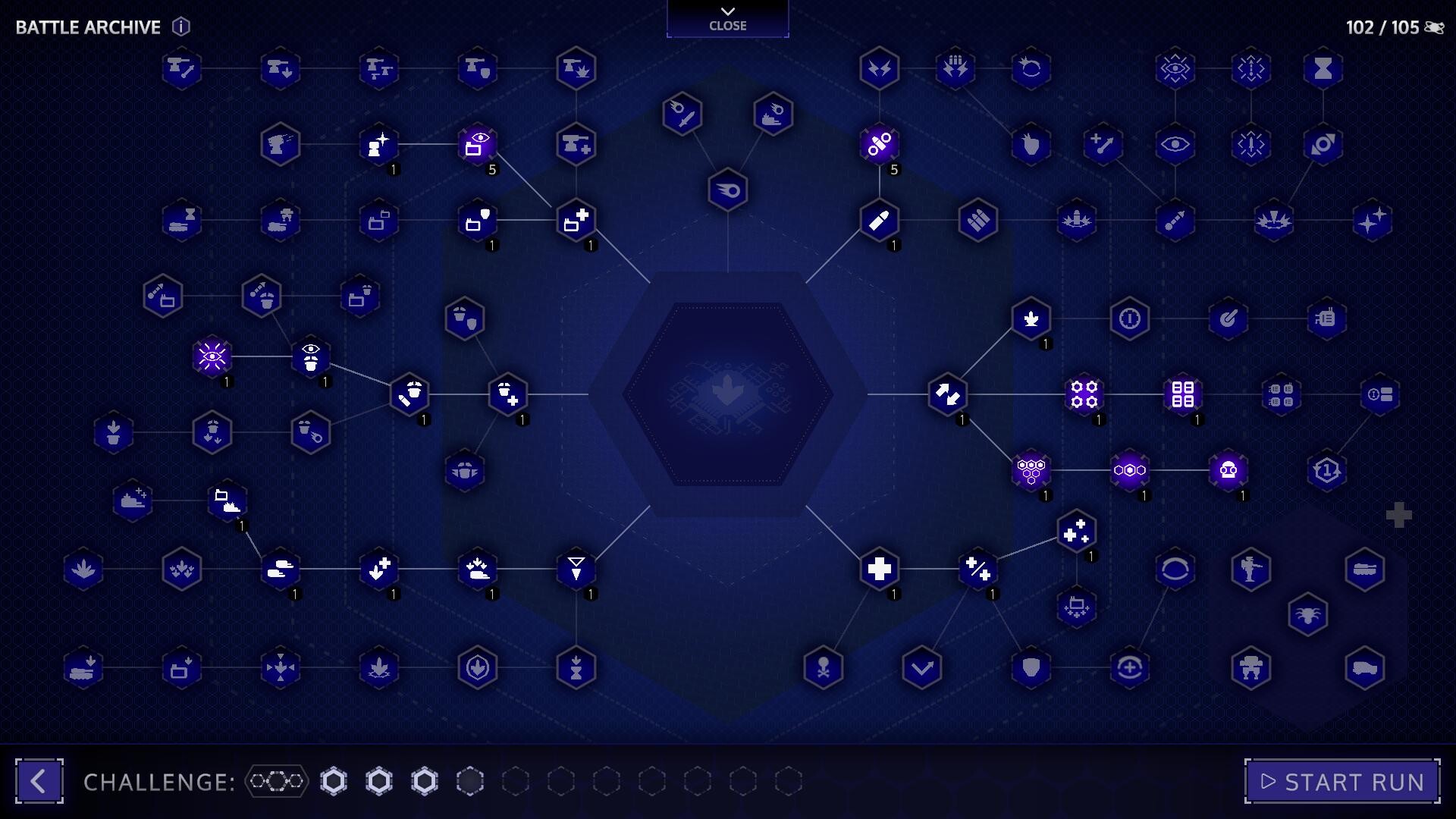
After every battle you unlock blueprints, upgrades, and hacks that expand the Engineer’s construction database, and you earn archive tokens to spend on permanent skill‑tree bonuses in the Battle Archive, shaping future runs toward your preferred playstyle.
01 / THE GUIDE
Core Gameplay Loop
You command units, build a base, harvest resources, explore the map, and defend positions before launching attacks. The game runs in real time, but you may slow time to 10 % at any moment for bullet‑time precision.
Each battle’s conditions change, and the rules of the battlefield shift, encouraging new strategies each run. Victory or defeat unlocks new building blocks for future encounters.
- Try slowing time during large engagements to fine‑tune unit positioning.
- Observe how each battle’s unique conditions affect your resource flow before committing to large attacks.
02 / THE GUIDE
Roguelite Progression System
After each battle you select new tools—blueprints, upgrades, or hacks—to add to your Engineer’s database. Blueprints introduce new buildings, upgrades strengthen units, and hacks modify game rules like status effects.
Earn archive tokens to unlock permanent improvements in the Battle Archive’s skill tree, allowing you to specialize or diversify your bonuses across runs.
- Balance adding new building types with upgrades that enhance existing units for smoother early‑game growth.
- Consider hacks that alter status effects to complement the strengths of your chosen Specialist.
03 / THE GUIDE
Engineer and Specialist Selection
Before each run you pick an Engineer, an Economy model, and a Specialist. The Engineer can call down buildings and controls armies; losing the Engineer ends the run. The Economy determines refinery and harvester behavior, while the Specialist defines a core combat role and unique hacks.
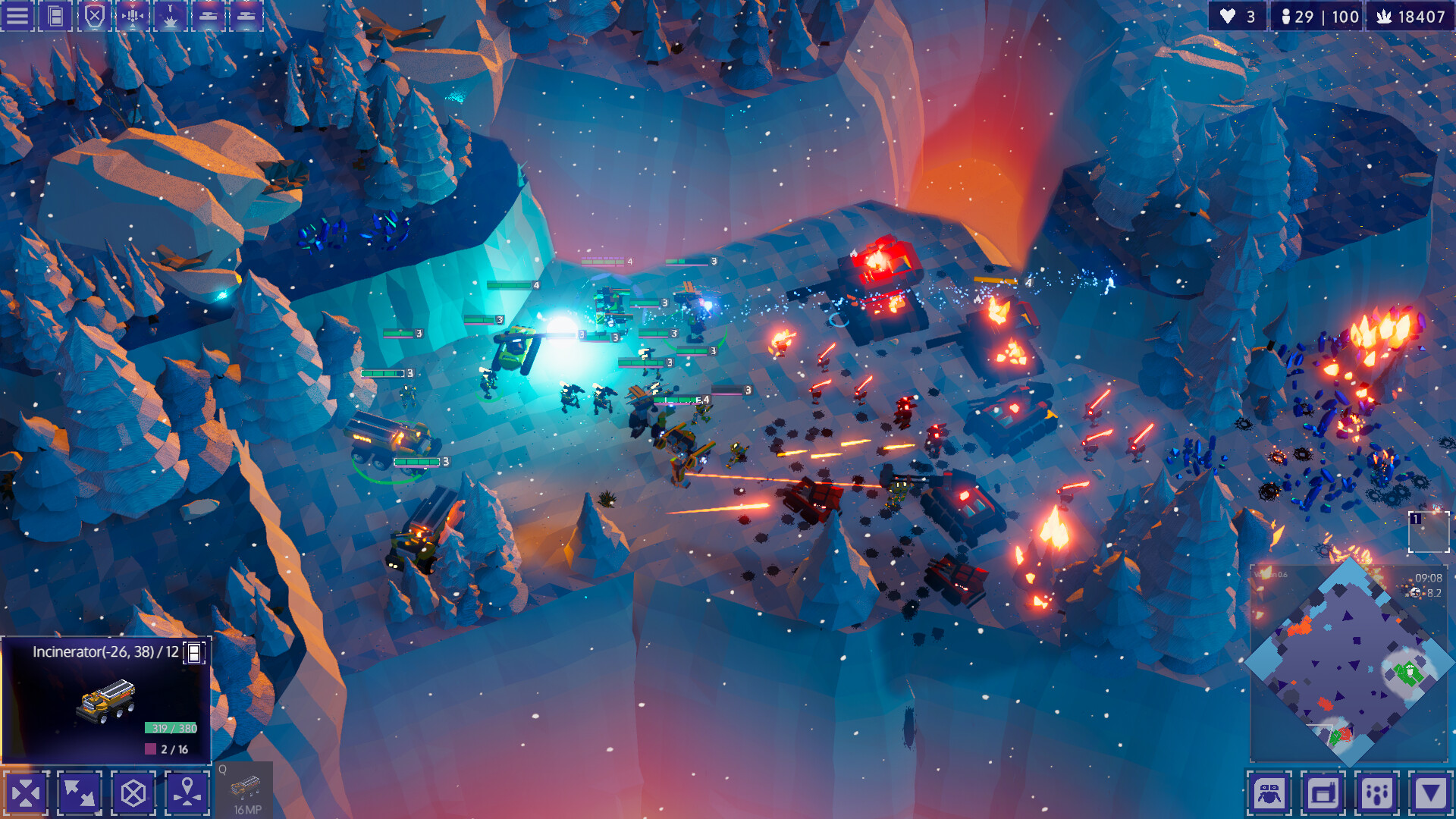
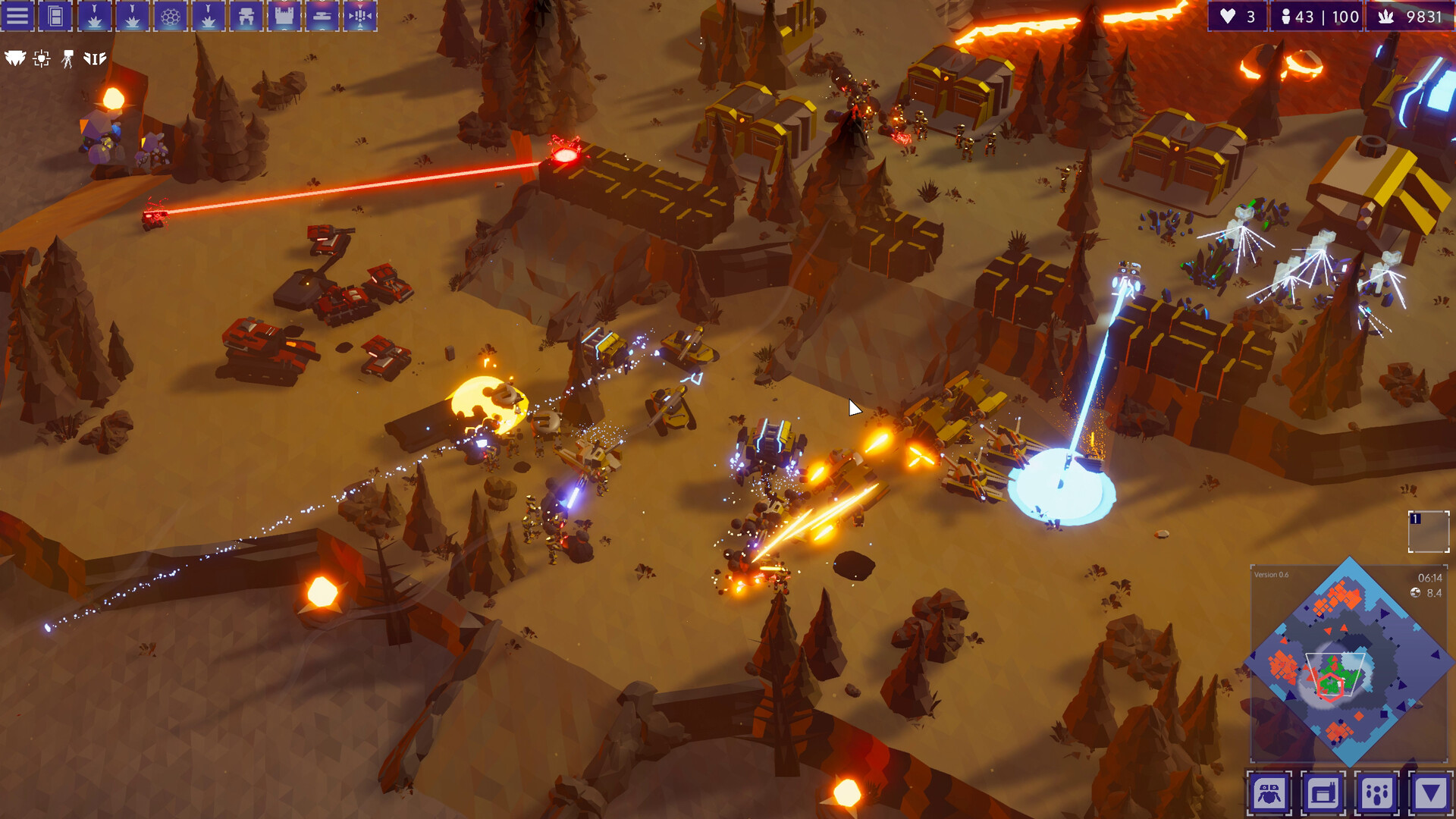
Specialists include Castle (defense and artillery), Incinerator (fire damage), Recycler (creates Robo Zombos), Support Tank (buffs), Swarm Walker (spawns eggs), Mantis (feeds on allies), Rush Beacons (mobility), and Phase Walker (teleports).
- Match your Specialist’s unique hacks with the environmental hazards you expect to face.
- Choose an Economy model that supports the resource demands of your preferred Specialist’s playstyle.
04 / THE GUIDE
Dynamic Environmental Hazards
Battlefields feature shifting conditions such as Sunstorms that disable all shields, Thunderstorms that extinguish fires, and Sandstorms that reduce attack range. These hazards can turn strengths into liabilities, requiring you to adapt your build on the fly.
Understanding each hazard’s impact helps you decide whether to prioritize defensive structures, fire‑based units, or short‑range artillery for a given map.
- If a Sunstorm is likely, prioritize units or upgrades that do not rely on shields.
- When facing Sandstorms, consider shorter‑range but higher‑damage units to mitigate reduced range.
05 / THE GUIDE
Enemy Variety and Scaling
The PCX empire fields dozens of enemy variants, fielding armies with more than 150 units and buildings of their own. Battles scale up to 15 Ascensions with unique bosses and can continue into infinitely scaling Heat Levels.
The sheer number of enemy units and buildings forces you to adapt, and each encounter feels distinct, especially when combined with environmental shifts.
- Study enemy unit compositions early in a run to adjust your blueprint priorities.
- Use hacks that affect enemy behavior, such as making burning enemies flee, to gain tactical edges.
COMMUNITY
Player discussion