 GameWiki

GET YOUR BEARINGS
About Rocket League
Rocket League blends arcade‑style soccer with fast‑moving cars, using simple controls and a physics‑driven ball. Players can join casual or competitive online playlists, an offline Season Mode, and rule‑changing Mutators, while extra hockey‑ and basketball‑inspired modes add variety.
The game runs on Windows and supports split‑screen play, a range of controllers, and remote play to phones, tablets, and TVs. Ongoing updates add new DLC, the Rocket Pass reward track, and an Esports Shop, though online services are blocked in several regions.
01 / THE GUIDE
Online Playlists
Rocket League offers both casual and competitive online playlists that match players worldwide using the same car physics and ball handling as offline modes.
Weekly challenges tied to the Rocket Pass reward system give extra items for completing online matches, encouraging regular play.
- Complete weekly challenges to earn Rocket Pass rewards faster.
- Select the playlist that matches your skill level for smoother progression.
02 / THE GUIDE
Offline Season Mode
The fully‑featured offline Season Mode lets players experience structured matches without an internet connection, preserving the core soccer mechanics.
On macOS and Linux the final patch disabled online playlists, but Local Matches and split‑screen remain usable.
- Use offline Season Mode to practice boost and positioning before going online.
- Invite a friend for split‑screen play when internet access is unavailable.
03 / THE GUIDE
Mutators & Extra Modes
Special Mutators let players change the rules completely, creating fresh challenges beyond the standard soccer match.
Additional hockey‑ and basketball‑inspired extra modes expand gameplay variety while using the same physics engine.
- Try a Mutator that alters ball size to discover new handling techniques.
- Play the hockey‑inspired mode for a faster‑paced experience.
04 / THE GUIDE
Controller & Remote Play Support
The game recommends a gamepad for optimal handling and supports DualShock, DualSense, and partial controller input via the Steam Input API.
Remote Play extends the experience to phones, tablets, and TVs, and Remote Play Together lets friends share a session without each owning a copy.
- Connect a recommended gamepad for the most responsive handling.
- Use Remote Play Together to test the game on a secondary device.
05 / THE GUIDE
Cosmetics & Rocket Pass
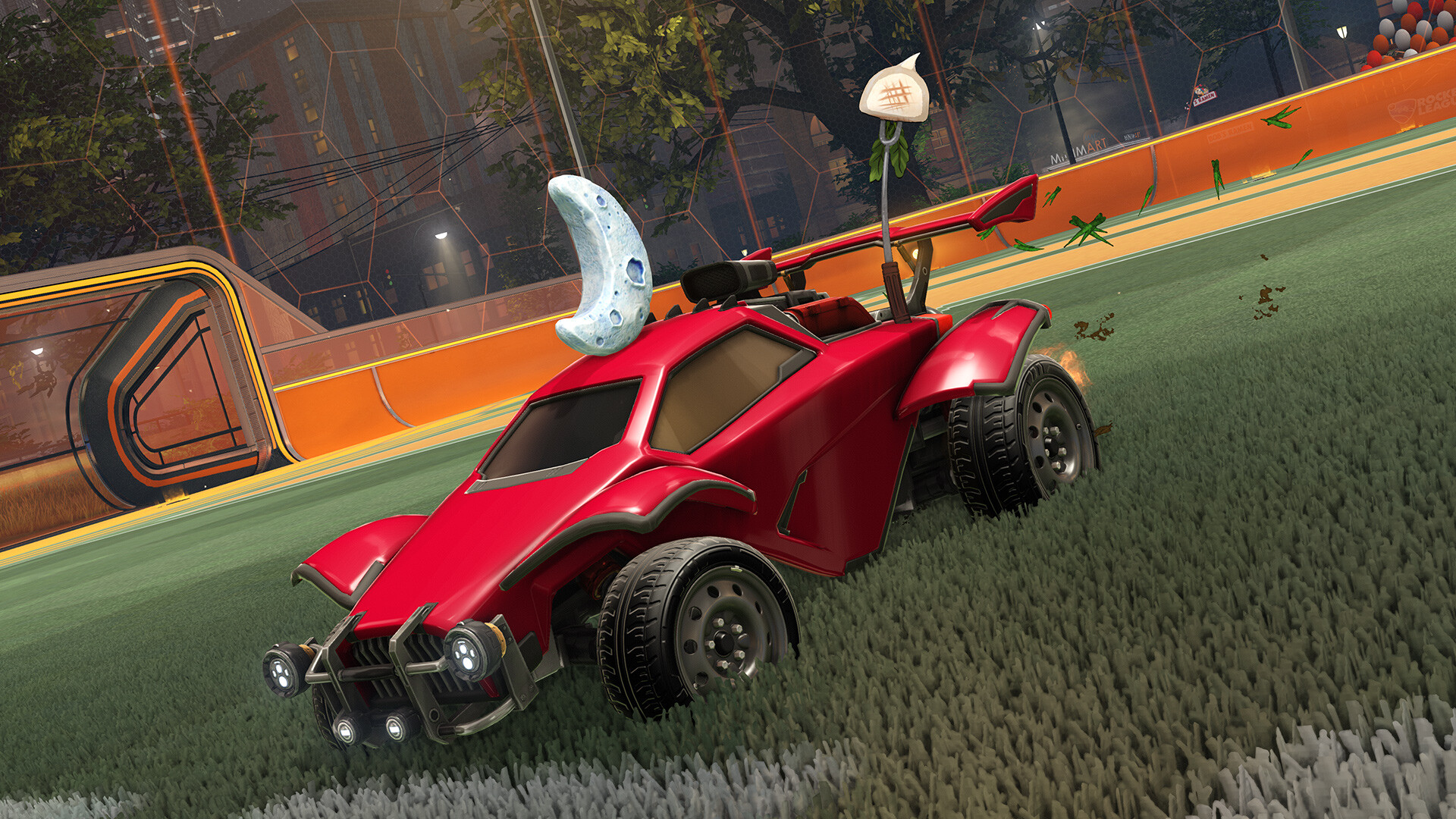
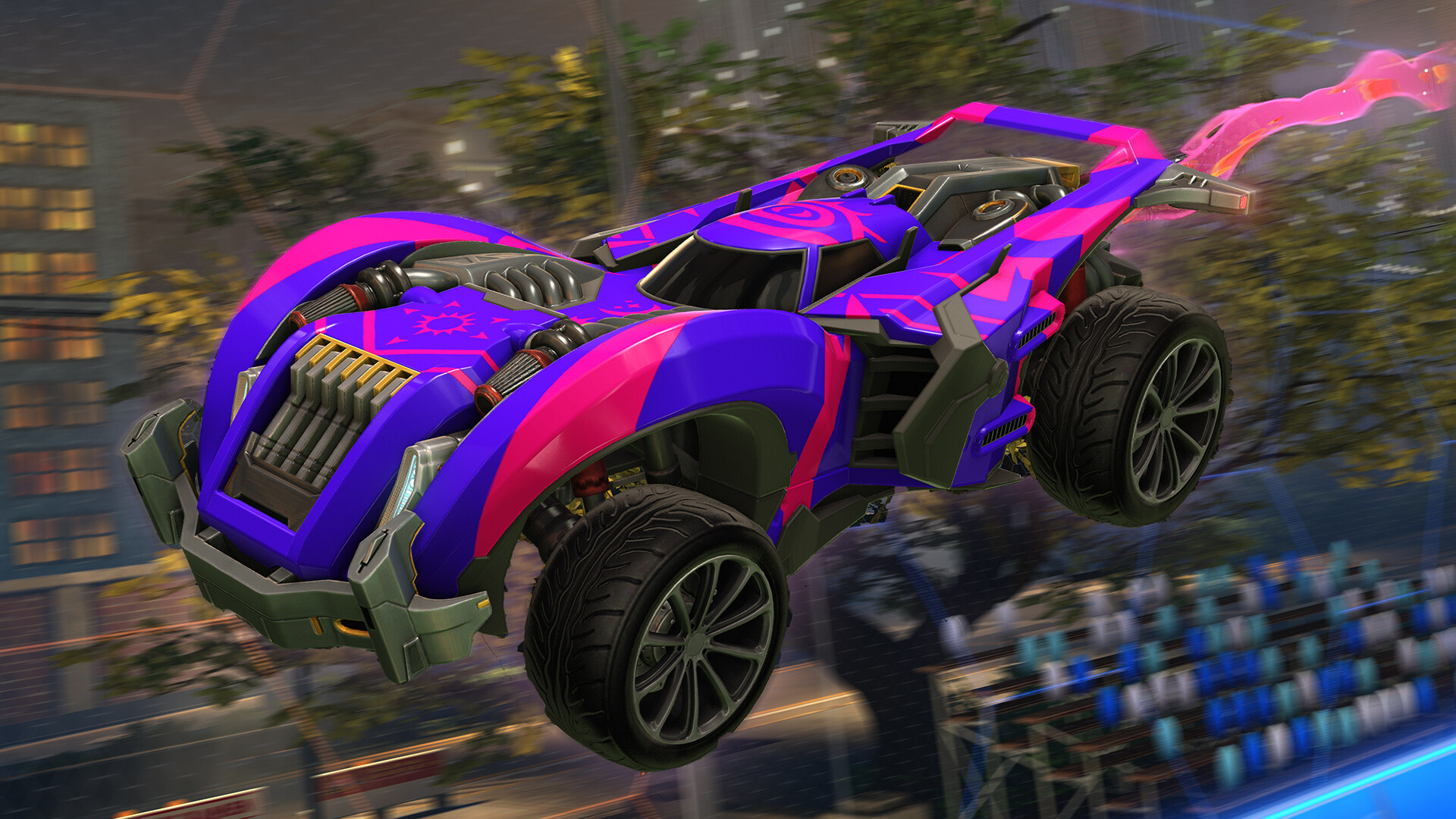
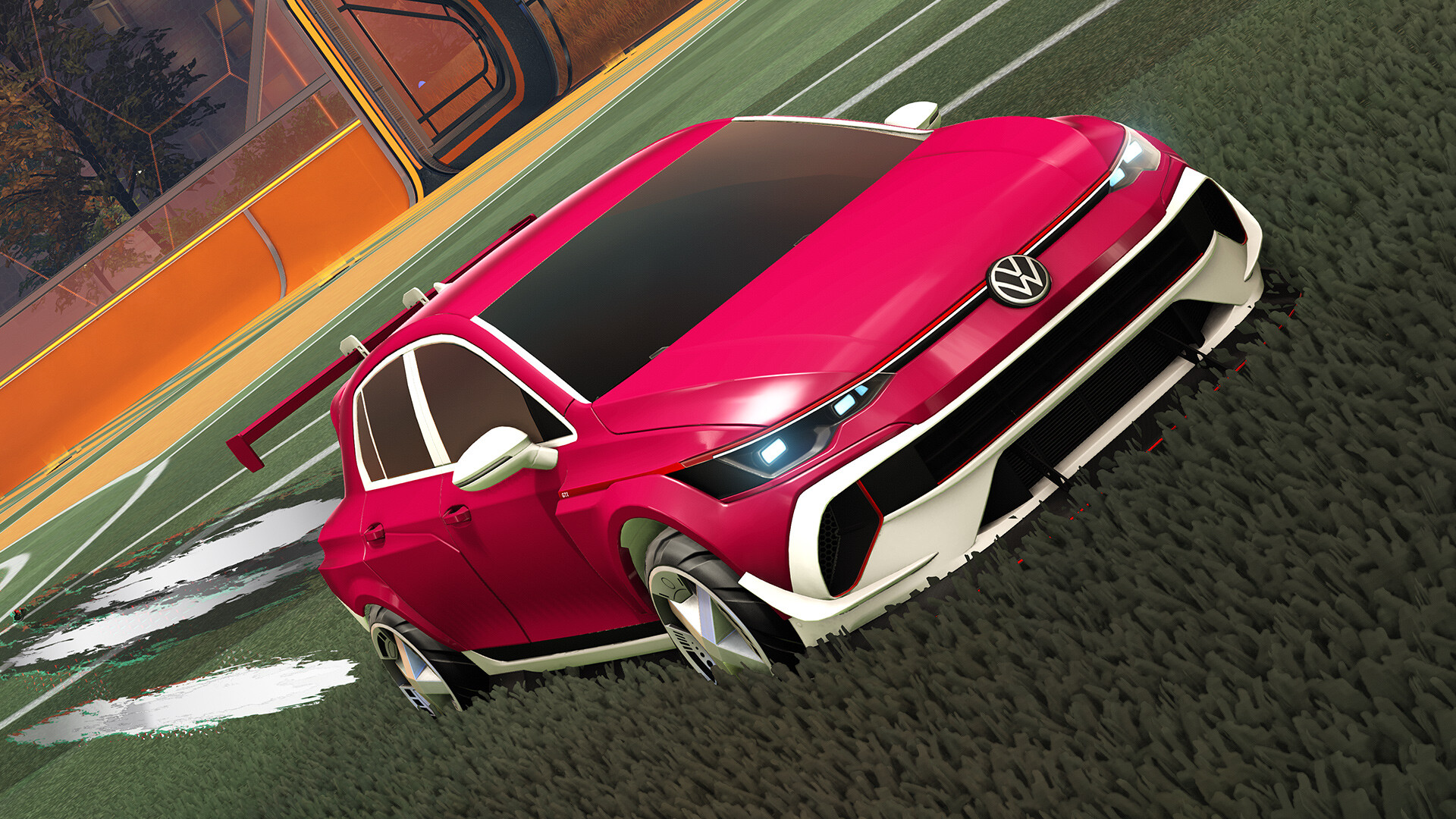
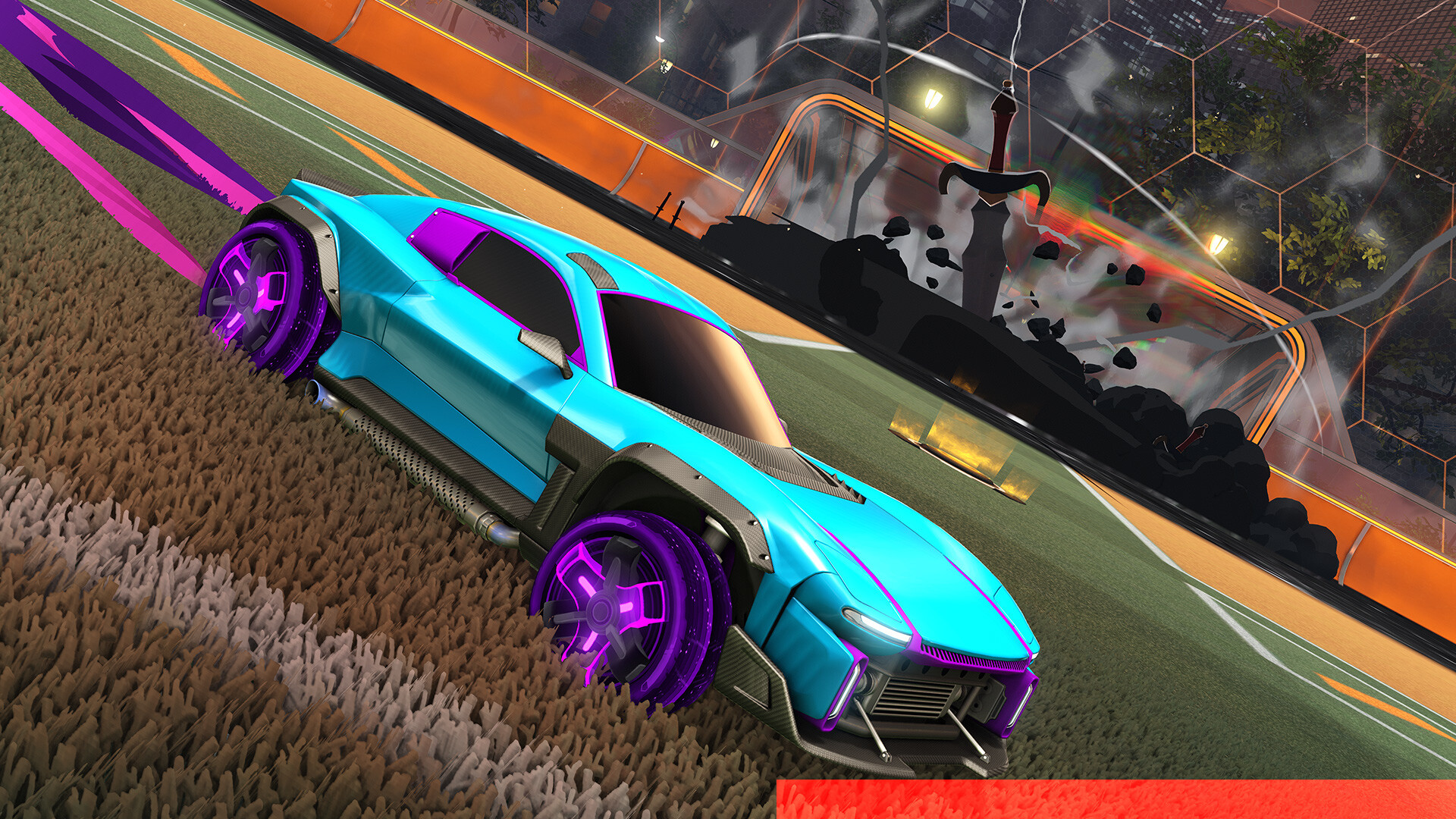
Players can mix and match over 500 trillion cosmetic combinations, creating unique car appearances.
Purchasing Rocket Pass Premium grants a 50 % XP boost and up to 70 distinct rewards, while the Esports Shop adds team‑themed decals, wheels, and banners.
- Buy Rocket Pass Premium early to capture the XP bonus for faster leveling.
- Visit the Esports Shop to display your favorite competitive team.
COMMUNITY
Player discussion