 GameWiki
GET YOUR BEARINGS
About ROBOTICS;NOTES ELITE
Robotics;Notes Elite follows Kaito Yashio and club leader Akiho Senomiya as they fight to keep Central Tanegashima High's Robot Research Club alive. The duo discovers a mysterious AR annotation that leads them across Tanegashima, uncovering a world‑spanning conspiracy while trying to finish a giant robot. The game offers a branching adventure where each character’s choices shape the ending, and players use the PhoneDroid’s AR features to unlock hidden secrets tied to the island’s lore.
01 / THE GUIDE
Branching Storylines
The narrative splits based on player decisions, allowing multiple endings for each main character. This structure lets you explore different outcomes for the Robot Club’s fate. Each path reveals distinct dialogue and plot points, encouraging replay to see all possible conclusions.
- Observe how choices affect later scenes to map the story’s branches.
- Compare character dialogues across playthroughs for hidden connections.
02 / THE GUIDE
PhoneDroid Augmented Reality
The PhoneDroid is central to gameplay, providing AR annotations that guide exploration across Tanegashima. The "Kimijima Report" is a key AR note that directs you to various island locations. Using the device reveals secrets sealed by Ko Kimijima, tying the AR system directly to the game’s mystery.
- Check the PhoneDroid frequently for new AR notes after traveling.
- Note the locations mentioned in the "Kimijima Report" for hidden content.
03 / THE GUIDE
Robot Club’s Dream
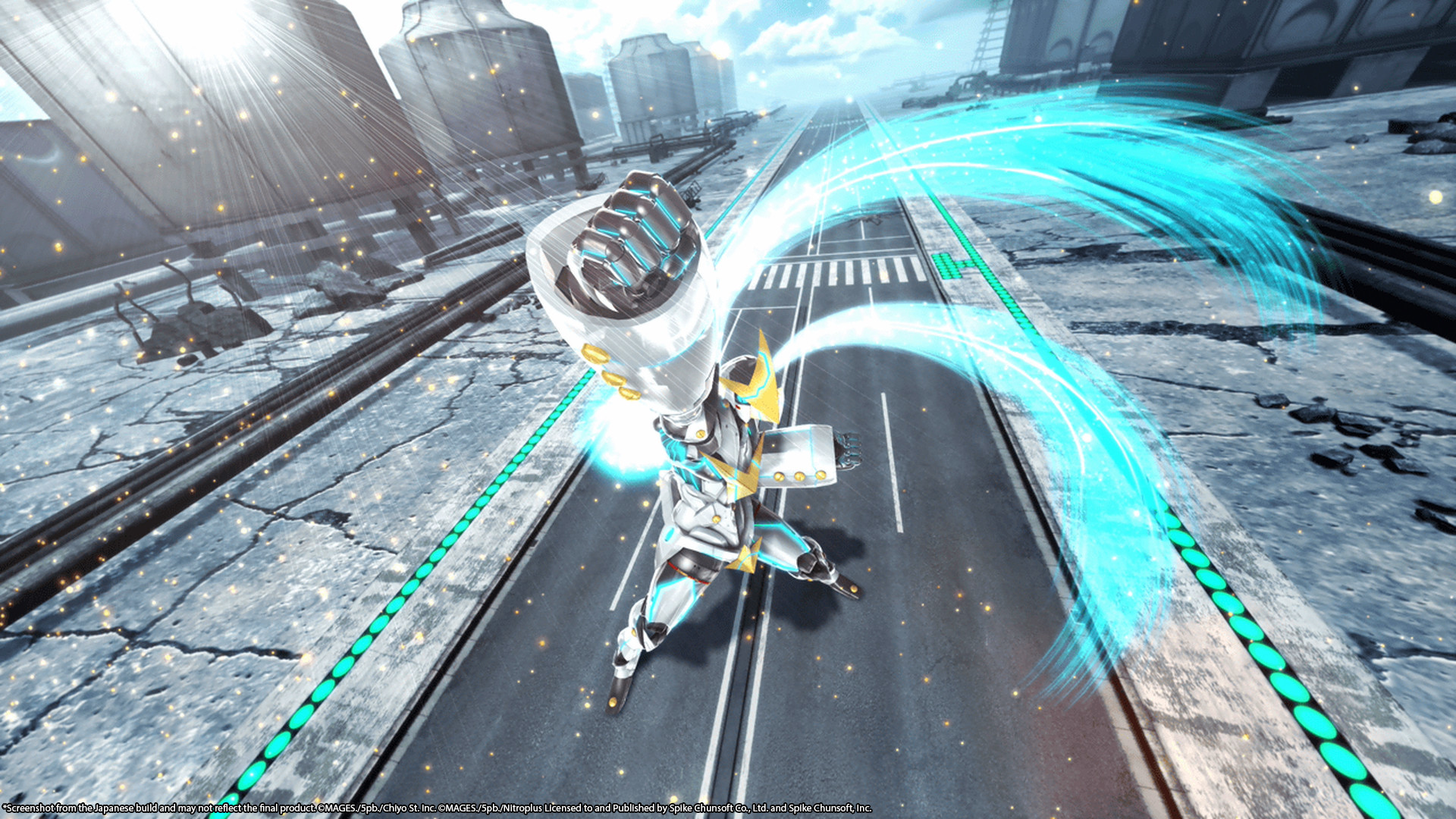
Akiho’s goal is to complete a life‑size Gunvarrel robot, a project that motivates the club’s actions. Kaito’s indifference contrasts with her determination, creating narrative tension. The club’s survival hinges on progressing this construction while uncovering the island’s conspiracy.
- Focus on scenes where the robot’s parts are discussed to track progress.
- Contrast Akiho’s and Kaito’s motivations to understand story stakes.
04 / THE GUIDE
Steam Achievements & Cloud
Robotics;Notes Elite supports Steam Achievements, offering in‑game milestones tied to the Steam platform. Steam Cloud ensures saved progress can be stored online. These features integrate with the single‑player experience without affecting core gameplay mechanics.
- Check the achievement list to track the milestones you’ve earned as you play.
- Enable Steam Cloud to keep your progress safe across installations.
05 / THE GUIDE
Partial Controller Support
The game includes partial controller support, allowing players to use a gamepad for certain actions. This does not replace other input methods but offers an alternative. The support is limited, meaning some functions may still rely on default controls.
- Test controller input in early scenes to see which actions are mapped.
- Combine controller use with other input methods where the game allows it.



COMMUNITY
Player discussion