 GameWiki
GET YOUR BEARINGS
About Robot Roller-Derby Disco Dodgeball
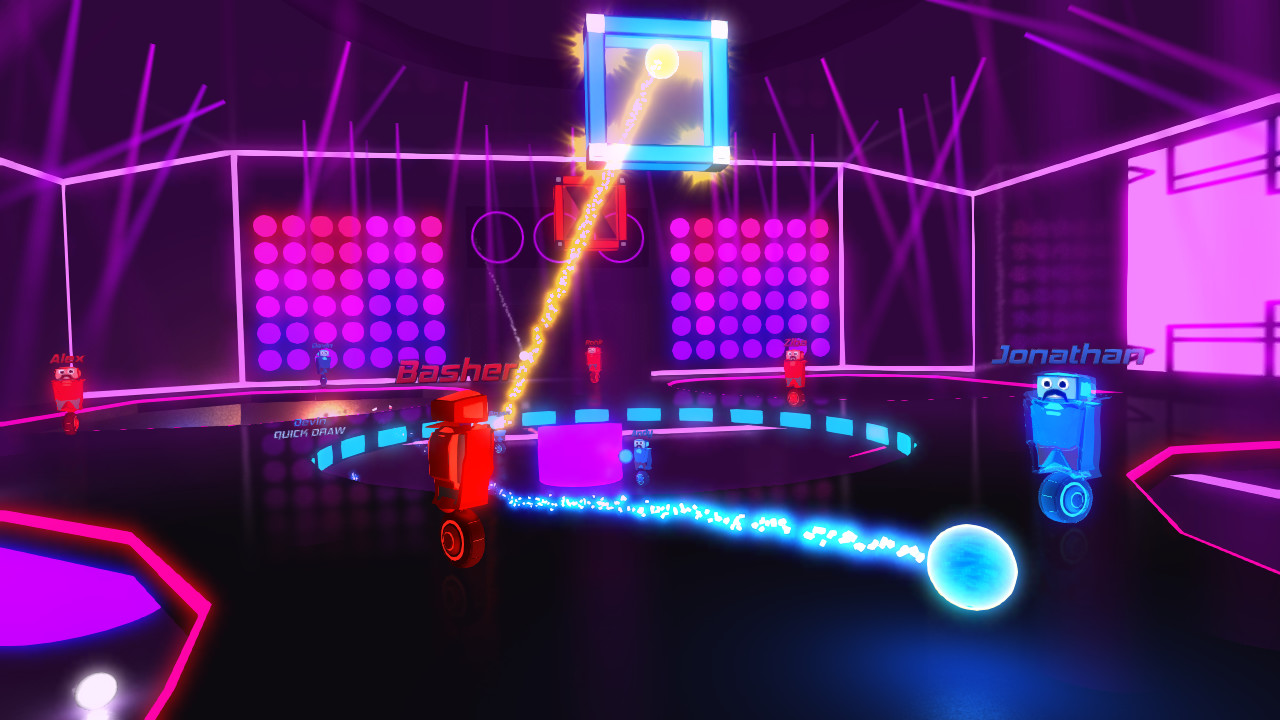
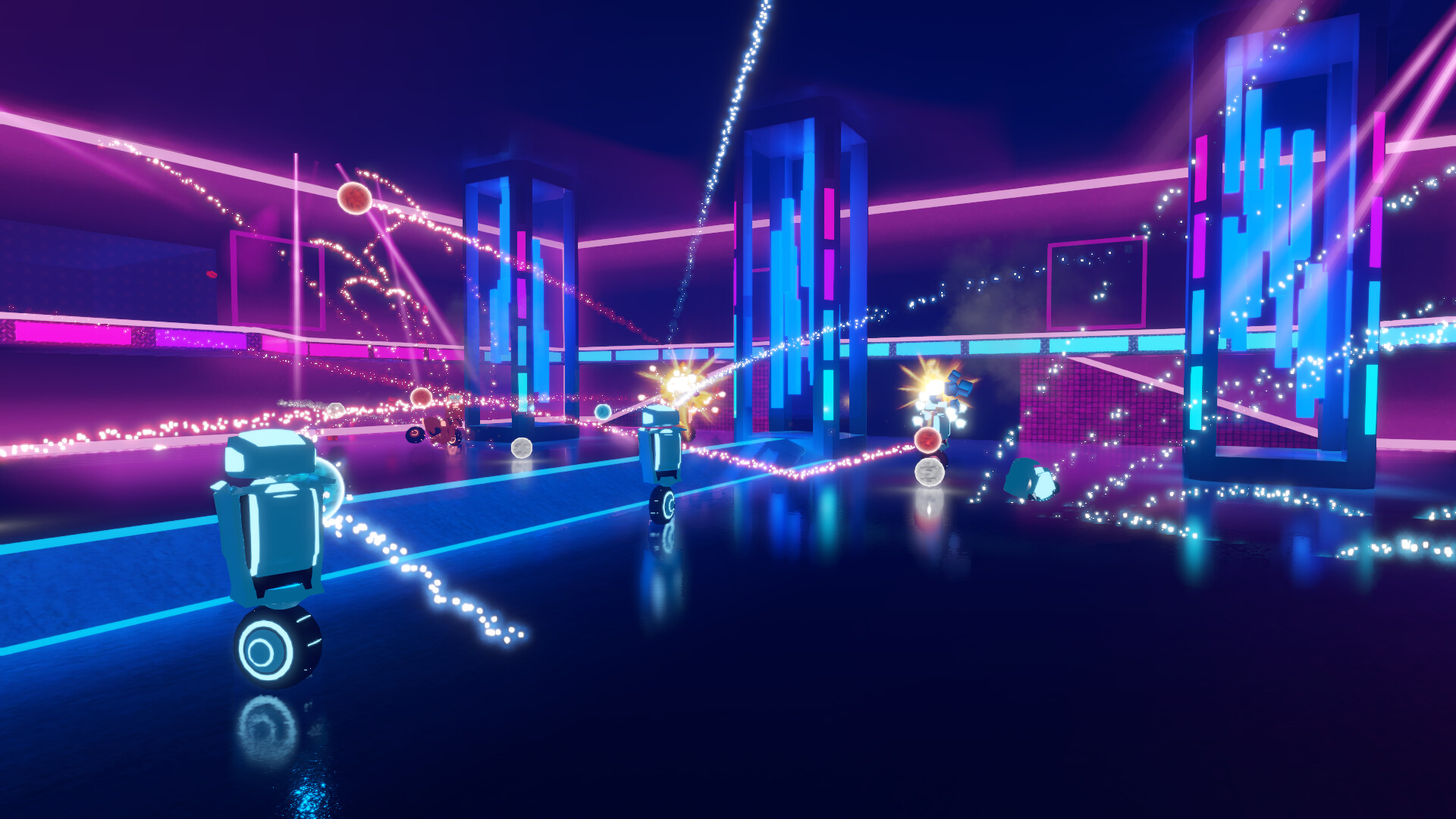
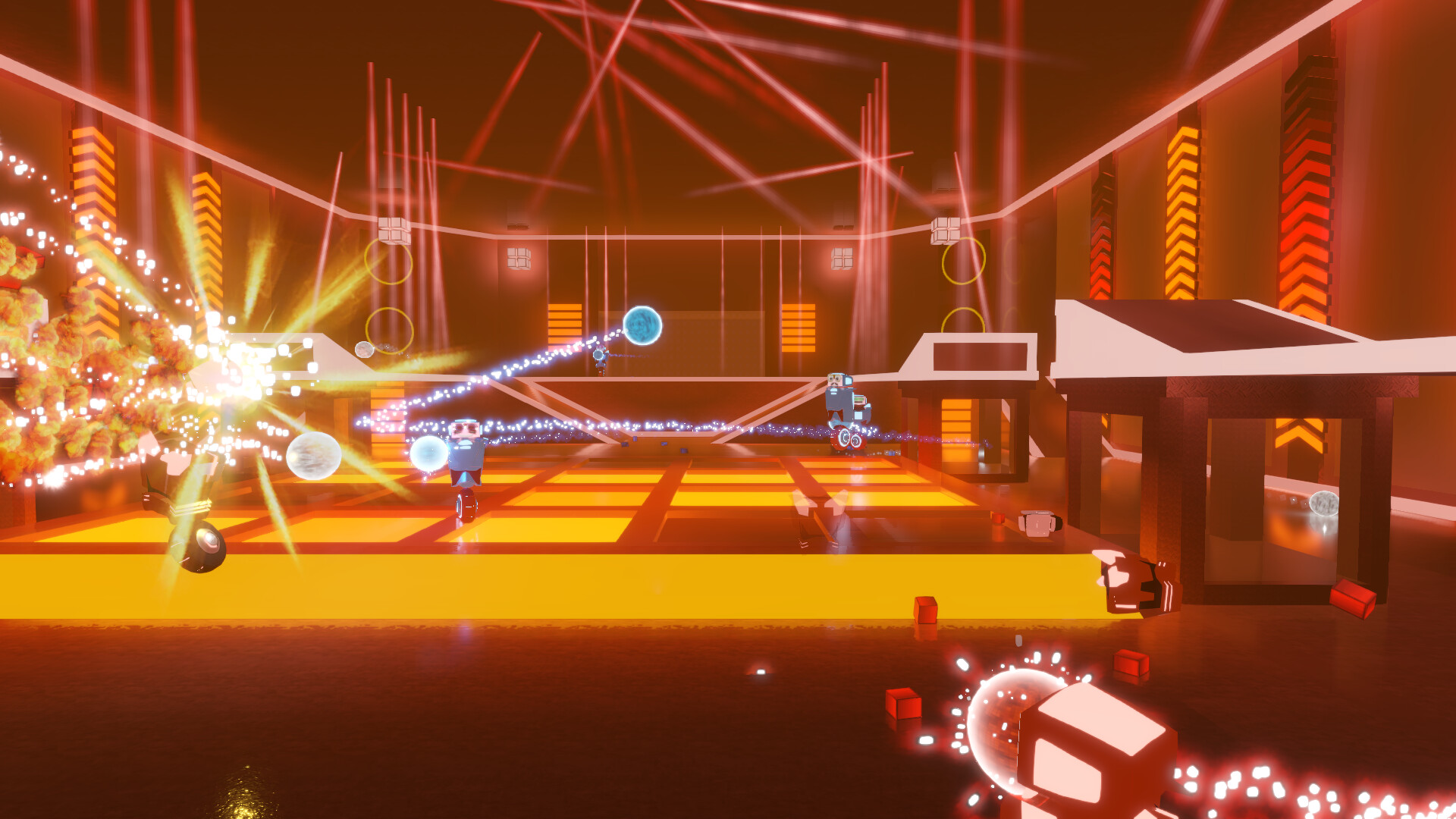
Robot Roller‑Derby Disco Dodgeball blends physics‑driven dodgeball combat with skateboard‑style movement, delivering a fast‑paced arena shooter that pulses with music. Players can face AI bots, online rivals, or local friends in laser‑filled courts that react to the soundtrack.
Beyond matches, the game offers a built‑in level editor, solo and co‑op challenges, and a wide range of cosmetics. All features integrate with Steam services such as Workshop, Cloud saves, split‑screen multiplayer, and leaderboards.
01 / THE GUIDE
Physics‑Based Combat
The combat system relies on real‑world physics, so throws follow realistic arcs and balls can be dodged, deflected, or caught just like in actual dodgeball. This makes each shot feel weighty and responsive.
Aerial stunt shots—such as 360‑degree helicopters and mid‑air catches—are possible, and power‑ups like Laser Balls travel according to the same physics rules.
- Observe how a ball’s trajectory changes after a deflection to gauge timing.
- Practice catching mid‑air to become comfortable with the physics handling.
02 / THE GUIDE
Varied Game Modes
The title includes classic Elimination, Hoops, Grand Prix racing, Capture the Cube, and an Arcade mode that pits players against waves of bots and bosses. Each mode has its own objectives and scoring rules.
All modes can be played solo, in co‑op challenges, against AI bots, online opponents, or locally with up to four players sharing a screen.
- Start with solo challenges to learn each mode’s basic rules.
- Use co‑op challenges to practice teamwork before entering competitive matches.

03 / THE GUIDE
Built‑In Level Editor
Players can design custom arenas—dance clubs or skate parks—using the in‑game editor, then upload them to Steam Workshop for others to download. The in-game rule editor lets creators set their own rules for custom game modes.
Custom maps can be played online with friends.
- Begin with a simple layout, then add lighting once performance feels stable.
- Run a quick solo match on a new map to catch any gameplay issues.
04 / THE GUIDE
Multiplayer Infrastructure
Online matches rely on Steam Networking for connection speed, while split‑screen local multiplayer supports up to four players in PvP or co‑op challenges. Steam Cloud stores progress, and leaderboards track rankings.
Remote Play Together is listed as a feature, indicating the multiplayer experience can be shared via Steam’s remote play technology.
- Check your network settings if you notice latency during online play.
- Use split‑screen to practice with friends on the same device before going online.
05 / THE GUIDE
Cosmetics and Power‑Ups
A wide range of cosmetic items—hats, robot bodies, wheels, decals, sunglasses, moustaches, and ball FX—can be crafted or earned from random in‑game drops, letting players personalize their robots.
Power‑ups such as Jetpacks, Huge Dodgeballs, Laser Balls, and Boomerang Balls appear randomly or can be enabled as permanent arena modifiers, adding tactical variety.
- Mix cosmetics to create a distinct visual style that stands out in fast matches.
- Try different power‑ups in practice rounds to see which fits your play style.

COMMUNITY
Player discussion