 GameWiki
GET YOUR BEARINGS
About Rivals of Aether II
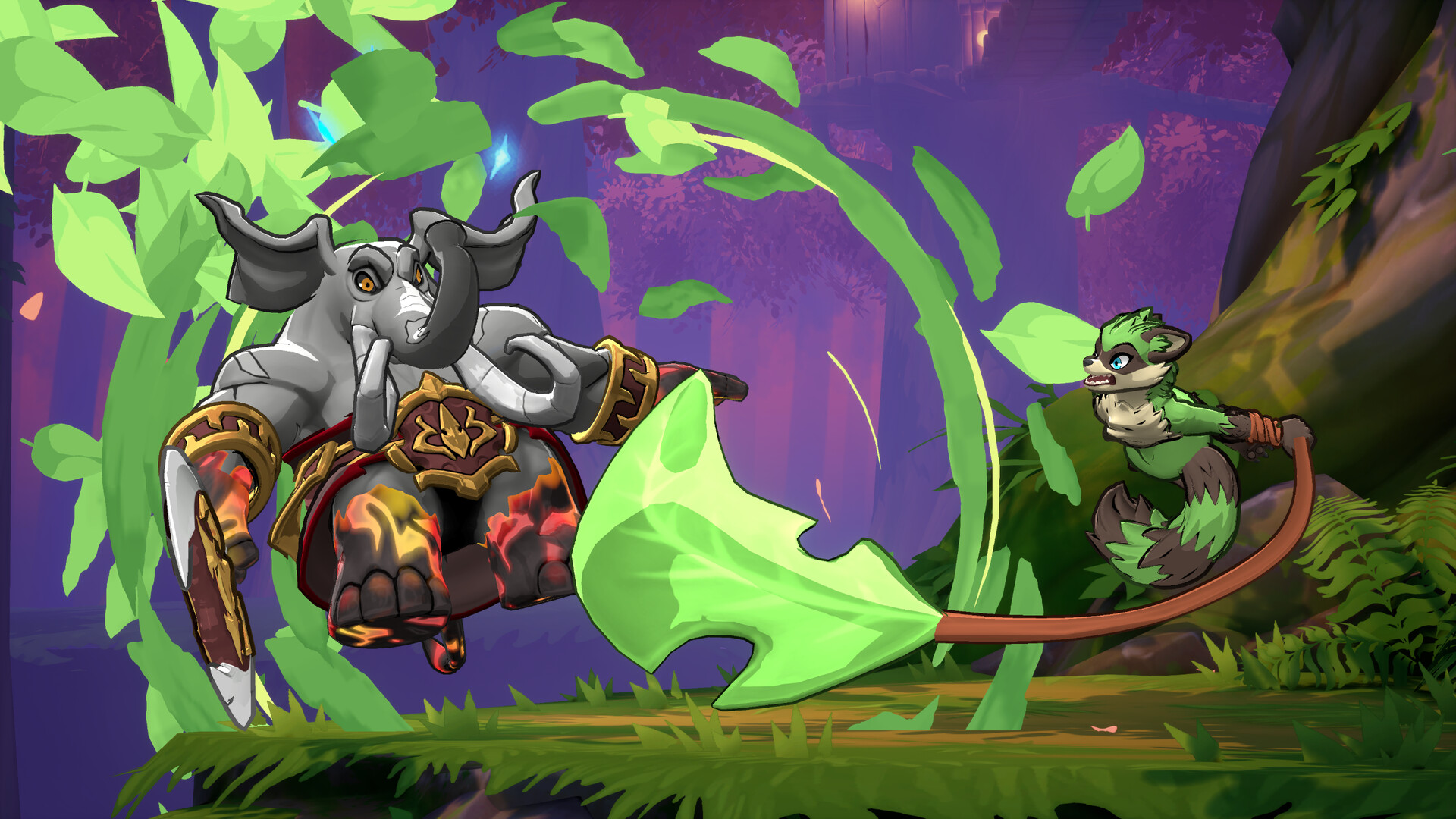
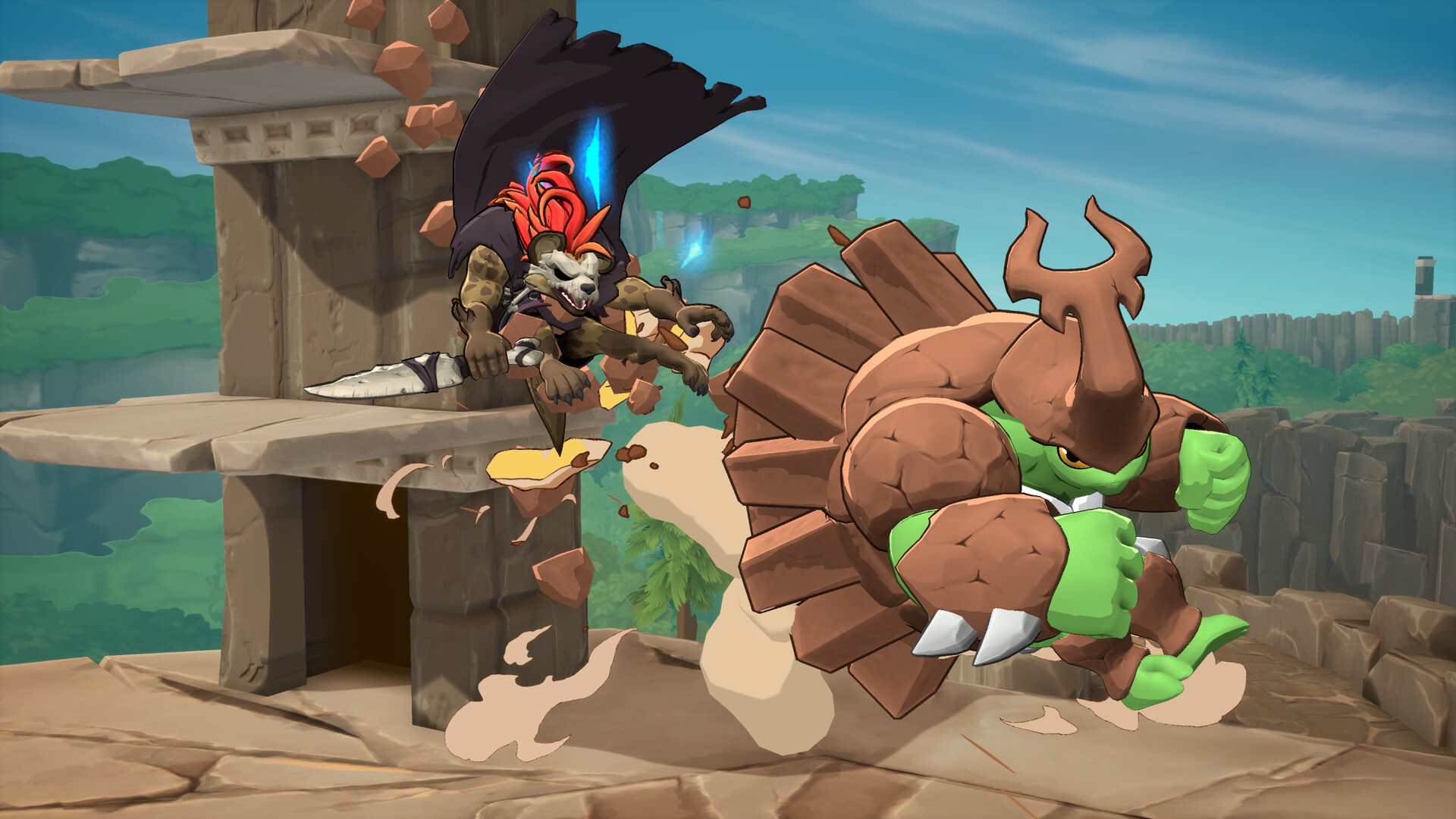
Rivals of Aether II builds on the indie platform‑fighter legacy with a next‑generation look, swapping the original 2D art for vibrant 3D visuals and delivering a fast‑paced brawl core that appeals to both veterans and newcomers alike. The game expands the Aether Universe with fire, water, air and earth‑aligned Rivals, offering a base roster of returning and new fighters. Future free character updates are promised via post‑launch support for all players to enjoy.
01 / THE GUIDE
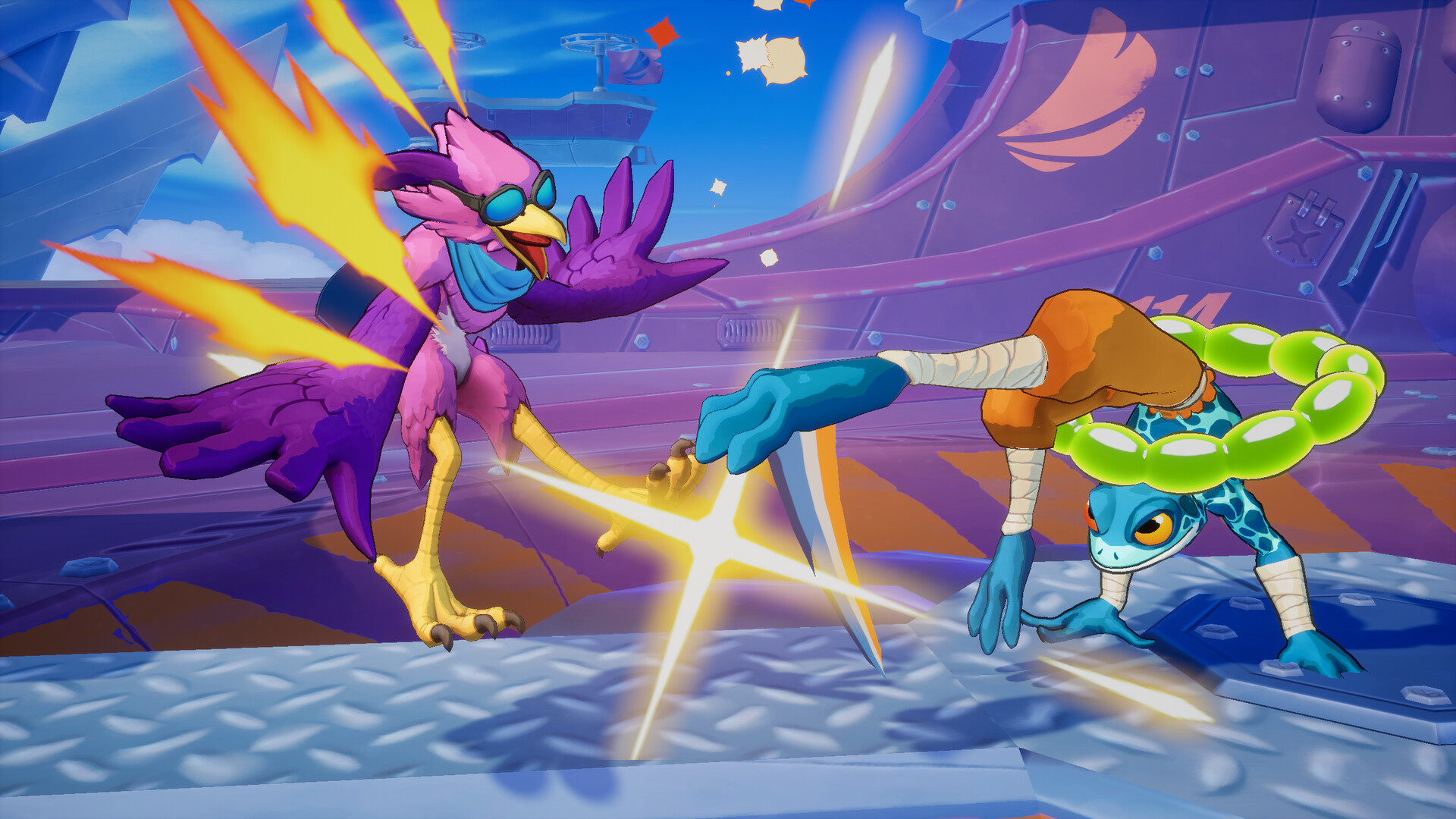
3D Visual Upgrade
Rivals of Aether II replaces the series’ classic 2D sprites with fully rendered 3D models, giving each element‑based Rival a more tangible presence on screen.
The visual shift aims to enhance readability during frantic matches while preserving the bright, elemental aesthetic that defines the franchise.
- Observe how lighting highlights attack ranges.
- Compare character silhouettes to gauge distance.
02 / THE GUIDE
Base Roster and Free Post‑Launch Characters
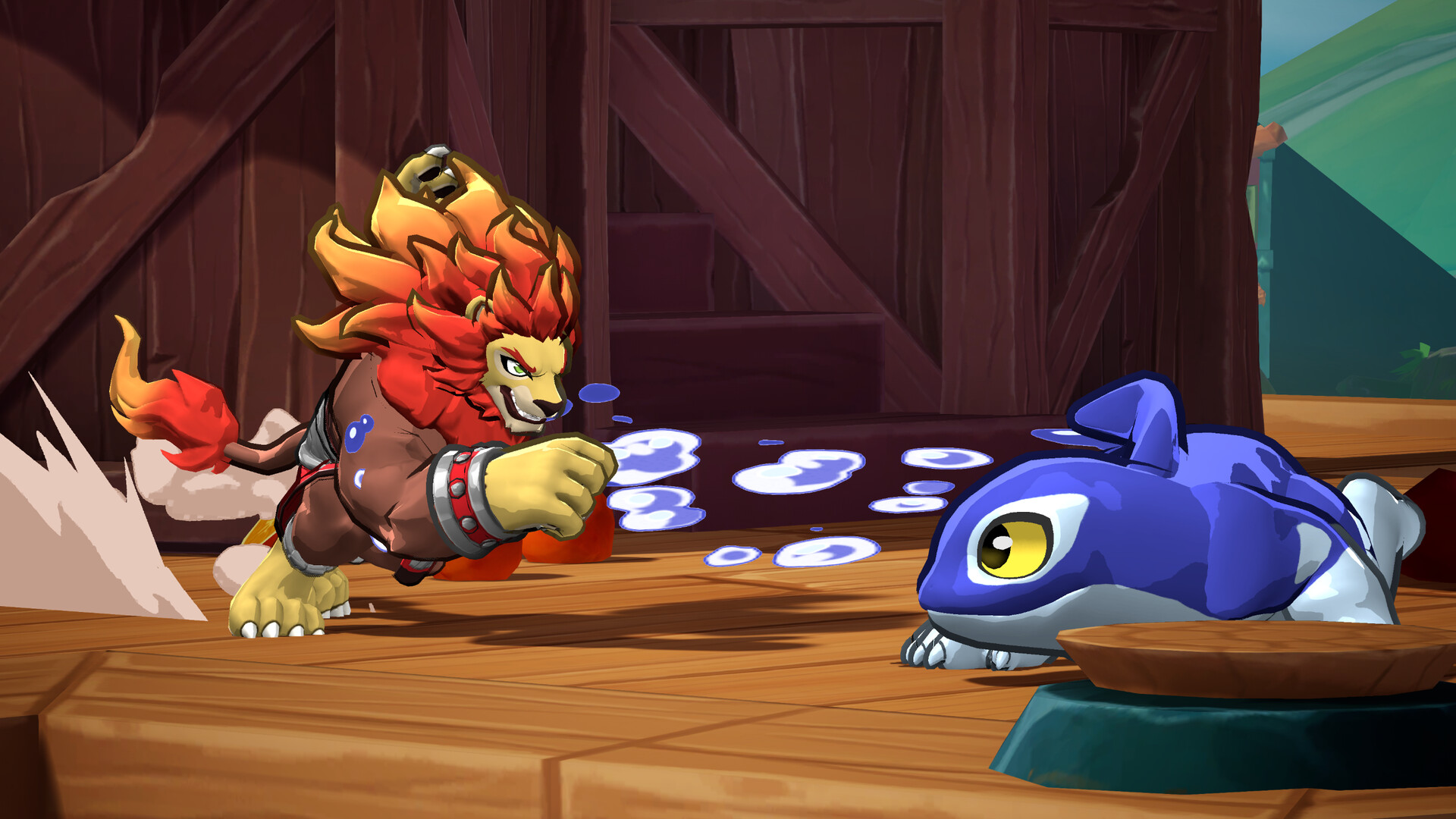
The launch lineup mixes returning favorites with brand‑new Rivals, each aligned to fire, water, air or earth, forming the core combat pool.
Aether Studios has announced that additional playable characters will be released after launch at no cost, expanding the roster over time.
- Try each starter Rival to feel the elemental variety.
- Watch community streams for early impressions of upcoming free characters.
03 / THE GUIDE
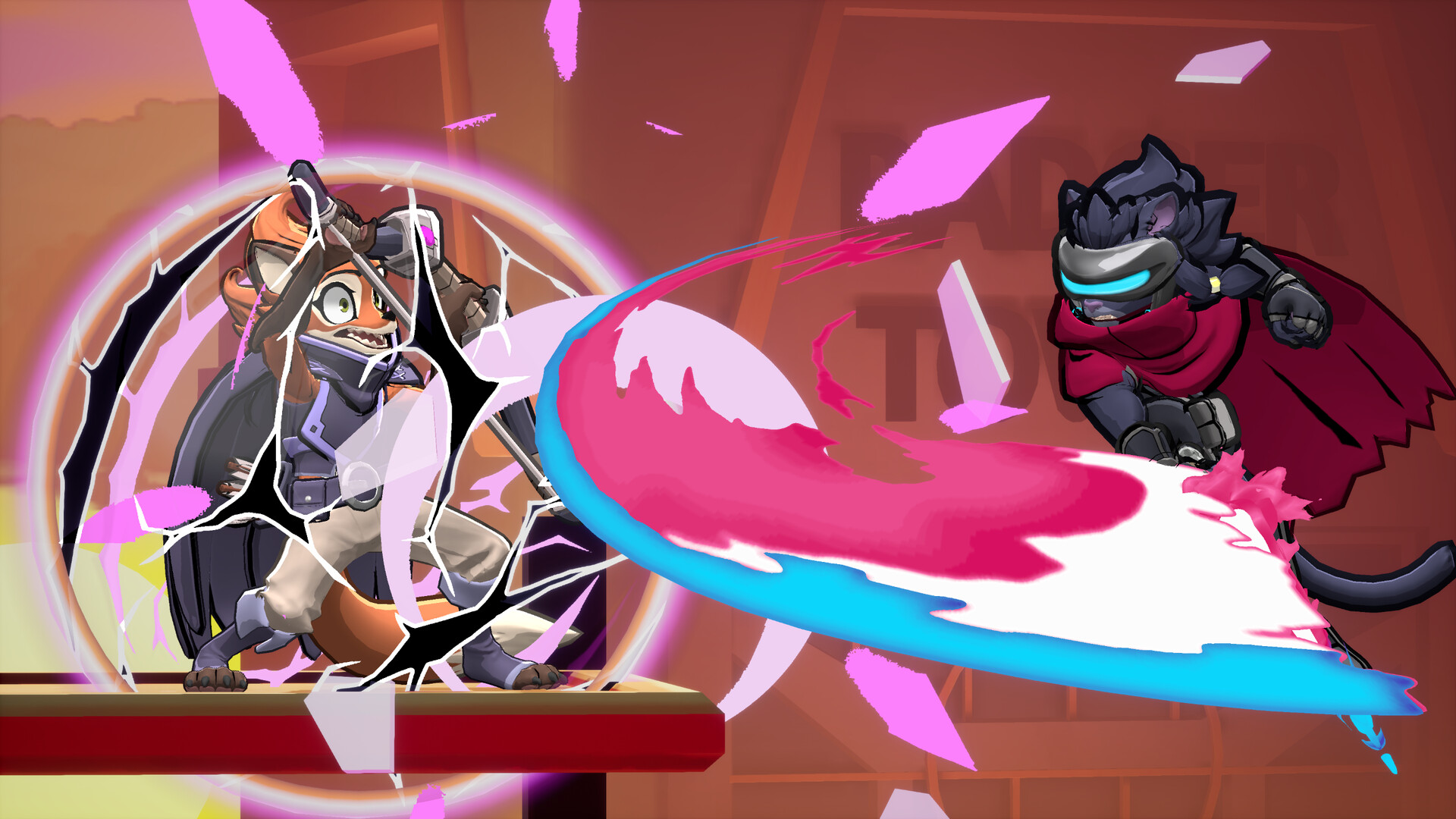
Expanded Combat Mechanics
Shields, ledges, grabs and throws are introduced, adding fresh layers to the series’ frenetic flow.
Unique options such as the Pummel Special, Ledge Special and Getup Special give players new ways to pressure opponents effectively.
- Experiment with the Pummel Special to break defensive patterns.
- Use ledge grabs to extend combos after falling.
04 / THE GUIDE
Multiplayer and Online Support
Rivals of Aether II supports both local split‑screen and online PvP, letting friends battle on the same machine or over the internet.
Improved online infrastructure aims to deliver smoother matchmaking and reduced latency compared with the original title.
- Test your connection in a casual online match before ranked play.
- Adjust screen layout when using split‑screen to keep each player’s view clear.
05 / THE GUIDE
Steam Integration Features
The Windows release integrates Steam achievements, a workshop for community content, and Remote Play Together, broadening ways to play and share creations.
Family Sharing and in‑app purchases are also listed, indicating support for shared libraries and optional extra content.
- Browse the Steam Workshop for fan‑made stages or skins.
- Enable Family Sharing to let household members access the game without separate purchases.
COMMUNITY
Player discussion