 GameWiki
GET YOUR BEARINGS
About Rip N Ship Simulator
Rip N Ship Simulator lets you run a virtual card‑streaming channel from a modest desk to a full‑blown rip‑and‑ship operation. You open packs, manage live orders, and interact with a simulated chat that includes follows, subscriptions, tips, raids and purchases.
Beyond the stream you can collect, sort, grade and sell cards, track your binder and master‑set, and unlock new stages while improving your setup. The Early Access build also includes a Card Studio for designing custom cards, packs and complete sets, plus support for player‑created content.
01 / THE GUIDE
Streamer Mode
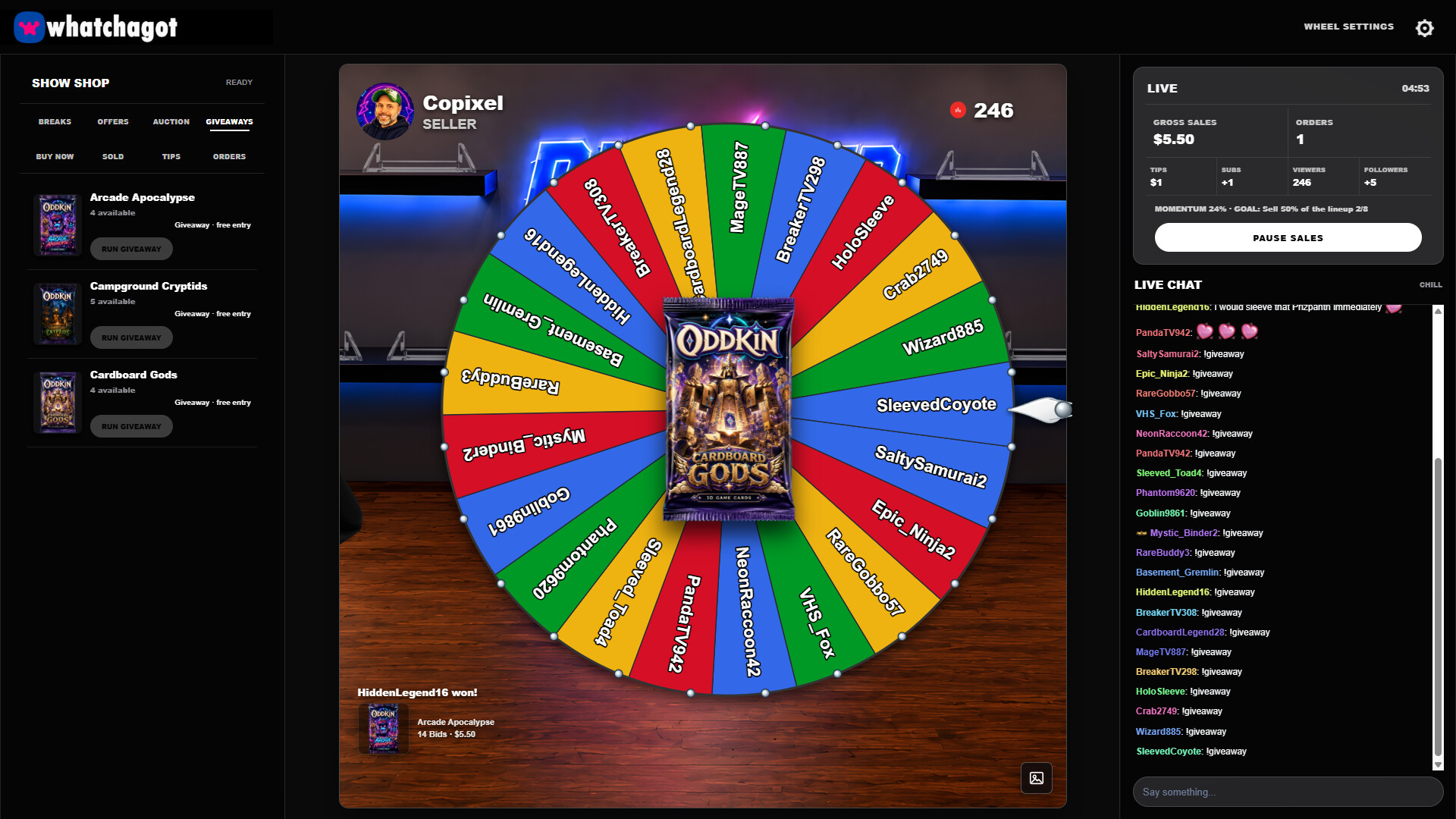
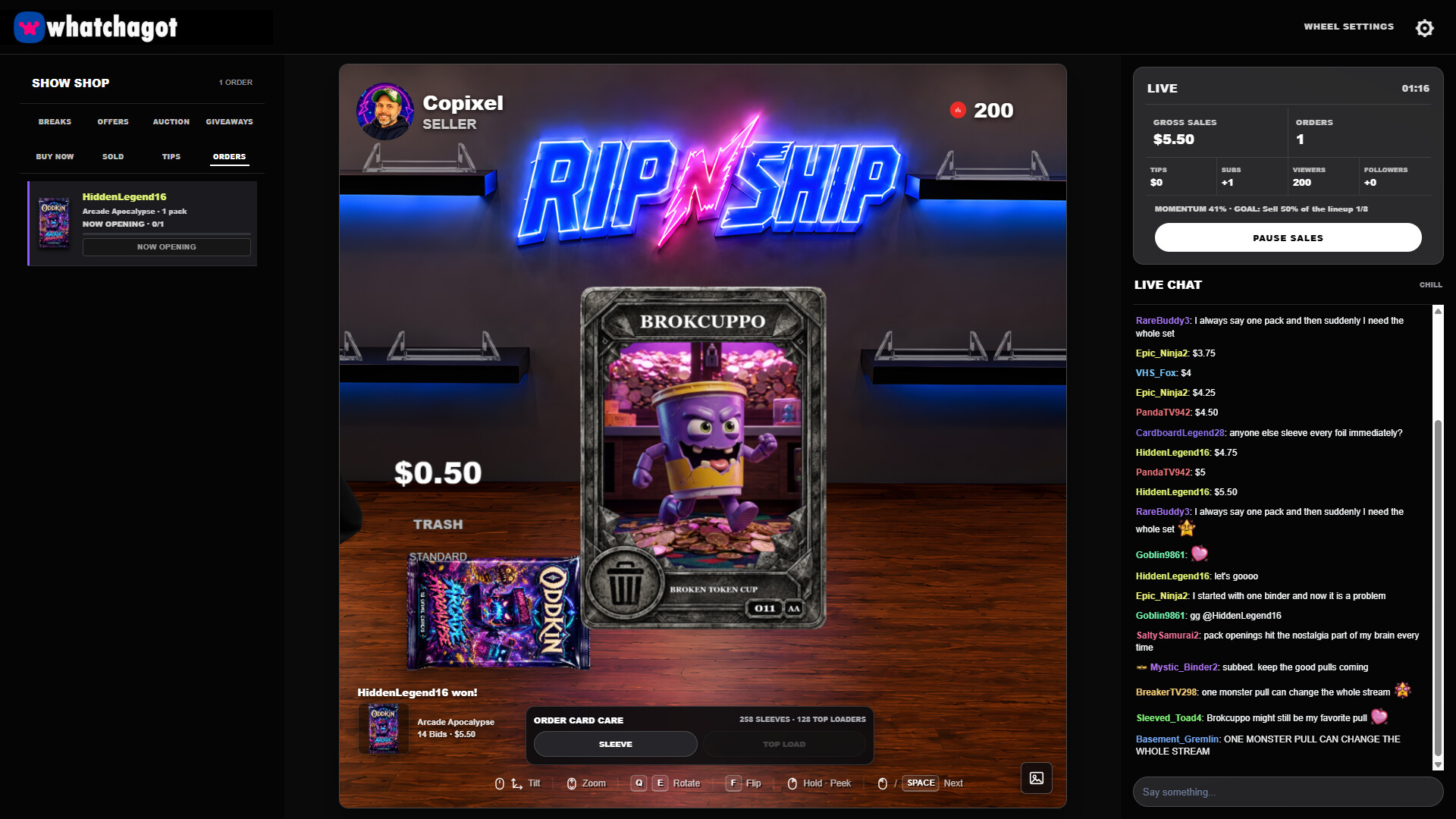
Streamer Mode simulates a live audience with chat, follower alerts, subscription notices, tips, raids and purchase notifications. It centralises all streaming interactions so you can react to big pulls and keep viewers entertained while you work.
The mode also lets you display slabs from your collection, choose items for giveaways or auctions, and run those events directly from your virtual stream setup.
- Observe how alerts stack to plan timing for giveaways.
- Use slab displays to showcase rare cards and boost viewer interest.
02 / THE GUIDE
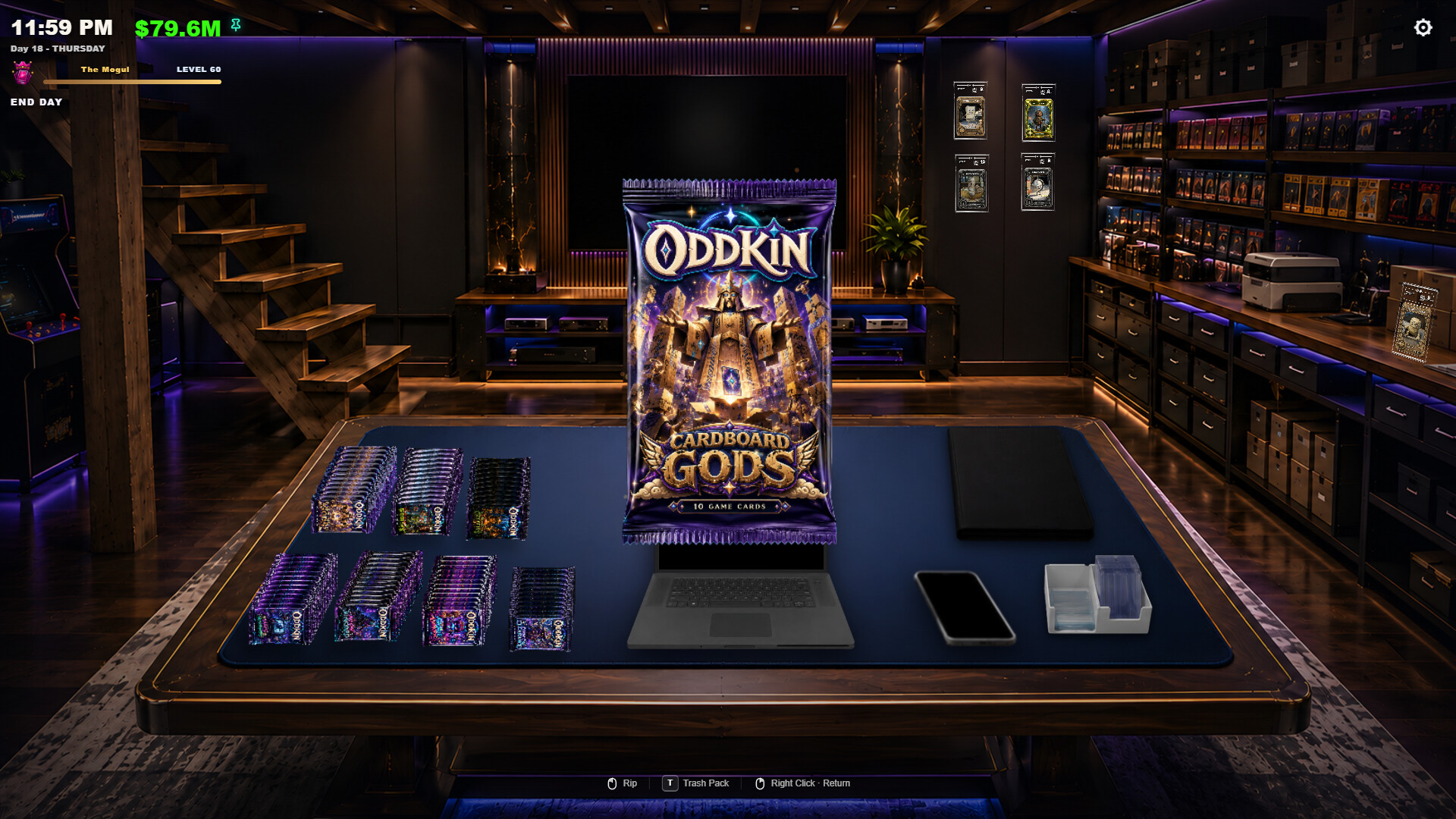
Customer Pack Orders
Viewers can place pack orders that enter a live order queue. You work through the queue, opening packs and fulfilling requests in real time. This creates a steady flow of tasks that grow as your audience expands.
Managing the queue efficiently helps maintain viewer satisfaction and can increase your reputation as a reliable card breaker.
- Prioritise older orders to keep the queue moving smoothly.
- Balance order speed with reaction to chat events for better engagement.
03 / THE GUIDE
Binder and Card Management
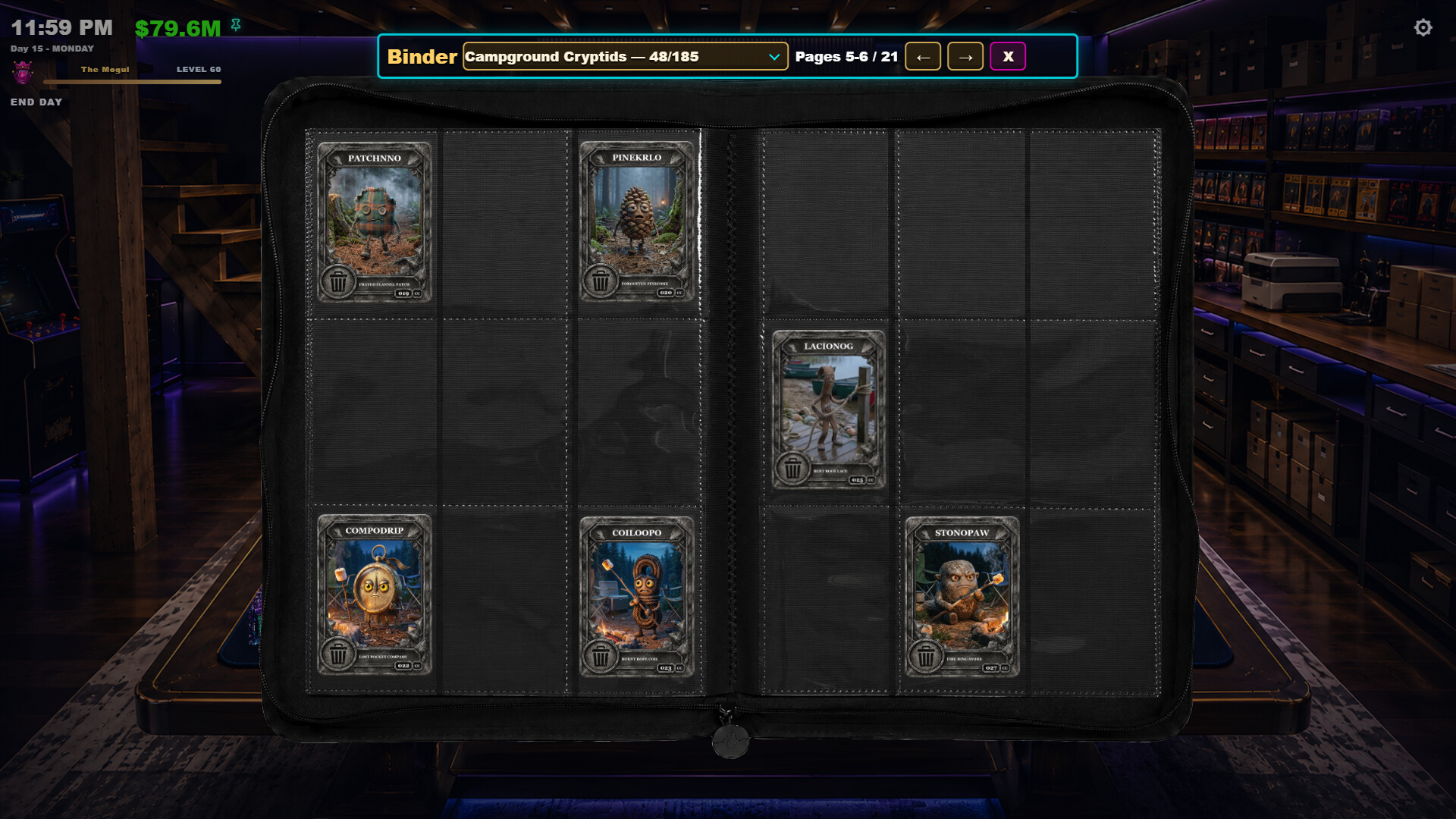
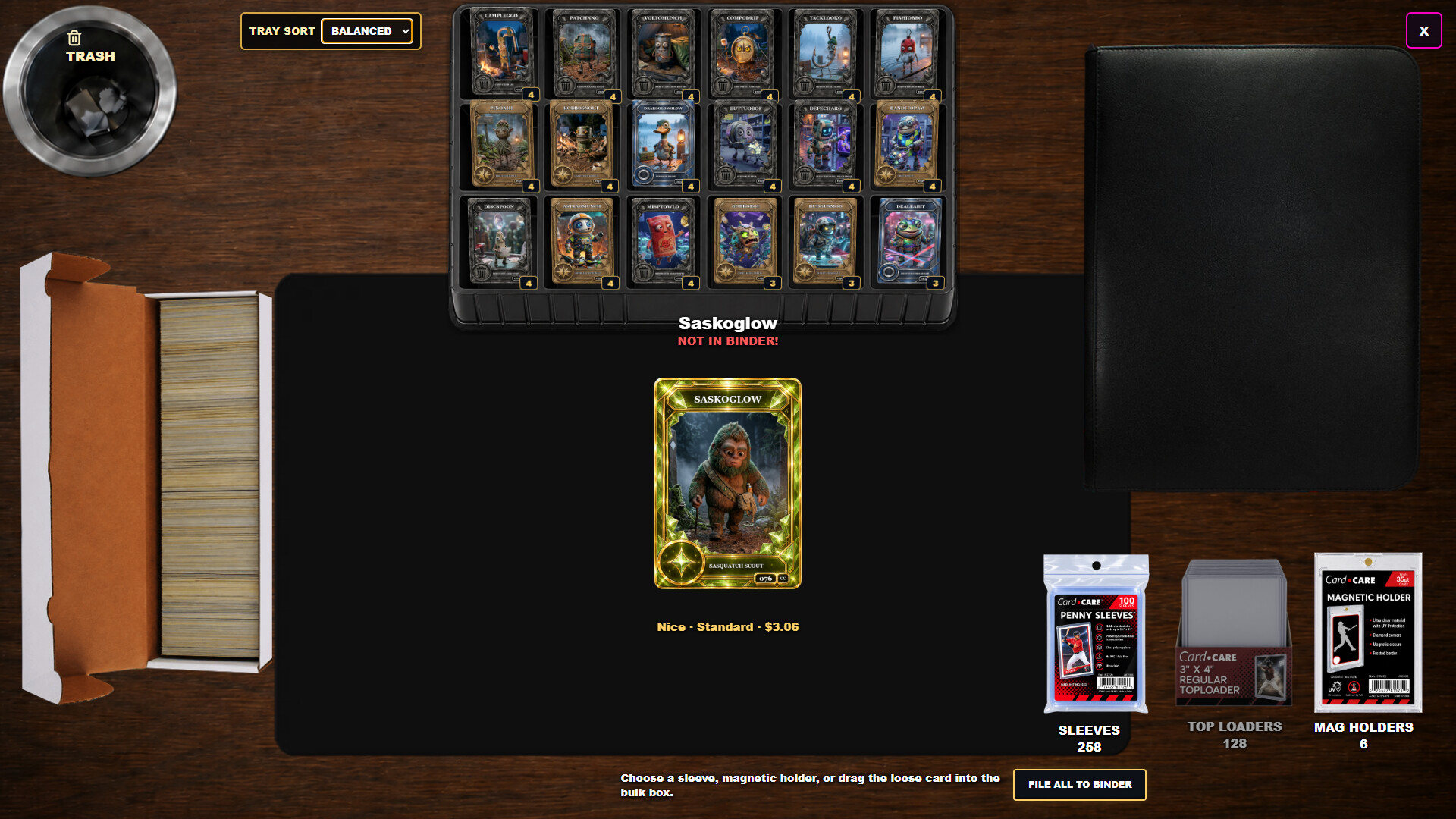
Outside of streaming you can collect cards, organise them into a binder, and track master‑set completion. The system includes duplicate handling, bulk sorting, and grading of your best pulls, allowing you to keep a tidy collection.
Selling cards and managing duplicates provide resources that can be used to upgrade your setup and progress through stages.
- Regularly grade top pulls to identify cards worth showcasing.
- Sort duplicates in bulk to free space for new acquisitions.
04 / THE GUIDE
Stage and Room Progression
As your channel grows you unlock new stages and improve your streaming environment. Each stage brings further improvements to your streaming environment, reflecting the expansion from a basement desk to a professional setup.
Progression comes as your channel grows, encouraging you to engage viewers and complete orders to reach the next room.
- Focus on increasing follower count to unlock stages faster.
- Upgrade equipment that enhances visual appeal for viewers.
05 / THE GUIDE
Card Studio
The Card Studio lets you create custom cards, design packs and assemble complete sets. Your creations can be used in the game or shared with other players, expanding the content beyond the base collection.
Support for player‑created card content means the community can contribute new designs, keeping the experience fresh and varied.
- Experiment with different card themes to see what resonates with viewers.
- Share your custom packs to encourage community interaction.
COMMUNITY
Player discussion