 GameWiki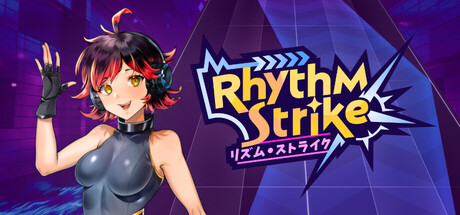
GET YOUR BEARINGS
About RhythmStrike
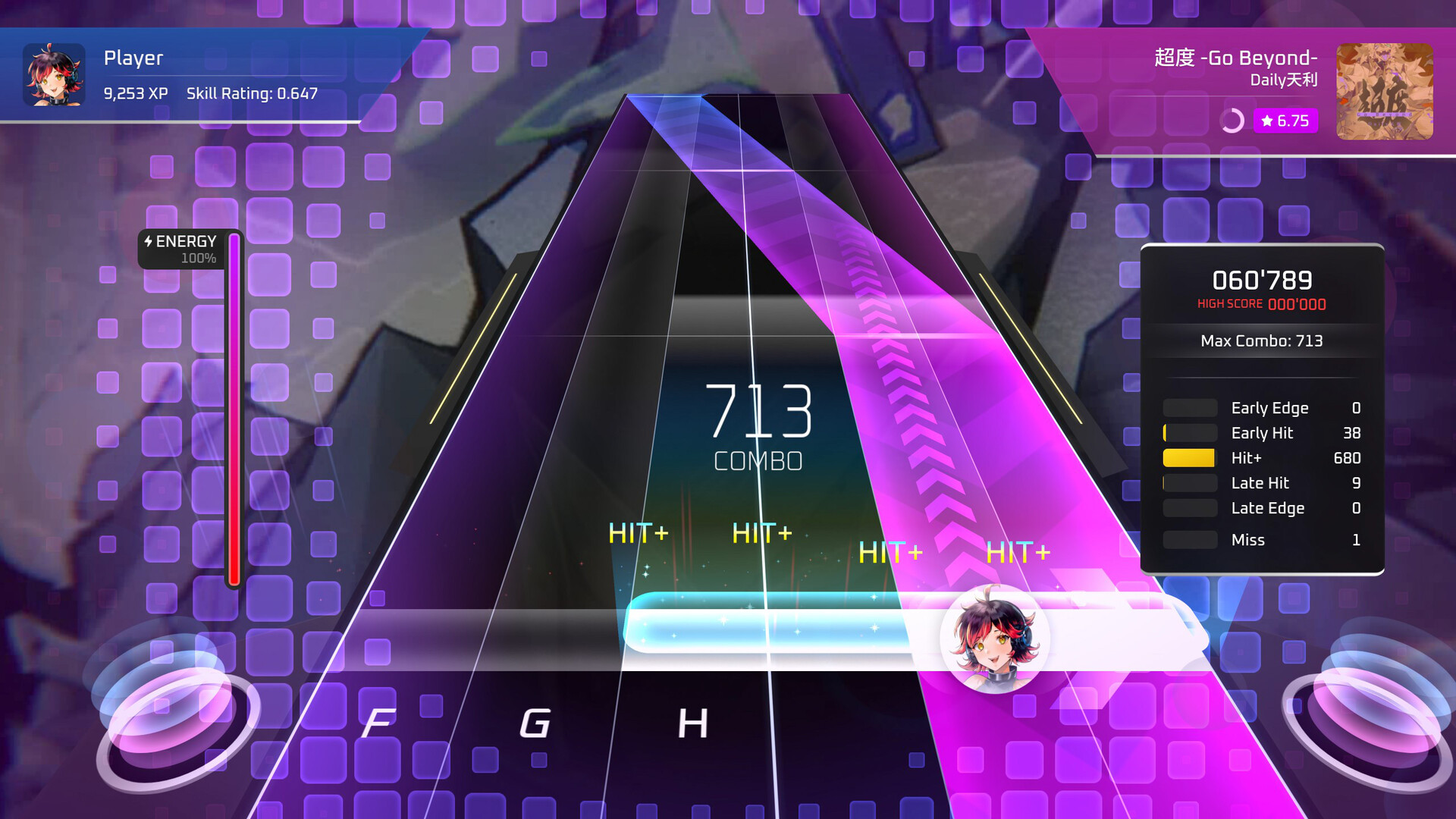
RhythmStrike is a vertical‑scrolling rhythm game that blends keyboard tapping with mouse movement. It runs on Windows and Linux via Steam and features licensed tracks from artists such as t+pazolite, LeaF, and EBIMAYO. The core loop centers on hitting notes in time while the game’s visual effects react to each successful input.
The title adds a Mission Mode challenge campaign, a full chart editor with Steam Workshop integration, global leaderboards, and a personal skill rating. All content is designed for keyboard‑mouse play and does not require any special controllers.
01 / THE GUIDE
Hybrid Keyboard‑Mouse Controls
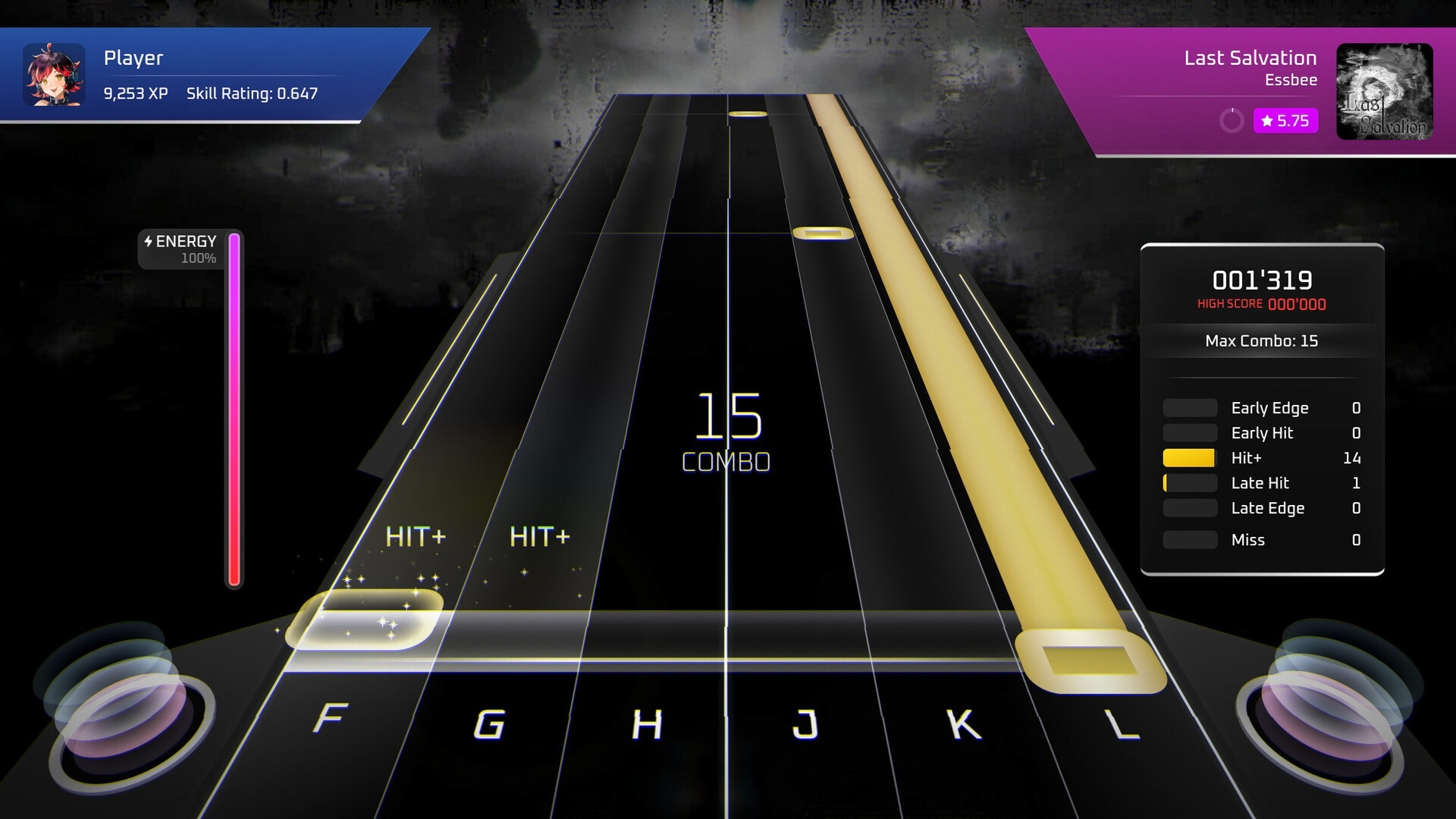
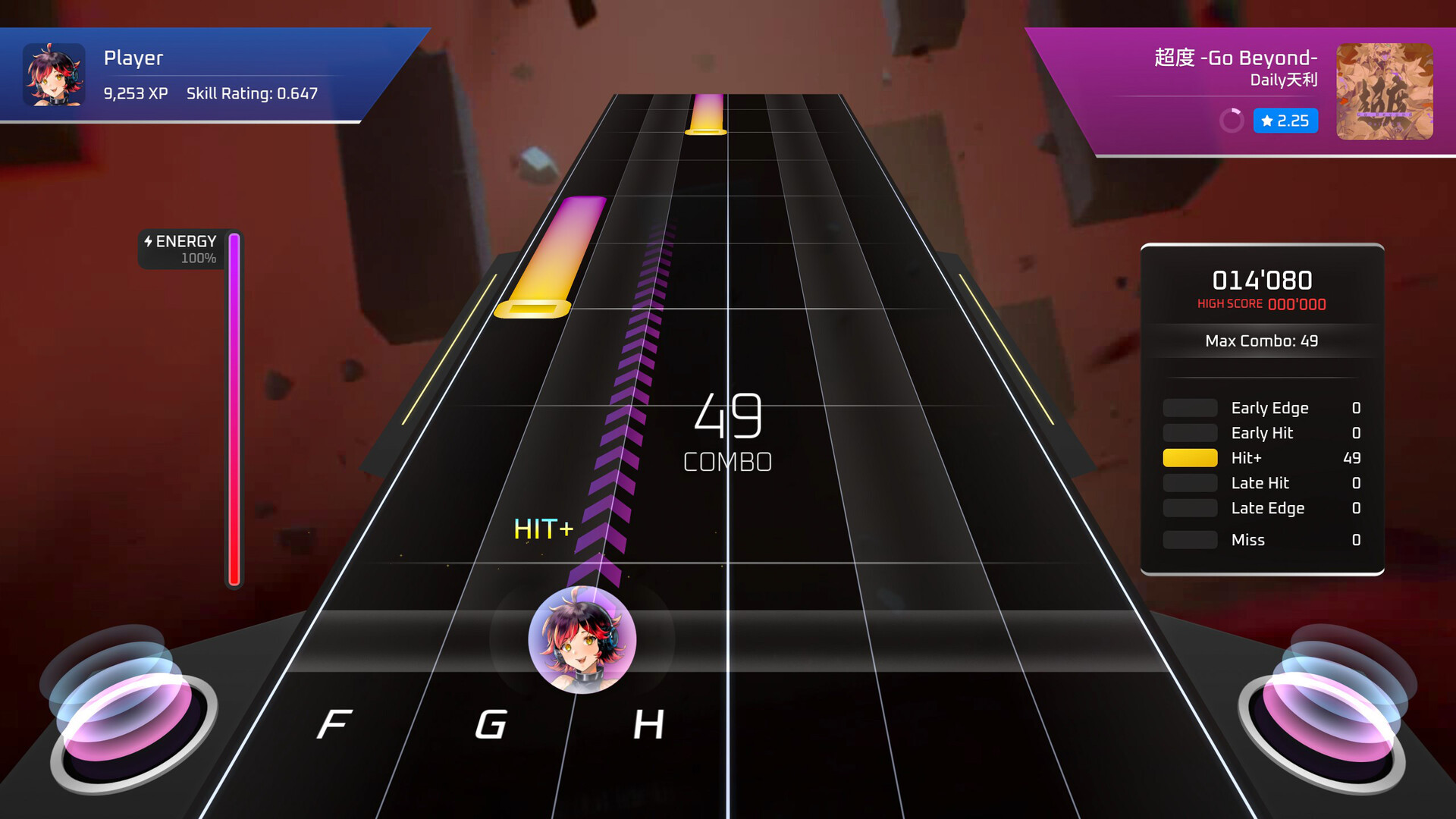
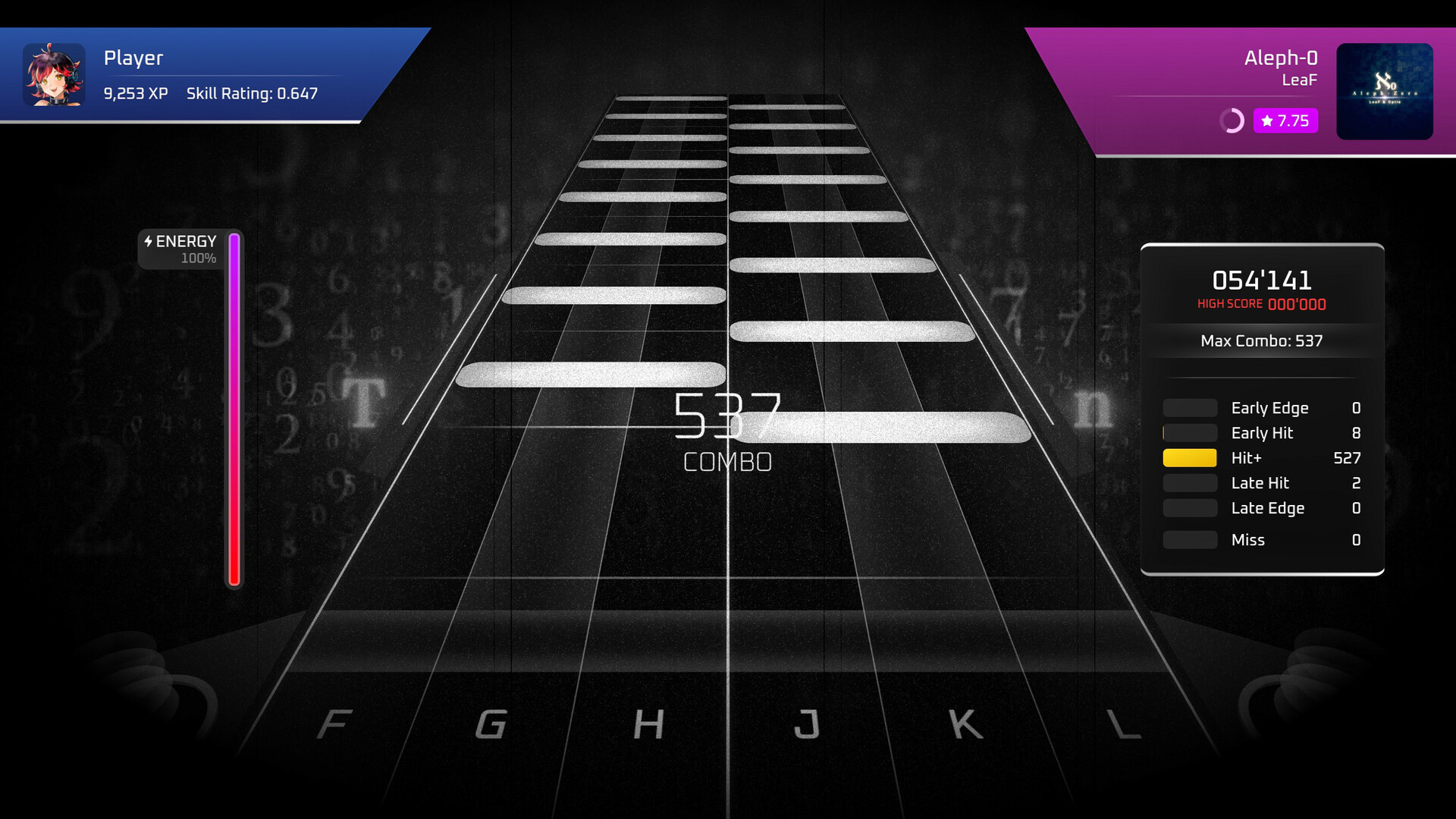
Players tap incoming notes using the keyboard while moving the mouse to hit mouse‑specific sections. Charts shift between standard 6‑key patterns and 3‑key + mouse segments, demanding coordinated hand and arm movement as described in the official gameplay summary.
When notes are successfully hit, visual effects trigger in sync with the music, providing immediate feedback that reinforces timing and helps players gauge accuracy without any additional hardware.
- Practice mouse‑only sections separately before combining them with keyboard parts to build muscle memory.
- Observe the timing window during early attempts to understand how the game signals a correct hit.
02 / THE GUIDE
Mission Mode
Mission Mode offers a challenge campaign where each song imposes miss limits, combo thresholds, or precise‑accuracy requirements. Clearing a mission unlocks additional content, encouraging players to refine their skill rating.
The mode structures progression through a series of songs, letting players measure improvement against defined targets while exploring both licensed and community‑created tracks.
- Focus on maintaining low miss counts to meet the stricter limits of harder missions.
- Track your combo streaks during practice runs to identify where consistency drops.
03 / THE GUIDE
Custom Songs & Chart Editor
RhythmStrike includes an official chart editor and full Steam Workshop support, allowing players to create charts for their favorite tracks and share them with the community. The editor is listed as a core feature of the game.
Downloaded community charts appear on the same global leaderboards as official songs, letting players compete for top scores on user‑generated content and expand the playable library.
- Start with simple beat patterns when learning the editor to avoid overwhelming complexity.
- Test your chart on a short loop before publishing to ensure timing aligns with the music.
04 / THE GUIDE
Music‑Synced Visual Effects
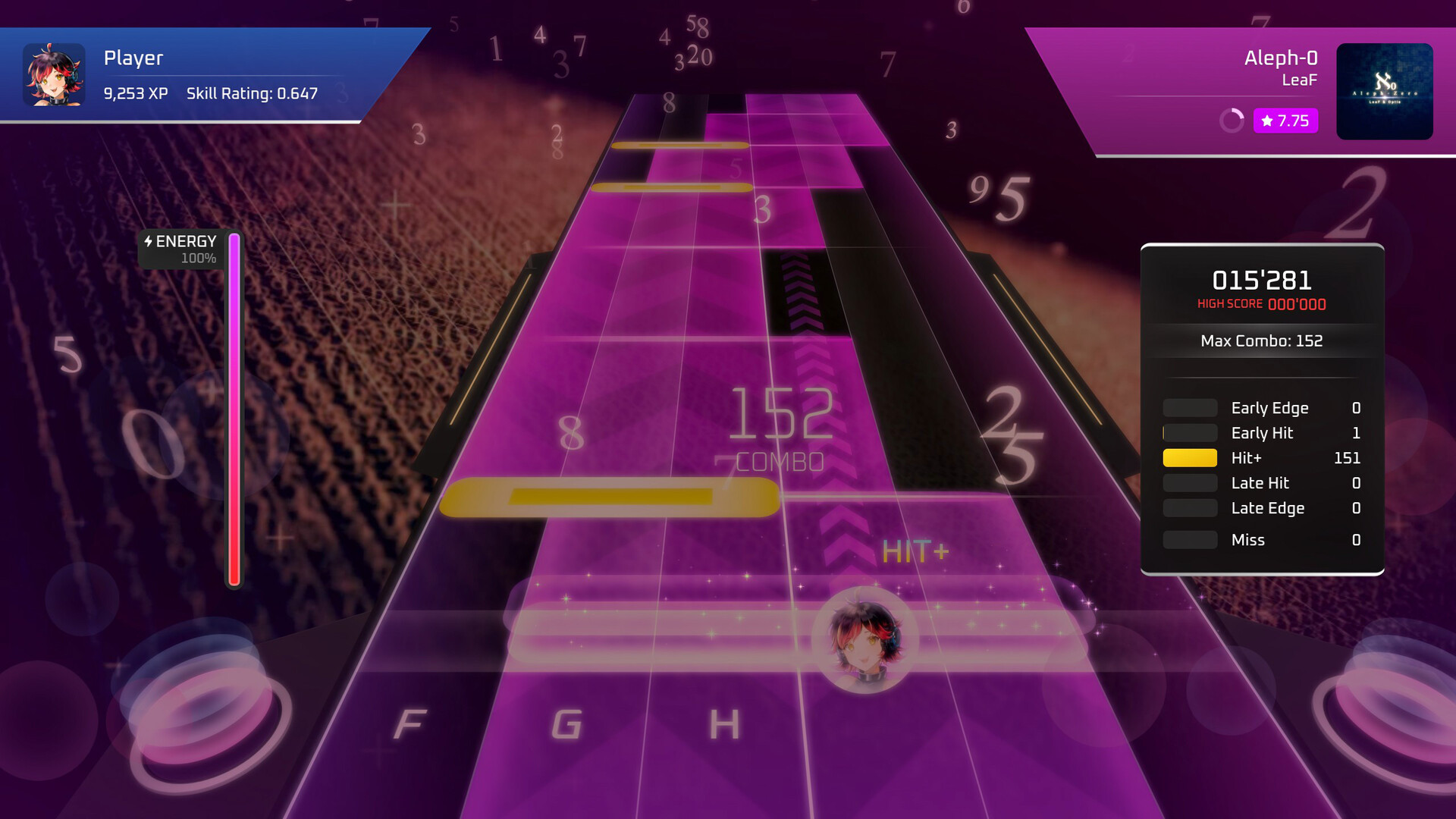
As notes are hit, visual effects trigger in sync with the track, altering backgrounds and on‑screen elements in real time. This provides immediate visual confirmation of successful inputs, as noted in the feature list.
The game’s deep customization settings let players adjust visual presentation, ensuring that effects complement rather than obscure the note field during play.
- Observe how the effects change when you hit notes accurately to reinforce timing perception.
- If the visuals feel distracting, consider adjusting overall visual settings for clearer note visibility.
05 / THE GUIDE
Leaderboards and Skill Rating
A personal skill rating tracks performance across songs, while global leaderboards display top scores for each track, including community‑made charts. Rankings update as players improve, offering clear metrics for progress.
The game is free to play, encouraging replayability and competition based on player performance.
- Check your skill rating after each session to monitor incremental improvement.
- Aim for consistent accuracy across attempts rather than occasional high scores for steadier rating gains.
COMMUNITY
Player discussion