 GameWiki
GET YOUR BEARINGS
About RGB Rush
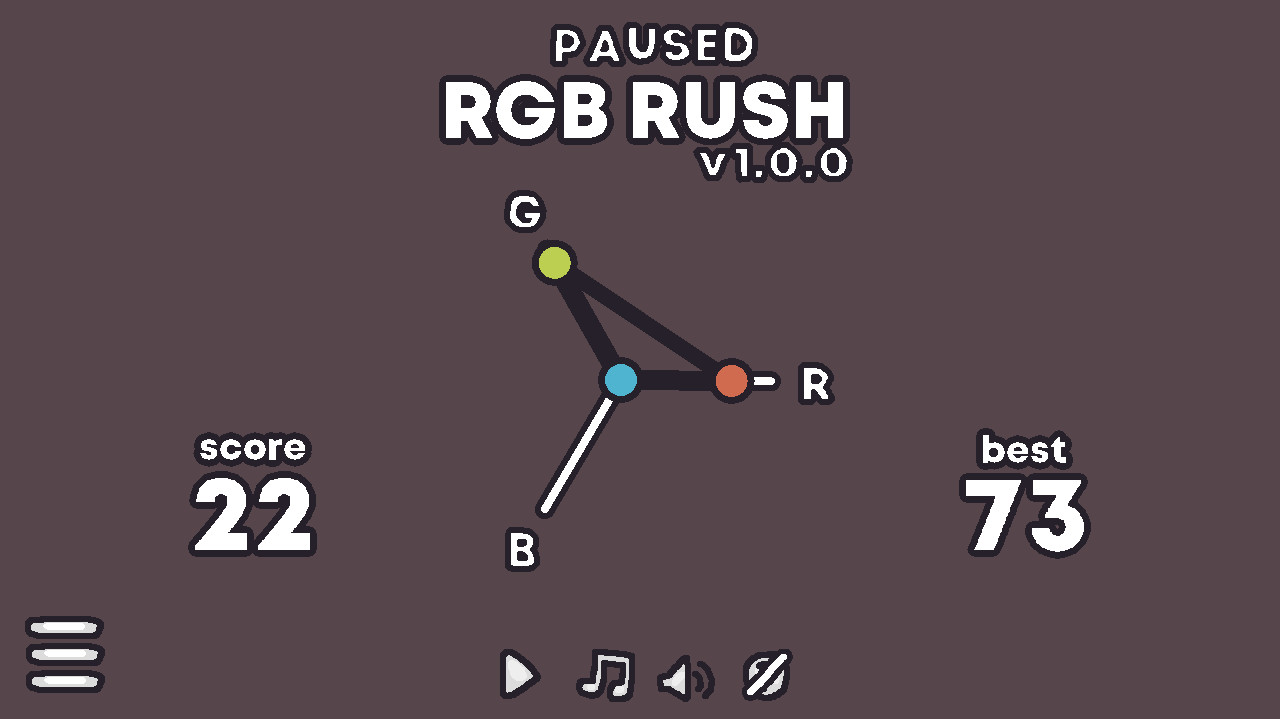
RGB Rush challenges you to reproduce a randomly generated colour using sliders or direct input. The game offers several colour spaces, letting you assemble colours from different component sets while measuring how close you get to the target.
Your performance is shown as an accuracy percentage, and the tool provides channel‑by‑channel graphs that highlight strengths and weaknesses. Practice, blindfolded, and timed modes add variety, letting you work at your own pace or under pressure.
01 / THE GUIDE
Colour Spaces
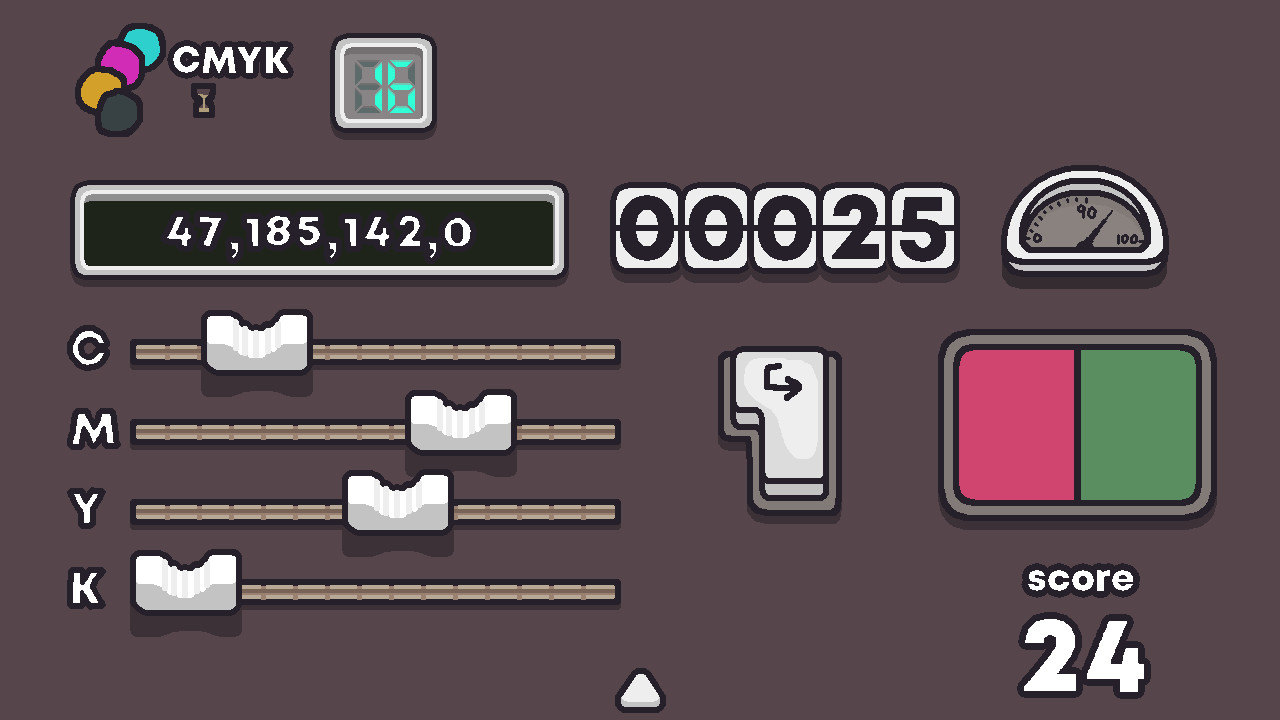
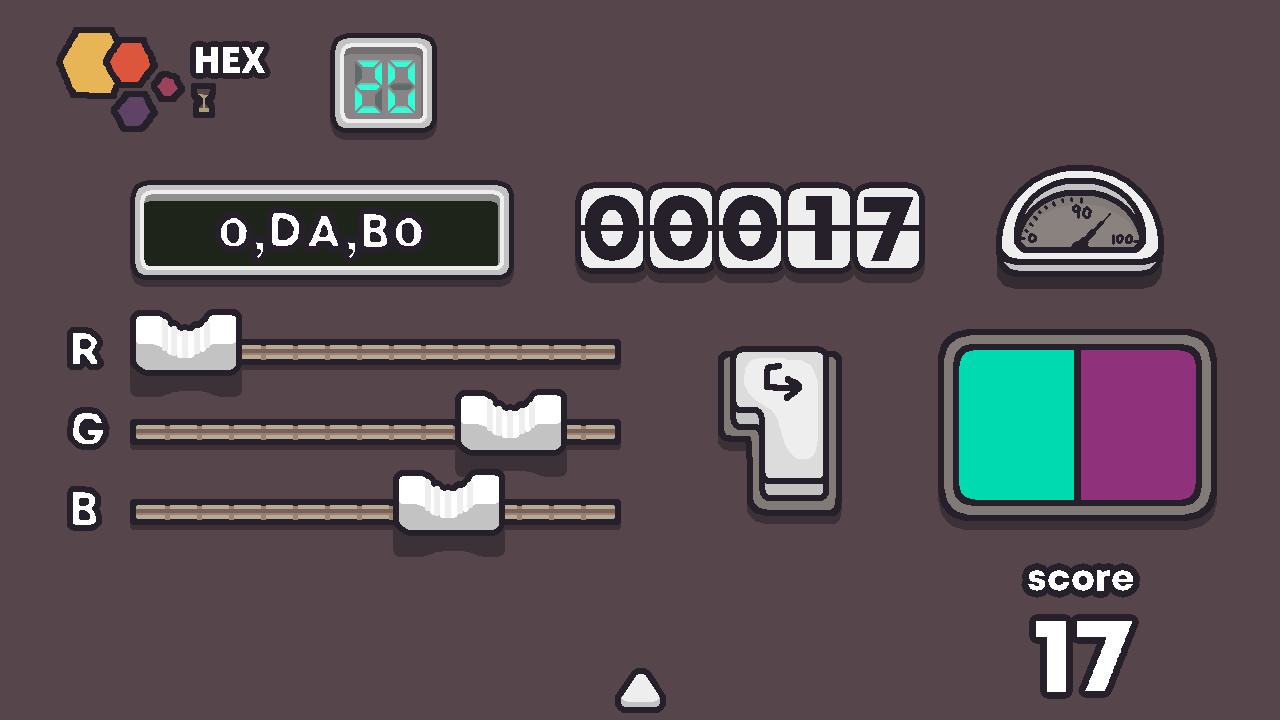
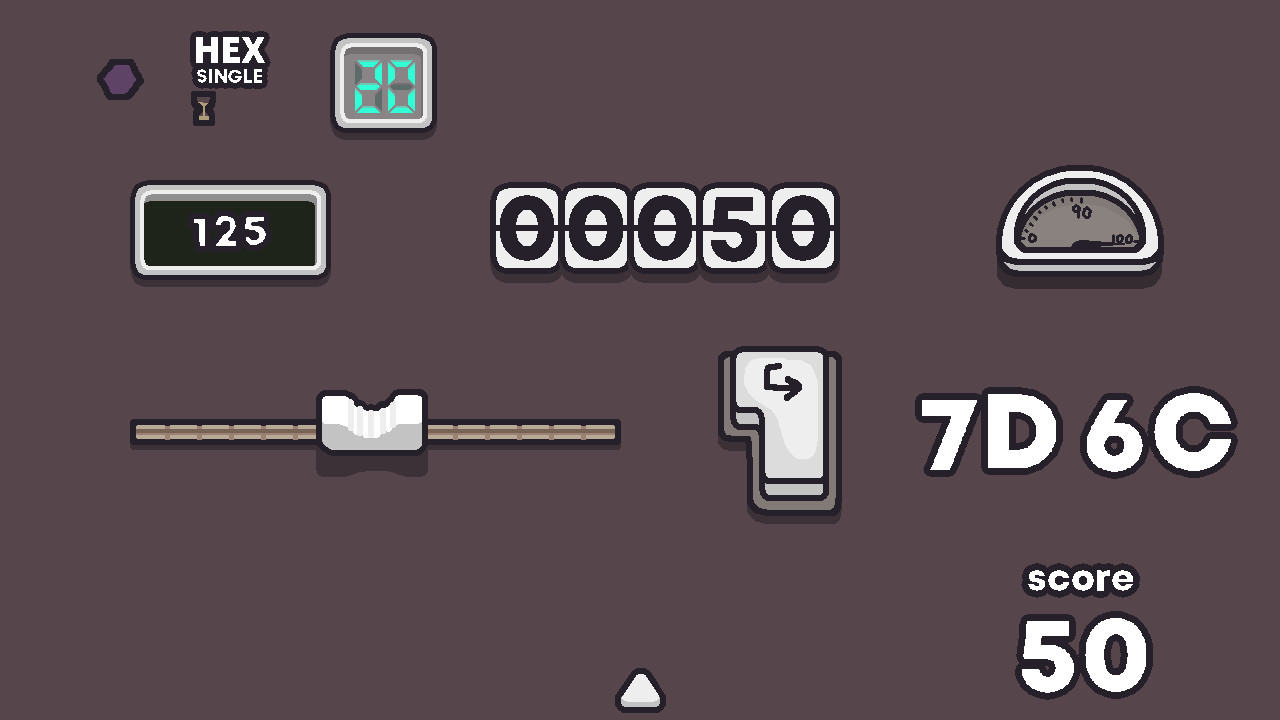
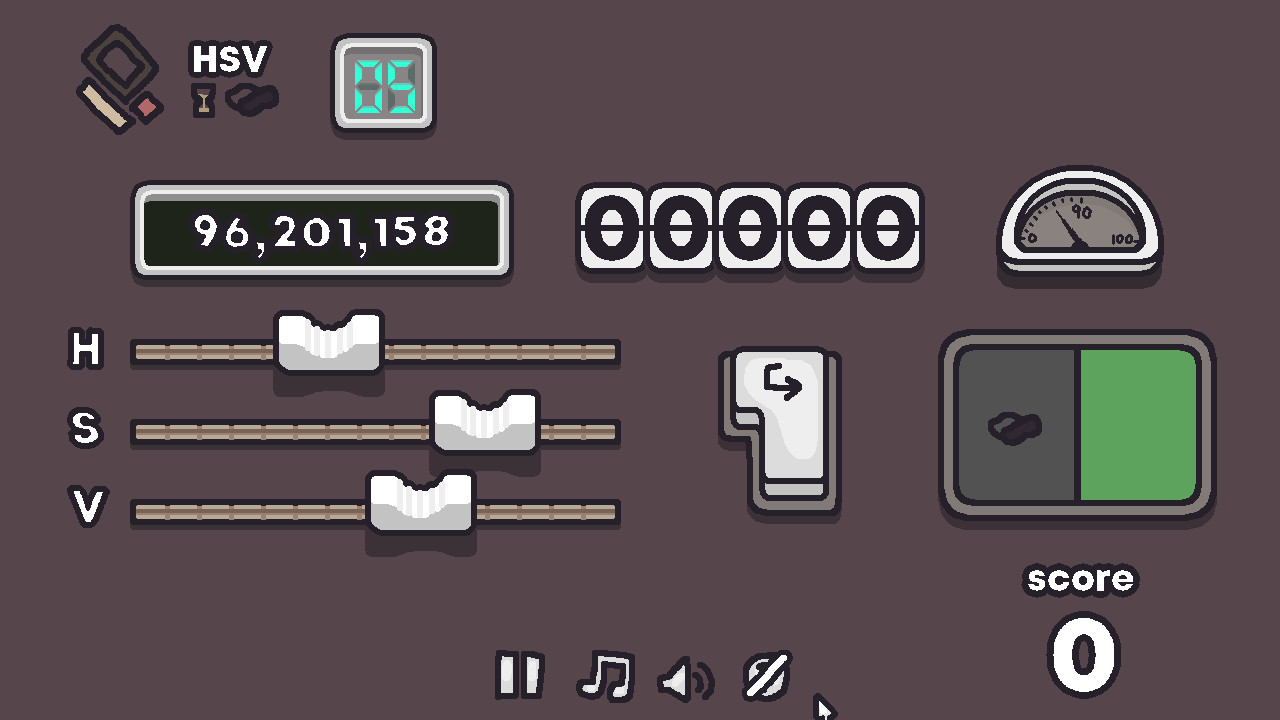
The game includes five colour spaces: CMYK (cyan, magenta, yellow, key), HSV (hue, saturation, value), RGB (red, green, blue), HEX single (base‑16 numbers), and HEX (hexadecimal values that may include letters). Each space presents its own set of sliders or fields for you to adjust.
Switching between spaces changes which components you edit, but the objective stays the same—match the displayed colour as accurately as possible. This lets you explore how the same hue can be expressed in different numeric systems.
- Start with the space you know best, then try another to see how the same colour maps across systems.
- Use the HEX space to become comfortable with both digits and letters in colour codes.
02 / THE GUIDE
Accuracy Scoring
Your result is expressed as a percentage that reflects how closely your values match the target across all channels. Higher percentages yield better scores, and the description asks whether you can keep accuracy above 98%.
In Timed mode, only guesses that reach at least 90% accuracy reset the clock, creating a clear threshold for successful attempts.
- Focus first on the channel that looks most different, then fine‑tune the others.
- Aim for consistent incremental changes rather than large jumps to improve the percentage.
03 / THE GUIDE
Performance Reports
After each session, RGB Rush generates graphs that break down your accuracy per colour channel. These visuals let you see, for example, whether blues are easier for you than greens.
The reports can be compared over time to track improvement or to identify persistent weaknesses that may stem from personal perception or monitor characteristics.
- Review the channel‑specific graphs to decide which component to practice next.
- Compare reports from different days to notice any narrowing of error margins.
04 / THE GUIDE
Gamemodes
RGB Rush offers three modes: Practice lets you work at your own speed, Blindfolded hides the colour until you submit your guess, and Timed runs a clock that only resets after a 90%+ guess.
Each mode changes how you approach the colour matching task, from relaxed exploration to rapid decision‑making under pressure.
- Use Practice mode to become familiar with each colour space before trying Blindfolded.
- Try Timed mode to train quick assessment of which sliders have the biggest impact.
05 / THE GUIDE
Use Cases
The skills you develop can be applied to prototyping, website design, photo editing, digital art, interview demonstrations, or simply impressing someone with your colour knowledge.
By learning to recreate colours accurately, you gain a practical ability that translates directly into any workflow that requires precise colour selection.
- When working on a design project, recreate the required colour in the same space you’ll use in your software.
- Use the channel reports to focus on the components most relevant to your professional tasks.
COMMUNITY
Player discussion