 GameWiki
GET YOUR BEARINGS
About rFactor
rFactor is a realistic racing simulation from Image Space Incorporated that focuses on detailed vehicle dynamics and extensive customization. It offers single‑player races against AI and a multiplayer mode with dedicated servers, driver swaps, and a full day‑night cycle.
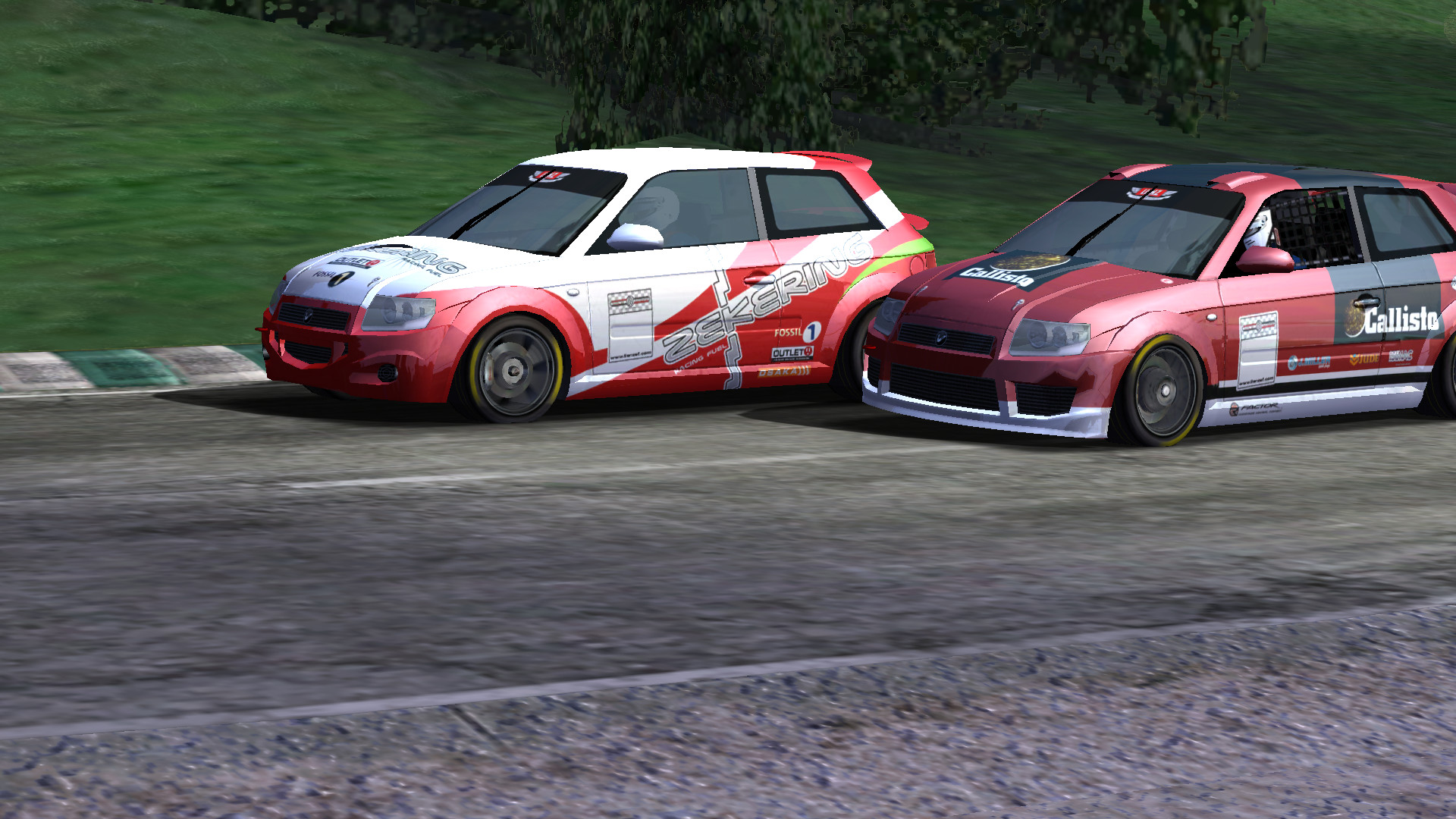
The open architecture lets the community add cars, tracks, and liveries, while a career mode provides vehicle upgrades that affect appearance, performance, and sound. Advanced graphics, physics, and replay tools round out the experience.
01 / THE GUIDE
Physics Engine
The core of rFactor runs a 15‑degree‑of‑freedom physics engine that includes advanced tire modeling, 4‑link rear suspension, engine boost modeling, and complex aerodynamics. These systems combine to produce highly detailed vehicle behavior on any surface, influencing handling, acceleration, and braking.
Additional features such as head physics, cockpit vibrations, and detailed bump modeling add immersion, while the engine’s real‑time calculations affect vehicle response across all tracks, making each car feel distinct.
- Observe how different cars react to the same corner entry to notice the impact of suspension modeling.
- Listen for cockpit vibrations on rough sections to gauge the effect of bump modeling.
02 / THE GUIDE
Graphics and Day‑Night Cycle
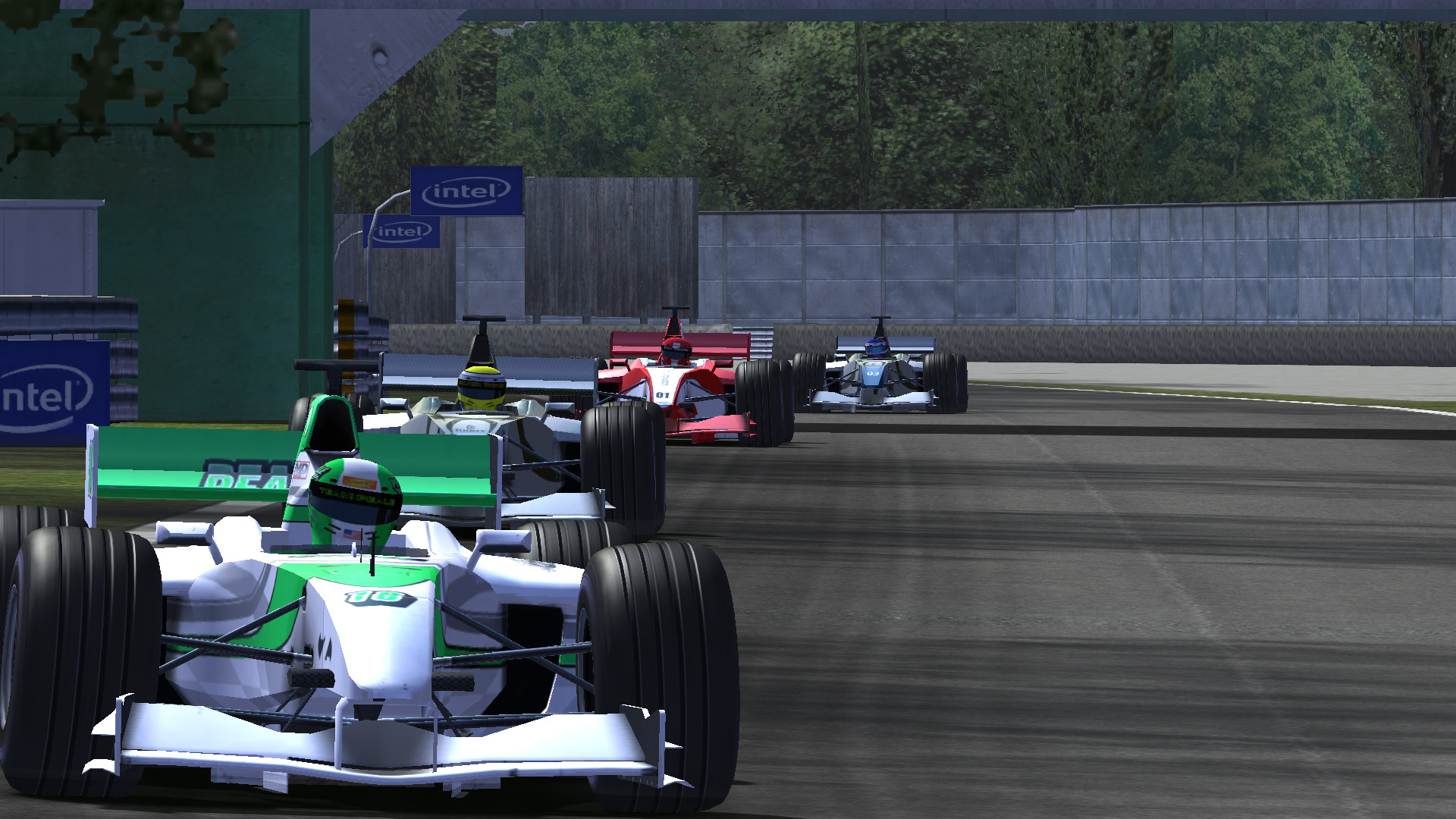
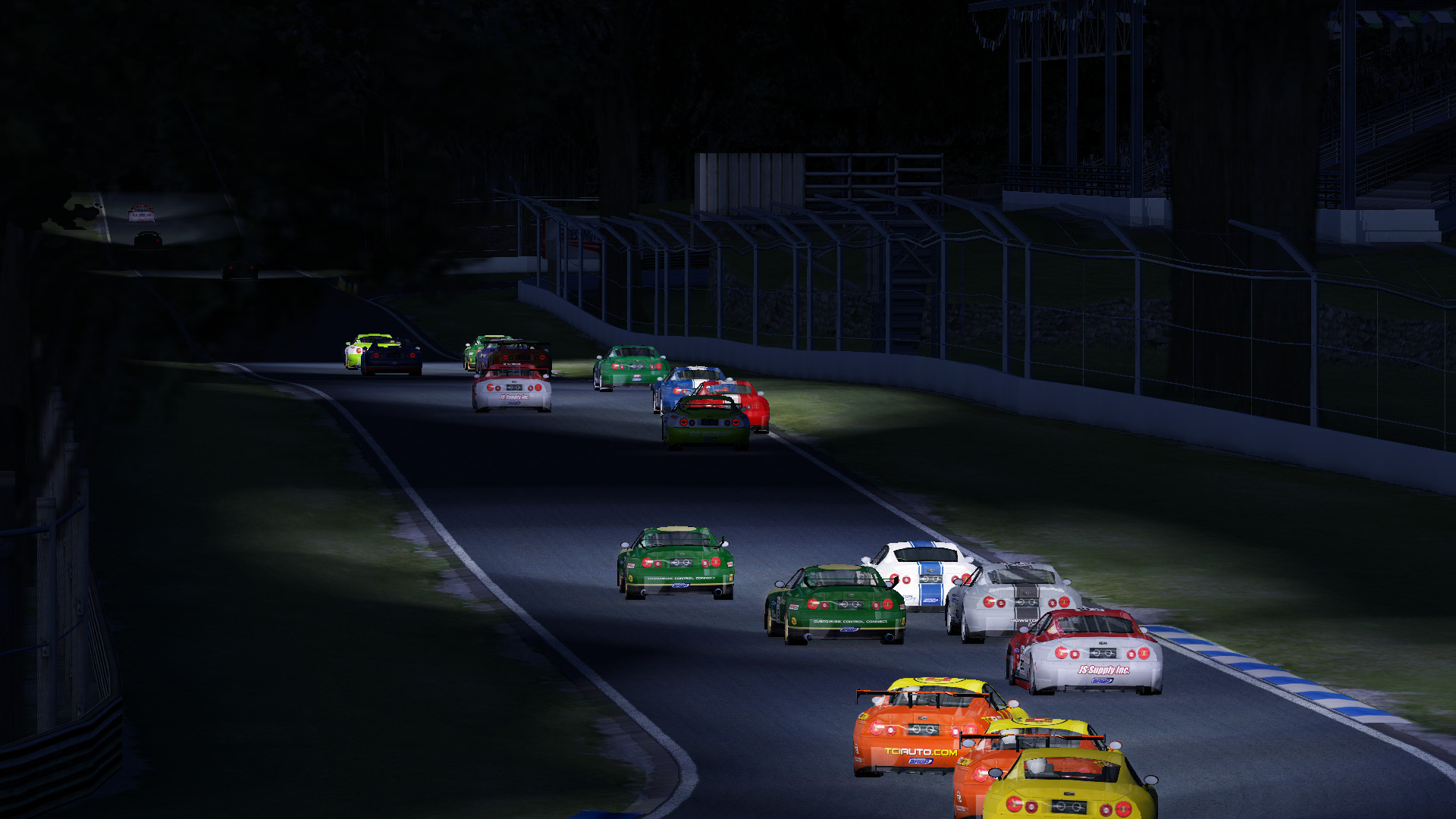
rFactor uses a DirectX 9 graphics engine that renders real‑time day‑night transitions, including projected headlights for nighttime driving. Track‑specific terrain data enhances visual fidelity on each circuit, providing clear cues for surface changes.
While seated in the driver’s cockpit you can adjust seat and mirror positions, and a Look Ahead slider lets you preview upcoming apexes, helping with line selection during both daylight and darkness.
- Try the Look Ahead slider on a new circuit to gauge braking points before committing to a line.
- Adjust mirror angles early in a night race to maintain clear rear visibility.
03 / THE GUIDE
Multiplayer Features
The multiplayer engine includes built‑in race statistics reporting to a web‑based RaceCast system, a friends list, IRC chat, and security checks. Dedicated servers can be launched with a single click, and a native voting system lets participants modify race settings during a session.
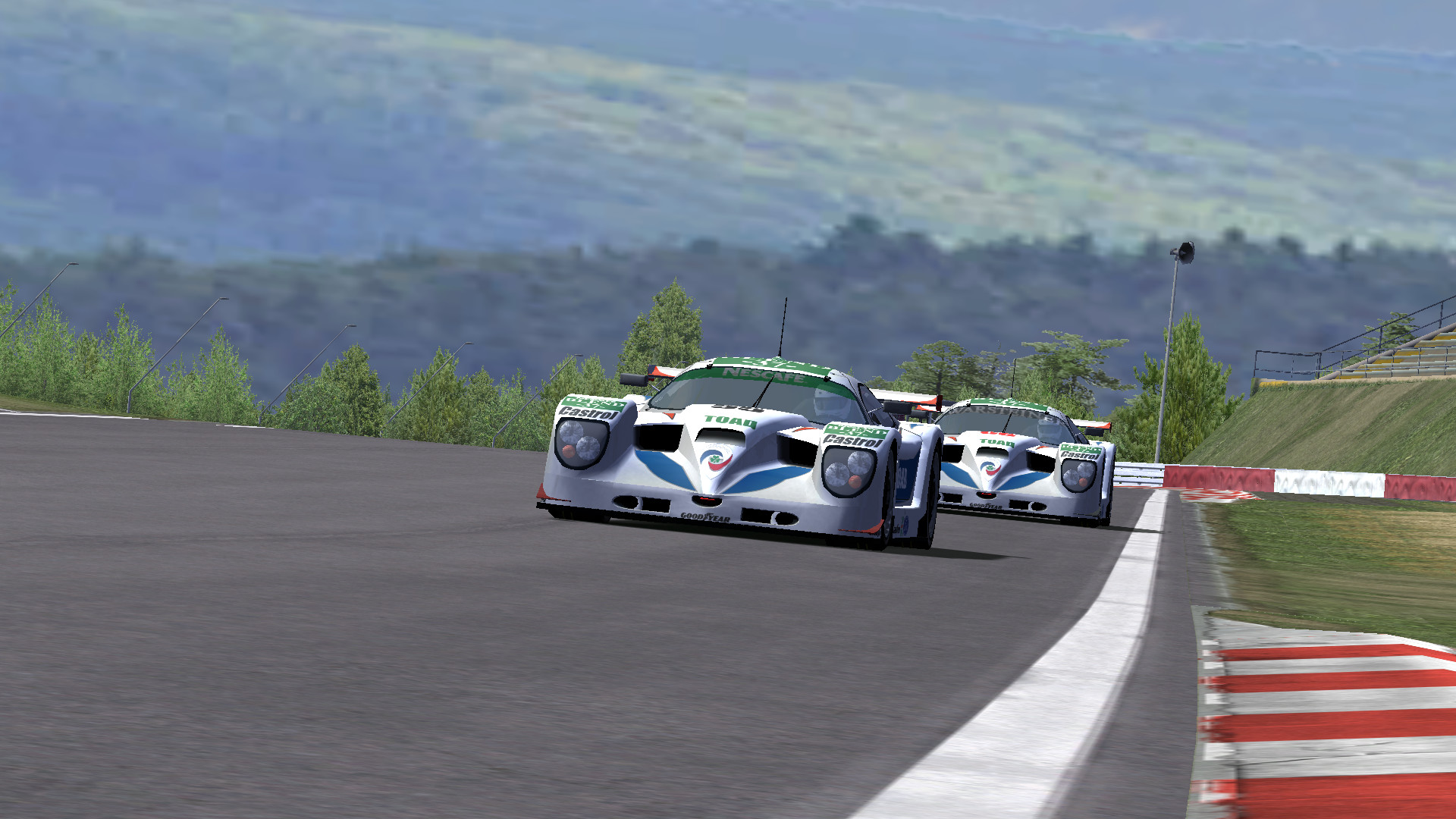
Driver swaps are supported, enabling full 24‑hour endurance events, and AI opponents can be added to multiplayer games, allowing mixed human‑AI fields for varied competition.
- Experiment with the voting system to see how quickly participants can agree on a new race parameter.
- Add AI opponents to a multiplayer session to compare their behavior with human drivers.
04 / THE GUIDE
Career Mode and Vehicle Upgrades
Career mode lets you upgrade vehicles, influencing appearance, performance, and sound. Upgrades affect engine characteristics, aerodynamics, and other parameters, while a vehicle economy tracks mileage throughout the season.
Races may be lap‑based, time‑based, or both, and you can define AI opponent types by strength and aggression, allowing you to tailor difficulty as you progress through the series.
- Compare lap times before and after applying a performance upgrade to notice changes in speed.
- Adjust AI aggression levels to match your skill when testing new setups.
05 / THE GUIDE
Modding and Custom Content
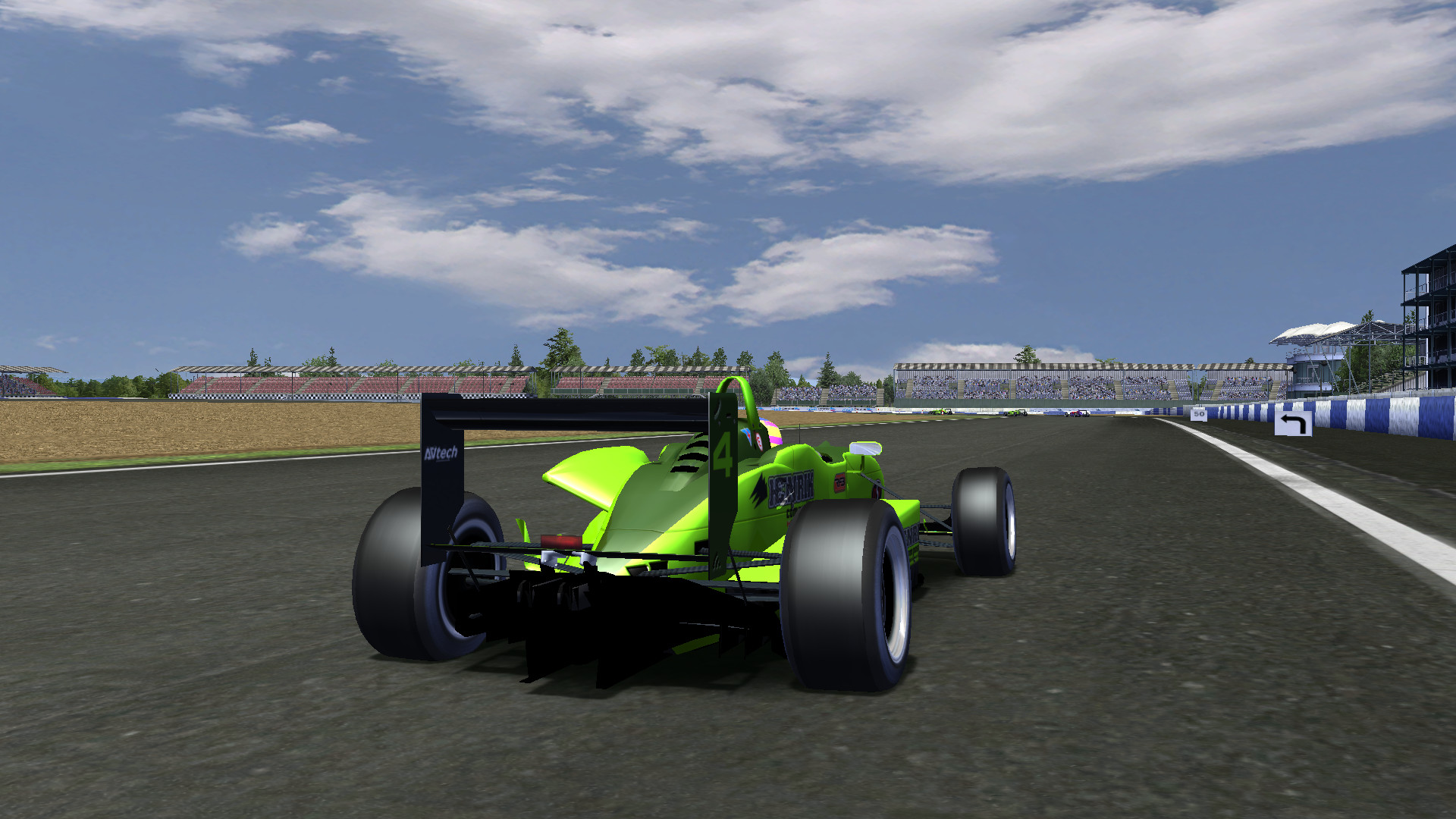
rFactor’s open architecture offers extensive support for modders, allowing new cars, tracks, and liveries to be added. Users can edit grids, define league schedules, and set custom rules for varied racing formats, all with multi‑language support.
The replay system lets you move, duplicate, or delete clips, assign camera movements, and export replays to AVI files with selectable compression and size options, facilitating the creation of custom highlight reels.
- Test a community‑made track in single‑player before hosting it for friends to verify stability.
- Use the replay splicing tool to assemble a concise clip of a successful lap.
COMMUNITY
Player discussion