 GameWiki
GET YOUR BEARINGS
About rFactor 2
rFactor 2 is a racing simulation from Studio 397 that focuses on realistic vehicle dynamics and extensive customization. It offers single‑player AI races and online multiplayer, both featuring day‑night cycles and weather that changes during a session.
The game supports community‑created cars and tracks via Steam Workshop, includes Open VR support, and is used in esports championships. Its architecture allows ongoing updates and new features for years to come.
01 / THE GUIDE
Physics Engine
The simulation runs on multi‑core CPUs and uses an advanced physics engine with a newly updated tyre model. Surface details such as painted line thickness affect grip, and tyre damage like flat‑spotting changes handling instantly.
Engine boost, turbo modeling, complex aerodynamics, and head‑physics with cockpit vibrations add depth. Rubber chunks (“marbles”) roll off tyres and can alter grip, while dynamically laid rubber increases traction over a session.
- Watch tyre wear to avoid flat‑spotting during long runs.
- Observe rubber buildup to anticipate grip changes on later laps.
02 / THE GUIDE
Dynamic Weather & Track Grip
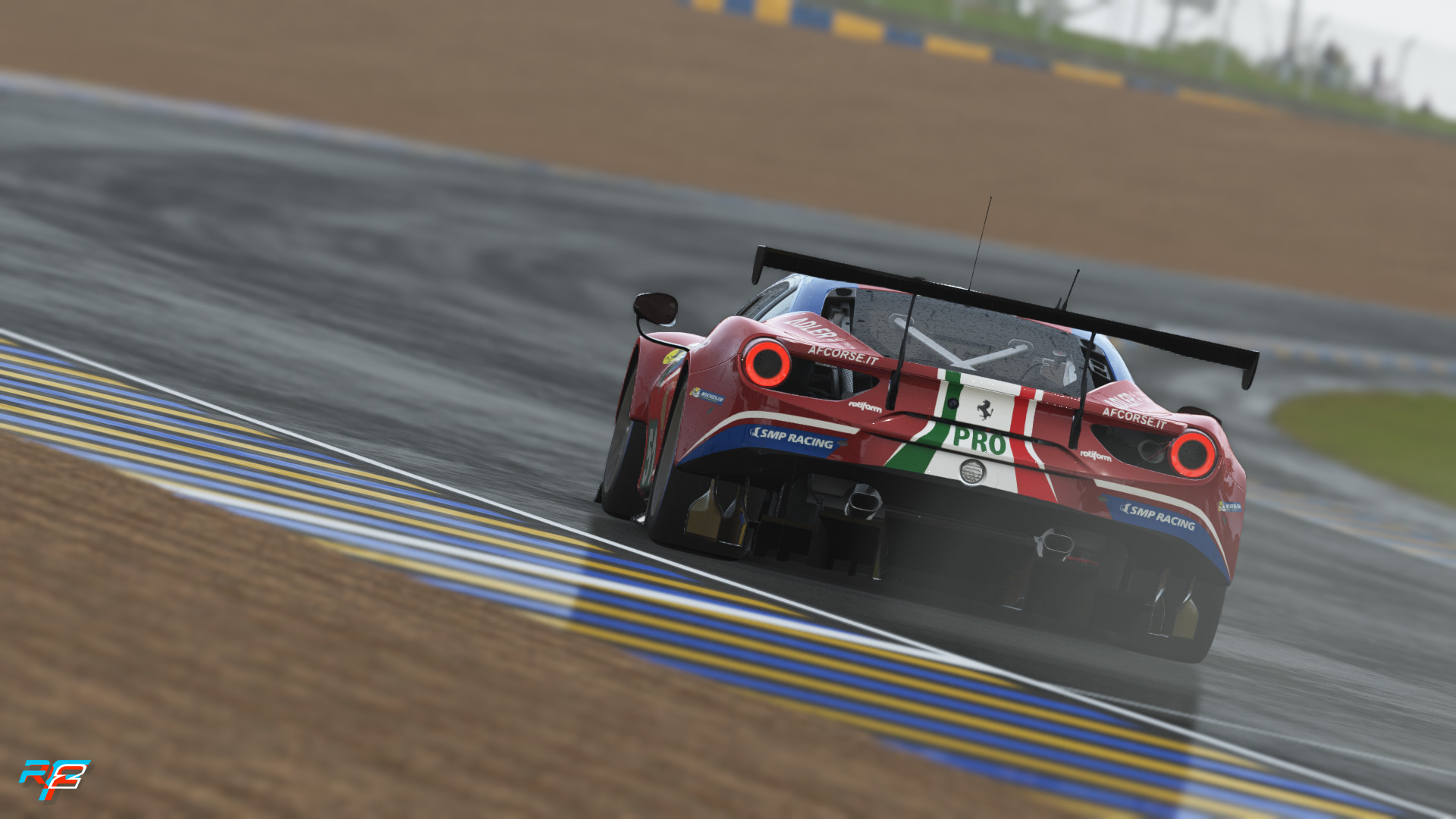
rFactor 2 features a full day‑night cycle and weather that can shift from dry to rain, creating puddles that affect the driving surface. Wet‑dry transitions happen in real time.
The “real‑road” technology changes grip based on how many cars have driven over a section, and rubber laid down dries after rain, gradually restoring traction.
- Plan pit stops around weather changes to use drying grip.
- Use the Look Ahead slider to see reduced traction in wet zones.
03 / THE GUIDE
Multiplayer Features
A dedicated multiplayer engine provides native voting, driver swaps for endurance events, and automatic transmission of opponent car skins. Servers include boot and ban lists and security checks against cheating.
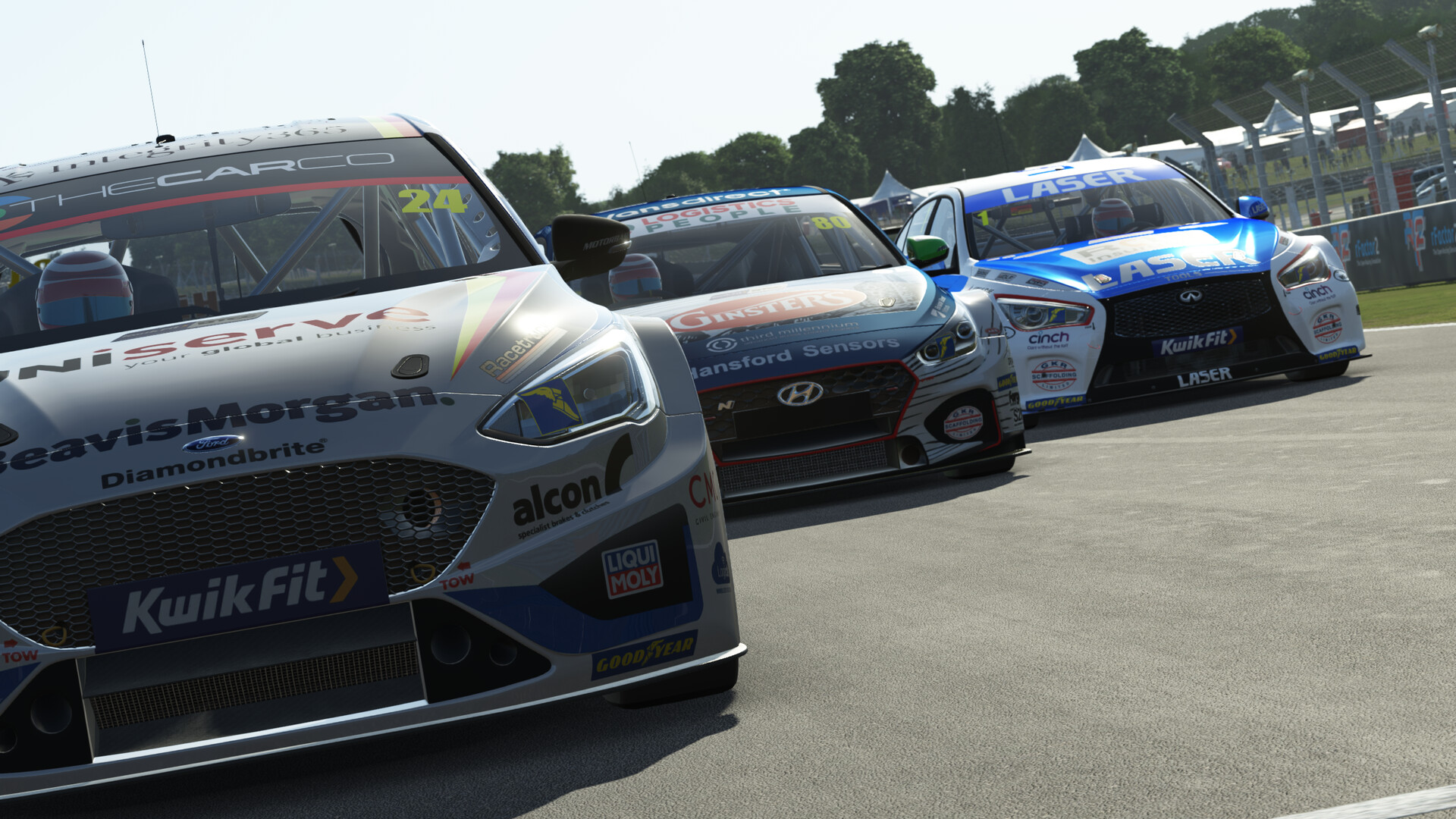
Multiplayer supports PvP, co‑op, and LAN play, and AI opponents can be added to mixed races. Real‑time scoring towers and adjustable opponent volume ratios are also available.
- Use native voting to set race length quickly.
- Enable driver swaps for 24‑hour endurance sessions.
04 / THE GUIDE
Modding & Workshop
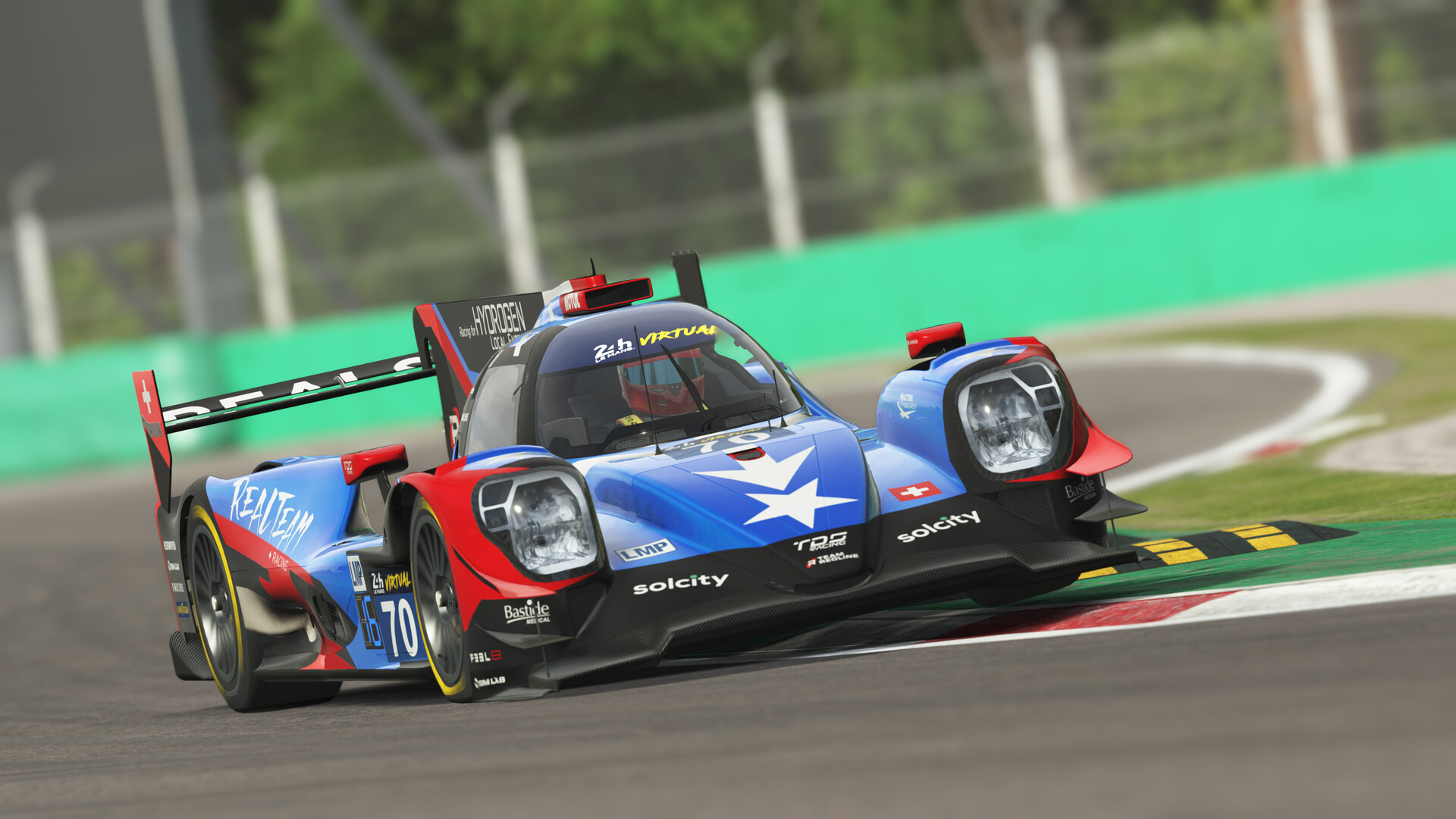
The open architecture lets creators add cars, tracks, and plugins. Steam Workshop offers a simple way to install community‑made content, expanding the roster beyond the 35+ licensed vehicles and circuits shipped with the base game.
Users can also customize UI, HUD layouts, and controller mappings, and the platform supports multi‑language plugins and a fully adjustable showroom.
- Browse the Workshop for seasonal track variations.
- Create custom controller profiles to match personal comfort.
05 / THE GUIDE
VR & Graphics
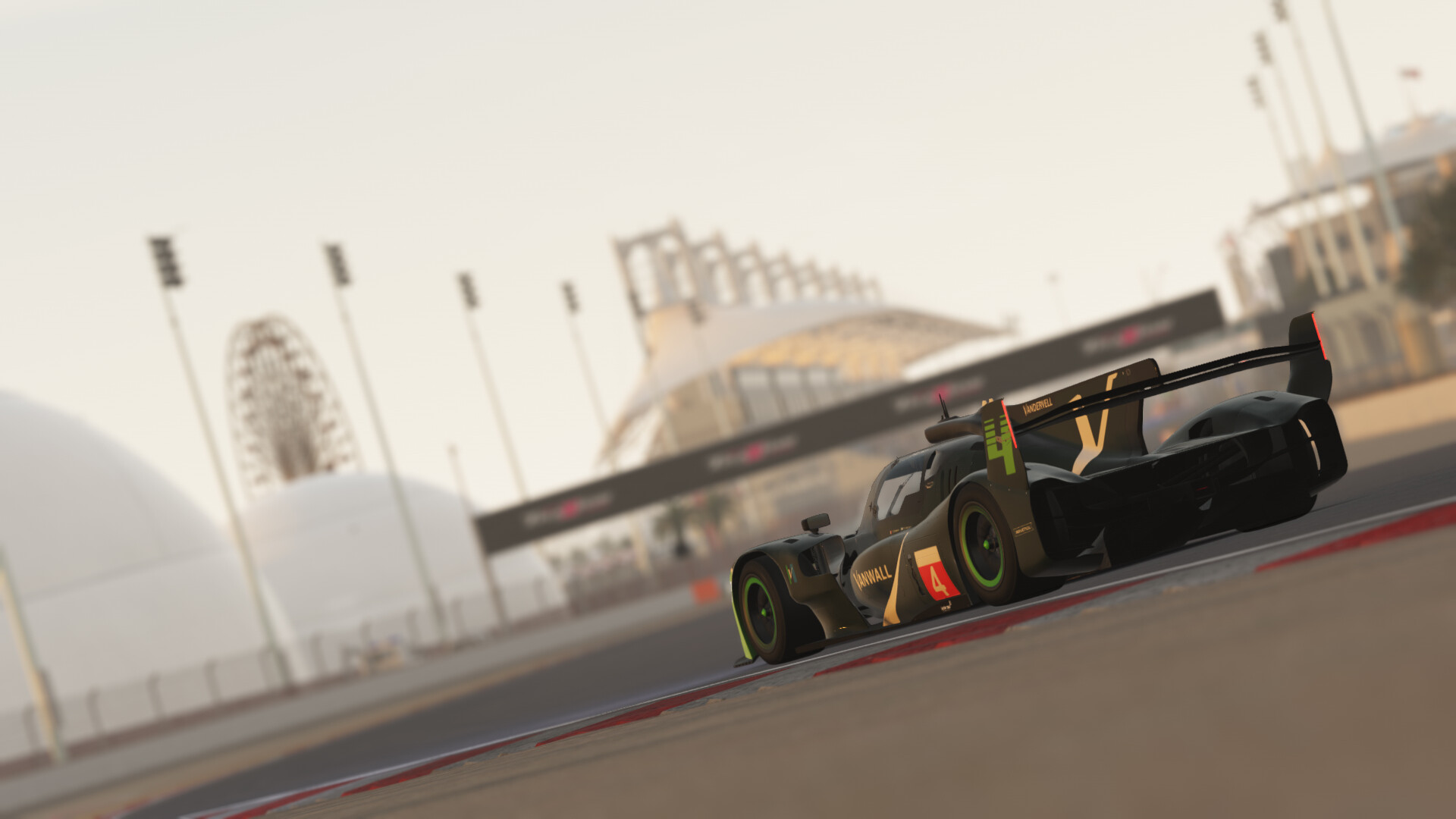
The simulation runs on a DirectX 11 engine with real‑time day‑night lighting, projected headlights, and advanced graphics. Open VR support enables multiple headsets, and head‑motion tracking lets players look to the apex naturally.
Features include adjustable seat and mirror positions, a Look Ahead slider for visualizing the racing line, and a “Resume from Replay” function that lets you restart from a saved point.
- Calibrate headset motion tracking before long sessions.
- Adjust the Look Ahead slider to improve corner entry.

COMMUNITY
Player discussion